
Your profile photo now has to do more than show your face: it has to signal trust, taste, and context in a fraction of a second. That's why AI generated lifestyle profile photos have moved beyond novelty avatars and into LinkedIn banners, founder pages, creator kits, and dating profiles. With The Looktara Lens, you can create polished, realistic profile visuals without renting a studio or waiting weeks for edits. If you also need a sharper professional image, pair lifestyle shots with a focused AI resume headshot generator so your online presence feels consistent from CV to social profile.
What AI Generated Lifestyle Profile Photos Actually Do in 2026
AI lifestyle profile photos are portraits that place you in believable everyday or aspirational settings: a cafe, office, gym, airport lounge, city street, home studio, or outdoor travel scene. The point isn't to fake a new life. The better use is to show the version of your identity that fits a specific platform or goal.
A useful way to think about "lifestyle" comes from its broader meaning: your interests, behavior, opinions, and personal style. In profile photography, that becomes visual context. A founder in a clean workspace says something different from a trainer in natural light or a consultant on a quiet city sidewalk.
Key insight: the best AI lifestyle photo should look like a photo you could have taken, not a fantasy scene that makes people question your credibility.
The strongest use cases are practical, not theatrical
AI photo tools are most valuable when they solve a common problem: you need fresh visuals, but you don't have the time, location, outfit changes, or budget for a traditional shoot. For job seekers, that may mean a warm LinkedIn portrait. For founders, it may mean a personal brand image for a landing page. For creators, it may mean seasonal profile refreshes.
The 2023 GPT-4 Technical Report shows how fast multimodal AI research has advanced, which helps explain why image tools now feel more natural than early avatar generators. Still, better models don't remove the need for human taste. You have to choose scenes that match your real audience.
AI lifestyle photo use cases by platform
| Goal | Best photo style | What to avoid |
|---|---|---|
| LinkedIn job search | Clean head-and-shoulders photo in office, studio, or neutral lifestyle setting | Luxury cars, heavy filters, fake boardrooms |
| Founder profile | Confident waist-up image in workspace, cafe, or product setting | Overly glossy "CEO" scenes that feel staged |
| Dating app | Relaxed natural-light photo with casual clothes and clear eyes | Perfect skin, fake travel, unrealistic body edits |
| Creator profile | Branded lifestyle scene with color consistency | Random aesthetics that don't match your niche |
| Freelancer portfolio | Friendly portrait with laptop, studio, or client-ready setting | Busy backgrounds that distract from your face |
If you plan to post your profile update as part of a launch, support it with a branded LinkedIn post visual so the photo and message feel like one campaign.
How to Make AI Lifestyle Photos Look Like You, Not a Stock Model
The biggest complaint about AI profile photos is sameness. Everyone suddenly has perfect lighting, perfect teeth, and the same polished "startup founder" smile. That may look nice, but it can also feel forgettable.
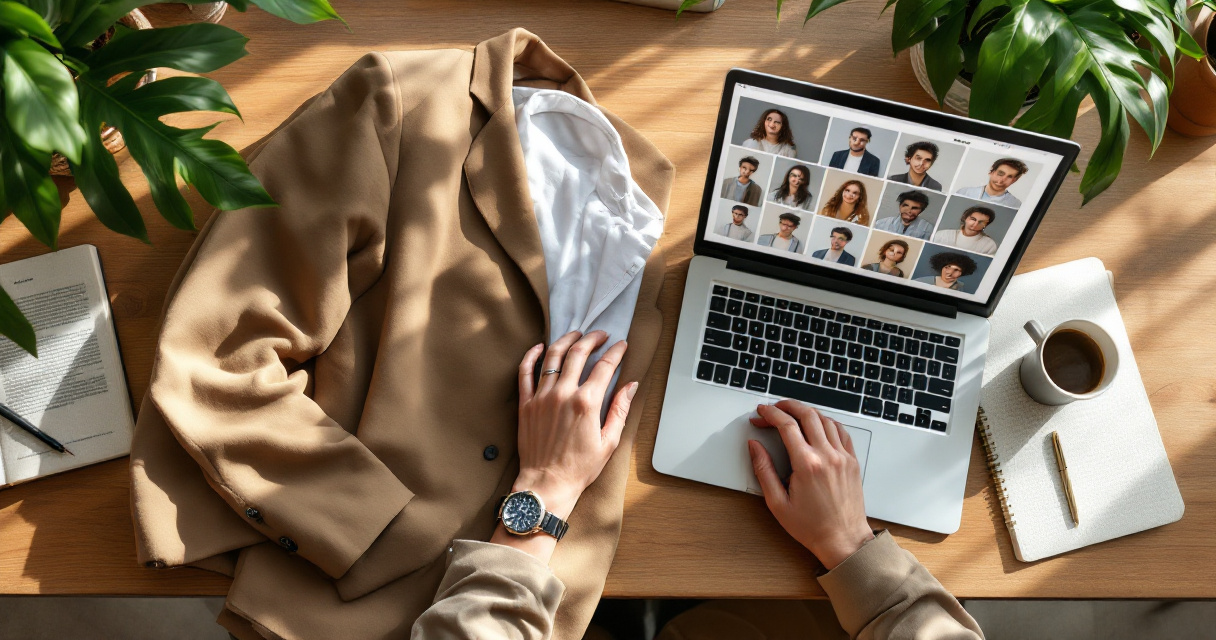
The fix is specificity. Your best output comes from honest input images, clear style direction, and restraint. You're not asking AI to reinvent you. You're asking it to create a cleaner version of how you already show up.
Start with input photos that teach the model your real face
Use a varied set of source photos if the tool allows uploads. Include different angles, lighting, and expressions, but keep them accurate. Don't upload old pictures if your haircut, glasses, facial hair, or face shape has changed.
Good input photos usually have:
- A clear view of your face without sunglasses or heavy filters
- Several expressions, including neutral, slight smile, and full smile
- Indoor and outdoor lighting examples
- Current hair, glasses, skin tone, and facial hair
- Minimal face obstruction from hats, hands, or extreme shadows
Poor inputs lead to odd outputs: waxy skin, mismatched eyes, strange jawlines, or a face that looks like your cousin. The Looktara Lens platform works best when you treat it like a creative assistant, not a magic button.
Use a prompt formula that controls the scene
A good prompt is short, visual, and grounded. Try this order:
- Identity: "Professional portrait of me, natural facial features, accurate age."
- Setting: "Modern cafe near a window" or "clean home office with soft daylight."
- Wardrobe: "Navy blazer and white shirt" or "simple black crewneck."
- Mood: "Warm, confident, approachable."
- Camera style: "85mm portrait lens, shallow depth of field, realistic skin texture."
- Limits: "No luxury car, no plastic skin, no exaggerated smile, no extra fingers."
Specific limits matter because many generators lean toward glossy perfection. Ask for realistic skin texture, natural asymmetry, and normal lighting. Those details make the image feel human.
Where AI Lifestyle Profile Photos Work Best Across Your Online Presence
Different platforms reward different signals. A LinkedIn photo should feel credible. A dating app photo should feel approachable. A creator profile should feel memorable. Using the same image everywhere can work, but only if your audience and goal stay the same.
Think in sets instead of single images. One polished headshot, one relaxed lifestyle photo, one activity-based image, and one brand-colored visual can cover most needs. Entrepreneurs can also extend that style into a website hero image so their personal profile and business page don't feel disconnected.
Match the image to the decision your viewer is making
A recruiter is asking, "Does this person seem professional?" A potential client is asking, "Can I trust them?" A dating app viewer is asking, "Do they seem real and interesting?" Your photo has to answer the right question.
For professional platforms:
- Keep the face large enough to read at small sizes
- Use simple backgrounds with one clear context clue
- Choose clothes that match your actual role
- Avoid fake luxury markers unless luxury is truly your field
For social and creator platforms, you can be more expressive. A fitness creator might use stronger motion, brighter colors, or gym context. A YouTube or short-form creator can also adapt the same image style into a TikTok cover design for stronger visual recall.
Build a small profile photo library instead of one perfect image
One photo can't carry every platform. A small library gives you flexibility without making your identity feel scattered.
Aim for:
- Primary headshot: LinkedIn, resume, speaker bio
- Lifestyle portrait: About page, founder story, newsletter bio
- Casual social image: Instagram, dating apps, community profiles
- Branded promo image: launch posts, offers, podcast guest graphics
- Seasonal refresh: new haircut, new role, new campaign
Creators and product sellers can also repurpose lifestyle profile photos into Pinterest-style assets. If visual search or saves matter in your niche, create a matching Pinterest pin design that uses the same colors and mood.
Quality, Ethics, and Privacy Checks Before You Publish
AI profile photos sit in a sensitive zone because they represent you. A little polish is normal. A new face, fake body, or invented lifestyle can damage trust when someone meets you in person or on video.
Research culture around AI also reminds us to be careful with claims. For example, a 2022 article on AI in disease diagnosis was later labeled as a retracted article, which is a useful reminder that AI-related content should be checked, not blindly trusted. For profile photos, that means reviewing outputs with a critical eye before you upload them.
Watch for the details that make images feel fake
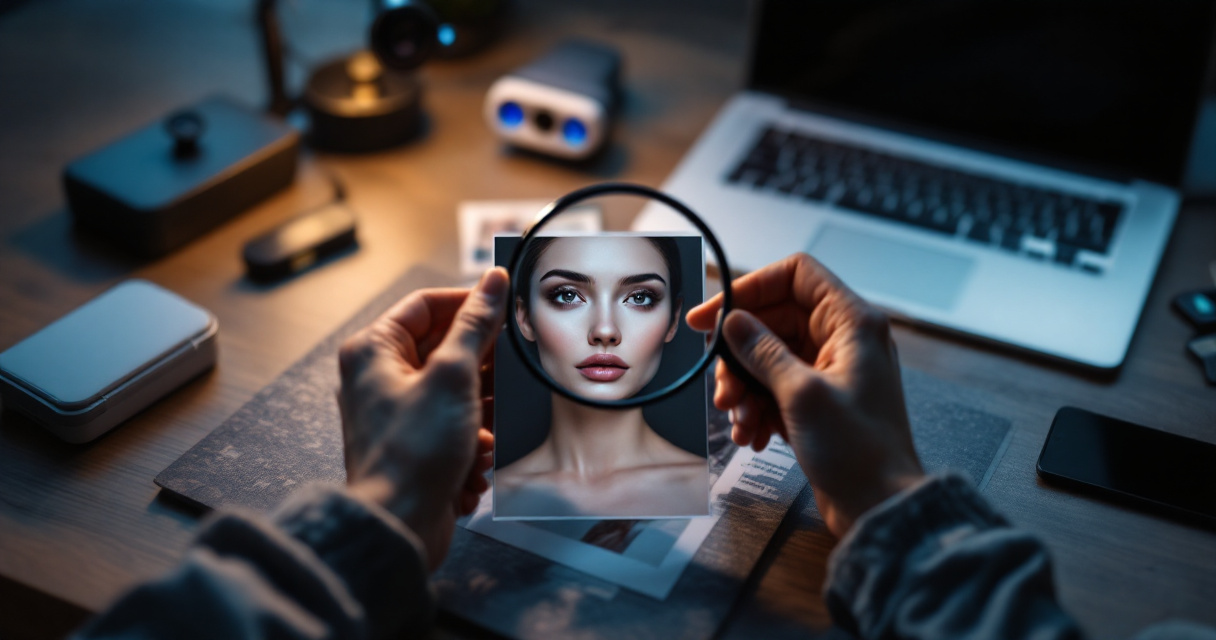
Before publishing, zoom in. Look at the hairline, teeth, ears, hands, jewelry, glasses, neckline, and background text. AI often struggles with tiny details even when the overall photo looks strong.
Use this quick review:
- Does the face still look like you?
- Are both eyes aligned and natural?
- Is the skin texture believable?
- Do hands, earrings, collars, and glasses make sense?
- Would a friend recognize you instantly?
- Would the setting make sense for your real work or lifestyle?
If the answer is no, regenerate or edit. Don't settle for a photo that looks impressive at first glance but strange after five seconds.
Be honest about edits when trust matters
You don't need to disclose every AI-assisted crop or background change. Still, honesty matters when the image affects trust: hiring, dating, coaching, consulting, or public speaking. Your photo should not imply credentials, wealth, travel, fitness results, or access you don't have.
For dating apps, avoid heavy beautification. For LinkedIn, avoid fake awards, fake office settings, or invented team environments. For business pages, don't create images that make a solo operation look like a large staff unless your copy makes the setup clear.
A good rule: improve the presentation, not the truth. If the photo would make an in-person meeting feel awkward, it's probably too edited.
What to Expect in 2027: More Personalization, More Proof, Less Tolerance for Fake
By 2027, AI lifestyle profile photos will likely feel more ordinary. The novelty will fade, and the standard will rise. People won't ask, "Was AI used?" as often. They'll ask, "Does this feel trustworthy?"
Expect tools to offer better face consistency, more controlled wardrobes, stronger lighting control, and easier cross-platform resizing. At the same time, audiences may become faster at spotting generic AI polish. That means personal details will matter more: your real glasses, your actual style, your city, your work tools, your hobbies.
Brands and solo professionals should prepare by building visual systems, not random image folders. A founder photo, banner, content thumbnail, and profile graphic should share the same tone. For example, a creator can match a lifestyle profile shot with a branded YouTube thumbnail design so viewers recognize them faster across channels.
A simple 2026 workflow for better results
Use this process before your next profile refresh:
- Pick one goal: job search, clients, dating, creator growth, or founder brand.
- Choose three realistic settings tied to that goal.
- Generate 10 to 20 options, not 100 random ones.
- Remove anything that changes your face too much.
- Test the best two images with trusted friends or colleagues.
- Resize for each platform instead of uploading one crop everywhere.
Using The Looktara Lens can make this workflow faster because you can create profile visuals and supporting brand assets in one place, instead of jumping between unrelated tools.
Conclusion
AI generated lifestyle profile photos work best when they make your real identity easier to understand. Keep the scene believable, keep your face accurate, and choose images that match the decision your audience is making. If you're updating LinkedIn, your website, dating apps, or creator profiles this month, start with one polished headshot, one relaxed lifestyle image, and one branded social graphic. Then build from there.
Ready to refresh your profile without booking a full photo shoot? Try The Looktara Lens, create a small set of realistic lifestyle photos, and publish the version of you that feels polished, current, and still true.
Generated by EarlySEO.com