
A LinkedIn profile with a professional photo receives up to 21 times more profile views and 9 times more connection requests, according to LinkedIn data cited in career research. Yet many professionals still skip professional photography because it costs hundreds of dollars. AI headshot tools changed that equation. In 2026, platforms such as The Looktara Lens can generate polished headshots from simple selfies in minutes. The challenge is not just creating a headshot, it is making sure it looks realistic, professional, and age‑appropriate for your career stage. A photo that makes a 45‑year‑old executive look 25 or dramatically older can damage credibility. This guide explains how AI headshots work, why age accuracy matters for professional perception, and how to create images that match your real identity while still looking polished.
Why Age‑Appropriate AI Headshots Matter for Professional Credibility
A headshot communicates trust before anyone reads your resume. Research on online impressions shows people form judgments about professionalism within milliseconds of seeing a face. When an AI image changes perceived age too dramatically, it creates a subtle credibility gap.
Career coaches increasingly warn about "profile mismatch", where your online photo does not resemble you in meetings or video calls. Recruiters notice it quickly. According to job search coaching platforms cited in 2025 headshot reviews, overly stylized AI images are one of the most common mistakes job seekers make.
A professional headshot should represent you accurately today, not a younger or overly retouched version of yourself.
Age‑appropriate images build trust in several situations:
- LinkedIn and resumes where recruiters expect authenticity
- Entrepreneur branding where personal reputation matters
- Remote work profiles where your photo replaces in‑person interaction
- Dating apps where authenticity affects matches
The growth of AI photography tools makes it easier to maintain that balance. For example, tools like the AI resume headshot generator allow users to create professional portraits that preserve realistic facial features instead of heavy filters.
How Perceived Age Affects Professional Trust
Psychology research shows that facial cues influence perceived competence and reliability. According to studies discussed in The Distance Cure by Hannah Zeavin (MIT Press, 2021), digital communication often amplifies visual signals because fewer contextual cues are present.
For professionals, this means a headshot carries more weight than ever. A photo that reflects your actual career stage sends a clearer message about experience and credibility.
How AI Headshot Generators Actually Work
Modern AI headshot tools rely on deep learning image models trained on large datasets of faces, lighting conditions, and portrait photography styles. These systems analyze uploaded photos and generate new variations that follow common portrait rules such as framing, background blur, and lighting balance.
A 2024 research paper from Google's Gemini team describes multimodal AI systems capable of understanding visual context and producing high‑quality imagery from large datasets. These models can interpret features like age, clothing style, and facial structure to generate realistic outputs.
Typical AI Headshot Generation Workflow
- Upload 5–15 selfies or casual photos.
- The AI analyzes facial structure, hair, and lighting patterns.
- A trained model generates dozens of portrait variations.
- Users select the most realistic and professional options.
Comparison of AI vs Traditional Headshots
| Feature | AI Headshot | Professional Photographer |
|---|---|---|
| Average cost | $10–$40 | $200–$800 |
| Turnaround time | Minutes to hours | Days to weeks |
| Number of images | 20–200 variations | 5–20 photos |
| Editing control | High | Moderate |
| Realism risk | Medium if poorly trained | Low |
The technology continues to improve quickly. Research on AI data pipelines from Miceli and Posada (ACM, 2022) highlights how training data diversity directly affects realism and bias in generated images.
Video: Example of AI Headshot Creation
This walkthrough demonstrates how modern AI tools turn everyday selfies into polished professional portraits in minutes.
Key Elements That Make an AI Headshot Look Age‑Appropriate
Many AI images fail because they over‑smooth skin, reshape facial features, or apply unrealistic lighting. Small changes can alter perceived age dramatically.
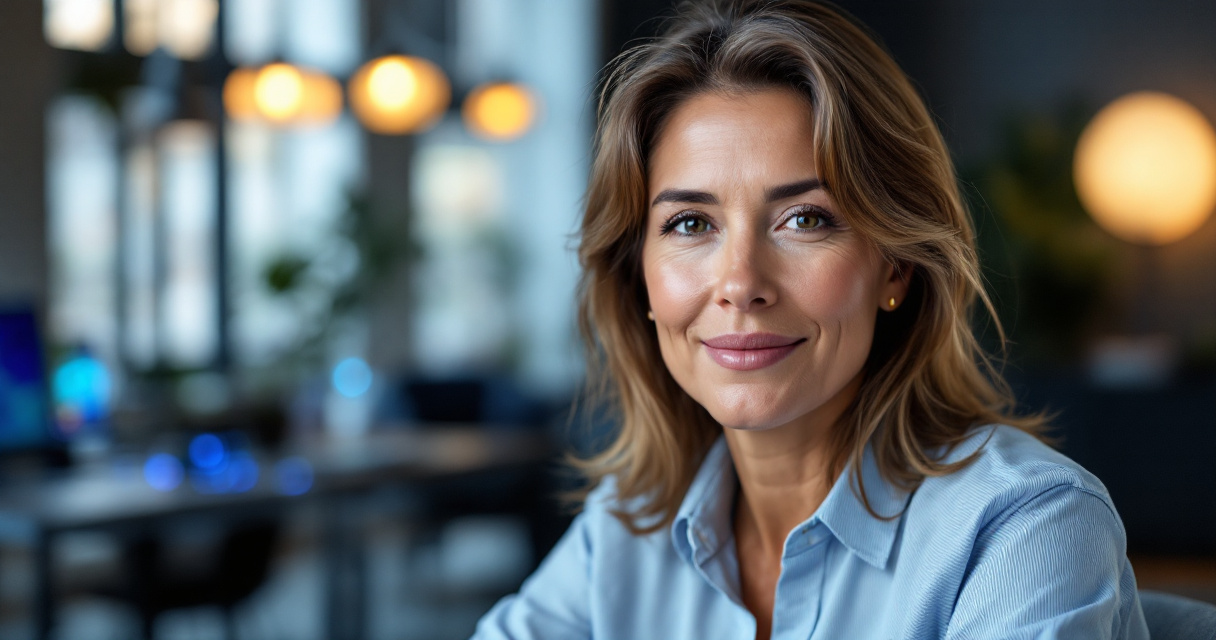
Professional photographers follow specific portrait rules that also apply to AI generation.
Facial Detail and Skin Texture
Over‑retouched skin is the fastest way to create an unnatural headshot. Real skin contains subtle lines, pores, and shadows.
Good AI headshots maintain:
- natural texture
- realistic wrinkles or smile lines
- authentic facial proportions
Excessive smoothing often makes professionals appear 10 to 15 years younger than they actually are, which reduces authenticity.
Clothing and Styling by Career Stage
Wardrobe choices strongly influence perceived age and professionalism. AI headshots sometimes generate trendy outfits that do not match the user's role.
Recommended Clothing by Professional Stage
| Career Stage | Recommended Style | Avoid |
|---|---|---|
| Early career | Business casual | Oversized suits |
| Mid‑career professionals | Blazers or polished office wear | Overly casual clothing |
| Executives | Structured jackets or formal wear | Trendy streetwear |
| Creators or influencers | Stylish but simple outfits | Distracting patterns |
Consistent branding also matters. Many professionals pair their headshot with other AI‑generated visuals such as banners or content graphics using tools like the LinkedIn post image generator to maintain a cohesive profile.
Step‑by‑Step Process to Generate a Professional AI Headshot
Creating a convincing AI portrait starts long before the image generator runs. Your input photos determine how realistic the final results will be.
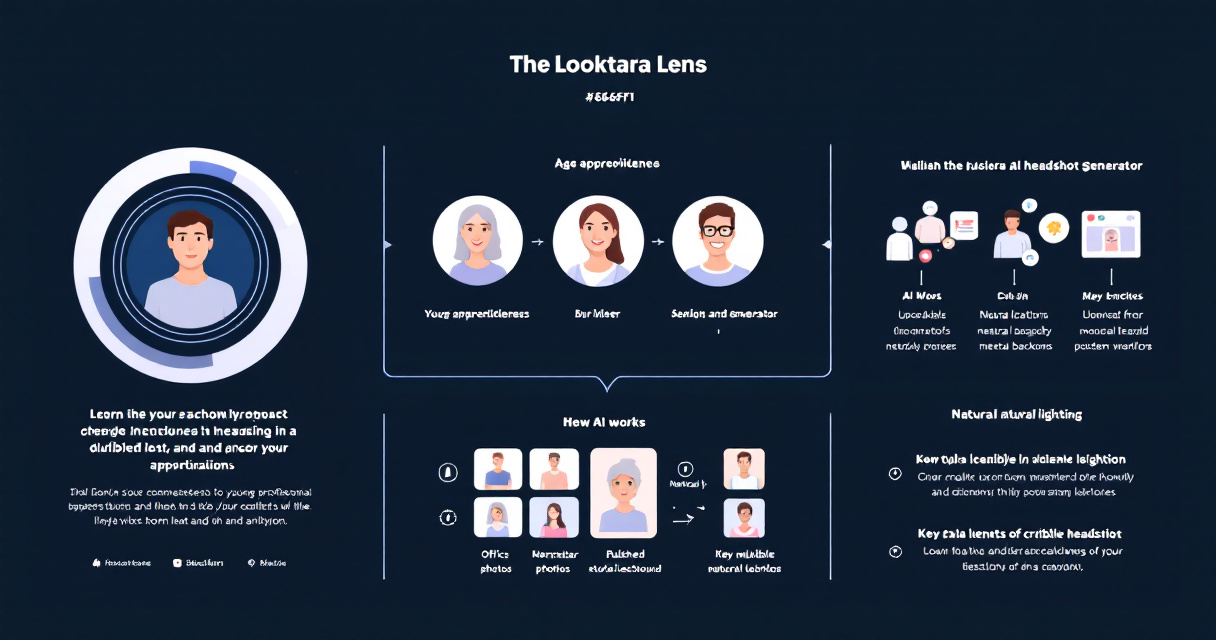
Step 1: Capture High‑Quality Input Photos
Upload a mix of images with:
- neutral facial expressions
- natural lighting
- different angles
- minimal filters
Phone selfies work fine if they are clear and well lit.
Step 2: Choose Professional Style Prompts
Most generators allow style selection. Choose prompts that match real corporate photography, such as:
- neutral studio background
- office environment
- soft natural lighting
Avoid fantasy or cinematic prompts for professional profiles.
Step 3: Review and Select Realistic Results
Do not automatically pick the most polished image. Compare generated photos to your real appearance and choose the closest match.
Many professionals now use The Looktara Lens platform because it offers multiple image variations designed for resumes, LinkedIn profiles, and personal branding content.
Video Example of Free AI Professional Photo Creation
This example shows how a simple selfie set can produce studio‑style headshots using modern AI tools.
Common AI Headshot Mistakes That Reveal the Image Is Artificial
Even in 2026, AI portraits sometimes contain subtle clues that signal they were generated. Recruiters and hiring managers increasingly recognize these patterns.
Most Common AI Headshot Red Flags
- overly smooth skin with no natural texture
- inconsistent lighting around the jawline or hair
- distorted hands or accessories
- unrealistic hair edges
- background blur that looks artificial
A good AI headshot should look like a professional photo, not like a digital illustration.
Using reliable generators helps reduce these problems. For example, professionals building a full online brand sometimes combine their headshot with other visual assets such as a website hero image generator or a YouTube thumbnail generator for business creators to maintain consistent imagery across platforms.
Why Over‑Editing Damages Professional Perception
Studies in digital media psychology show people quickly detect unnatural images. When a headshot looks heavily altered, viewers may assume the person is hiding something or exaggerating their image.
Authenticity almost always performs better than perfection in professional contexts.
Using AI Headshots Across Platforms Without Looking Inconsistent
Professionals rarely use a headshot in only one place. LinkedIn, company websites, conference bios, and social media profiles often require different image sizes and formats.
Maintaining visual consistency improves recognition and personal branding.
Where Professionals Commonly Use AI Headshots
- LinkedIn profile photos
- company team pages
- speaker bios
- podcast or webinar profiles
- business social media accounts
Creators and entrepreneurs often expand their visual branding with tools such as a podcast cover generator or branded content graphics. Matching these visuals with your headshot creates a stronger identity across platforms.
What AI Headshots Will Look Like by 2027
AI portrait generation is improving rapidly as models gain better visual reasoning abilities. Researchers developing multimodal systems such as Gemini report major advances in understanding complex visual context.
Several trends already appear in 2026 tools.
Emerging Capabilities in AI Portrait Technology
- better age recognition and preservation
- accurate lighting simulation from real studios
- dynamic backgrounds that match career industries
- consistent headshots for entire company teams
Future tools will likely generate "career‑stage aware" portraits automatically. Instead of simply enhancing an image, AI will adapt style and clothing suggestions based on profession, seniority, and industry norms.
That evolution will make tools like The Looktara Lens even more useful for professionals who need high‑quality personal branding images without traditional photoshoots.
Conclusion
AI headshots are no longer a novelty. They have become a practical tool for professionals who need polished photos quickly and affordably. The key is realism. An age‑appropriate headshot reflects who you are today while still presenting you in the best possible light.
Start with clear input photos, choose professional styles, and avoid excessive retouching. Tools such as The Looktara Lens make it easy to generate professional portraits that match your real appearance and career stage. If you are updating your LinkedIn profile, building a personal brand, or refreshing your resume, create a new AI headshot and pair it with consistent visual branding across your online profiles.
Your professional image is often the first impression people see online. Make sure it represents you accurately and confidently.