
Most people think a great profile photo is about lighting or a confident smile. In reality, the background often decides whether someone clicks your profile or scrolls past. A headshot is a portrait where the focus is primarily on the subject's face, commonly used for professional profiles, social media, or dating platforms according to the Wikipedia definition of a headshot. With modern generative AI tools, backgrounds are no longer limited to studio walls or blurry offices. Platforms like The Looktara Lens (https://looktara.com) can generate polished environments around a simple selfie, turning an average image into a profile-ready portrait that attracts attention. Choosing the right background style is not about decoration. It is about signaling professionalism, trust, creativity, or approachability in the first second someone sees your photo.
Why Background Choice Strongly Influences Profile Clicks
Profile viewers usually decide within seconds whether to open your profile. Backgrounds shape that decision by framing your face, reinforcing your profession, and guiding visual focus.
Research into generative AI systems shows rapid expansion of tools that create images with realistic environments, making professional-quality visuals accessible without a studio. A 2024 review of generative AI applications highlights how AI models now generate highly detailed images and backgrounds from prompts, allowing non‑experts to produce professional visuals quickly (A Survey of Generative AI Applications).
This shift matters because profile photos now compete with highly polished images across platforms. If your background looks dull or distracting, your photo can appear outdated even if the portrait itself is good.
Key Signals a Background Sends
- Professionalism: Clean environments suggest competence and reliability.
- Personality: Creative backgrounds make profiles memorable.
- Context: A relevant environment hints at your industry or interests.
- Visual clarity: Simple backgrounds keep attention on your face.
A profile image that balances subject clarity and contextual background tends to feel more trustworthy and clickable.
How AI Changes Background Selection
Traditional headshots required studio backdrops or location shoots. AI tools now generate backgrounds tailored to specific platforms or professions.
For example, using the AI resume headshot generator lets job seekers place their portrait in professional office settings without scheduling a photo shoot. The same AI workflow can create different environments for LinkedIn, company pages, or dating profiles in minutes.
Generative AI systems studied in recent surveys show that image models are increasingly used in marketing, branding, and professional identity visuals, not just art or entertainment (Automated Survey of Generative Artificial Intelligence).
Top AI Headshot Background Styles That Attract Attention
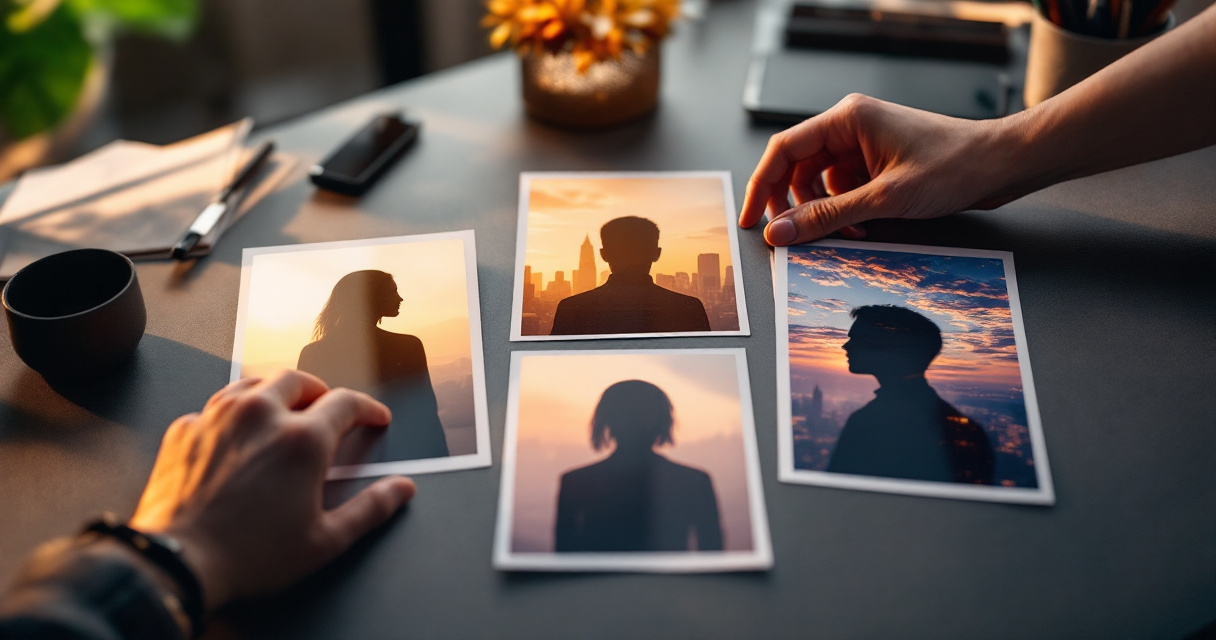
Some backgrounds consistently outperform others because they keep attention on the subject while still adding visual interest. The goal is balance, not distraction.
Most Effective Background Types for Profile Photos
| Background Style | Best For | Why It Works |
|---|---|---|
| Soft gray studio | LinkedIn, resumes | Neutral tone keeps focus on face |
| Blurred office | Corporate professionals | Suggests credibility and workplace context |
| Natural outdoor | Creators, entrepreneurs | Feels authentic and approachable |
| Minimal gradient | Designers, tech professionals | Modern visual style without distraction |
| Textured wall | Personal brands | Adds personality while remaining subtle |
Clean Studio Backgrounds Still Perform Well
White or gray studio backgrounds remain popular because they minimize distractions. Recruiters scanning LinkedIn profiles often prefer photos where the face is clearly separated from the background.
AI headshot tools replicate professional studio lighting and subtle background gradients, producing results similar to professional photography sessions.
Contextual Backgrounds Add Storytelling
A blurred workspace, library, or creative studio can subtly communicate what you do. This works especially well for:
- Entrepreneurs
- Designers
- Content creators
- Coaches and consultants
For example, someone building a brand around media production could match their headshot style with visuals generated using a YouTube thumbnail AI generator so their personal brand looks consistent across platforms.
Consistency across profile photos, thumbnails, and social graphics strengthens recognition when people encounter your content repeatedly.
Background Mistakes That Quietly Reduce Profile Clicks
Not every AI background improves a headshot. Some actually reduce credibility or distract viewers.
Common Problems With AI-Generated Backgrounds
- Overly detailed scenes that compete with the face
- Unrealistic lighting where the subject and background do not match
- Bright colors that overpower facial features
- Busy environments like city streets or crowds
These problems often appear when AI prompts focus on creativity instead of clarity.
A background should support the portrait, not become the main attraction.
Visual Balance Matters More Than Creativity
Professionals often assume bold designs attract attention. In profile photos, the opposite usually works better.
A clean environment keeps attention where it belongs, your expression and eye contact. Overly dramatic AI scenes can make images feel artificial.
Quick Background Checklist
Before uploading your AI headshot, check these details:
- Your face is the brightest point in the image.
- The background color contrasts with your clothing.
- Lighting direction matches between subject and environment.
- No objects appear directly behind your head.
- Background blur or depth keeps attention forward.
When creating headshots through platforms like The Looktara Lens, these issues can be minimized because the system aligns lighting and depth automatically. The result usually looks more like a professional studio portrait than a pasted background.
If you are building a consistent visual identity, pairing your headshot with branded graphics from tools such as an AI landing page banner generator helps maintain a unified look across websites and portfolios.
Matching AI Backgrounds to Different Platforms
A background that works on LinkedIn might not perform well on a dating app or creator platform. Each environment rewards slightly different visual signals.

Best Background Choices by Platform
| Platform | Recommended Background | Reason |
|---|---|---|
| Soft gray or blurred office | Professional and neutral | |
| Company website | Minimal gradient or studio | Clean branding appearance |
| Instagram creator page | Natural outdoor | Feels authentic and personal |
| Dating apps | Soft natural light scene | Warm and approachable |
| Speaker or consultant page | Workspace or stage setting | Reinforces authority |
LinkedIn and Professional Networks
Recruiters often browse hundreds of profiles quickly. A neutral, high‑contrast background helps your face remain clear in small circular thumbnails.
Creator and Entrepreneur Profiles
Content creators benefit from environments that feel real. Coffee shop scenes, outdoor greenery, or creative studios add warmth while keeping the subject central.
Creators who regularly post visual content may also pair their headshots with tools like an AI Pinterest pin generator or AI quote post generator to keep their brand visually consistent across platforms.
Using similar colors, lighting styles, and backgrounds across graphics and profile photos strengthens recognition.
How AI Headshot Backgrounds Are Evolving Beyond 2026
AI image generation is moving quickly, and background design is becoming smarter every year.
Recent research on generative AI systems notes rapid progress in models that can produce realistic images, scenes, and context from simple prompts, expanding use across marketing, design, and media creation (Automated Survey of Generative Artificial Intelligence).
That progress will likely change how profile photos are created over the next few years.
Emerging Trends in AI Headshot Design
- Adaptive backgrounds: AI adjusts the environment depending on the platform where the image is used.
- Brand-aware visuals: Backgrounds match your website colors or brand identity automatically.
- Context-aware lighting: AI aligns shadows and reflections with the generated environment.
- Micro-depth backgrounds: Subtle depth effects that mimic professional lens blur.
What to Expect by 2027
Tools are already moving toward automated personal branding systems. Instead of creating one headshot, users may generate a full set of images optimized for different platforms.
For example, entrepreneurs presenting to investors could match their profile photo style with slides created through an AI pitch deck slide generator, ensuring visual continuity between personal branding and presentations.
Platforms like The Looktara Lens are part of this shift, where a single AI system generates portraits, marketing graphics, and brand visuals that all share the same design style.
Conclusion
Your profile photo often gets less than a second to capture attention. Background choice plays a bigger role than most people realize. Clean studio tones, subtle gradients, or lightly contextual environments consistently perform better than complex scenes.
AI tools now make it easy to experiment with different styles without hiring a photographer. Platforms such as The Looktara Lens (https://looktara.com) allow you to generate multiple professional headshots with backgrounds tailored to LinkedIn, social media, or personal branding.
If your current profile photo blends into the crowd, update it with a modern AI-generated background. Test a few variations, compare which images attract more views, and keep the one that feels both professional and authentic. Small visual changes can dramatically increase profile clicks.
Generated by EarlySEO.com