
AI Headshot Curly Hair Results: How to Get Professional Photos That Capture Your Natural Texture
Curly-haired professionals face a frustrating reality: most AI headshot tools were trained on straight hair. The result? Frizzy halos, flattened ringlets, and that weird plastic look that screams "obviously fake." But things have changed significantly in the past year.
According to research from Tsidylo and Sendra Chele (2023) on AI image generation tools, the technology's ability to handle complex textures depends heavily on training data diversity. Translation: AI systems only render what they've learned. And historically, curly and coily hair textures were underrepresented in training datasets.
The good news? Modern platforms like The Looktara Lens have addressed this gap with more inclusive training approaches. You can now get AI headshots that actually look like you, curls and all. Let's break down what's working, what's still problematic, and exactly how to get the best results for your hair type.
Why AI Headshot Generators Struggle with Curly Hair
A head shot, as defined by industry standards, is a photographic portrait where the focus is on the subject's face. But here's the problem: your curly hair frames that face in ways AI systems often misinterpret.
AI models analyze patterns to generate images. Straight hair follows predictable linear patterns. Curly hair? It's chaos theory made beautiful. Each curl spirals differently, catches light at unique angles, and creates volume that changes depending on humidity, styling, and the time of day.
The core issue isn't the AI itself; it's the training data. Models trained primarily on straight-haired subjects treat curls as anomalies to "correct" rather than features to preserve.
Common Curly Hair AI Failures
Before you upload your selfies, know what can go wrong:
- Texture smoothing: AI interprets frizz as "noise" and smooths it away, leaving you with wavy rather than truly curly hair
- Curl pattern changes: Your 3C coils might become 2A waves
- Halo effect: That beautiful volume around your face gets flattened or creates an unnatural glow
- Inconsistent lighting: Curls create complex shadows that AI sometimes renders as dark spots or banding
- Edge definition loss: Baby hairs and edges often disappear entirely
These issues aren't universal, though. The platform you choose matters enormously.
Hair Type Comparison Table
Not all curl patterns face the same challenges with AI generation:
| Hair Type | AI Challenge Level | Common Issues | Success Rate (2026) |
|---|---|---|---|
| Type 2 (Wavy) | Low | Slight texture loss | 85-90% |
| Type 3A-3B (Curly) | Medium | Curl loosening, frizz removal | 70-80% |
| Type 3C (Tight Curls) | High | Pattern changes, volume loss | 60-75% |
| Type 4A-4C (Coily) | Highest | Significant texture alteration | 50-70% |
These numbers have improved dramatically from 2024, when Type 4 success rates hovered around 30-40%.
How to Get Better AI Headshot Results for Curly Hair
Your source photos determine 80% of your final results. Here's the preparation strategy that actually works for curly and coily textures.
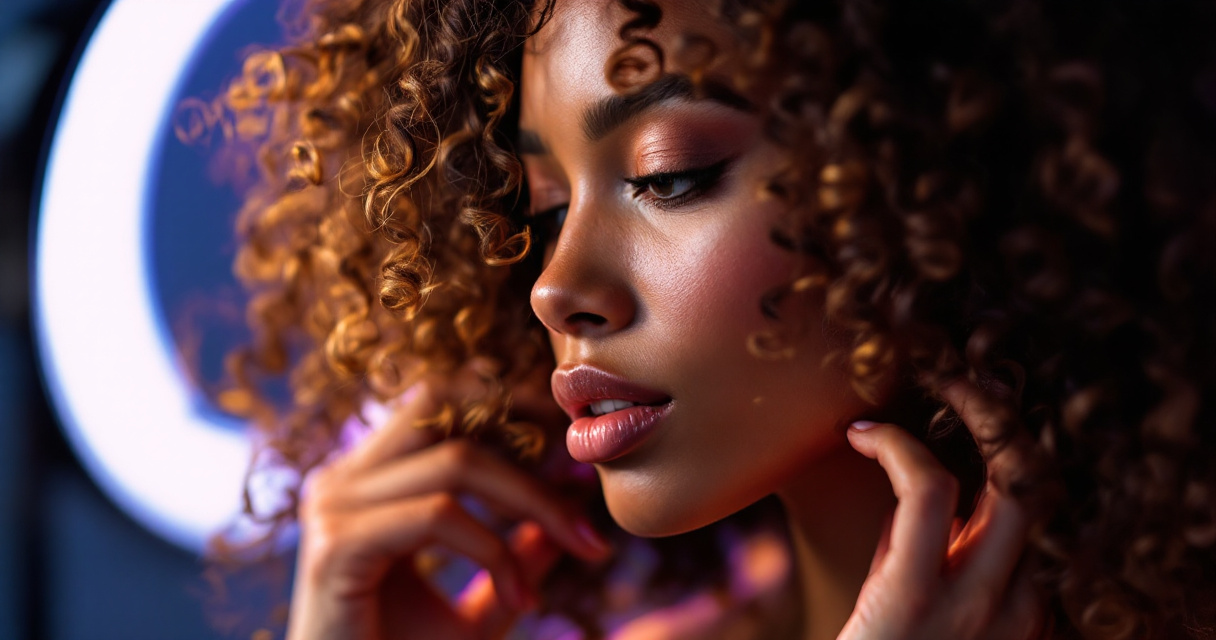
Optimal Photo Requirements for Curly Hair
Skip the bathroom selfies. Your input photos need to meet specific criteria:
- Use diffused natural lighting: Direct sunlight creates harsh shadows in curls; soft window light works best
- Photograph freshly styled hair: Day-one curls hold definition better than day-three hair
- Avoid backlighting: Light behind you turns curls into a silhouette the AI can't interpret
- Include multiple angles: Give the AI reference for how your curls fall from different perspectives
- Keep backgrounds simple: Busy patterns compete with curl texture for the AI's attention
- Show your actual volume: Don't flatten or stretch curls for photos
The Looktara Lens platform specifically recommends uploading 5-10 photos with consistent hair styling for best results. Mixing photos from different hair days confuses the model.
Styling Tips Before Your Photo Session
A little prep goes a long way:
- Refresh curls with water and leave-in conditioner the morning of your photo session
- Scrunch out any crunch from styling products; stiff curls photograph poorly
- Define your edges if that's part of your typical style
- Avoid heavy oils that create shine spots the AI might interpret incorrectly
- Let hair air dry completely before shooting; wet sections photograph darker
Pro tip: Take your photos in the same lighting you'd use for a video call. This gives you results that match how colleagues and connections actually see you.
Choosing the Right AI Headshot Platform for Textured Hair
Not every AI headshot generator handles curly hair equally. Some platforms have invested in diverse training data; others haven't. Here's what to look for when evaluating options.
The Looktara Lens has become a popular choice for professionals with textured hair because it maintains curl definition without the "smoothing" effect common in other tools. If you're also creating content for social media, you might explore their resume headshot AI generator for consistent branding across platforms.
Platform Evaluation Criteria
Before committing to any service, check these factors:
| Feature | Why It Matters for Curly Hair |
|---|---|
| Sample gallery diversity | Shows whether they've optimized for textured hair |
| Texture preservation controls | Lets you prevent unwanted smoothing |
| Multiple style outputs | Gives you options if one result looks off |
| Retouching options | Allows you to enhance without altering texture |
| Money-back guarantee | Protection if results don't match your hair |
Always look at sample galleries featuring hair similar to yours. If a platform only shows straight-haired examples, that tells you something about their training data priorities.
Questions to Ask Before Purchasing
- Do you have examples of headshots with Type 3 or Type 4 hair?
- Can I preview results before finalizing?
- What's your refund policy if the hair texture doesn't look right?
- How many output variations do I receive?
- Can I request regeneration if curls appear altered?
Legitimate platforms answer these questions upfront. If customer service seems confused by "hair type," move on.
Editing AI Headshots to Restore Natural Curl Definition
Sometimes your AI headshot is 90% perfect but the curls need help. Here's how to fix common issues without starting over.
This tutorial demonstrates advanced techniques for refining hair edges, a skill directly applicable to touching up AI headshots that missed your natural texture.
Quick Fixes for Common Curl Issues
You don't need Photoshop expertise for basic improvements:
- Frizz restoration: Use a soft brush at low opacity to add flyaways back at the hair's edge
- Curl definition: Increase local contrast slightly around defined ringlets
- Volume correction: Use the liquify tool sparingly to push hair outward where it was flattened
- Shine adjustment: Reduce highlights that make curls look greasy or artificial
These tweaks take under 5 minutes and make a significant difference. If you're using headshots across multiple platforms, such as LinkedIn posts or website hero images, consistent editing ensures your brand looks cohesive.
When to Request New Generation vs. Edit
Editing works for minor issues. Request new generation when:
- Your curl pattern changed entirely (3C became 2A)
- Significant portions of hair are missing or merged
- The hairline looks unnatural
- Edges disappeared completely
- Overall texture looks "plastic" or overly smooth
Most platforms include multiple generations in their packages. Use them.
What's Coming in 2027: The Future of AI and Textured Hair
The technology is improving fast. Here's what's on the horizon for curly-haired professionals.
Emerging Improvements
Several developments will change AI headshot quality for textured hair:
- Texture-specific models: Some companies are training models exclusively on curly and coily hair types
- User feedback loops: Platforms like The Looktara Lens are incorporating user corrections to improve future generations
- Higher resolution outputs: Better resolution means better curl definition at the strand level
- Real-time preview: You'll see results before committing, allowing immediate adjustments
- Style transfer options: Apply your curl pattern from one photo to different backgrounds and outfits
By late 2027, experts predict Type 4 hair success rates will match current Type 2 performance, around 85-90%.
Industry Accountability
The push for diverse training data isn't just ethical; it's becoming a competitive advantage. Platforms that ignore textured hair are losing significant market share to those that don't.
This market pressure means continuous improvement. Your feedback matters; platforms actively want to know when curly hair results miss the mark, because fixing those issues expands their customer base.
Conclusion
Getting great AI headshots with curly hair isn't luck; it's strategy. Start with properly lit, freshly styled source photos. Choose platforms with proven results for your hair type. Don't settle for outputs that flatten your texture or change your pattern.
The Looktara Lens and similar modern tools have made significant strides in representing all hair types authentically. Your professional image should reflect the real you, curls included.
Ready to try it yourself? Upload your best curly hair photos to The Looktara Lens and see how far the technology has come. If your headshot needs supporting visuals for YouTube thumbnails or TikTok covers, explore their full suite of AI generators to build a consistent personal brand across every platform.
Your curls aren't a problem to solve. They're a feature to showcase. Make sure your AI headshot does them justice.