
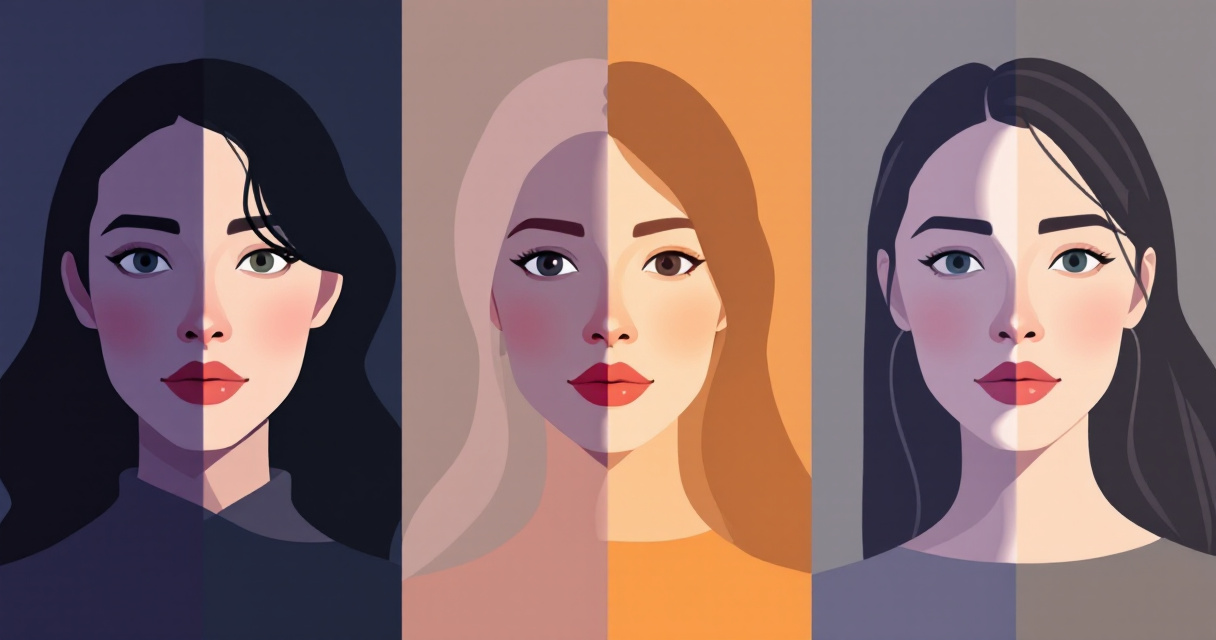
A single lighting change can transform the same portrait from friendly and approachable to dramatic and intense. Professional photographers have known this for decades, but in 2026, AI headshot generators can recreate these lighting styles digitally. Modern tools such as The Looktara Lens allow professionals, creators, and job seekers to generate studio-quality portraits under multiple lighting conditions without a physical photoshoot. Understanding how AI interprets lighting helps you produce headshots that look authentic instead of artificially generated.
Why Lighting Matters in AI-Generated Headshots
Lighting determines how facial features appear, how skin texture looks, and even how trustworthy or confident a person seems in a portrait. Studies in computer vision show that illumination strongly affects facial recognition accuracy and perceived identity. According to the 2024 IEEE survey Face Generation and Editing With StyleGAN, generative models learn lighting patterns from large datasets of real portraits, allowing them to reproduce shadows, highlights, and reflections realistically.
In traditional photography, lighting direction, softness, and intensity shape a face. AI models simulate these same characteristics by analyzing thousands of images under varying conditions.
Even small lighting variations can change how a face is interpreted by both humans and machine vision systems.
When generating AI headshots, lighting controls several visual factors:
- Depth and dimension through shadows and highlights
- Mood and personality cues such as warmth or seriousness
- Skin tone accuracy and texture visibility
- Professional perception in platforms like LinkedIn or resumes
Many professionals now pair AI headshots with branded visuals created using tools such as a resume headshot AI generator to keep consistent lighting across portfolios, websites, and social profiles.
AI systems trained with diffusion or GAN models replicate physical lighting behavior. That means headshots generated today can mimic studio strobes, window light, or even cinematic lighting patterns.
Common Lighting Styles Used in AI Headshots
Most AI headshot tools reproduce classic portrait lighting setups used in photography studios. These lighting patterns were originally developed to sculpt the face and highlight natural features.
Understanding them helps you choose the right style for a professional image.
Classic Portrait Lighting Styles AI Can Recreate
Modern AI portrait systems can replicate the most widely used headshot lighting styles. These setups shape shadows and highlights in predictable ways, which makes them ideal for training datasets.
Popular Lighting Styles in AI Headshots
| Lighting Style | Key Characteristics | Best Use Case |
|---|---|---|
| Rembrandt Lighting | Triangle of light on cheek, dramatic shadows | Professional portraits, cinematic looks |
| Butterfly Lighting | Light above camera creating butterfly shadow under nose | Beauty and fashion headshots |
| Loop Lighting | Small shadow loop near nose | Corporate and LinkedIn headshots |
| Split Lighting | Half the face lit, half in shadow | Artistic or dramatic portraits |
| High-Key Lighting | Bright, minimal shadows | Friendly profiles and social media |
Most AI tools automatically balance the light direction and intensity. The result often resembles a professional studio shot even when created digitally.
For entrepreneurs building personal brands, these lighting styles can match marketing visuals produced with tools such as a website hero image AI generator, helping maintain a consistent visual identity.
How AI Simulates Realistic Lighting Conditions
AI-generated portraits do not rely on physical lights. Instead, neural networks estimate how light interacts with facial geometry, skin reflectance, and background environments.
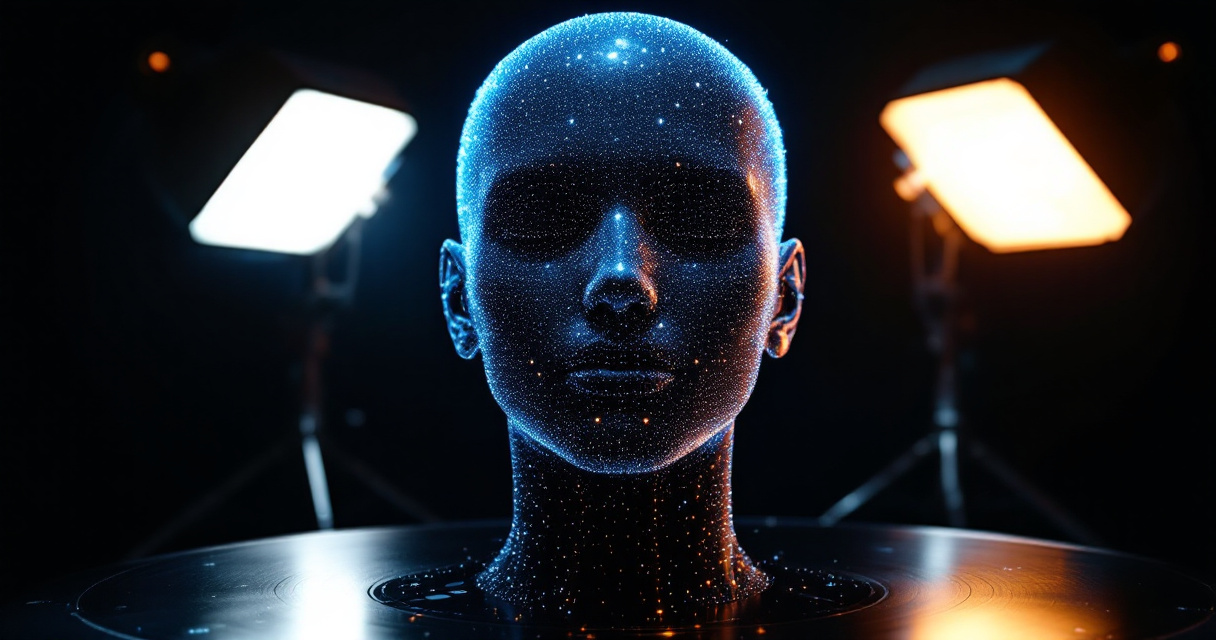
According to the IEEE StyleGAN survey (Melnik et al., 2024), modern generative models can disentangle lighting, pose, and identity features. This means AI can adjust lighting while keeping the same face consistent.
Generative models learn lighting as a controllable attribute, allowing a single portrait to appear under multiple conditions.
Three techniques make this possible:
- Latent space editing, lighting parameters change while the face remains stable.
- Diffusion-based rendering, gradual refinement creates natural highlights and shadows.
- Relighting models, AI estimates 3D facial geometry and applies simulated light sources.
This technology allows professionals to generate multiple variations of the same headshot, from warm office lighting to dramatic evening light.
The same AI design principles power creative tools like a YouTube thumbnail AI generator for Shopify creators, where lighting and contrast strongly influence click-through rates.
Comparing AI Headshots Across Different Lighting Conditions
Changing lighting conditions can dramatically alter the mood of a headshot. AI tools make it easy to test multiple variations before choosing the best one for your professional goals.
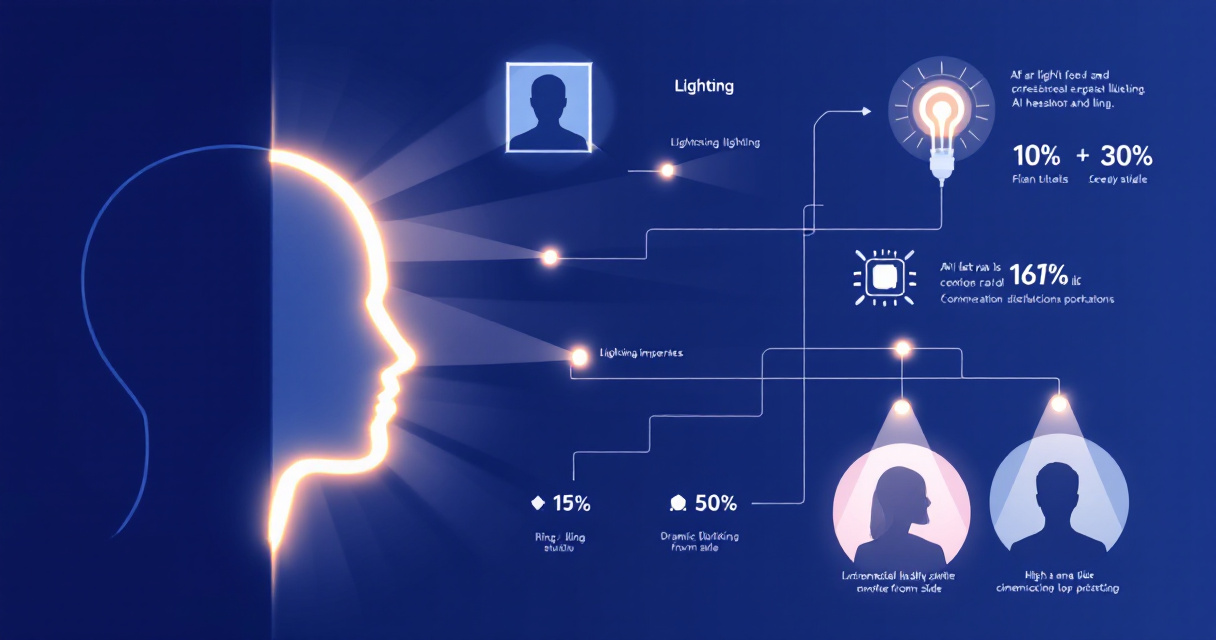
Visual Differences Between Lighting Environments
Different lighting conditions emphasize different features in a portrait.
Lighting Condition Effects on AI Headshots
| Lighting Condition | Visual Result | Recommended Use |
|---|---|---|
| Natural window light | Soft shadows, natural skin tones | LinkedIn profiles |
| Studio softbox lighting | Balanced illumination and clarity | Corporate headshots |
| Golden hour lighting | Warm tones and soft highlights | Personal branding |
| Low light / dramatic lighting | Strong contrast and shadows | Creative or influencer photos |
| Ring light lighting | Even lighting with bright eyes | Social media content |
For influencers and digital creators, these lighting variations often match other branded content such as TikTok banners or social thumbnails created with tools like a TikTok banner AI generator.
Experimenting with several lighting conditions helps identify which version communicates the right tone for your audience.
Video Guide: Understanding Portrait Lighting Basics
Even though AI can automate lighting, understanding traditional portrait lighting techniques improves the prompts and settings you choose in AI tools.
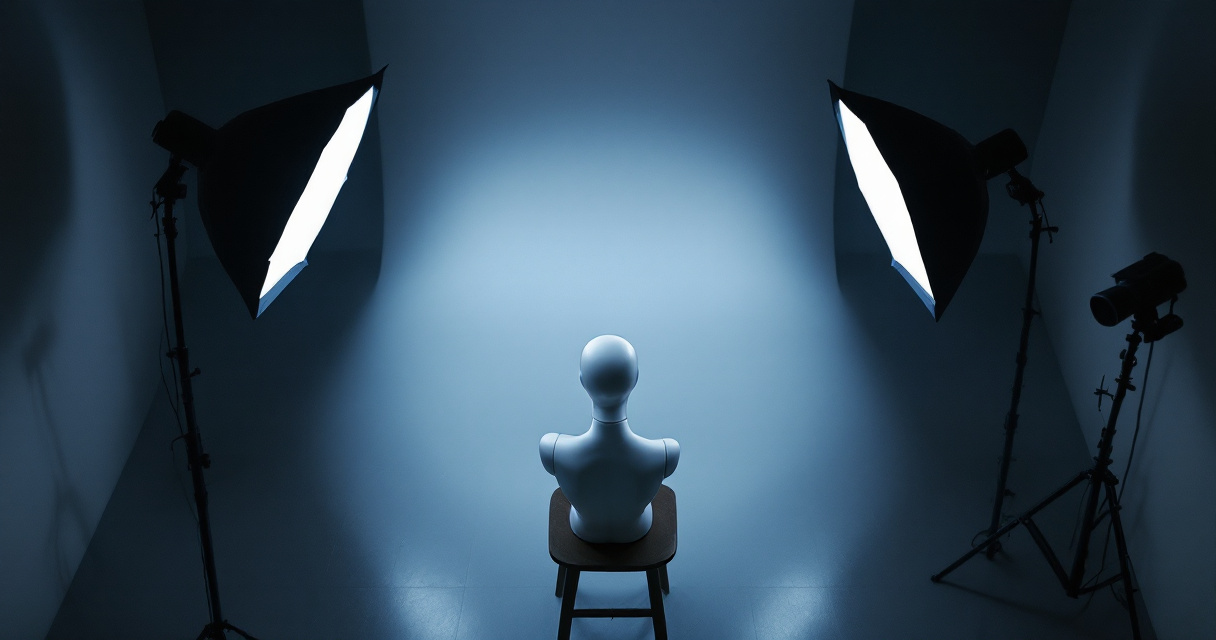
Portrait Lighting Terms Beginners Should Know
The video explains core concepts such as key light, fill light, and shadow placement. These same ideas influence how AI models simulate lighting in generated portraits.
Photographers still rely on these principles when evaluating whether an AI headshot looks realistic.
Practical Tips for Generating Better AI Headshots
Even advanced AI tools benefit from thoughtful input. Small adjustments in prompts or settings can improve lighting realism dramatically.
Here are practical ways to get stronger results.
Prompt and Composition Tips
When generating AI headshots, the lighting description plays a major role in image quality.
- Specify light direction such as "soft side lighting" or "studio softbox lighting"
- Include environment hints like "office window light" or "warm sunset lighting"
- Request shadow softness to avoid harsh artificial edges
- Use background context that supports the lighting, such as studio backdrops
Creators building multi-platform content often pair AI headshots with assets like a LinkedIn post AI generator to maintain consistent visual branding.
Workflow for Consistent AI Headshots
- Start with a neutral, evenly lit portrait.
- Generate multiple lighting variations.
- Compare realism and shadow consistency.
- Choose the version that matches your professional context.
Using The Looktara Lens platform simplifies this process by allowing multiple portrait variations in seconds without professional lighting equipment.
What AI Lighting Technology Will Look Like by 2027
AI portrait technology is evolving quickly. The next generation of tools will move beyond static lighting styles toward fully controllable lighting environments.
Research in computer vision and generative modeling suggests several improvements are coming soon.
Emerging Capabilities in AI Portrait Generation
Future AI headshot systems are expected to include:
- Real-time relighting that allows users to move virtual light sources
- 3D-aware face modeling for more accurate shadows
- Environment-aware lighting that matches backgrounds automatically
- Video-ready portrait generation for animated headshots
According to research published in Electronics (Myagmar-Ochir & Kim, 2023), advances in visual recognition and image synthesis continue improving how machines interpret lighting conditions in images.
These improvements will make AI headshots even harder to distinguish from real photographs.
Conclusion
Lighting has always been the secret ingredient behind a powerful headshot. The difference today is that AI can recreate professional lighting environments instantly. Instead of scheduling expensive studio sessions, professionals can generate multiple lighting styles and select the one that best represents their brand.
Tools like The Looktara Lens make it easy to experiment with studio lighting, natural light, or dramatic portrait effects while maintaining a realistic appearance. If you're updating your LinkedIn profile, building a personal brand, or refreshing your portfolio, try generating several lighting variations and compare how each one changes the impression you give. The right light can turn an ordinary headshot into a standout professional image.