

Your headshot can shape a first impression before anyone reads your portfolio. For architects, that image has to balance professionalism, design awareness, and trust. In 2026, AI headshots are no longer a novelty, they're a practical option for architects updating LinkedIn, firm profile pages, speaking bios, bid documents, and personal websites. Tools like The Looktara Lens make that process faster and more affordable than a traditional studio shoot, especially when you need multiple looks for different platforms. The challenge is getting a result that still feels like you, not a glossy stock-photo version of an architect.
Why architects are turning to AI headshots now
Architects sit in a visual profession. People expect your profile image to communicate judgment, attention to detail, and a clear point of view. That's why a weak selfie can hurt more in architecture than in many other fields.
AI headshots solve a very specific problem: they help you create a refined, consistent portrait from existing photos, often without booking a photographer, scouting a location, or coordinating wardrobe for a one-hour session. That matters for solo architects, firm partners, job seekers, and remote professionals who need updated branding quickly.
Research on generative AI helps explain why these tools have become so common. A 2024 survey of generative AI applications in the Journal of Computer Science reviewed how generative models are being applied across image creation and enhancement tasks, showing how fast the category has matured beyond early experimental use cases. See Gozalo-Brizuela and Garrido Merchan (2024). A broader 2023 survey on generative AI systems also mapped the rapid expansion of model architectures and applications, including visual outputs, which helps frame why AI portrait tools improved so quickly in the last few years. See Garrido-Merchán and López (2023).
Where architects actually use AI headshots
- LinkedIn profiles for hiring, networking, and recruiter visibility
- Firm bio pages that need a consistent team look
- RFPs and proposal decks where credibility matters
- Conference speaker pages and panel announcements
- Personal websites and portfolio about pages
- Press kits for publications or awards submissions
A good architect headshot should not just look polished. It should also match the context where clients, recruiters, or collaborators will see it.
That's also why AI headshots work best as part of a bigger personal brand system. If you're refreshing multiple assets, it makes sense to pair your photo update with visuals such as a resume headshot generator for professional profiles or a LinkedIn post AI generator for personal brand updates.
What makes architects different from other headshot users
A lawyer can often get away with a plain corporate portrait. An architect usually can't. Your audience expects modern taste, but not vanity. They want competence, calm confidence, and a sense that you understand presentation.
That means your headshot has to avoid two extremes: looking too casual, or looking unrealistically polished. The best AI results usually sit in the middle, with clean lighting, simple composition, and subtle style cues.
What an architect-friendly AI headshot should look like
Not every strong headshot is right for architecture. A flashy sales-style portrait can feel off-brand for a residential designer, an urban planner, or a principal at a boutique studio. You want a portrait that supports your professional identity, not competes with it.
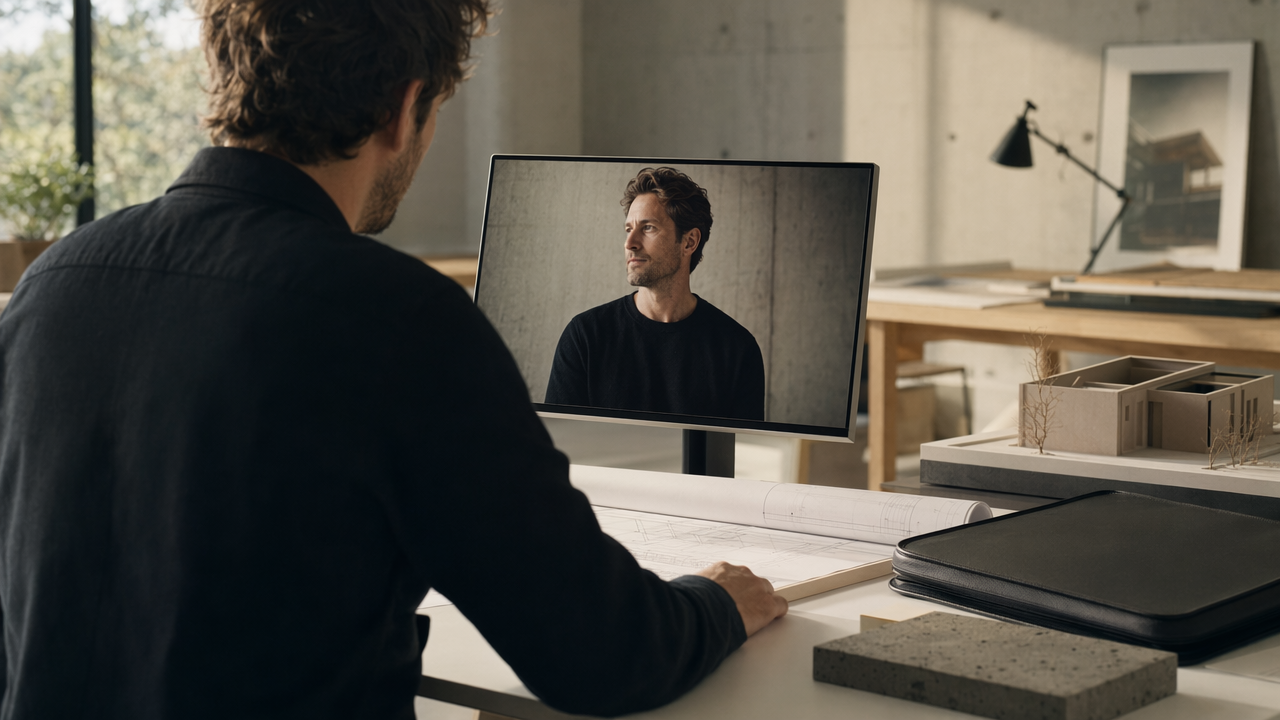
Visual traits that usually work best
| Element | Best practice for architects | What to avoid |
|---|---|---|
| Background | Neutral studio, soft office, muted architectural setting | Busy fake interiors, dramatic cityscapes |
| Wardrobe | Structured blazer, neat shirt, simple black or earth tones | Loud prints, overly trendy styling |
| Expression | Calm, approachable, alert | Overly serious stare, exaggerated smile |
| Lighting | Soft, even, realistic shadows | Hyper-glam lighting, harsh contrast |
| Retouching | Light skin cleanup, natural texture | Plastic skin, altered face shape |
Architects often ask if they should include design elements in the image. Usually, less is better. A clean backdrop or understated office scene works because it keeps attention on your face while still feeling premium.
The best prompts and source photos start with realism
If you're using The Looktara Lens or a similar platform, your upload set matters more than people think. AI can improve presentation, but it can't fully rescue bad source material.
Use photos that show:
- Your real current hairstyle and facial hair
- Natural daylight or even indoor lighting
- Several angles, but mostly straight-on and slight three-quarter views
- Minimal filters or phone beauty effects
- Clothing close to the look you want in the final result
Common mistakes that make AI headshots look fake
- Skin looks too smooth or reflective
- Eyeglasses become warped or asymmetrical
- Buttons, lapels, and collars don't sit naturally
- Background includes impossible architecture details
- Teeth and eyes look over-brightened
- Jawline or face shape changes too much
If someone who knows you says, "That looks nice, but it doesn't really look like you," the image has missed the mark.
For architects building a broader portfolio presence, image consistency matters across more than one asset. That's where related tools like a pitch deck slide AI generator for proposal visuals or a website hero AI generator for personal studio sites can help keep your visual brand aligned.
How formal should your architect headshot be?
That depends on your niche. Commercial architects and firm principals often benefit from a more formal look. Residential designers, creative directors, and independent consultants can usually go slightly softer and more editorial.
A useful rule: dress one step more polished than your everyday client meeting attire. That tends to look current without feeling stiff.
How to use AI headshots on LinkedIn, firm sites, and project bids
A single image rarely works everywhere. Architects often need different crops, backgrounds, and levels of formality depending on where the photo appears.
Match the image to the platform
For LinkedIn, use a close crop with direct eye contact and a clean background. The image should still read well at small size. If your main goal is career growth, pair the update with a stronger content presence using a LinkedIn post AI generator for professional visibility.
For a firm website, consistency matters more than individuality. Team pages look stronger when photos share the same lighting style, framing, and tone. AI can be especially useful here when a firm hires over time and needs to keep portraits visually aligned.
For RFPs, bids, and speaking bios, use the most conservative version. Clients reviewing proposal documents usually want credibility first, personality second.
A simple review checklist before you publish
- Does the face clearly match how you look right now?
- Would a current colleague recognize you instantly?
- Does the style fit your firm or market segment?
- Are clothing details clean and believable?
- Does the image still look good as a small thumbnail?
- Would you feel comfortable using it in a formal proposal?
When to choose AI over a traditional photo shoot
AI is often the smart choice when you need speed, multiple variations, or a lower-cost update. Traditional photography still has an edge for executive teams, major press features, or firms creating a full brand library with environmental portraits.
Still, for many professionals, using The Looktara Lens is enough to get a polished, practical result without the logistics of a studio booking. That's especially true if your current headshot is old, inconsistent with your role, or missing entirely.
You can also extend that refreshed identity across brand touchpoints, from a logo AI generator for studio branding to a landing page banner AI generator for architecture service pages.
Should architecture firms use AI for team headshots?
Yes, with guardrails. AI works well for creating visual consistency across a distributed team, especially when people are in different cities. But firms should set standards for wardrobe, pose, crop, and retouching so the results feel intentional.
The key is consistency without sameness. Everyone should look like part of one firm, while still looking like themselves.
Ethical and practical concerns architects shouldn't ignore
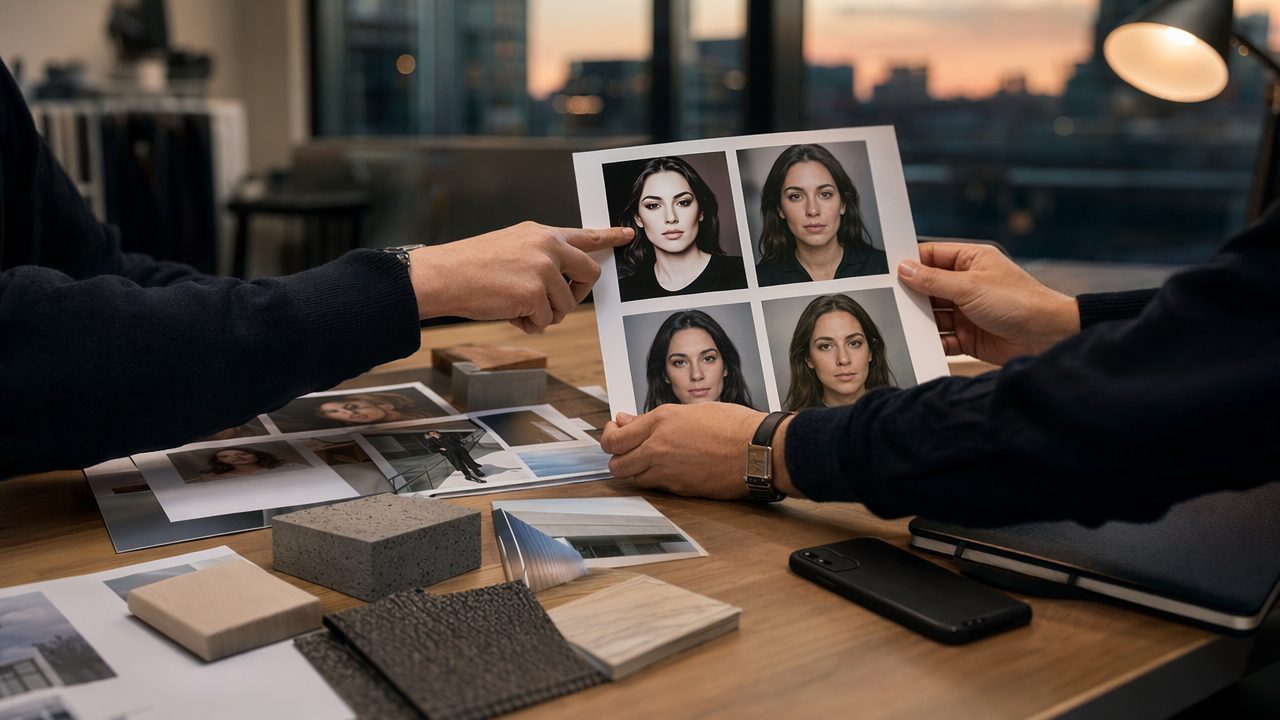
AI headshots are useful, but they raise fair concerns. Architects work in trust-based relationships. If your portrait looks too altered, clients may feel misled when they meet you.
The safest rule: enhance, don't reinvent
Use AI to improve lighting, clean up distractions, and create a more professional presentation. Don't use it to change your age dramatically, slim your face, or create clothing and settings that misrepresent who you are.
That balanced approach fits the wider discussion in generative AI research. Both the 2024 survey of generative AI applications and the 2023 automated survey of generative AI systems reflect a field moving fast, but also one that requires thoughtful human oversight.
Red flags that can hurt trust
- You look 15 years younger than you do in meetings
- The image suggests a luxury studio environment you don't have
- Cultural or personal features are subtly changed by the model
- Accessories, clothing, or background details imply a false identity
Your AI headshot should be an accurate professional representation, not a fictional character built from your selfies.
Another practical issue is ownership of brand consistency. If you use AI for one image, make sure the rest of your materials still feel coherent. A sharp portrait next to outdated slides or weak social graphics creates a mismatch. For architects who market themselves online, that's a good reason to review surrounding assets too, including content formats such as branded quote cards, profile banners, or presentation covers.
What if you're worried AI headshots will look generic?
That's a real concern. Many do. The fix is not avoiding AI entirely, but giving the tool better inputs and choosing restrained outputs. Neutral styling, accurate facial detail, and light retouching usually outperform dramatic transformations.
Architects already understand this idea from design work: the strongest presentation often comes from editing out noise, not adding more flair.
What to expect from AI headshots for architects in 2027
AI headshots will likely get better at consistency, especially for teams and multi-format brand kits. That means fewer strange details, better handling of glasses and hair, and easier adaptation of one identity across LinkedIn, websites, proposal decks, and speaker bios.
We'll probably also see stronger controls around brand style, where users can define a firm-approved visual direction instead of generating random polished portraits. For architects, that's a useful shift because personal image and studio identity often overlap.
Likely trends to watch
- Better preservation of facial accuracy across variations
- More reliable wardrobe rendering for business attire
- Easier creation of matching team portraits
- Tighter integration with profile, website, and proposal assets
- Clearer user controls for realism versus stylization
That broader integration is where platforms like The Looktara Lens may become especially useful. Instead of treating the headshot as a one-off image, the smarter approach is to connect it with the rest of your brand system, from social posts to presentation visuals and portfolio headers.
How to prepare now for better results later
Start with a small library of current, well-lit photos of yourself. Keep your online brand assets organized. Decide what version of your professional image you want to project: formal firm leader, creative independent architect, technical specialist, or public-facing design voice.
The more clearly you define that identity now, the easier it becomes to use future AI tools well instead of accepting whatever they generate.
Conclusion
Architects don't need a flashy AI portrait. They need a believable one that supports trust, design credibility, and a consistent personal brand. Start by choosing realistic source photos, aiming for subtle enhancement, and reviewing every output like you'd review a rendering: carefully, with context in mind.
If you're updating your profile this year, use The Looktara Lens to create a cleaner, more professional headshot, then align it with the rest of your brand materials. A smart next step is to refresh your LinkedIn image, firm bio, and proposal profile together so your presence feels consistent everywhere people find you.
Generated by EarlySEO.com