
A polished headshot can shape first impressions before a candidate or hiring manager reads a single word of your profile. For HR professionals, that matters even more because your photo signals trust, approachability, and credibility. In 2026, AI headshots are no longer a niche experiment, they're a practical option for LinkedIn, speaking bios, recruiting pages, and internal directories. Platforms like The Looktara Lens make this faster, especially when you need a professional image without booking a studio session. Still, speed alone isn't enough. HR teams have to think about realism, bias, privacy, and how a headshot fits employer branding without looking fake.
Why AI headshots make sense for HR teams now
HR professionals sit in a very visible role. Your image appears on LinkedIn, ATS team pages, conference listings, webinar promos, and company career sites. A weak photo can make your profile look dated; an overly edited one can hurt trust.
Generative AI has matured fast. A 2024 survey on generative AI applications by Gozalo-Brizuela and Garrido-Merchan outlines how these systems are being used across practical business tasks, not just experiments. A 2023 automated survey of generative AI by Garrido-Merchán and López also shows how quickly model architectures and applications have expanded. For HR, that means better image generation tools, easier workflows, and more consistent outputs than the first wave of novelty apps.
Key takeaway: AI headshots work best for HR when the goal is a polished, believable upgrade, not a dramatic reinvention.
Where AI headshots help the most
- LinkedIn updates when your current photo is outdated or poorly lit
- Talent acquisition teams that want a more consistent look across recruiter profiles
- Remote HR staff who don't have office photo days
- Employer branding assets for bios, webinar pages, and recruiting campaigns
- Freelance recruiters and consultants who need a clean personal brand on a budget
A quick comparison for HR use cases
| Use case | Best fit for AI headshots | Watch out for |
|---|---|---|
| LinkedIn profile | Strong fit, if the image stays realistic | Over-editing skin, jawline, or age cues |
| Careers page bio | Strong fit for consistency across team pages | Uniform images that erase individuality |
| Conference speaker page | Good fit for fast turnaround | Mismatch between photo and in-person appearance |
| Internal directory | Useful for distributed teams | Privacy and consent rules |
| Executive HR branding | Helpful as a backup or refresh | Needs tighter brand review |
If you're also updating personal brand assets around your profile, tools connected to visuals and social content can help. For example, a recruiter who refreshes a headshot may also want a matching LinkedIn post image generator or a clean website hero AI generator for a consulting site.
What changed between early AI portraits and 2026 tools
The biggest shift is output quality. Early tools often created waxy skin, strange eyes, or mismatched clothing. Newer systems are better at lighting, facial alignment, and professional styling. That said, better generation doesn't remove the need for human review, especially in HR where trust is part of the job.
What makes a strong AI headshot for an HR professional
A good HR headshot doesn't need dramatic styling. It needs to feel competent, warm, and current. That balance is different from what works for sales, entertainment, or influencer content.
The visual traits that usually work best
- Direct but relaxed eye contact to signal openness
- Neutral or soft background so your face stays the focus
- Business-casual or role-appropriate clothing that matches your company culture
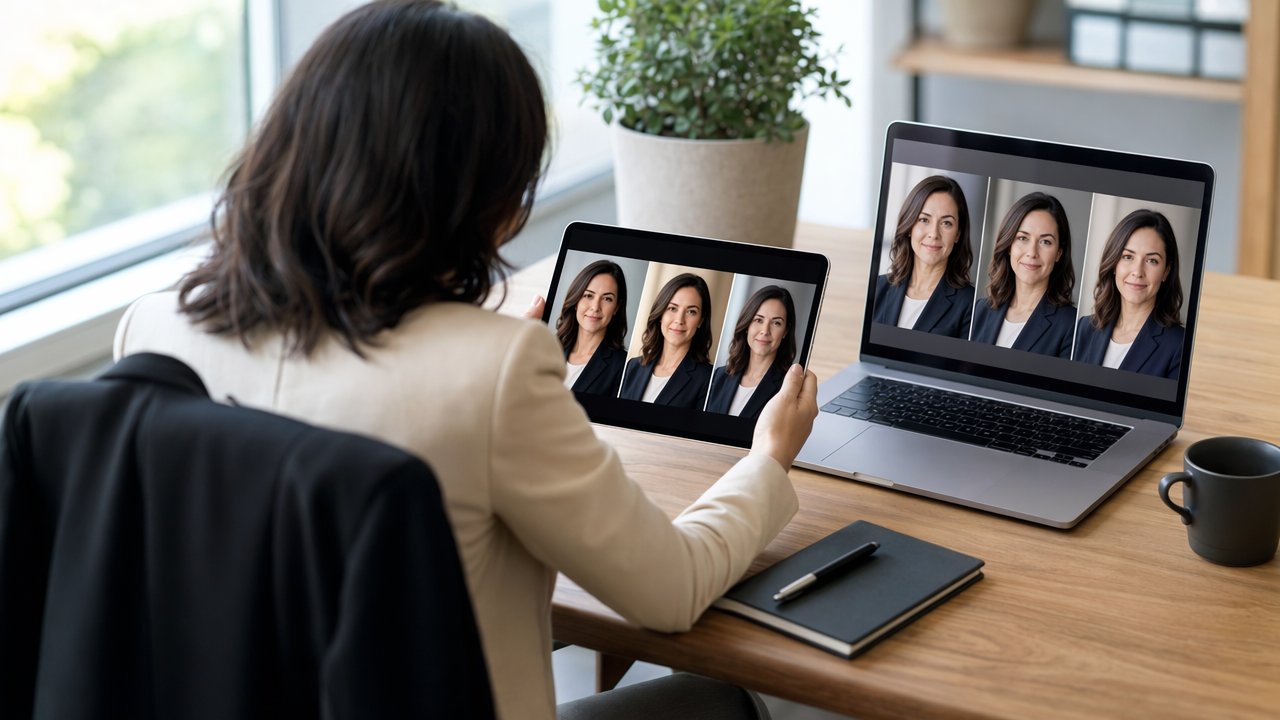
- Natural skin texture and hair detail so the photo doesn't look synthetic
- Clean crop from chest or shoulders up for profile and directory use
HR professionals often make one mistake with AI portraits: they ask for a generic "executive" look and end up with an image that feels too corporate or too polished. If you recruit for startups, nonprofits, healthcare, or education, your headshot should match that environment.
Prompts and inputs that improve results
- Upload several recent selfies with different angles and lighting
- Use plain descriptions such as role, industry, preferred wardrobe, and background style
- Ask for realistic lighting and minimal retouching
- Reject outputs that alter ethnicity, age cues, body shape, or facial structure
- Compare the final image beside recent candid photos before publishing
Best practice: Your AI headshot should look like you on a very good day, not like a different person with your name.
Using The Looktara Lens can help if you want a cleaner workflow for profile-ready images and related brand assets. For job-seeking HR pros, a matching resume headshot AI generator can also keep your CV, LinkedIn, and portfolio visually aligned.
How to match the image to your HR specialty
Talent acquisition, people operations, DEI, HR consulting, and executive HR leadership each project a slightly different tone. Recruiters often benefit from an approachable smile and lighter background. CHRO or HRBP profiles may lean more formal. DEI and employee experience leaders usually do best with a more natural, less heavily edited look because authenticity supports the message.
The fairness and bias risks HR professionals can't ignore
HR teams should be more cautious with AI-generated photos than most other departments. You work close to hiring, representation, and inclusion, so the ethical bar is higher.
A 2025 study on racial bias in AI-generated images by Yiran Yang examined bias issues in generated imagery. That matters directly here. If an AI headshot tool lightens skin tone, narrows facial features, alters hair texture, or pushes people toward a narrow "professional" template, the result is not just inaccurate. It can reinforce harmful norms.
A practical review checklist before you publish
- Does the image preserve your actual skin tone?
- Does your hair texture and style look like real life?
- Are facial features unchanged in any obvious way?
- Does the wardrobe fit your role without stereotyping gender or authority?
- Would a coworker recognize you immediately?
Bias and trust risks at a glance
| Risk | Why it matters in HR | Safer response |
|---|---|---|
| Skin tone shifting | Can distort identity and perception | Review against recent real photos |
| Age softening | May look dishonest if overdone | Keep retouching minimal |
| Gendered styling defaults | Can force narrow professional norms | Specify wardrobe and tone clearly |
| Ethnic feature alteration | Damages authenticity and inclusion | Reject and regenerate |
| Over-standardized team photos | Can erase individuality | Allow brand consistency without cloning |
Some HR leaders worry that using AI headshots is automatically deceptive. I don't think that's always true. A lightly enhanced, accurate image is closer to professional studio editing than identity fraud. The problem starts when the final image no longer reflects the person viewers will actually meet.
For broader employer branding, the same caution applies to visual campaigns. If you're building recruiting assets beyond profile photos, a branded landing page banner AI generator or pitch deck slide AI generator should still be reviewed for representation and realism.
Why authenticity matters more in HR than in many other roles
Candidates expect HR professionals to communicate policies, fairness, and culture. If your headshot looks heavily manufactured, it can create a small trust gap before the first message or interview. That doesn't mean AI is off-limits. It means the image has to stay close to reality, and the selection process needs more care than a casual social profile update.
How to use AI headshots across LinkedIn, recruiting, and employer brand content
Once you have a believable photo, the next step is consistency. HR professionals often need one core image adapted for several formats without looking repetitive or overproduced.
The best places to use one strong AI headshot
- LinkedIn profile photo as the primary use case
- Company team page with consistent cropping and background style
- Speaking engagements for webinar and conference bios
- Recruiting collateral such as one-pagers or event graphics
- Email signatures and internal platforms if your company allows generated images
A simple workflow usually works best:
- Pick one realistic master headshot.
- Create two backups with slightly different crops or expressions.
- Check each version on desktop and mobile.
- Align the image style with your banner, bio, and brand colors.
- Update every public profile within the same week.
Supporting assets that keep your brand cohesive
HR consultants and talent leaders often need more than a profile image. You may also want social visuals, slide designs, or quote cards for hiring tips and culture content. The The Looktara Lens platform is useful here because headshots often sit inside a larger personal brand system. Related tools like a quote post AI generator or even a simple logo AI generator for personal branding can help if you run an independent HR consultancy.
Smart move: Treat your headshot as one brand asset, not a standalone file. The strongest profiles pair a credible photo with a consistent visual identity.
When a real photographer is still the better choice
AI headshots are efficient, but they aren't perfect for every case. If you need press photos, executive leadership portraits, team photography with a shared physical setting, or images for high-stakes PR, a real photographer still gives you more control. AI is strongest when speed, cost, and convenience matter more than custom art direction.
What to expect next for AI headshots in 2027
The direction is clear: better realism, faster editing, and tighter integration with professional branding tools. Research surveys from 2024 and 2023 show a fast-moving generative AI field, and image tools will likely keep improving in consistency and user control.
For HR professionals, three changes are worth watching:
- More identity-preserving generation, with less accidental feature drift
- Stronger bias testing, pushed by public scrutiny and enterprise buyers
- Connected content systems, where one headshot feeds LinkedIn posts, speaking pages, videos, and recruiting assets
That third shift matters. A headshot may soon be just one input in a content workflow that also builds profile banners, social graphics, and presentation visuals. You can already see part of that trend in adjacent tools such as a YouTube thumbnail generator or a TikTok cover AI generator, even if those aren't classic HR assets.
The likely winner won't be the app that creates the most dramatic face swap. It will be the one that helps professionals look accurate, polished, and consistent across channels with better controls for privacy and fairness.
How HR teams can prepare now
Set a light policy before AI headshots become common in your company. Decide where they're allowed, what level of editing is acceptable, who reviews public-facing images, and how employees can opt out. That keeps the conversation practical instead of reactive.
Conclusion
AI headshots can be a smart choice for HR professionals, but only when they protect the one thing your role depends on most: trust. Aim for realism over perfection, review every image for bias and identity drift, and use one strong photo consistently across LinkedIn, recruiting pages, and speaking profiles. If you want a fast way to create a polished, profile-ready image and keep your broader brand visuals aligned, start with The Looktara Lens. Then audit your current photo, generate a few realistic options, and ask two coworkers a simple question before you publish: "Does this still look like me?"
Generated by EarlySEO.com