
Your headshot often gets judged before your portfolio does. For interior designers, that matters because interior design is both an art and a science focused on making built spaces healthier and more aesthetically pleasing for the people using them, a definition consistent with Wikipedia's overview of interior design. A generic corporate portrait can feel out of sync with a design-led brand, while a poor selfie can weaken trust fast. That's why many designers now use AI to turn casual photos into cleaner, client-ready portraits. Platforms like The Looktara Lens make that process faster, especially if you need images for LinkedIn, a studio website, speaking pages, or proposal decks without booking a traditional studio shoot.
Why interior designers need a different kind of AI headshot
Most AI headshot pages push the same promise: upload selfies, get studio-quality images. That's useful, but interior designers need more than a polished face crop. Your image has to signal taste, spatial awareness, and the kind of client experience you deliver.
A residential designer targeting high-end remodels usually needs a softer, editorial look. A commercial designer may need a more structured portrait for procurement teams, architects, and corporate stakeholders. A home staging consultant or color specialist might need something warmer and more approachable. The best AI headshot is not the most glamorous one. It's the one that matches your niche.
Key takeaway: For interior designers, a strong AI headshot should match your design style, audience, and platform, not just look "professional."
Design-focused professionals also work across more channels than many office-based roles. One image may need to fit LinkedIn, an About page, a speaking bio, and a pitch deck. If you're building a full visual brand, it helps to pair your headshot with related assets like a website hero image generator or a pitch deck slide generator so your profile photo doesn't sit inside a mismatched brand system.
What clients read from a designer portrait
Clients notice more than lighting and sharpness. They read cues like wardrobe, posture, background style, and facial expression.
A useful AI headshot for an interior designer should communicate:
- Trust, because clients may hire you for expensive, personal projects
- Taste, because your face becomes part of your brand presentation
- Clarity, because people want to know who they're hiring
- Approachability, because design projects involve feedback, revisions, and collaboration
If your portrait looks overly artificial, heavily retouched, or disconnected from your actual style, it can create friction before the first call.
How to create an AI headshot that still feels like you
A believable result starts long before you click generate. Most poor AI headshots happen because users upload random selfies with inconsistent lighting, angles, and expressions.
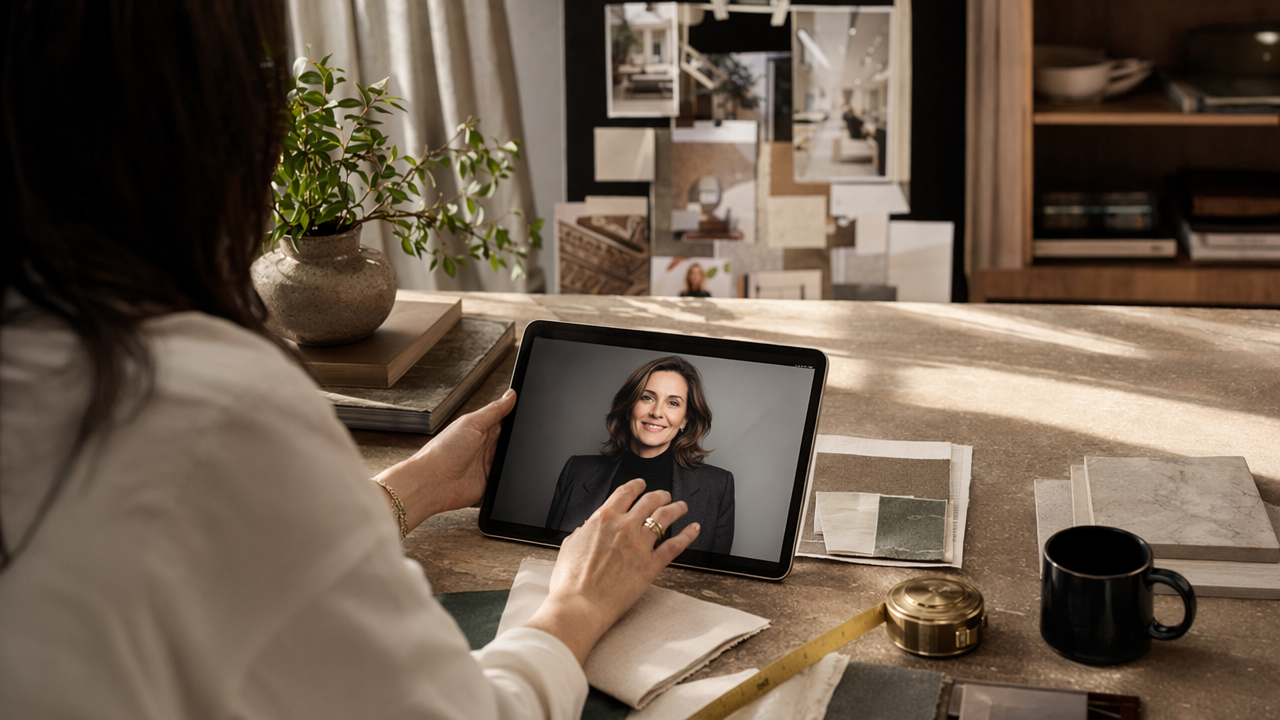
Research on AI in design education points to a broader pattern: AI works best when humans guide the creative direction instead of treating the tool like a magic button. A 2024 article, Design Education Methodology Using AI, examined how AI fits into design workflows, which supports a practical takeaway for headshots too: the input and direction matter.
Using The Looktara Lens, you'll usually get better outcomes if you prepare a small, varied photo set instead of uploading near-duplicates.
The best source photos to upload first
Start with 8 to 15 photos if the tool allows it. Mix angles, but keep your look current.
Choose source images with:
- Natural daylight or even indoor light
- Minimal beauty filters
- Simple tops in colors you actually wear to client meetings
- A few neutral expressions, plus a slight smile
- Clean backgrounds, even if they're not studio backgrounds
Avoid wide sunglasses, heavy shadows, group crops, and photos from years ago. AI can exaggerate inconsistencies, especially with hairlines, glasses, and jawlines.
H3: Quick checklist for more realistic outputs
| Input choice | Better option | Avoid |
|---|---|---|
| Lighting | Window light, soft indoor light | Harsh overhead light |
| Expression | Relaxed, confident, slight smile | Forced grin or blank stare |
| Clothing | Solid colors, tailored basics | Busy prints and logos |
| Background | Plain wall, tidy room | Cluttered interiors |
| Photo age | Recent photos | Outdated images |
That table may look simple, but it fixes most of the issues people blame on AI. If you want the image for job search use too, a dedicated resume headshot AI generator can help you create a version with a more formal crop and composition.
Choosing a style that fits your design brand, not just LinkedIn
Interior designers often need multiple headshot versions, not one universal file. Your LinkedIn photo should be clear and credible. Your portfolio About page can be more editorial. A media kit or speaker bio may call for stronger contrast or a more architectural background feel.
That's where AI can be genuinely practical. Instead of booking several shoots, you can create variations around one core identity, then use the best image for each channel.
Use one face, many contexts: the smartest workflow is to keep your appearance consistent while adjusting crop, wardrobe feel, and background mood by platform.
Competitor pages tend to stop at "professional headshots in minutes." A better standard is brand alignment across your whole online presence.
Three headshot directions that work well for interior designers
- Editorial designer look: soft natural light, neutral wardrobe, warm background tones. Good for boutique studios and residential design.
- Corporate design consultant look: clean blazer or elevated knit, direct eye contact, simple background. Good for commercial design, procurement, and B2B work.
- Creative founder look: slightly relaxed pose, visible personality, modern styling. Good for social-first designers, creators, and personal brands.
You can also build matching supporting assets around the image. For example, a LinkedIn post AI generator helps if you're sharing project wins, while a Pinterest pin AI generator makes sense for designers driving traffic with mood boards, room reveals, and style guides.
Where an AI headshot should appear in your business
Don't limit your new photo to one profile. Interior designers usually get more value when they update every client-facing touchpoint at once:
- LinkedIn profile and banner-adjacent placements
- Studio website About page
- Proposal and presentation decks
- Speaking bios and press kits
- Instagram highlights or creator bio links
- Email signature and contact page
Consistency matters because clients may see you in three or four places before they inquire.
Common mistakes that make AI headshots look fake or off-brand
The fastest way to waste an AI headshot is to choose the most dramatic image in the set. That usually means excessive skin smoothing, strange teeth, overly glossy eyes, or a background that feels more luxury hotel than actual design studio.
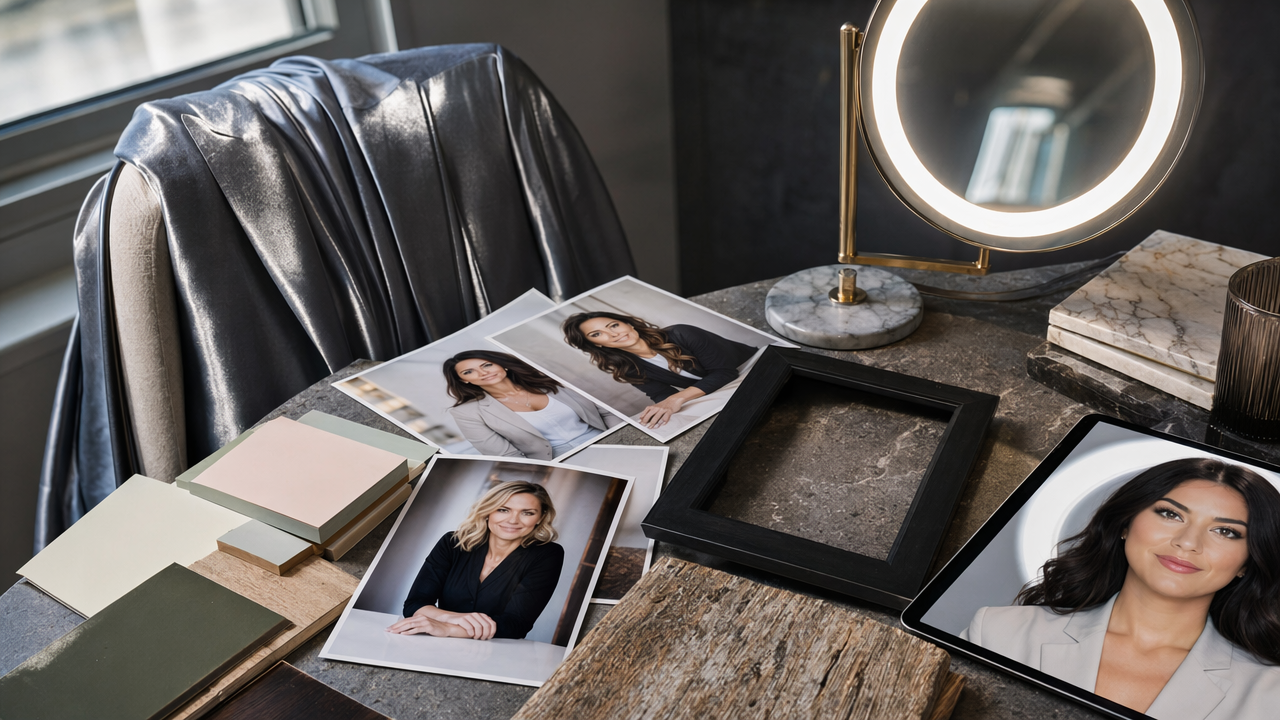
Another issue is style mismatch. A maximalist fashion portrait can look impressive, but if your clients expect calm, practical guidance on kitchens, lighting plans, and material palettes, the image may send the wrong signal.
A helpful way to pressure-test your final choices is to ask one question: would a client recognize you on a video call or at a site visit? If the answer is no, keep editing.
Because FAQs are a curated set of answers to common concerns, the format itself is useful here, consistent with Wikipedia's explanation of FAQ. So here are the objections people usually have before using AI portraits.
Fast FAQ for skeptical interior designers
Are AI headshots acceptable for LinkedIn and business websites? Yes, if they accurately represent how you look now and don't mislead clients.
Will clients notice it's AI? They might if the retouching is heavy or the styling is unrealistic. Subtle results usually perform better.
Can AI replace a luxury brand photoshoot? Not always. For magazine features, team pages, or high-budget launches, a traditional photographer may still be worth it.
What's the biggest mistake? Uploading low-quality source images, then choosing the most polished output instead of the most believable one.
Should you generate one image or many? Many. Pick one lead image, then keep two alternates for different placements.
If you're expanding a full personal brand, you can also create related visuals such as a logo concept generator or a quote post AI generator for social proof content.
What to expect from AI headshots for designers in 2026 and beyond
In 2026, the clear trend is customization. Generic business portraits are still easy to generate, but the more useful tools are moving toward role-specific outputs, tighter brand control, and better consistency across multiple assets.
That matters for interior designers because your business lives in visuals. You're not only selling a service. You're selling judgment, taste, and trust. AI tools that understand style direction, channel-specific crops, and brand cohesion will likely keep improving through 2027.
The strongest use case is not replacing all photography. It's speeding up the moments when you need a credible, polished, current image now. That's especially helpful for freelancers, remote consultants, speakers, and early-stage studio owners who need quality fast.
Best 2026 mindset: use AI headshots as a smart brand production tool, not as an excuse to look unreal.
For a modern workflow, start with a believable portrait, then build matching visuals around it. Using The Looktara Lens platform for headshots, plus adjacent assets for site banners or social content, can save time and keep your image system consistent.
A practical standard for the next year
If you want your AI headshot to hold up in 2026, aim for these three outcomes:
- Recognition: people should recognize you instantly
- Relevance: the image should fit your niche and client type
- Repeatability: you should be able to create matching variants for every platform
That's a better benchmark than chasing a hyper-perfect portrait. The image that wins is usually the one that feels current, calm, and true to your brand.
Conclusion
A good AI headshot for an interior designer does one job really well: it makes your first impression match the quality of your work. Keep the image current, choose styling that fits your niche, and prioritize realism over drama. Then update the channels that matter most, your LinkedIn profile, website, proposals, and social bios, so clients see the same polished identity everywhere.
If you need a fast place to start, try The Looktara Lens to create a headshot that feels professional without looking generic. Once you have your portrait, pair it with matching brand assets, review the final images on every platform you use, and publish the version that actually looks like you. That one will usually earn more trust than the flashiest option.
Generated by EarlySEO.com