
Your Zoom profile picture often speaks before you do. In remote meetings, it becomes your first impression, especially when cameras are off or participants scan the attendee list. Zoom, the videotelephony platform developed by Zoom Communications, supports up to 100 participants in its free plan and remains one of the most widely used collaboration tools in 2026. That small circular photo beside your name acts as a digital avatar of your professional identity.
Hiring managers, clients, and colleagues frequently judge credibility from profile images. A 2024 survey cited in generative AI research by Roberto Gozalo‑Brizuela and Eduardo Garrido Merchan found that AI image generation tools dramatically reduce the cost and time needed to produce professional visuals, making high-quality portraits accessible to anyone with a smartphone.
Instead of paying hundreds for studio photography, people now generate studio‑style portraits from selfies using AI tools such as The Looktara Lens. In minutes, you can produce a polished headshot designed specifically for Zoom, LinkedIn, and professional platforms.
This guide explains how AI headshots work, how to create one optimized for Zoom profile pictures, and how to avoid common mistakes so your digital presence looks confident and credible.
Why Your Zoom Profile Photo Matters More Than Ever
Remote work permanently changed how professionals present themselves online. A Zoom profile picture functions as a visual avatar, a concept defined in computing as a graphical representation of a user in digital environments.
When meetings involve dozens of participants, your profile image becomes a quick recognition signal. Clear, professional headshots help colleagues remember you and strengthen personal branding.
Research into digital communication, including Hannah Zeavin's work in The Distance Cure (MIT Press, 2021), highlights how visual cues strongly influence trust in remote interactions. Even small signals like profile photos shape perceptions of authority and approachability.
In virtual communication environments, visual identity markers strongly influence perceived credibility and trust.
Key Advantages of Using a Professional Zoom Headshot
- Builds trust with clients and colleagues
- Makes your name easier to recognize in meeting participant lists
- Reinforces your personal brand across platforms
- Improves credibility in job interviews or presentations
- Keeps your profile consistent with LinkedIn and company pages
Professionals who maintain consistent branding across platforms often pair their headshot with other AI-generated visuals, such as a LinkedIn post AI generator for professional branding or profile graphics.
The goal is simple: your Zoom photo should look confident, clear, and authentic.
How AI Headshot Generators Turn Selfies Into Studio Portraits
Modern AI headshot tools use generative image models trained on massive datasets of faces, lighting patterns, and photography styles. According to the 2024 academic survey A Survey of Generative AI Applications, generative models can produce photorealistic images that mimic professional lighting, depth, and camera quality.
Instead of editing a photo manually, the AI analyzes several selfies and synthesizes new portraits with improved lighting, background, clothing, and posture.
Typical AI Headshot Creation Process
- Upload 5 to 20 selfies from different angles.
- The AI analyzes facial features and builds a visual model of your appearance.
- You choose styles such as corporate, casual, or creative.
- The system generates multiple professional portraits.
- Download and crop one specifically for Zoom's circular profile frame.
Many users create their portraits using platforms such as The Looktara Lens, which produces professional headshots suitable for business profiles, video platforms, and presentations.
What AI Actually Improves in a Headshot
| Feature | What AI Enhances | Why It Matters for Zoom |
|---|---|---|
| Lighting | Simulated studio lighting | Face remains clear even in small thumbnails |
| Background | Neutral or office settings | Keeps focus on the subject |
| Clothing | Professional attire options | Improves perceived professionalism |
| Skin tone & color balance | Automatic corrections | Prevents washed‑out webcam images |
| Framing | Proper portrait composition | Fits Zoom's circular crop better |
These adjustments mimic what professional photographers achieve with cameras like the Sony FX30 cinema camera, but software now performs similar corrections automatically.
Best AI Headshot Styles That Work Well for Zoom Profiles
Not every headshot style works inside Zoom's tiny circular frame. High contrast, simple backgrounds, and centered composition perform best.
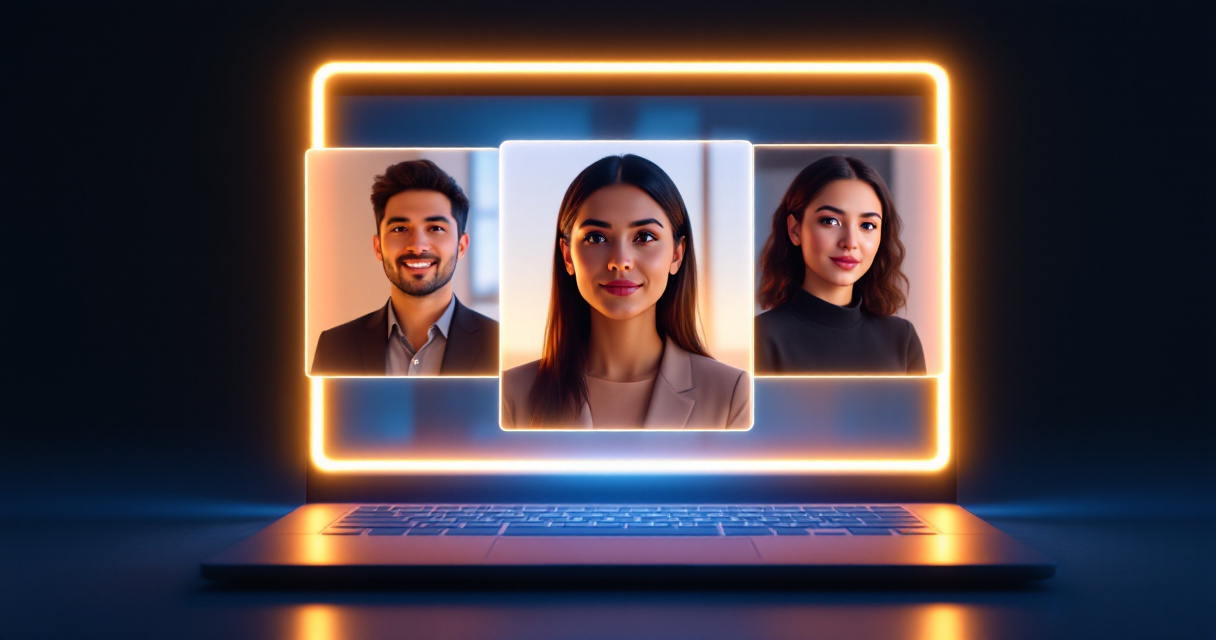
Professional Styles That Translate Well on Video Platforms
- Corporate neutral background: clean white or gray studio backdrop
- Modern office environment: blurred workplace setting
- Soft natural light portrait: friendly but still professional
- Minimalist LinkedIn style: tight framing around the face
These styles keep the subject recognizable even when the profile image shrinks to 100 pixels.
People who maintain consistent brand visuals often pair their headshots with other graphics such as a website hero image AI generator for personal branding or marketing assets.
Visual Prompt Techniques for Consistent AI Portraits
Prompt consistency matters. AI models generate more realistic portraits when you provide clear instructions about lighting, clothing, and framing.
Step‑by‑Step: Creating an AI Headshot for Your Zoom Profile
You can generate a professional Zoom portrait in under 10 minutes if you start with decent selfies.
Step 1: Capture Good Source Photos
Take 8 to 12 selfies with:
- natural lighting near a window
- neutral background
- neutral expression or light smile
- direct eye contact with the camera
Avoid sunglasses, hats, or heavy filters.
Step 2: Generate AI Headshots
Upload your photos to an AI tool such as The Looktara Lens. The system analyzes facial structure and produces multiple portrait options.
If you also maintain personal branding across social channels, you can pair your portrait with assets created using tools like a TikTok cover AI generator for creators.
Step 3: Crop for Zoom Format
Zoom profile images display as a circle, so keep:
- face centered
- shoulders visible
- minimal empty space
Step 4: Upload to Zoom
- Sign in to Zoom
- Open Profile settings
- Upload the new image
- Adjust the crop inside the circular preview
Within seconds, your professional headshot appears in every meeting.
Common AI Headshot Mistakes That Make Zoom Photos Look Fake
AI portraits can look impressive, but poor inputs or unrealistic prompts often produce awkward results.
Red Flags to Watch For
- Overly smooth skin that looks plastic
- Inconsistent eye direction caused by poor source images
- Unnatural clothing folds or logos
- Extreme lighting effects that distract in small thumbnails
A good rule: if the photo would look strange on LinkedIn, it will also look strange on Zoom.
Authenticity usually beats perfection. Slight imperfections often make AI portraits appear more believable.
Quick Fixes
- regenerate with more source selfies
- choose natural lighting styles
- avoid overly cinematic prompts
- select neutral backgrounds
Professionals also maintain consistency across platforms by generating complementary visuals such as YouTube thumbnail images with AI or profile graphics for social channels.
AI Headshots vs Traditional Photography for Remote Professionals
Professional photography still produces excellent portraits, but AI headshots dramatically lower cost and turnaround time.
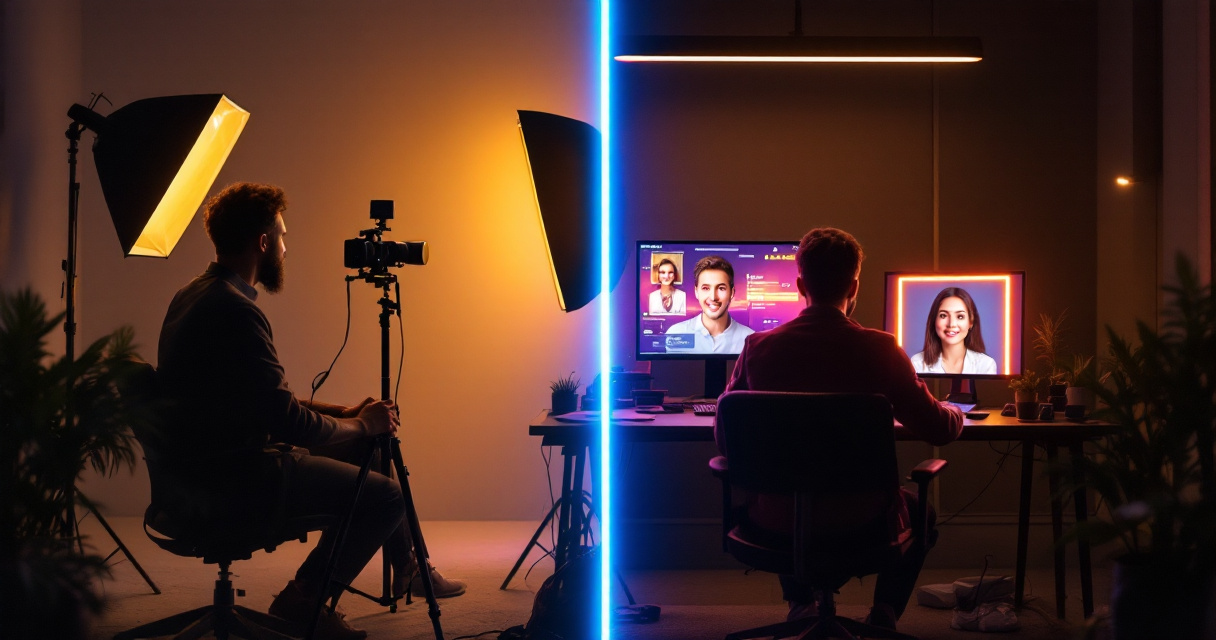
Cost and Time Comparison
| Option | Typical Cost | Turnaround Time | Flexibility |
|---|---|---|---|
| Studio photography | $150 to $500 | Days to weeks | Limited revisions |
| Freelancer photographer | $75 to $250 | Several days | Moderate |
| AI headshot generator | $5 to $30 | Minutes | Many variations |
Freelancers, job seekers, and remote workers often choose AI tools because they can generate multiple looks instantly.
The research by Miceli and Posada (ACM Human‑Computer Interaction, 2022) also notes that automated creative tools lower barriers to digital content creation, allowing individuals to produce professional‑quality media without specialized training.
What AI Headshots for Video Platforms Will Look Like by 2027
AI-generated portraits are evolving rapidly. Several improvements are expected in the next few years.
Emerging Trends
- Real-time avatar headshots that animate subtly during meetings
- Dynamic lighting adaptation for different backgrounds
- AI wardrobe customization that matches company branding
- Cross-platform profile syncing between Zoom, Slack, and LinkedIn
Many experts expect profile images to merge with smart avatars that react during video calls.
Generative AI systems are expanding from static images to interactive media, according to the 2024 generative AI survey by Gozalo‑Brizuela and Merchan.
Creative professionals already generate multiple visual assets alongside headshots, such as AI podcast cover artwork or social graphics, building consistent personal brands across platforms.
Frequently Asked Questions About AI Zoom Profile Pictures
Are AI headshots acceptable for professional meetings?
Yes. Most companies accept AI-generated portraits as long as the image accurately represents your appearance and looks professional.
What size should a Zoom profile picture be?
Zoom recommends a 1:1 square image. Upload at least 400 × 400 pixels for best quality.
Can AI headshots be used on LinkedIn too?
Absolutely. Many people generate one portrait and use it for Zoom, LinkedIn, Slack, and email profiles.
Do AI headshots really look realistic?
Modern models can produce highly realistic portraits if you provide clear source photos. The quality depends heavily on input images and prompt settings.
Conclusion
Your Zoom profile picture quietly shapes how people perceive you in meetings, interviews, and remote collaboration. A clean, professional headshot builds trust and helps colleagues remember who you are, even before you speak.
AI tools now make that level of polish accessible to anyone with a few selfies. Instead of booking a costly photoshoot, you can generate multiple studio-quality portraits in minutes.
If you're updating your professional presence, try creating a new AI portrait using The Looktara Lens. The platform helps you produce polished headshots along with branded visuals for social profiles, presentations, and content channels. Start with a simple selfie set, generate several styles, and upload the best one to Zoom today.
A small profile photo might seem minor, but the right headshot can strengthen your personal brand every time you join a meeting.