
Your LinkedIn photo is doing more work than most people realize. Since LinkedIn is a business and employment-focused social network used for professional networking and career development, your profile image often becomes your first visual introduction to recruiters, clients, and collaborators. That's why an AI headshot generator has become a practical shortcut in 2026: you can turn a few casual selfies into a polished profile image without booking a studio session.
If you want a faster way to create profile-ready visuals, The Looktara Lens fits naturally into that workflow. It's especially useful when you need your headshot to match other brand assets, like a LinkedIn post generator for business content or a website hero image generator. The real question isn't whether AI can make a clean headshot now, it can. The real question is how to get one that looks trustworthy, current, and unmistakably like you.
Why AI headshots are now a serious LinkedIn tool, not a gimmick
A few years ago, AI portraits often looked over-smoothed or strangely symmetrical. In 2026, the standard is higher. The best tools can produce studio-style lighting, clean backgrounds, and business-ready framing from ordinary phone photos.
That shift tracks with broader progress in generative AI. A generative adversarial network, or GAN, is a machine learning framework used as a prominent approach to generative artificial intelligence, according to Wikipedia's overview of GANs. While not every current image tool relies on GANs alone, the core idea matters: modern systems are trained to generate realistic visual outputs that can mimic professional photography styles.
Still, realism is only half the job on LinkedIn. You also need credibility. Research by Sergi D. Bray, Shane D. Johnson, and Bennett Kleinberg in the 2023 Journal of Cybersecurity examined how well people can detect deepfake face images, which matters because a profile photo that looks artificially generated can quietly damage trust rather than improve it. See the study here: Testing human ability to detect 'deepfake' images of human faces.
A LinkedIn headshot works best when it looks polished, but not invented.
The best use case for AI is simple:
- You need a current headshot fast
- You don't want the cost of a photographer
- You need visual consistency across channels
- You want several style options before choosing one
That last point matters for founders and creators. A LinkedIn profile photo often needs to line up with your logo, brand palette, or creator identity. If you're building a personal brand, that can pair well with tools for a logo concept workflow or a pitch deck slide design workflow.
What LinkedIn users actually want from an AI headshot
Most people aren't looking for an artistic portrait. They want a photo that signals competence, approachability, and accuracy.
On LinkedIn, good usually means:
- Clear eye contact
- Neutral or lightly blurred background
- Natural skin texture
- Professional clothing that fits your field
- Framing from chest or shoulders up
That's why many flashy AI outputs fail. If the result looks too cinematic, too edited, or too generic, it may stand out for the wrong reason.
What makes an AI LinkedIn profile picture look professional in 2026
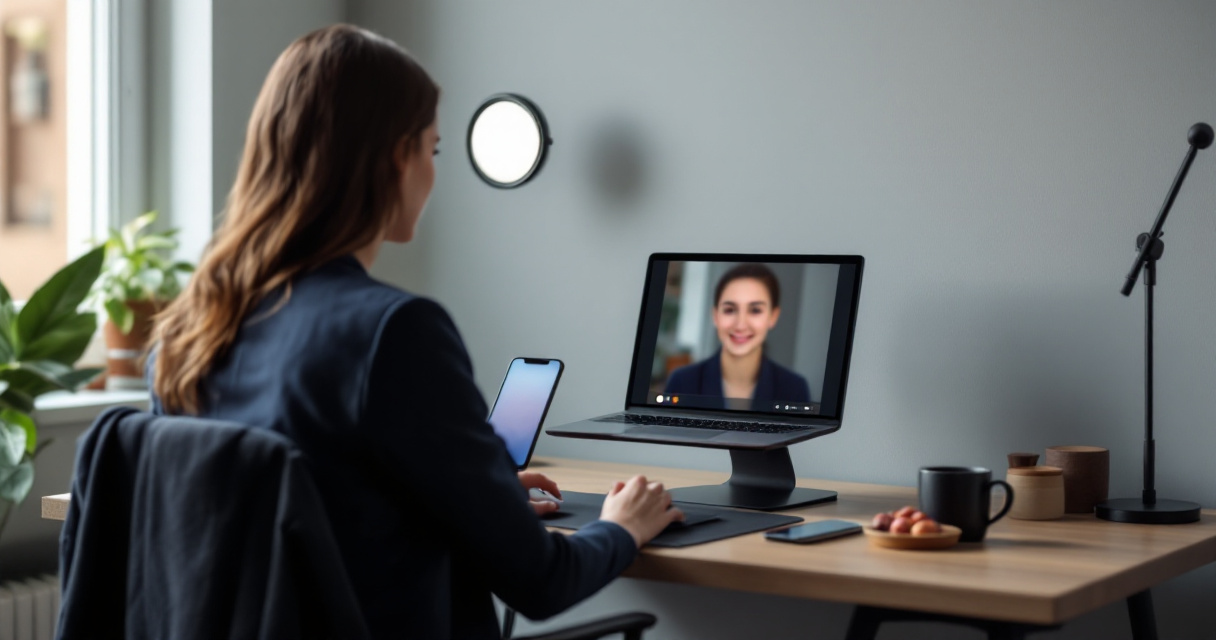
A strong AI headshot is less about the software name and more about the input photos, styling choices, and editing restraint. Competitor pages often focus on "free" or "best," but they rarely explain what quality actually looks like.
The anatomy of a convincing LinkedIn headshot table
| Element | What works in 2026 | What hurts credibility |
|---|---|---|
| Lighting | Even light on face, soft shadows | Harsh contrast or glowing skin |
| Background | Plain office, neutral wall, subtle blur | Busy scenery or fake luxury interiors |
| Expression | Relaxed smile or calm confidence | Blank stare or overly dramatic pose |
| Clothing | Simple, industry-appropriate outfit | Distracting patterns or mismatch with role |
| Retouching | Minor cleanup only | Plastic skin, warped ears, odd teeth |
| Crop | Head and shoulders, centered | Full-body crop or too-tight face crop |
Readers often ask, should you use AI at all for a professional network? The practical answer is yes, if the result is accurate. If your generated headshot changes your age, skin tone, facial structure, or hairline too much, it stops being a profile photo and becomes a character rendering.
Todd C. Helmus's 2022 RAND primer on AI, deepfakes, and disinformation is relevant here because it explains the broader trust problem around synthetic media. Even if your intent is harmless, the public is becoming more alert to manipulated visuals. You can read it here: Artificial Intelligence, Deepfakes, and Disinformation: A Primer.
The safest standard is simple: your AI headshot should look like the best real-photo version of you, not a better species of you.
Small details recruiters notice fast
You don't need a recruiter survey to know how first impressions work. On a profile screen, tiny visual cues do heavy lifting. People notice whether your eyes are sharp, whether the background is distracting, and whether the image feels current.
Use these quick checks before uploading:
- Compare the headshot to a recent selfie
- Zoom in on teeth, ears, glasses, and hands near the face
- Check if hair edges look natural
- Make sure clothing matches your field
- Ask one colleague if the image still looks like you
If you're also active outside LinkedIn, consistency helps. Using The Looktara Lens for adjacent creative tasks, such as a quote post visual generator or a YouTube thumbnail generator, can make your personal brand feel more coherent without overdesigning your profile photo.
How to get better results from any AI headshot generator
The quality of your output depends heavily on what you upload. Even the best model can't fix bad source photos completely. Most users blame the tool when the real issue is poor input variety.
Start with 8 to 15 recent photos if the generator allows multiple uploads. Include different angles, natural expressions, and at least one image in lighting similar to daylight. Skip heavy filters, sunglasses, hats, and group photos.
A practical upload checklist before you generate
- Use photos taken within the last 12 months
- Include both neutral and slight-smile expressions
- Wear plain tops in a few shots
- Keep at least half the images makeup-light or unedited
- Avoid low light and front camera blur
- Remove images with strong shadows across the face
You should also decide your target style before generating. A corporate lawyer, startup founder, freelance designer, and dating app user may all want different levels of polish. For LinkedIn, the safest lane is clean and restrained.
Some users ask if a phone selfie is enough. Usually, yes, if it's sharp and well lit. A modern phone with window light can outperform an old studio image that no longer looks like you.
Common mistakes that make AI headshots look fake
- Choosing backgrounds that don't fit your role
- Letting the tool over-retouch skin
- Accepting altered jawlines or eye color
- Using a headshot with strange fabric textures
- Picking the most dramatic version instead of the most believable
If you're building a wider content system, the The Looktara Lens platform can also support related assets, from a Pinterest pin generator for visual promotion to a product photo generator for brand pages. That matters for entrepreneurs who want one visual identity across LinkedIn, websites, and social channels.
When you should still hire a photographer
AI is fast, but it isn't always the best option. Hire a human photographer if you need executive portraits for press, team photos with consistent lighting, or highly specific editorial brand imagery.
A photographer is also the better choice if your work depends on authenticity at a very high level, such as politics, journalism, or regulated industries where visual trust is especially sensitive.
Privacy, ethics, and LinkedIn trust: what smart users should watch
Uploading selfies to an AI tool isn't just a design choice, it's a data choice. Competitor pages usually skip this, but you shouldn't. Face data is sensitive, and policies vary widely between tools.
Before uploading photos anywhere, check:
- Whether images are deleted after processing
- Whether your photos are used for model training
- Whether commercial usage is allowed
- Whether you can delete your account and images easily
This matters because AI-generated faces sit inside a wider public conversation about synthetic media. The RAND primer linked earlier gives useful context on why trust and disclosure matter in image generation. A LinkedIn photo doesn't need a disclaimer, but it does need honesty. If the image materially misrepresents your appearance, your profile can feel misleading even if the picture looks great.
A simple rule set for ethical AI headshots
| Question | Safer choice |
|---|---|
| Does it still look like you today? | Use it |
| Did AI change core facial features? | Reject it |
| Is the outfit realistic for your role? | Keep it |
| Would a colleague recognize you instantly? | Use it |
| Does it feel more like an avatar than a photo? | Reject it |
Another common question is whether LinkedIn can tell if a photo is AI-generated. Publicly available research in your source set doesn't provide a direct platform rule here, so the better standard is user trust, not technical detection. If the image is accurate and professional, that's what matters most.
Who benefits most from AI LinkedIn headshots
AI headshots are especially useful for:
- Job seekers updating old profiles quickly
- Remote workers without access to a local studio
- Freelancers and consultants rebranding on a budget
- Founders who need several image variations
- Creators who want one profile style across platforms
For dating profiles or creator accounts, you can go more casual. For LinkedIn, stay conservative. A polished but believable photo usually wins.
What to expect next from AI headshot generators in 2027
The next year will likely bring better realism, faster generation, and more control over industry-specific styling. Based on how the category has evolved in top-ranking pages from 2026, tools are already moving from novelty toward workflow integration.
You can expect three likely changes:
- Better identity preservation, so facial structure changes less
- More precise wardrobe and background controls for different professions
- Tighter links between headshots and brand assets across platforms
That third trend is where broader creative systems become useful. Instead of making a headshot in isolation, users increasingly want matching assets for posts, decks, social graphics, and site banners. That's why using The Looktara Lens can make sense beyond a single profile photo. If your LinkedIn picture leads to a profile visit, your other visuals should feel consistent too.
A smart 2026 workflow you can use now
- Generate 3 to 5 realistic headshot options
- Pick the one closest to your real appearance
- Test it on LinkedIn for clarity at small size
- Match the visual style with your banner and content assets
- Refresh it when your look changes, not just when AI trends change
The best AI LinkedIn headshot isn't the most impressive image. It's the one that gets you recognized, trusted, and remembered for the right reasons.
Why consistency now matters more than perfection
People rarely see your headshot alone. They see it next to your headline, banner, posts, and website. That's why consistency beats over-editing. A believable headshot paired with clean supporting visuals usually performs better than a hyper-polished portrait attached to a messy profile.
Think of your headshot as one piece of a professional identity system, not a standalone trick.
Conclusion
AI headshot generators are finally good enough to be useful for LinkedIn, but only when you use them carefully. Start with recent, clear photos. Choose realistic styling. Reject outputs that change your face too much. Then make sure the final image fits the rest of your professional presence.
If you want one place to build that visual consistency, from profile imagery to supporting brand assets, explore The Looktara Lens. You can also strengthen the rest of your profile presence with related tools like a LinkedIn content visual generator or a website hero image generator for your personal brand. Pick your best recent selfies, generate a few restrained options, and update your LinkedIn photo this week while your profile is fresh in your mind.
Generated by EarlySEO.com