
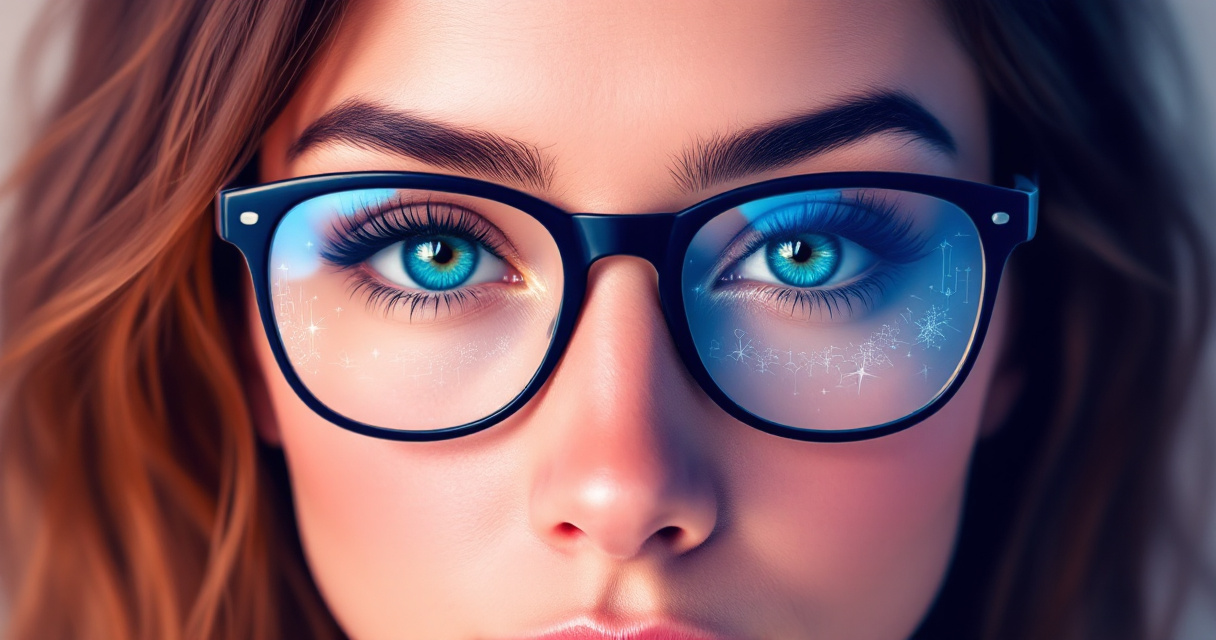
AI Headshot Glasses Glare Removal: How to Get Crystal-Clear Professional Photos in 2026
That bright white streak across your lenses just ruined an otherwise perfect LinkedIn headshot. Sound familiar? Nearly 64% of adults in the US wear corrective lenses, and glasses glare remains one of the most frustrating obstacles to getting a professional photo right. The good news: AI-powered glare removal has advanced dramatically, and you no longer need Photoshop expertise or a professional retoucher to fix the problem.
Whether you're updating your resume headshot, refreshing your dating profile, or building a personal brand, glare-free glasses photos matter. Platforms like The Looktara Lens now use sophisticated algorithms to detect and remove reflections while preserving the natural look of your eyes behind the lenses. This guide covers everything you need to know about AI glasses glare removal in 2026, from how it works to the best tools available.
Why Glasses Glare Happens and Why It Matters
Light bouncing off curved lens surfaces creates those distracting white or colored patches that obscure your eyes. Even with anti-reflective coatings, overhead lights, camera flashes, and window reflections can produce glare. The problem goes beyond aesthetics.
Your eyes communicate trustworthiness and approachability in professional photos. When glare hides them, you lose that critical human connection with viewers.
A head shot, according to photography standards, focuses primarily on the subject's face. When glare blocks a significant portion of that face, the photo fails its basic purpose. LinkedIn research shows profile photos with visible eyes receive 14 times more views than those without clear eye contact.
Common Causes of Lens Reflections
Understanding what creates glare helps you minimize it during shoots and gives AI tools better source material to work with:
- Overhead fluorescent lighting - Office environments are notorious for this
- Camera flash positioned too close - Direct flash reflects straight back at the lens
- Windows and natural light sources - Particularly problematic for remote workers on video calls
- Blue light filtering coatings - These can add colored reflections that look unnatural
- Curved lens shapes - Progressive and bifocal lenses reflect light at multiple angles
Even professional photographers struggle with glasses glare. Traditional solutions involved tilting the glasses slightly, adjusting lighting angles, or shooting multiple frames and compositing them later.
The Professional Impact of Glare-Free Photos
Your headshot appears across dozens of touchpoints: LinkedIn, company directories, email signatures, Zoom backgrounds, and conference speaker pages. Each instance with glare undermines your professional image.
| Photo Quality | Perception Impact | Engagement Effect |
|---|---|---|
| Clear eyes visible | Trustworthy, approachable | Higher connection requests |
| Partial glare | Distracted, unprofessional | Neutral response |
| Heavy glare | Unapproachable, hidden | Lower engagement rates |
Recruiter surveys consistently rank headshot quality among top factors influencing their first impression of candidates. If you're job hunting, that glare across your glasses could cost you interviews.
How AI Removes Glasses Glare in 2026
Modern AI glare removal uses a combination of computer vision and generative models to identify reflections, separate them from the underlying image data, and reconstruct what your eyes would look like without the interference. The technology has matured significantly from early attempts that often produced uncanny valley results.
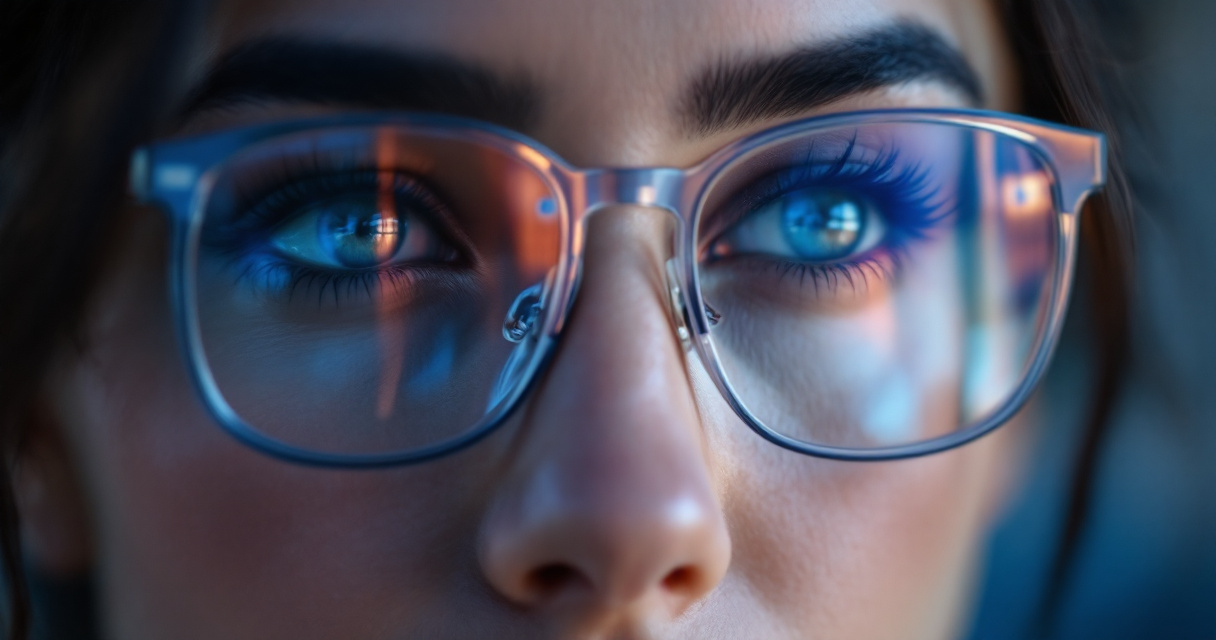
Today's algorithms analyze the surrounding context, including skin tone, eye color, eyebrow position, and lighting direction, to generate realistic replacements for glare-obscured areas. The Looktara Lens platform exemplifies this approach, using trained models that understand facial anatomy rather than simply blurring or smudging problem areas.
The Technical Process Explained
AI glare removal typically follows this sequence:
- Detection - The model identifies areas of high brightness and unnatural reflection patterns on lens surfaces
- Segmentation - It separates the glare from underlying image information that may still be partially visible
- Analysis - The AI examines the non-affected portions of the face to understand lighting, coloring, and texture
- Generation - Using this context, it synthesizes what the obscured area should look like
- Blending - The generated content merges smoothly with surrounding pixels to avoid visible editing artifacts
This entire process happens in seconds on modern platforms. What once required 20-30 minutes of skilled Photoshop work now takes a single click.
Comparison: Traditional vs AI Methods
Manual glare removal in photo editing software remains an option, but the time and skill requirements differ dramatically:
| Method | Time Required | Skill Level | Quality |
|---|---|---|---|
| Manual Photoshop clone/heal | 15-45 minutes | Advanced | Variable |
| Photoshop AI Generative Fill | 2-5 minutes | Intermediate | Good |
| Dedicated AI headshot tools | 10-30 seconds | None | Excellent |
| Re-shooting without glasses | Hours + cost | Professional | Perfect |
For most people updating profile photos, dedicated AI tools offer the best balance of quality and convenience. If you're also creating content for social media, check out resources like fitness-focused TikTok banners that can complement your refreshed headshot.
Best Practices for AI Glare Removal Success
AI tools work better with some source images than others. Starting with a reasonably good photo gives algorithms more information to work with and produces cleaner results. You don't need a perfect shot, but avoiding certain issues helps.
The best AI glare removal happens when your eyes are partially visible through the reflection. Complete white-out of both lenses challenges even advanced models.
Preparing Your Source Photo
Before running your image through any AI tool, consider these factors:
- Resolution matters - Use images at least 1000 pixels wide; phone cameras from the last 3-4 years produce sufficient quality
- Check partial visibility - If you can see any of your eye color or pupil through the glare, AI has something to work with
- Avoid extreme angles - Head-on or slight angles work better than dramatic profile shots
- Note the lighting direction - AI uses shadows and highlights to understand your face's 3D structure
- Multiple shots help - If possible, take several photos with slightly different head positions
The Looktara Lens and similar platforms handle most common scenarios well, but extreme cases may need manual touchup afterward.
Common Mistakes to Avoid
Users often sabotage their results with these errors:
- Over-processing - Running the same image through multiple AI tools compounds artifacts
- Low-resolution sources - Cropping heavily before uploading leaves too little data
- Expecting miracles - If both lenses show nothing but white, consider re-shooting
- Ignoring frame shadows - Heavy glasses frames cast shadows that AI might not fully correct
- Wrong aspect ratio - LinkedIn headshots need square or 4:3 cropping; submit the right dimensions
For those building a complete professional presence, your headshot should match the quality of your other visual assets. Consider pairing refreshed photos with professional YouTube thumbnails or LinkedIn posts for consistent branding.
Video Tutorial: Advanced Photoshop Glare Removal
For those who prefer manual control or need to handle particularly challenging images, this complete tutorial demonstrates professional techniques:
The video covers Photoshop's latest generative AI features that can handle even severe reflections. However, most users will find dedicated AI headshot platforms faster for standard cases.
When Manual Editing Makes Sense
Choose manual Photoshop work over automated AI tools in these situations:
- You need pixel-perfect control for print publication
- The image has artistic elements you want to preserve exactly
- Multiple problem areas require different treatment approaches
- You're editing a batch with inconsistent source quality
For everyday professional headshots, automated tools save hours without sacrificing quality. Most hiring managers and LinkedIn connections won't notice the difference between expert manual retouching and good AI processing.
Building Your Complete Professional Image
A great headshot without glasses glare forms just one piece of your professional visual identity. In 2026, personal branding extends across platforms, each with different image requirements and audience expectations.
Using The Looktara Lens platform, you can maintain consistency across all these touchpoints. The same AI that removes glasses glare can help generate professional website hero images or polished resume headshots that match your refreshed look.
Platform-Specific Considerations
Different platforms have unique requirements for professional photos:
| Platform | Ideal Size | Background | Formality Level |
|---|---|---|---|
| 400x400 px | Neutral/office | High | |
| Dating apps | Varies | Lifestyle contexts | Medium-casual |
| Company directory | 300x300 px | Consistent with team | Matches culture |
| Personal website | 800x800+ px | On-brand | Flexible |
AI tools increasingly handle these variations automatically, cropping and adjusting backgrounds to suit each platform's needs.
What to Expect from AI Photo Tools in 2027
The pace of improvement in AI image processing shows no signs of slowing. Current models already handle most glasses glare scenarios effectively, but upcoming developments promise even better results.
Real-time glare prevention during video calls represents the next frontier. Rather than fixing photos after the fact, AI will adjust your appearance live during Zoom meetings and virtual interviews. Some smartphone cameras are beginning to include similar features for still photography.
Expect tighter integration between AI headshot tools and professional platforms. LinkedIn may eventually offer built-in enhancement features, though dedicated platforms like The Looktara Lens will likely maintain quality advantages through specialized focus.
Emerging Capabilities to Watch
- Multi-frame synthesis - Combining several photos to reconstruct perfect eyes from partial glimpses
- Prescription-aware correction - Understanding how different lens types affect reflections
- Style transfer - Applying professional lighting and color grading while removing glare
- Video glare removal - Frame-by-frame processing for recorded content
These advances will make professional-quality photos accessible to everyone, regardless of photography skill or equipment budget.
Conclusion
Glasses glare no longer needs to compromise your professional image. AI-powered removal tools have reached a point where most reflections disappear in seconds, leaving you with clear, engaging photos that show your eyes and build trust with viewers.
Start by gathering your best existing headshots and running them through a dedicated AI platform like The Looktara Lens. Compare results across a few tools if you're particular about quality. For most professional uses, the first pass will produce publication-ready images.
If you're updating your entire professional presence, tackle the headshot first, then extend that polished look to your social media profiles, website, and content thumbnails. Consistent, high-quality visuals across platforms signal professionalism and attention to detail that hiring managers and potential clients notice.
Upload your glasses headshot today and see the difference AI glare removal makes. Your next opportunity might depend on that first visual impression.