
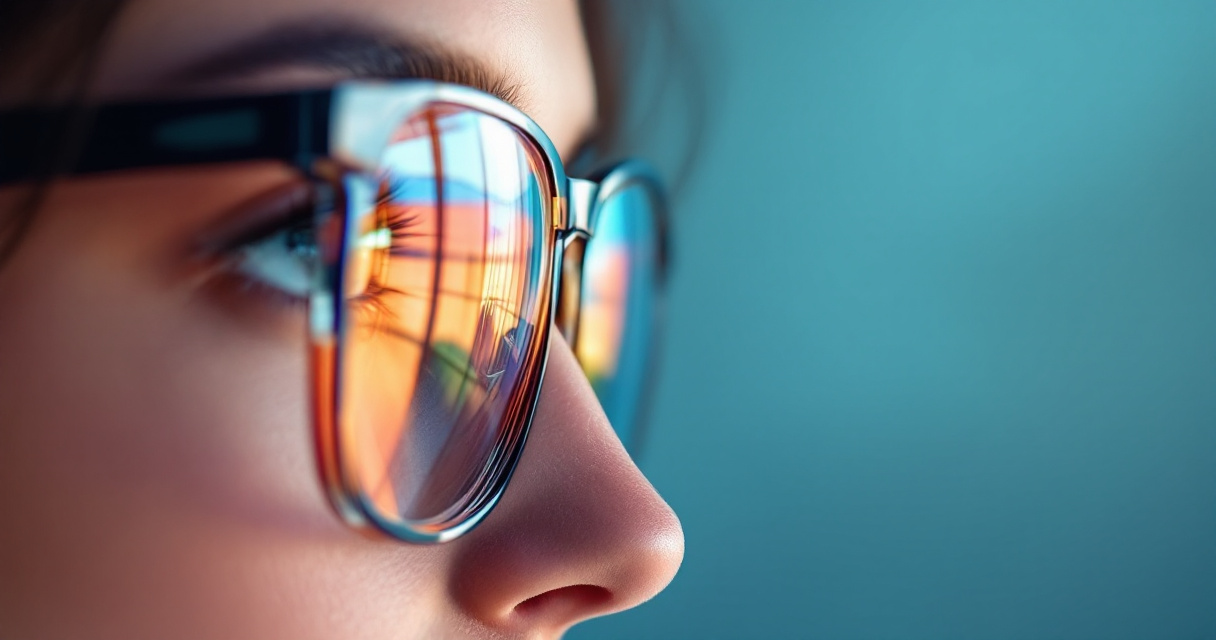
A single reflection on your glasses can ruin an otherwise perfect headshot. Bright studio lights, flash photography, and screen reflections often bounce off lenses, hiding your eyes and distracting viewers. For professionals updating LinkedIn profiles, remote workers building a personal brand, or creators refreshing profile photos, that glare can make a polished portrait look amateur.
Recent AI photo editing systems now detect lens glare automatically and reconstruct the hidden eye area using image restoration models. Tools integrated into platforms such as The Looktara Lens make it possible to correct reflections in seconds, producing a clean, professional headshot without complex editing software. Understanding how these systems work, and how to use them properly, can help you keep glasses in your photos while still looking sharp and natural.
Why Glasses Glare Happens in Headshots
Glasses reflections occur because lenses act like small mirrors. Light sources such as softboxes, windows, ring lights, or phone flashes bounce off the curved surface and travel directly into the camera lens.
Sunglasses and prescription glasses, according to Wikipedia, are designed to filter or protect eyes from bright light. That same reflective coating which improves vision comfort often increases glare in photos.
Professional photographers usually adjust lighting angles to reduce reflections. Still, many headshots today are taken with smartphones, webcams, or AI-generated images, which increases the chance of glare artifacts.
When reflections hide the eyes, viewers subconsciously perceive the portrait as less trustworthy or less engaging, according to portrait photography studies cited by several professional photography guides.
Most Common Sources of Glasses Reflection
- Ring lights placed directly in front of the subject
- Flash photography in small indoor spaces
- Computer screens reflecting in lenses
- Bright windows behind the camera
- Anti-reflective coatings that still bounce strong light
Why AI Headshots Often Show Glare
AI-generated headshots sometimes exaggerate reflections because generative models simulate lighting rather than capture real physics. If the training data includes glasses reflections, the model may recreate them too strongly.
Creators who generate profile images, thumbnails, or marketing graphics with tools like a YouTube thumbnail AI generator or a website hero image generator sometimes notice this artifact when glasses appear in portraits.
Modern AI correction tools now address that issue directly by reconstructing the hidden eye region.
How AI Removes Glasses Reflection in Headshots
AI reflection removal tools analyze both the bright glare area and the surrounding facial structure. Instead of simply erasing the glare, the system predicts what should appear behind it.
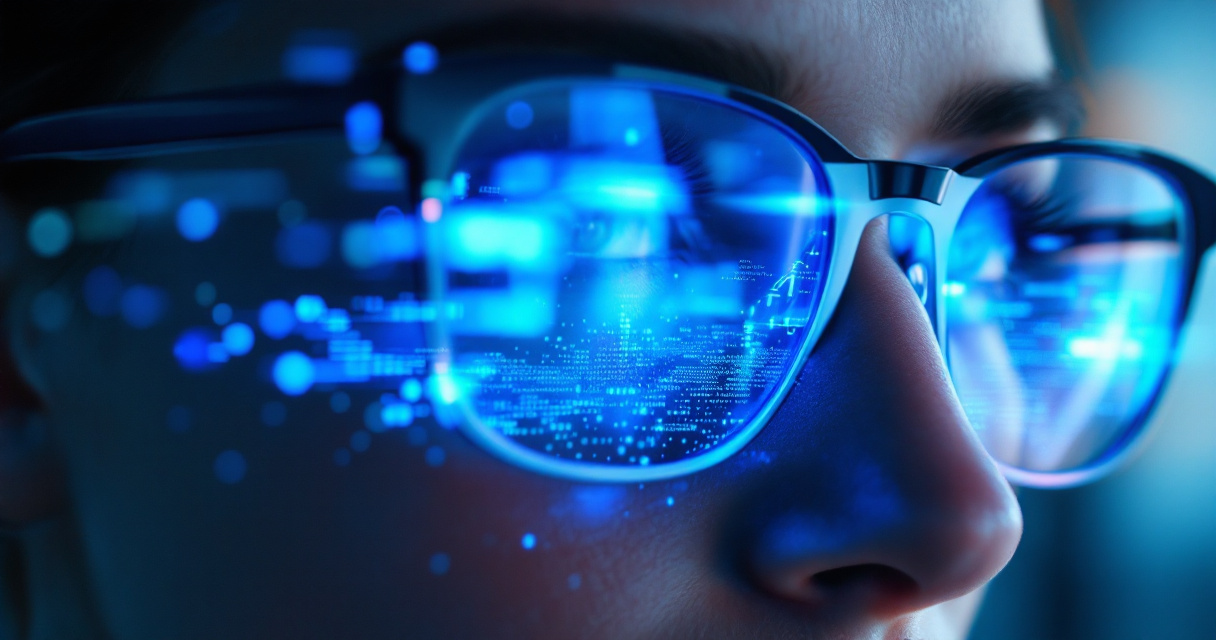
This approach combines computer vision techniques such as image inpainting, reflection detection, and facial reconstruction.
Step-by-Step AI Reflection Removal Process
- Glare detection: The model identifies high-brightness regions on the lens surface.
- Lens segmentation: AI maps the boundaries of the glasses frame and lenses.
- Eye reconstruction: Deep learning predicts the hidden eye features.
- Texture blending: Skin tones and lighting are blended to keep the edit natural.
Platforms such as The Looktara Lens use these techniques to automatically clean up professional headshots while maintaining facial realism.
Typical AI Editing Pipeline
| Step | AI Function | Result |
|---|---|---|
| Detection | Computer vision identifies glare pixels | Reflection area isolated |
| Segmentation | Glasses frame and lens mapped | Prevents frame distortion |
| Inpainting | AI predicts missing eye details | Natural eye reconstruction |
| Blending | Color correction applied | Final photo looks realistic |
Compared to manual editing in Photoshop, which can take 10 to 20 minutes per image, automated AI tools often finish the correction in seconds.
Best AI Tools for Fixing Glasses Reflection in 2026
The AI photo editing market expanded rapidly between 2023 and 2026. Portrait editing, background replacement, and facial restoration models are now built into many tools.
Some focus on professional photographers, while others target everyday users creating profile images for social media or job platforms.
Leading AI Reflection Removal Tools
| Tool | Best For | Key Feature |
|---|---|---|
| Photoshop AI | Advanced editing | Reflection Removal filter |
| Aftershoot AI | Photographer workflows | Batch glare correction |
| Media.io AI | Quick online fixes | One-click glare removal |
| The Looktara Lens | Professional headshots | AI facial detail restoration |
Using The Looktara Lens is particularly useful when you are generating new portraits rather than editing existing photos. The platform focuses on profile-ready images designed for LinkedIn, resumes, and professional branding.
For example, someone creating a professional profile photo with an AI resume headshot generator can automatically reduce glare while keeping the glasses visible.
Embedded Tutorial: Photoshop Reflection Removal
Video Walkthrough
The video above demonstrates how modern reflection-removal models can reconstruct the eye area even when reflections cover most of the lens.
How to Fix Glasses Reflection in an AI Headshot Step by Step
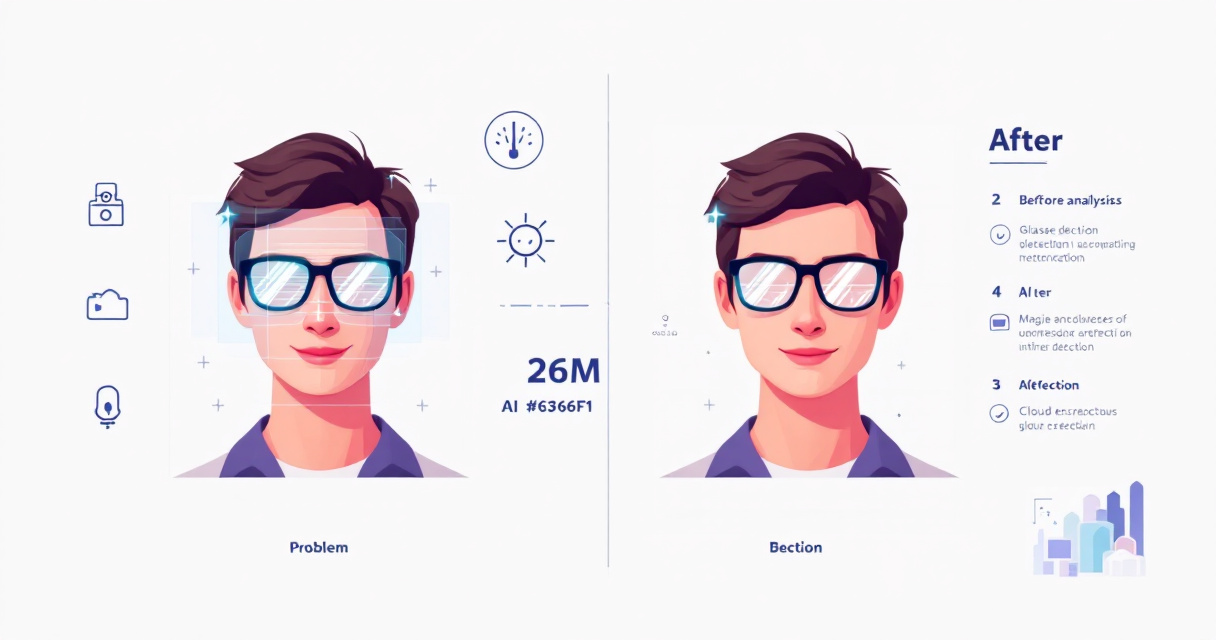
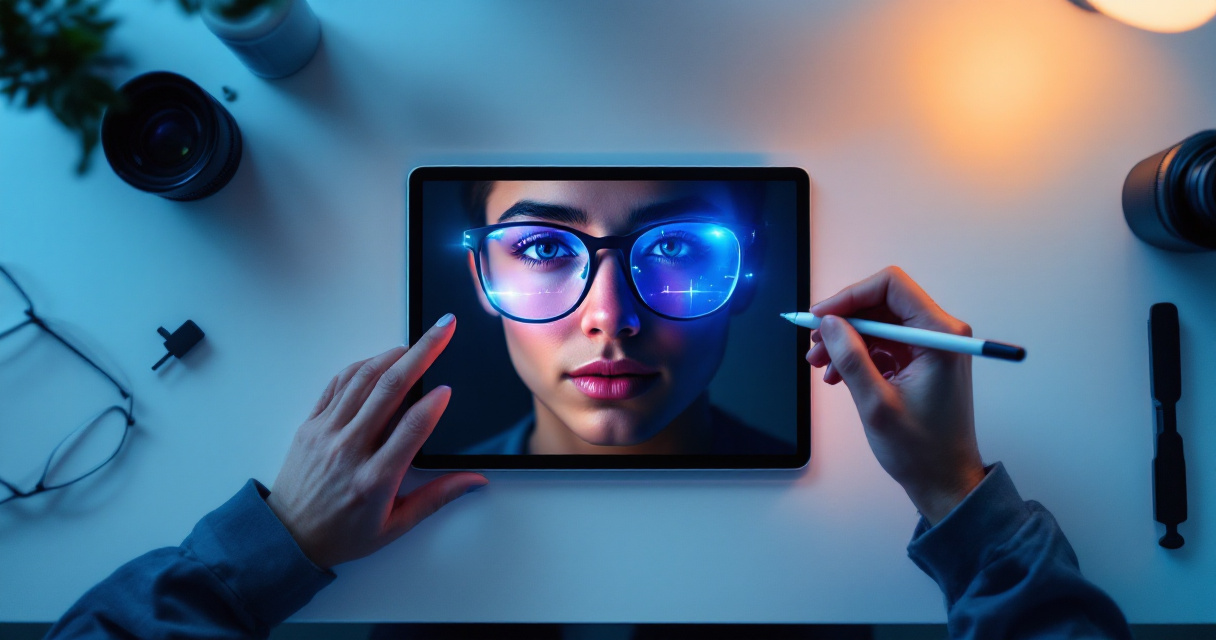
Correcting reflections is easier when you follow a structured workflow. Even automated tools perform better when the original photo has decent lighting and resolution.
Practical Workflow for Glare-Free Headshots
- Upload your portrait to an AI editor.
- Select the reflection or retouching tool.
- Let the AI detect glasses and glare areas.
- Review the reconstructed eyes for realism.
- Export the high-resolution corrected image.
Many creators combine this process with design tools to reuse the corrected image across marketing assets.
For instance, once your portrait is fixed, you can use it in content such as:
- A branded TikTok banner using an AI banner generator
- A LinkedIn marketing graphic created with a LinkedIn post AI generator
- A Pinterest pin design generated with a Pinterest pin AI generator
Tips to Keep the Edit Natural
- Avoid completely removing reflections if the lens looks unrealistically flat
- Keep subtle highlights to preserve realism
- Ensure the reconstructed eye matches the other eye's shape
- Check color balance around the lens area
The best AI edits are invisible. If someone can tell the photo was edited, the reflection removal was likely too aggressive.
Preventing Glasses Glare Before Taking a Headshot
AI can repair reflections, but preventing glare during the photo shoot produces better results. Small lighting adjustments make a major difference.
Lighting Adjustments That Reduce Lens Reflections
- Raise the light source slightly above eye level
- Tilt glasses downward by a few degrees
- Move the key light 30 to 45 degrees from the camera
- Use diffusers to soften direct light
Comparison: Prevention vs AI Correction
| Method | Pros | Cons |
|---|---|---|
| Lighting adjustments | Natural result | Requires photography setup |
| Anti-glare coating | Reduces reflections | Not fully effective in photos |
| AI reflection removal | Fast and automatic | Needs editing step |
| Hybrid approach | Best overall quality | Requires both steps |
Photographers often combine both approaches: reduce reflections during the shoot, then refine small glare spots using AI tools like The Looktara Lens.
What to Expect From AI Headshot Editing in 2027
Reflection removal is improving quickly because generative AI models are learning detailed facial structures. Several image editing companies introduced diffusion-based retouching models in 2025 and 2026 that can reconstruct complex facial areas.
Three developments are likely in the next year.
Emerging AI Capabilities
- Real-time reflection removal during camera capture
- 3D lens modeling that simulates light behavior on glasses
- Multi-angle eye reconstruction using multiple training references
Researchers working on neural image restoration note that generative diffusion models can restore missing image details more accurately than earlier convolutional networks.
The next generation of AI portrait editors will not just erase reflections. They will simulate realistic lighting physics on glasses surfaces.
This shift will help creators produce professional images instantly for resumes, marketing materials, and social profiles.
Conclusion
Glasses reflections no longer mean retaking your headshot or removing your frames. AI editing systems can now detect glare, reconstruct the hidden eye area, and blend the correction naturally into the image.
The most effective approach combines prevention and smart editing. Adjust lighting when possible, then refine any remaining glare with AI tools. Platforms such as The Looktara Lens simplify the process by generating professional portraits and correcting visual issues automatically.
If your current profile photo has distracting glare, upload it to an AI headshot editor today and test the reflection removal feature. A small correction can dramatically improve how professional and approachable your image appears online.