
Your owner photo on Google can quietly influence trust before a customer ever calls or visits. An AI headshot for Google Business Profile owner photo can work well in 2026, but only when it looks like a real, current, professional version of you, not a plastic avatar. For business owners who want a faster update, The Looktara Lens offers a practical way to create polished profile images from everyday photos while keeping your branding consistent across Google, LinkedIn, and your website.
Why your Google Business Profile owner photo matters more than most owners think
A Google Business Profile owner photo helps people decide whether your business feels credible, approachable, and active. Google Business Profile appears inside Google Search and Google Maps, and Google Maps is a web mapping platform and consumer app developed by Google that combines maps, business listings, imagery, and route information. That means your face may appear in a high-intent moment, right when someone is deciding where to spend money.
For service businesses, solo founders, consultants, and local shops, a clear owner image adds a human layer that logos can't provide. People often compare several nearby listings quickly, so your photo needs to read well at a small size and still feel genuine.
A strong owner photo does one job first: it tells customers there is a real person behind the listing.
Where owner photos support your broader brand
A Google profile photo works best when it matches the visual identity people see elsewhere. If your Google image feels stiff, outdated, or completely different from your website and social presence, trust can drop.
That's why many businesses pair a refreshed portrait with other branded assets, such as a website hero image generator for the homepage or a logo AI generator for cleaner profile consistency.
Quick signs your current photo needs replacing
- The image is over three years old
- The crop is too wide, dark, or blurry
- Your clothing no longer matches your brand position
- The photo looks casual while your business sells premium services
- The image doesn't resemble your current appearance
LinkedIn, which Wikipedia describes as a business and employment-oriented social networking service, has trained users to expect polished professional portraits. That expectation now carries over to Google profile viewing too, especially for coaches, realtors, lawyers, agency owners, and consultants.
What makes an AI headshot suitable for a Google Business Profile owner photo
A suitable AI-generated owner photo looks believable, current, and aligned with your business category. The biggest mistake is treating this as art instead of identity representation. For a Google listing, realism matters more than dramatic lighting or trendy styling.
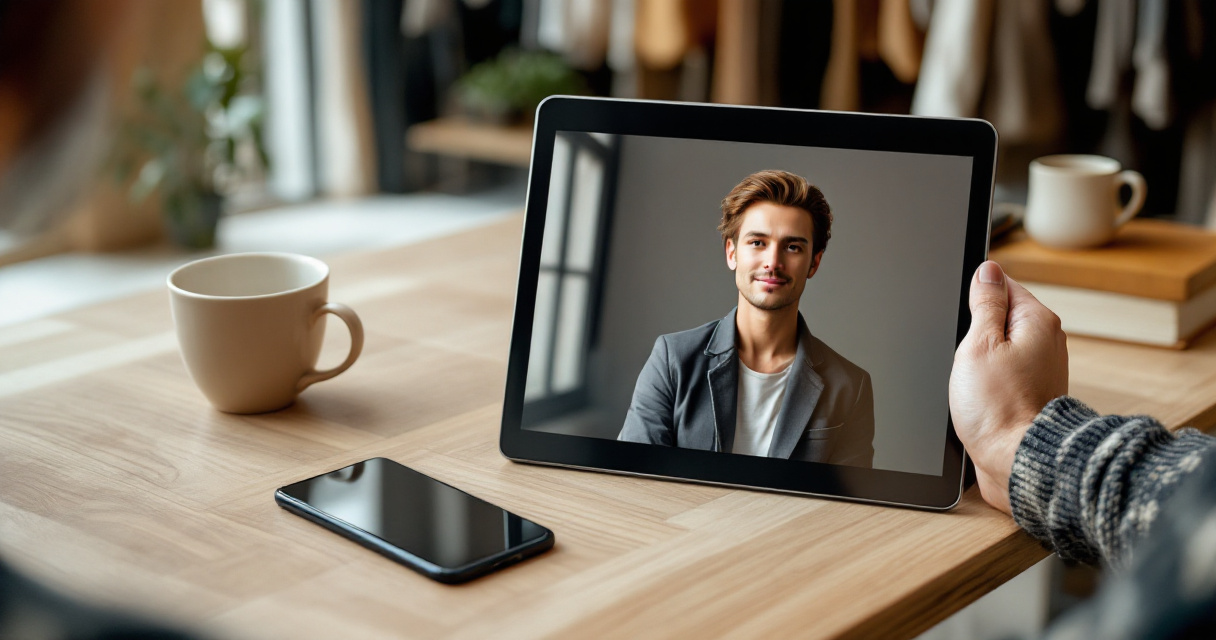
Research on AI data production by Milagros Miceli and Julian Posada highlights how AI systems are shaped by the ways data is selected and processed, which is a useful reminder here: outputs are only as trustworthy as the inputs and workflow behind them (The Data-Production Dispositif). In simple terms, if you feed low-quality selfies into a generator, you'll usually get a polished but less reliable likeness back.
The best use case for AI portraits
AI headshots are strongest when they improve presentation without changing identity. Think better lighting, better background, cleaner wardrobe styling, and tighter composition.
They are weaker when they alter facial structure, age, skin texture beyond recognition, or cultural features. For a public-facing owner image, accuracy beats glamour every time.
Comparison table: real photo vs AI-assisted headshot vs fully synthetic portrait
| Option | Best for | Main advantage | Main risk | Good fit for Google owner photo? |
|---|---|---|---|---|
| Traditional professional photo | Highest-trust branding | Strong realism and control | Higher cost and scheduling | Yes |
| AI-assisted headshot from real selfies | Fast updates and consistent branding | Lower effort, polished result | Can drift from your real look if overprocessed | Yes, if carefully reviewed |
| Fully synthetic portrait not based on your likeness | Fictional branding or concept art | Fast visual creation | Misleading identity, low trust | No |
Checklist before you upload
- Confirm the face still looks unmistakably like you.
- Use a plain or softly blurred background.
- Pick clothing that matches your actual customer interactions.
- Crop head-and-shoulders, not full body.
- Test the thumbnail at mobile size before publishing.
If you also need matching assets for hiring or speaking visibility, a resume headshot AI generator can help you keep the same visual identity across channels.
How to create a trustworthy owner image with AI, step by step
The best AI owner photos start with ordinary photos that already resemble how you show up in real life. You do not need studio equipment, but you do need clean source images. Window light, neutral clothing, and a calm expression are enough for most business profiles.
Start with input photos that reduce editing drift
Use 8 to 15 recent photos if your tool supports multiple uploads. Include slight angle changes, natural expressions, and one or two images with the same hairstyle you currently wear. Avoid heavy filters, sunglasses, extreme shadows, and group shots.
That simple prep tends to produce a result that feels more like an upgraded portrait than a generated character.
Build for Google first, then repurpose elsewhere
Your Google owner photo should be simpler than your social content. Aim for eye contact, neutral-to-friendly expression, clean attire, and a light background. Then repurpose that visual into related channels like a LinkedIn post creative workflow or presentation materials with a pitch deck slide AI generator.
A practical workflow with The Looktara Lens
The Looktara Lens is most useful when you want one polished identity system, not just one isolated profile picture. You can start from everyday images, generate a professional portrait, and then keep your visual style aligned across other business assets.
For business owners managing their own presence, that speed matters. You can update your owner photo, then carry the same look into banners, social graphics, and profile visuals without booking multiple design tasks.
Good AI headshots do not invent a new you. They present the current you more clearly.
Review rules before publishing
- Compare the final image side by side with a recent phone photo
- Ask one colleague or friend, "Does this look like me today?"
- Check how it appears in a small circular crop
- Save a version that matches your website and social palette
- Replace it if your haircut, glasses, or facial hair change significantly
You can find more brand-building ideas on looktara.com if your goal is a full profile refresh rather than a one-off photo update.
Common mistakes that make AI owner photos look fake or risky
Most bad results come from over-stylization, not from AI itself. Business owners get into trouble when they choose cinematic backgrounds, exaggerated skin smoothing, ultra-sharp eyes, or outfits they would never actually wear to work.
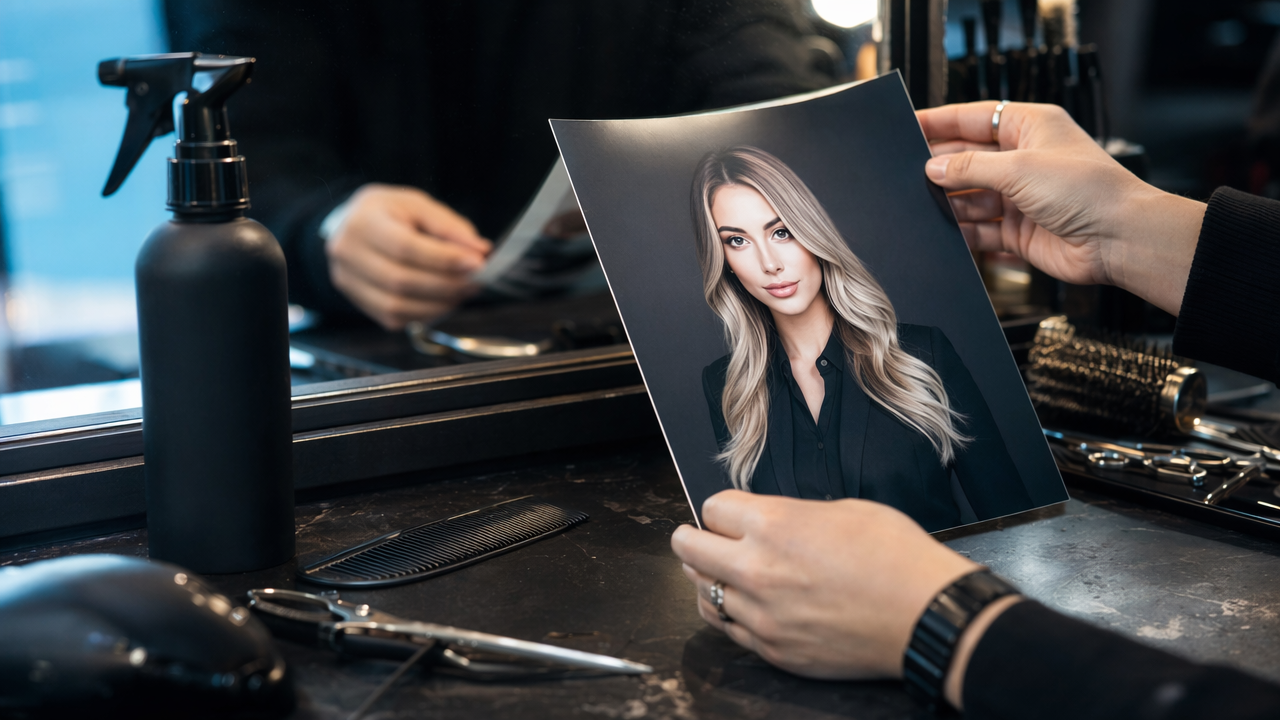
Another issue is mismatch. If your Google profile shows a luxury studio portrait but your website and social pages still use casual phone shots, the inconsistency can feel off even if customers can't explain why.
Red flags to avoid
- Hyper-symmetrical facial features
- Overly white teeth or glassy skin
- Backgrounds that look like stock-photo offices
- Blazers, uniforms, or dresses you do not own
- Age reduction or reshaping that changes your identity
When not to use an AI-generated image
A fully synthetic portrait is a poor choice if your business depends heavily on personal trust, such as healthcare, legal advice, counseling, or local relationship-based selling. In those cases, a real recent photo may still be the safest route.
The same caution applies if your generated image no longer reflects your actual appearance. Customers meeting you in person should not feel surprised.
AI headshot vs casual selfie for local business trust
| Factor | Casual selfie | AI-polished portrait |
|---|---|---|
| Professionalism | Usually lower | Usually higher |
| Likeness control | High | Medium to high |
| Speed | Immediate | Fast |
| Brand consistency | Low | High |
| Risk of looking misleading | Low | Medium if over-edited |
A balanced approach often wins: use AI to clean up presentation, but stop before the image stops looking human.
How The Looktara Lens fits into a smarter 2026 profile strategy
A smart 2026 strategy treats your owner photo as one part of a connected identity system. Searchers often move from Google Business Profile to your website, then to LinkedIn or social media before they contact you. That means the portrait on Google should not live alone.
Why a connected visual system performs better
When your face, logo, colors, and layout style match across channels, your business feels more established. This does not require a giant design budget. It requires consistency.
With The Looktara Lens, you can use the same visual direction across profile photos and adjacent assets. For example, a founder might update their Google owner image, then create a quote post graphic for social proof or a podcast cover AI design for guest appearances and content promotion.
Who should pick which approach
| Your situation | Best option |
|---|---|
| You need maximum authenticity for in-person service | Traditional recent photo or lightly AI-enhanced portrait |
| You want a fast refresh for Google, LinkedIn, and your site | The Looktara Lens workflow |
| You need a highly stylized creator brand image | AI portrait, but keep Google version more restrained |
| You hate photoshoots and only have phone images | AI-assisted headshot from recent selfies |
What to expect next
Google listings are likely to keep rewarding active, complete, trustworthy profiles in 2026 and beyond. As AI images become more common, believable identity presentation will matter even more. The businesses that win won't be the ones with the flashiest portraits. They'll be the ones whose photos feel current, clear, and consistent everywhere customers look.
If you want one profile image that works across search, social, and brand materials, head to looktara.com and build from there.
Conclusion
An AI headshot for Google Business Profile owner photo works best when it improves polish without changing who you are. Start with recent source images, aim for realism over style, and make sure the final portrait matches the rest of your brand presence. If you're ready to update more than one channel at once, use The Looktara Lens to create a credible owner photo and then extend that look across your business assets. Your next step is simple: choose 10 recent photos, generate 3 to 5 realistic options, test them at thumbnail size, and publish the one that still looks unmistakably like you.
Generated by EarlySEO.com