
AI Headshot Jewelry and Accessories Tips: What to Wear for Professional Results in 2026
Your AI headshot will likely be viewed for less than seven seconds before someone decides whether to connect with you on LinkedIn, swipe right, or schedule that interview. In those fleeting moments, accessories speak volumes. A single distracting earring or overly reflective necklace can derail an otherwise perfect professional portrait. The good news? AI photography platforms like The Looktara Lens have become sophisticated enough to handle accessories well, but they still need your help choosing the right pieces. This guide breaks down exactly which jewelry and accessories photograph beautifully with AI headshot generators, and which ones you should leave in your jewelry box.
Why Accessories Matter More in AI Photography
Traditional photographers adjust lighting in real time to minimize glare on your watch or reposition a necklace that catches shadow oddly. AI headshot generators work differently. They analyze your uploaded photo and apply learned patterns from millions of professional portraits. When your accessories create visual noise, the AI must make decisions about how to render them, sometimes with unpredictable results.
Key insight: AI systems excel at recognizing and enhancing simple, classic accessory choices. Complex or highly reflective pieces often get smoothed, distorted, or become distracting focal points.
The same principle applies whether you're creating a LinkedIn profile photo, updating your dating app images, or building brand assets for your business. Your face should remain the star; accessories should support, not compete.
How AI Interprets Jewelry Differently Than Human Eyes
Human viewers process accessories contextually. We understand that a chunky statement necklace signals bold personality, while simple pearl studs suggest understated elegance. AI systems process these elements as pixel patterns, light values, and edge contrasts.
This distinction matters because:
- Thin chains may disappear entirely or appear broken
- Highly reflective surfaces create unpredictable bright spots
- Intricate patterns can become blurred or artificial-looking
- Moving or dangling pieces captured mid-motion create processing challenges
Platforms like The Looktara Lens have improved significantly at handling accessories naturally, but working with the technology rather than against it produces consistently better results.
Earrings: The Most Visible Accessory Choice
Earrings sit directly beside your face, making them the most impactful accessory decision for any headshot. The wrong choice draws attention away from your eyes and expression; the right choice frames your face elegantly.
Best Earring Styles for AI Headshots
| Earring Type | AI Performance | Professional Setting | Creative/Dating |
|---|---|---|---|
| Small studs (pearls, diamonds) | Excellent | Ideal | Good |
| Simple hoops (under 1 inch) | Very good | Appropriate | Great |
| Huggie earrings | Excellent | Ideal | Good |
| Medium drops (simple design) | Good | Situational | Great |
| Statement earrings | Variable | Generally avoid | Can work |
| Long dangles | Poor | Avoid | Use carefully |
Pearl studs remain the gold standard for professional headshots. They photograph consistently, add a touch of sophistication, and never compete with your expression. Diamond or cubic zirconia studs work similarly, though very small stones may not register at all in the final image.
Earring Colors That Photograph Well
Metallic earrings introduce reflection variables that can complicate AI processing. Gold and silver photograph differently depending on your skin tone and the lighting in your source photo:
- Gold tones work beautifully with warm skin undertones and warmer lighting
- Silver and white gold complement cool undertones and neutral lighting
- Rose gold offers versatility across most skin tones
- Matte finishes always outperform high-shine options
If you're unsure about your undertones, matte pearl or simple stone studs eliminate the guesswork entirely.
Necklaces and Chains: When Less Really Is More
Necklaces occupy the area directly below your face, drawing the eye downward. For headshots cropped at the shoulders or chest, this placement makes necklace choice critical. For tighter crops, necklaces may not appear at all, so consider your intended framing before accessorizing.
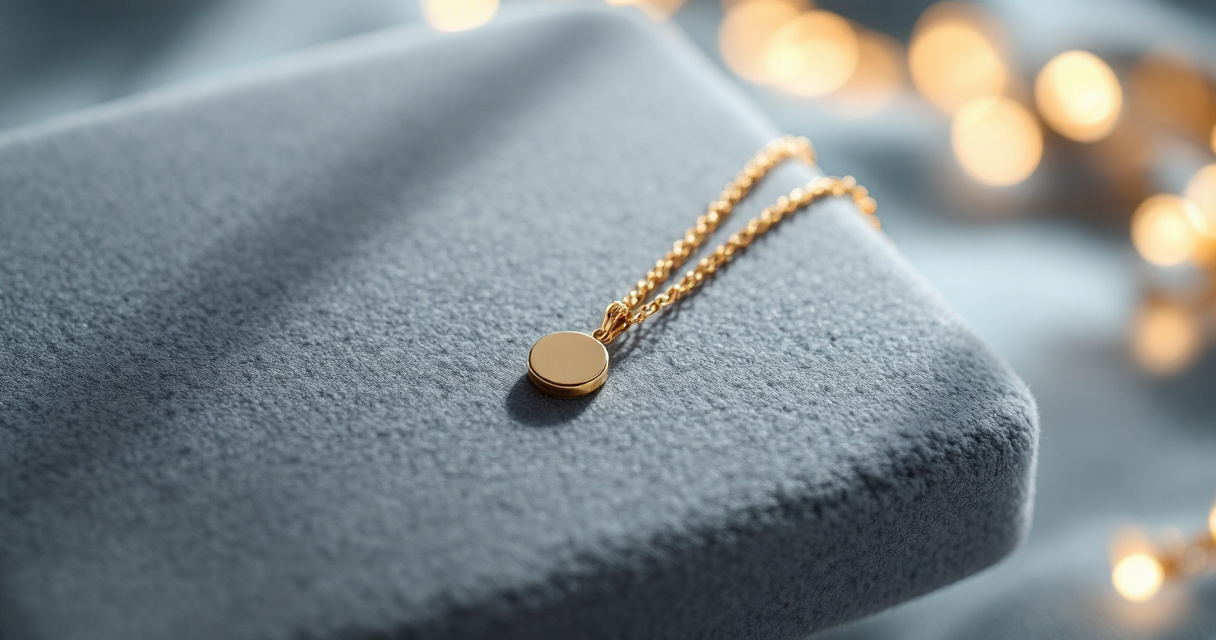
Pro tip: Check your platform's crop settings before your photo session. If your headshot will be circular (like LinkedIn), longer necklaces may get cut off entirely.
The Looktara Lens platform offers multiple framing options, so you can optimize accessory choices based on your final image dimensions.
Necklace Recommendations by Use Case
For LinkedIn and professional profiles:
- Simple pendant on medium chain (16-18 inches)
- Thin gold or silver chain without pendant
- Pearl strand (classic and timeless)
- Small symbolic pendants (avoid religious or political symbols in business contexts)
For dating apps and personal branding:
- Layered delicate chains
- Meaningful pendants that spark conversation
- Chokers (if they suit your style)
- Slightly bolder statement pieces
For entrepreneur and creator headshots:
- Brand-aligned jewelry choices
- Pieces that reflect your industry aesthetic
- Items that tell your professional story
If you're building a broader visual brand, you might also need social media assets like LinkedIn posts that maintain consistent styling across platforms.
Necklaces to Avoid in AI Headshots
Certain necklace types consistently cause problems in AI-generated portraits:
- Very thin chains often disappear or appear broken
- Highly reflective pendants create distracting hot spots
- Multi-strand statement necklaces compete with facial features
- Name necklaces may render letters unclearly
- Beaded necklaces with small beads blur into indistinct shapes
- Moving or swinging pendants captured mid-motion look unnatural
Glasses and Eyewear: The Biggest Challenge
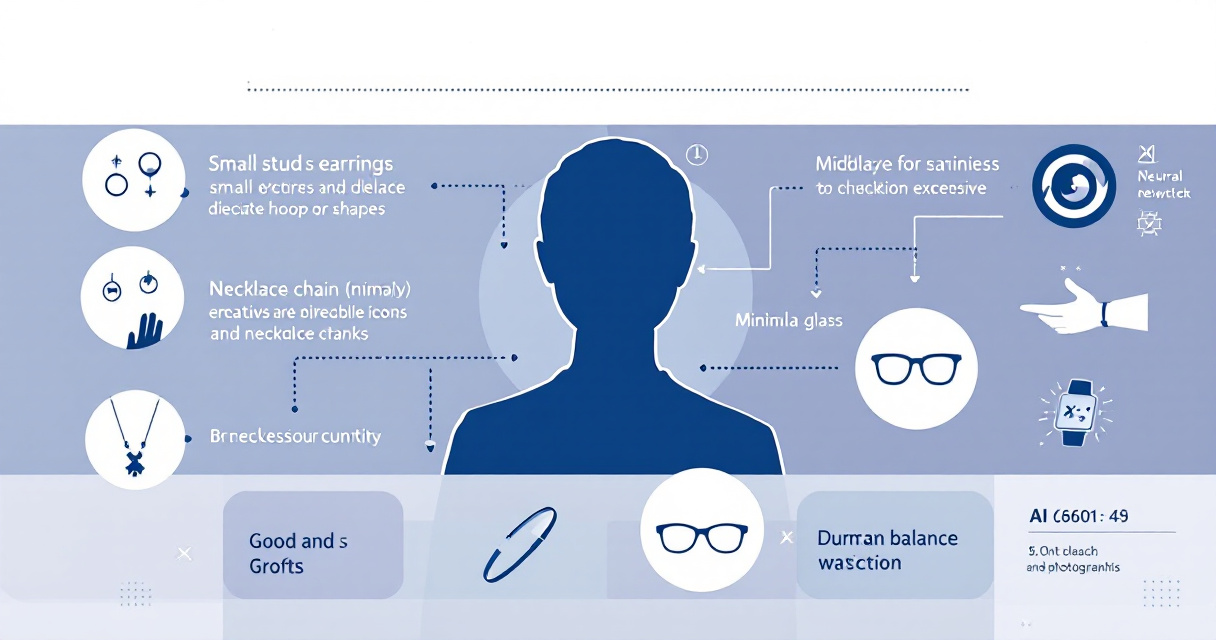
No accessory creates more AI headshot complications than glasses. The combination of reflective surfaces, frames that partially obscure the face, and potential glare makes eyewear the most technically challenging accessory category.
Making Glasses Work in AI Headshots
If you wear glasses daily, your headshot should probably include them. People will recognize you more easily, and removing them can feel inauthentic. Here's how to make them photograph well:
- Choose frames that don't obscure your eyebrows - your brows are critical for expression
- Avoid highly reflective lens coatings when possible
- Remove glasses before photographing and add them via AI styling if available
- Clean lenses thoroughly to eliminate smudge artifacts
- Position your face to minimize glare in your source photo
| Frame Style | AI Performance | Tips |
|---|---|---|
| Thin wire frames | Very good | Ensure they're visible against your skin tone |
| Plastic full frames | Good | Bold colors can distract |
| Rimless | Challenging | Lenses may disappear |
| Thick bold frames | Variable | Can dominate the image |
| Sunglasses | Poor | Generally avoid for professional headshots |
The Contact Lens Alternative
Many professionals photograph without glasses, then use AI styling to add frames to certain versions. This gives you flexibility: glasses for professional profiles, no glasses for dating apps, different frame styles for different contexts.
If you typically wear contacts occasionally, shooting your source photos without glasses provides the most versatile foundation for AI headshot generation.
Watches, Bracelets, and Hand Accessories
These accessories only matter if your headshot includes your hands or arms, which is less common but increasingly popular for personal branding shots and dating profiles.
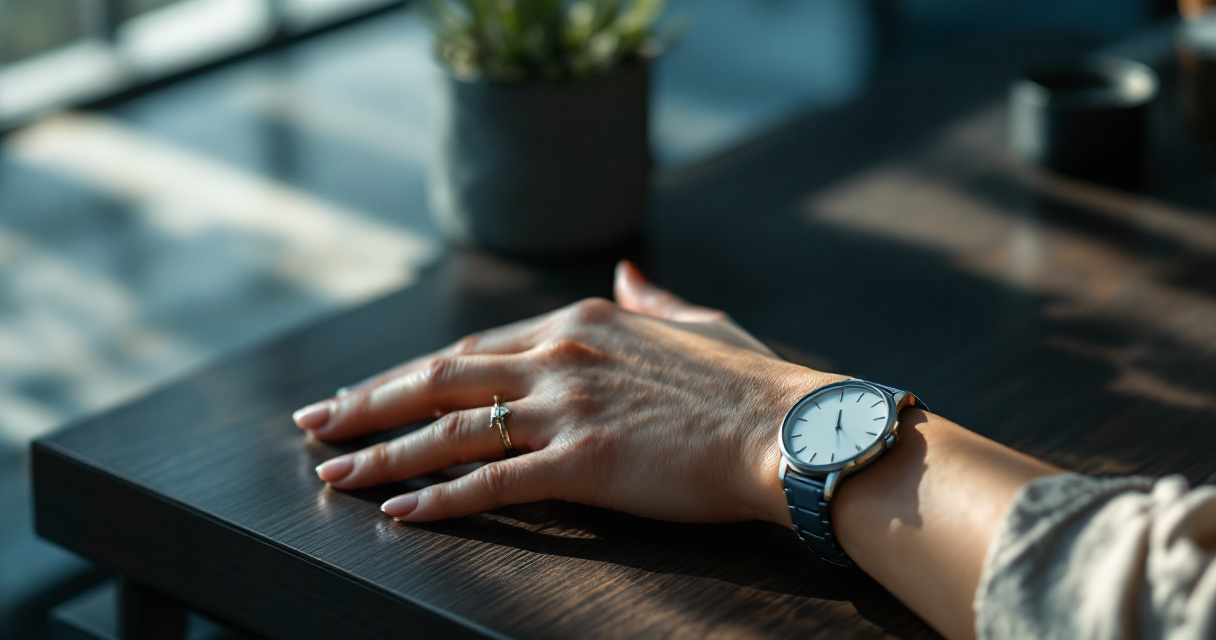
When hands are visible:
- Keep rings simple - engagement and wedding rings are fine
- Remove chunky bracelets that catch light unpredictably
- Take off smart watches with active screens
- Minimize total pieces - one or two maximum
For professional headshots where hands might rest near your face, a simple watch or single ring reads as polished. Multiple bracelets or statement jewelry competes with your expression.
Hair Accessories and Headwear
Hair accessories add another layer of styling consideration:
Generally work well:
- Simple clips and pins
- Thin headbands
- Natural-looking hair ties (when visible)
- Cultural or religious head coverings
Use with caution:
- Large bows or flowers
- Sparkly or reflective clips
- Hats (can create shadow issues)
- Complex braided accessories
If you're creating content for social media platforms like TikTok, bolder hair accessories may suit your brand. For traditional corporate headshots, simpler choices typically perform better.
Color Coordination and Visual Balance
Your accessories should complement your clothing, skin tone, and the overall aesthetic you're building. Random mixing of metals, colors, and styles creates visual chaos that AI systems struggle to render cohesively.
Style rule: Match metals across all visible accessories. If you're wearing gold earrings, choose a gold necklace and ring. Mixed metals can look intentional and modern in person but often appear haphazard in photos.
Building a Cohesive Accessory Palette
Consider these combinations that photograph well:
- Classic professional: Pearl studs + thin gold chain + simple watch
- Modern minimalist: Small geometric studs + no necklace + minimal ring
- Creative confident: Small hoops + layered delicate chains + multiple thin rings
- Approachable warm: Gold huggie earrings + pendant necklace + warm-toned outfit
The accessories you choose should align with your broader visual branding across platforms, creating recognition and consistency wherever your audience encounters you.
What 2026 Trends Mean for AI Headshots
Current accessory trends favor minimalism and personal meaning over statement pieces. This shift actually benefits AI photography, as simpler accessories process more predictably. The rise of personalized, meaningful jewelry also works well, provided individual pieces remain photographically simple.
Expect AI platforms to improve accessory handling throughout 2026-2027, potentially offering real-time preview of how different accessories will render. For now, photographing with your intended accessories and letting the AI work with real jewelry produces more authentic results than adding digital accessories later.
Practical Steps Before Your AI Headshot Session
Whether you're using The Looktara Lens or another platform, preparation dramatically improves your results. Take these steps before uploading your source photos:
Your Pre-Session Accessory Checklist
One week before:
- Decide on your accessory approach for each platform
- Ensure jewelry is clean and polished
- Test combinations with your planned outfit
- Check glasses prescription (if applicable) for updates
Day of shooting:
- Clean glasses thoroughly if wearing them
- Put on accessories before doing hair and makeup
- Take test photos in similar lighting to check for glare
- Prepare backup options in case something photographs poorly
During the session:
- Shoot multiple versions: with accessories, without, and with alternatives
- Check for necklace or earring tangling
- Verify nothing is twisted or sitting oddly
- Confirm glasses are positioned symmetrically
Conclusion
The right accessories transform a good AI headshot into a great one, while the wrong choices create distractions that undermine your professional image. Stick to simple, matte, well-fitting pieces that complement rather than compete with your face. When in doubt, choose less.
Start with classic studs, a simple necklace if any, and clean glasses if you wear them. Upload your source photos to The Looktara Lens and review how your accessories render. The platform's natural rendering approach handles well-chosen accessories beautifully, giving you professional results without the artificiality that plagues many AI photography tools.
Your seven-second first impression deserves accessories that work as hard as you do. Choose wisely, photograph carefully, and let your face remain the star of every headshot.