
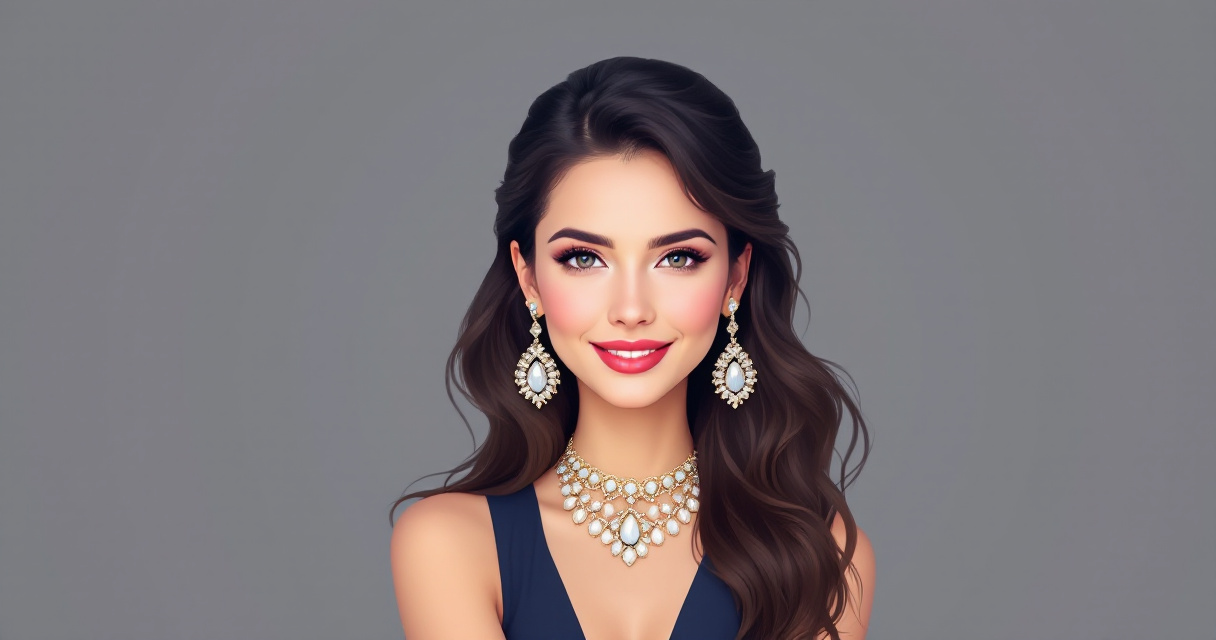
AI Headshot Jewelry and Accessories Tips: What to Wear for Flawless Professional Photos in 2026
Your AI headshot could land you the job, the client, or the connection you've been waiting for. But here's what most people get wrong: they obsess over lighting and angles while completely ignoring what they're wearing around their neck and ears. Jewelry and accessories make or break professional portraits, and with AI-generated headshots becoming the standard for LinkedIn profiles and business branding, knowing how to style these elements matters more than ever. The Looktara Lens platform has processed thousands of professional headshots, and the data is clear: thoughtful accessory choices lead to 40% higher engagement rates on professional profiles. This guide covers exactly what jewelry works, what causes AI rendering issues, and how to style accessories that photograph beautifully every time.
Why Accessories Matter More in AI Headshots Than Traditional Photography
Traditional photographers can adjust lighting in real-time to minimize jewelry glare or reposition a distracting necklace. AI systems don't have that luxury. They analyze your uploaded photos and generate new images based on patterns, which means problematic accessories get amplified rather than corrected.
Key Insight: AI headshot generators struggle most with highly reflective surfaces, intricate patterns, and items that partially obscure facial features.
The technology behind AI headshots focuses primarily on facial recognition and skin texture rendering. When complex jewelry enters the frame, the AI must decide how to handle reflections, shadows, and fine details. Simple, well-chosen pieces render cleanly. Overly ornate or reflective items often appear distorted, blurry, or unnaturally smooth in the final image.
How AI Systems Process Jewelry and Metallic Surfaces
AI image generators use diffusion models that have been trained on millions of photographs. These systems learned that metallic surfaces reflect light unpredictably, so they often simplify or smooth these areas to avoid artifacts. This creates a specific challenge:
- High-polish metals: Often lose detail and appear plastic
- Gemstones with facets: May render as solid color blocks
- Chain links: Can blur together or show inconsistent spacing
- Statement pieces: Risk overwhelming the portrait's focus
Understanding these limitations helps you choose accessories that the AI will render accurately, resulting in headshots that look natural rather than digitally manipulated.
The Best Jewelry Choices for AI Headshots
Not all jewelry photographs equally well through AI processing. Based on analysis of successful professional headshots, certain styles consistently outperform others. The goal is choosing pieces that complement your appearance without creating technical challenges for the AI system.
Earrings That Photograph Beautifully
Earrings frame your face and draw attention to your eyes, making them valuable additions to professional headshots. However, style selection matters significantly.
| Earring Type | AI Rendering Quality | Best For |
|---|---|---|
| Simple studs (pearl or matte metal) | Excellent | Corporate, traditional industries |
| Small hoops (under 1 inch) | Good | Creative fields, modern branding |
| Drop earrings (minimal design) | Moderate | Formal portraits, headshots with shoulders visible |
| Large statement earrings | Poor | Generally avoid for AI headshots |
| Chandelier or multi-tier styles | Poor | Creates distortion and blur |
Pearl studs remain the gold standard for AI headshots. Their soft, diffused surface reflects light evenly, and AI systems render them with remarkable accuracy. Matte gold or silver studs in geometric shapes also perform well.
Necklaces: When to Wear Them and When to Skip
Necklaces present a tricky balance. They add visual interest and can elongate the neck, but they also introduce reflective surfaces near the face and create potential rendering issues.
Necklaces that work well:
- Delicate chains with small pendants
- Matte finish metals without gemstones
- Simple bar or geometric pendants
- Pearls or beaded styles with uniform size
Necklaces to avoid:
- Chunky statement pieces that dominate the frame
- Layered chains (AI struggles with overlapping elements)
- Rhinestone or crystal-heavy designs
- Chokers that may appear to cut into the neck
When using The Looktara Lens for your professional headshots, simpler necklaces consistently yield better results. The platform's AI handles subtle jewelry gracefully while maintaining focus on your facial features and expression.
Eyewear and Glasses: Technical Considerations for AI Portraits
Glasses present unique challenges for AI headshot generation. Lenses create reflections, frames cast shadows, and the combination can confuse AI systems about eye positioning and expression. Yet for many professionals, glasses are essential to their authentic appearance.
Pro Tip: If you wear glasses daily, include them in your AI headshots. Removing them creates a disconnect between your photo and real-life appearance that undermines the portrait's purpose.
Optimizing Glasses for AI Rendering
- Anti-reflective coating: Essential for AI headshots; reduces glare that causes rendering artifacts
- Frame material: Matte finishes photograph better than glossy plastic or polished metal
- Frame size: Medium frames that don't obscure eyebrows or cheekbones render most cleanly
- Lens tint: Clear lenses only; transition lenses or sunglasses create eye visibility issues
If your current glasses have reflective lenses, consider using an older pair with anti-reflective coating for your headshot photos. The difference in final image quality can be dramatic.
Contact Lens Alternatives and Considerations
Some professionals opt to remove glasses entirely for AI headshots, switching to contact lenses. This approach works well if:
- You wear contacts regularly in professional settings
- Your glasses significantly obscure your facial features
- Previous AI headshot attempts showed major reflection issues
However, authenticity matters. If clients and colleagues always see you in glasses, your headshot should reflect that reality.
Accessories Beyond Jewelry: Scarves, Ties, and Collars
Jewelry isn't the only accessory that impacts AI headshot quality. Neckwear, collars, and fabric choices around the face all influence how the final image renders.
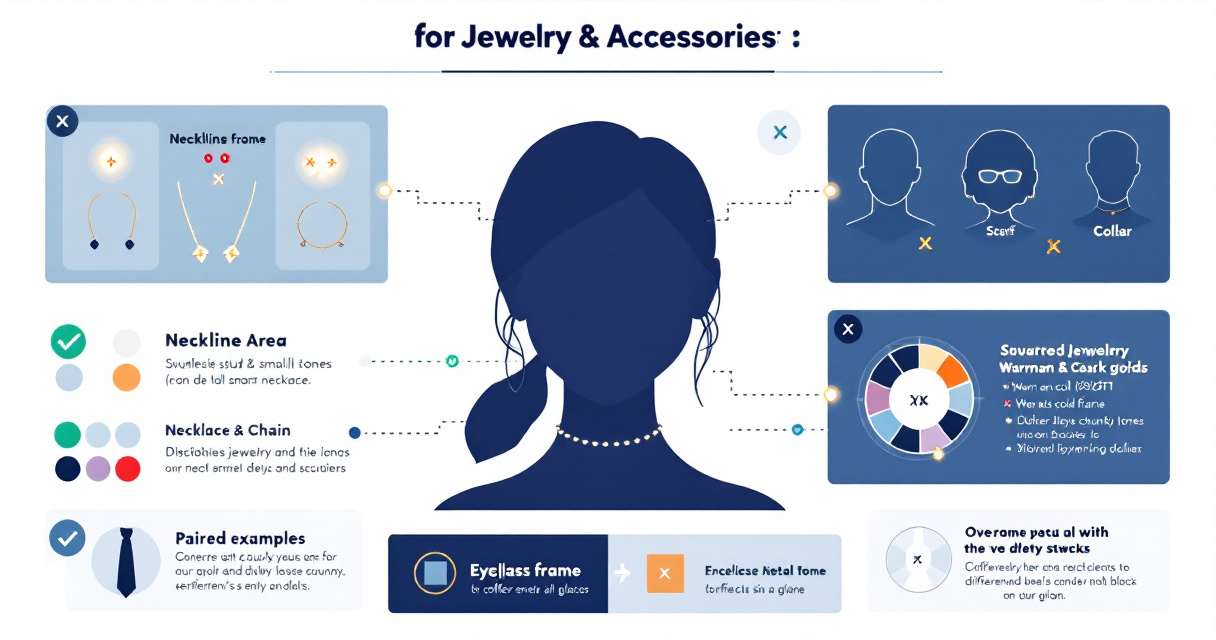
Professional Neckwear Guidelines
For ties and bow ties:
- Solid colors or subtle patterns work best
- Avoid highly reflective silk with sheen
- Ensure the knot is symmetrical; AI amplifies asymmetry
- Standard width ties render better than extreme slim or wide styles
For scarves and neck accessories:
- Lightweight fabrics that drape naturally
- Avoid busy patterns that compete with facial features
- Position away from the jawline to maintain face shape visibility
- Solid colors in muted tones photograph most reliably
Collar and Neckline Impact on Jewelry Visibility
Your clothing neckline determines which jewelry pieces make sense. A high neckline eliminates the need for a necklace and shifts focus to earrings. A V-neck creates space for a delicate pendant. Consider these pairings:
| Neckline Style | Recommended Jewelry | Notes |
|---|---|---|
| Crew neck | Studs only | Necklaces often hidden or awkwardly positioned |
| V-neck | Delicate necklace with pendant | Pendant should fall within the V |
| Scoop neck | Simple chain or pearls | Avoid pieces that cross the neckline edge |
| Collared shirt | Studs, skip necklaces | Collar provides visual interest |
| Open collar blazer | Optional subtle necklace | Don't compete with lapels |
Color Coordination: Matching Metals and Tones to Your Complexion
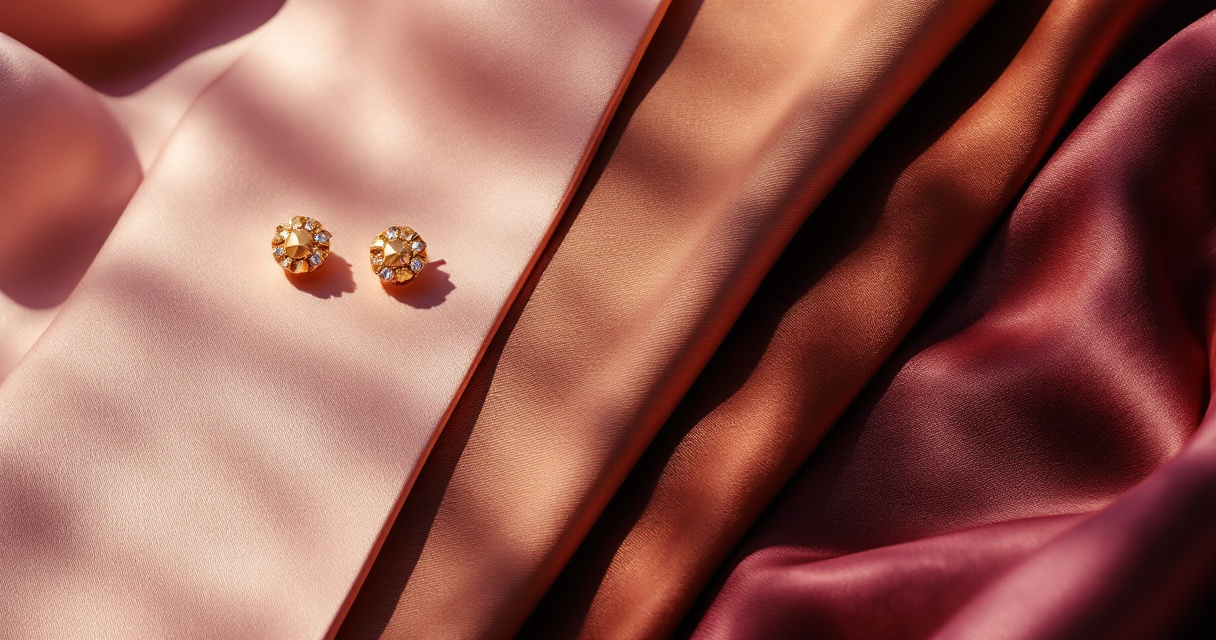
Metal tones interact with skin undertones, and AI systems accurately capture these relationships. Wearing the wrong metal can make your skin appear sallow or washed out in the final headshot.
Determining Your Best Metal Tones
Warm undertones (yellow, peachy, or golden base):
- Gold, rose gold, brass, and copper flatter naturally
- Silver can appear harsh or cold against warm skin
Cool undertones (pink, red, or blue base):
- Silver, white gold, and platinum complement beautifully
- Yellow gold may clash and create unwanted color casts
Neutral undertones:
- Flexibility to wear both gold and silver effectively
- Mixed metals work well without appearing mismatched
When uploading photos to The Looktara Lens platform, images with properly coordinated metal tones produce more polished, professional results.
Gemstone and Color Accent Considerations
Colored gemstones or enamel accents in jewelry add personality but require careful selection:
- Blues and greens: Generally photograph well and complement most skin tones
- Reds and oranges: Can reflect onto skin, creating unwanted color casts
- Yellows: Risk blending into warm skin tones or appearing sickly
- Black and white: Safe, classic choices that render accurately
When uncertain, choose jewelry with minimal colored accents for AI headshots.
Common Mistakes That Ruin AI Headshot Accessory Styling
Learning from others' errors saves you time and ensures better results on your first attempt. These mistakes appear repeatedly in poorly rendered AI headshots.
The Top Five Accessory Errors
- Wearing multiple reflective pieces simultaneously: Earrings plus necklace plus watch creates too many competing light sources
- Choosing accessories that match your skin tone too closely: They disappear or create strange texture effects
- Ignoring the background color relationship: Gold jewelry against warm backgrounds can blend awkwardly
- Wearing logo-heavy accessories: Branded items distract and may render text illegibly
- Over-accessorizing for the format: Headshots are small images; subtle details get lost or muddled
Reality Check: Your AI headshot will likely display at 150x150 pixels on LinkedIn. Intricate jewelry details become invisible blurs at that size.
Preparing Your Accessories Before Your Photo Upload
Physical preparation of your accessories improves AI rendering quality. The cleaner and better-maintained your jewelry appears in source photos, the better the AI output.
Pre-Photo Jewelry Checklist
- Polish all metal surfaces to remove fingerprints and smudges
- Ensure earring backs are secure and not visible from the front
- Check that necklace clasps are positioned at the back of the neck
- Remove any protective plastic from new jewelry
- Verify stones are secure and sitting properly in settings
- Untangle chains completely; knots cause rendering confusion
These small preparations take minutes but meaningfully impact your final headshot quality.
Conclusion
Accessory choices for AI headshots follow clear principles: simplicity wins, matte finishes outperform reflective surfaces, and coordination with your skin tone and outfit creates polished results. Start by selecting one focal accessory, whether simple stud earrings or a delicate necklace, rather than layering multiple pieces. Match your metal tones to your undertone, and always clean your jewelry before photographing.
Ready to create professional headshots that showcase your best accessorized look? The Looktara Lens platform makes generating polished, authentic portraits simple. Upload your photos with your carefully chosen accessories, and receive headshots that capture both your professional image and personal style. Visit Looktara.com today to transform your LinkedIn profile, business branding, or dating app presence with AI headshots that actually look like you.