
Your LinkedIn photo now does more than signal professionalism, it also shapes whether people trust you as a creator. Because LinkedIn is a business and employment-focused networking platform used for professional networking and career development, your profile image sits at the center of your first impression. An AI headshot for LinkedIn creator mode can save time and sharpen your brand, but only if it looks authentic, current, and aligned with your content. Tools like The Looktara Lens matter here because creators often need one visual identity across LinkedIn, resumes, posts, and brand assets, not just a single polished portrait. If you're building a more complete profile stack, related tools like a resume headshot generator and a LinkedIn post AI generator can help keep that identity consistent.
What an AI headshot needs to do for LinkedIn creator mode
A creator-focused LinkedIn photo needs to balance authority, recognizability, and platform fit. On a standard job-seeker profile, a safe corporate portrait may be enough. Creator mode changes the context because people often discover you through content first, then judge your credibility through your profile photo, headline, and featured work.
Your image should answer three questions fast: do you look like a real person, do you seem relevant to your niche, and would someone trust your expertise enough to follow or contact you. That means the best AI-generated portraits are not the most dramatic ones. They are the ones that still look like you on video calls, podcasts, livestreams, and event photos.
For creator mode, accuracy beats glamour. A slightly less polished image that feels real usually performs better for trust than a flawless but artificial-looking portrait.
Core criteria for a creator-ready headshot
| Criterion | What it means on LinkedIn | Why it matters |
|---|---|---|
| Facial accuracy | Resembles your real face, age, and expression | Avoids distrust when people meet you or watch your content |
| Clear framing | Head and shoulders, uncluttered crop | Stays readable on mobile and in comments |
| Niche alignment | Styling matches your field, such as coach, founder, designer, recruiter | Supports personal brand positioning |
| Natural retouching | Clean lighting without plastic skin or warped details | Keeps the image believable |
| Cross-platform fit | Works on LinkedIn, resumes, speaker pages, and newsletters | Saves time and keeps brand recognition stable |
Signals that usually work best
- Neutral or lightly expressive facial expression
- Simple background with depth, not obvious AI blur
- Clothing that matches your real work persona
- Lighting that looks like a good camera, not fantasy art
- A crop that remains clear in a small circle avatar
Creators who also publish outside LinkedIn can benefit from matching visuals across formats. If your profile leads to a newsletter, shop, or media brand, supporting assets like a pitch deck slide AI generator or a podcast cover AI generator can reinforce the same identity.
How to judge whether an AI-generated portrait looks trustworthy
A trustworthy AI portrait passes a simple test: if someone meets you tomorrow, they should not feel misled. That sounds obvious, but many AI headshots still fail on tiny details such as asymmetrical glasses, inconsistent teeth, over-smoothed skin, or backgrounds that look physically impossible.
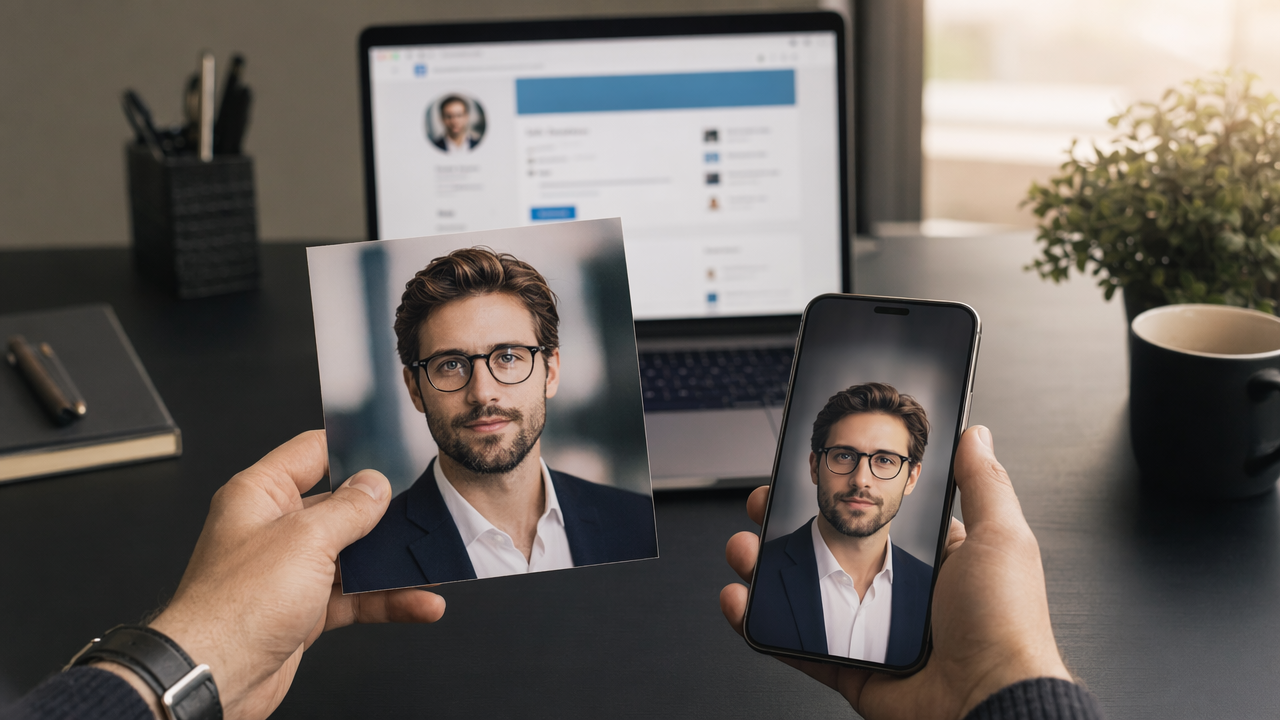
The risk is not just aesthetic. Research on synthetic media and deception shows why realism and disclosure matter. Todd C. Helmus's 2022 RAND primer on artificial intelligence, deepfakes, and disinformation outlines how AI-generated media can affect credibility and public trust. In a professional setting, that means your image should signal enhancement, not identity manipulation.
A quick authenticity checklist
- Compare the AI photo with three real recent photos of yourself.
- Check hairline, eye shape, smile, jawline, and skin texture.
- Zoom in for artifacts around earrings, collars, teeth, and hands if visible.
- Ask one colleague and one friend, "Does this look like me on a normal good day?"
- Reject any version that looks younger, sharper, or more glamorous than you typically appear.
Common failure points to avoid
- Heavy beauty filtering that removes pores and natural texture
- Unreal office backgrounds with distorted furniture or lighting
- Clothing you would never wear in meetings or recordings
- Hyper-stylized cinematic edits that feel like ad creative, not LinkedIn
- Facial changes that make you look like a different person
A useful mental model comes from broader media research. In The Automation of Style, Daniel Stephen Vaughan Palmer and Katrina Sluis examine how AI systems shape image style and aesthetics. For LinkedIn, that matters because style automation can push portraits toward generic sameness. You want polish, but you also want identity.
If your headshot could belong to anyone in a batch of 100 AI portraits, it is probably too generic for creator branding.
How The Looktara Lens handles creator-mode headshots better
The best workflow for creator-mode portraits combines realism with brand consistency across all the places people discover you. The Looktara Lens is useful here because it fits into a broader content identity system instead of treating your photo as a one-off image.
A creator on LinkedIn rarely stops at a profile picture. You may also need a banner, quote card, post graphic, podcast art, or short-form video thumbnail that feels visually connected. That's where the The Looktara Lens platform stands out: it supports the practical follow-through after the portrait is done.
Side-by-side: one-off headshot tool vs brand-system approach
| Approach | Best for | Limitations | Better fit for creator mode? |
|---|---|---|---|
| One-off AI headshot tool | Quick profile photo refresh | Hard to extend style across content assets | Sometimes |
| Manual designer workflow | High-touch brand builds | Slower, often costlier, less flexible for frequent updates | Sometimes |
| The Looktara Lens brand-system workflow | Creators, founders, freelancers building repeatable visual identity | Requires choosing a consistent style direction upfront | Yes |
Where the platform fits in your profile stack
- Your profile image anchors recognition
- Your banner supports your niche and offer
- Your post visuals reinforce consistency
- Your resume and deck visuals support off-platform trust
After your portrait is set, you can extend that identity with a website hero AI generator, a quote post AI generator, or a logo AI generator if you're building a solo brand.
Who should pick which
Choose a simple headshot-only tool if you only need one image for job applications and nothing else. Pick a broader system if you're posting regularly, pitching clients, speaking publicly, or running a founder-led brand.
That's why many creators will get more long-term value with The Looktara Lens than with a single-image generator. You are not just making a portrait. You are building a recognizable professional presence that holds together across touchpoints.
Best practices for prompts, styling, and profile fit in 2026
The strongest results come from giving AI a clear identity brief, not vague beauty goals. Your prompt or setup should describe your real role, audience, wardrobe range, lighting preference, and intended use on LinkedIn.
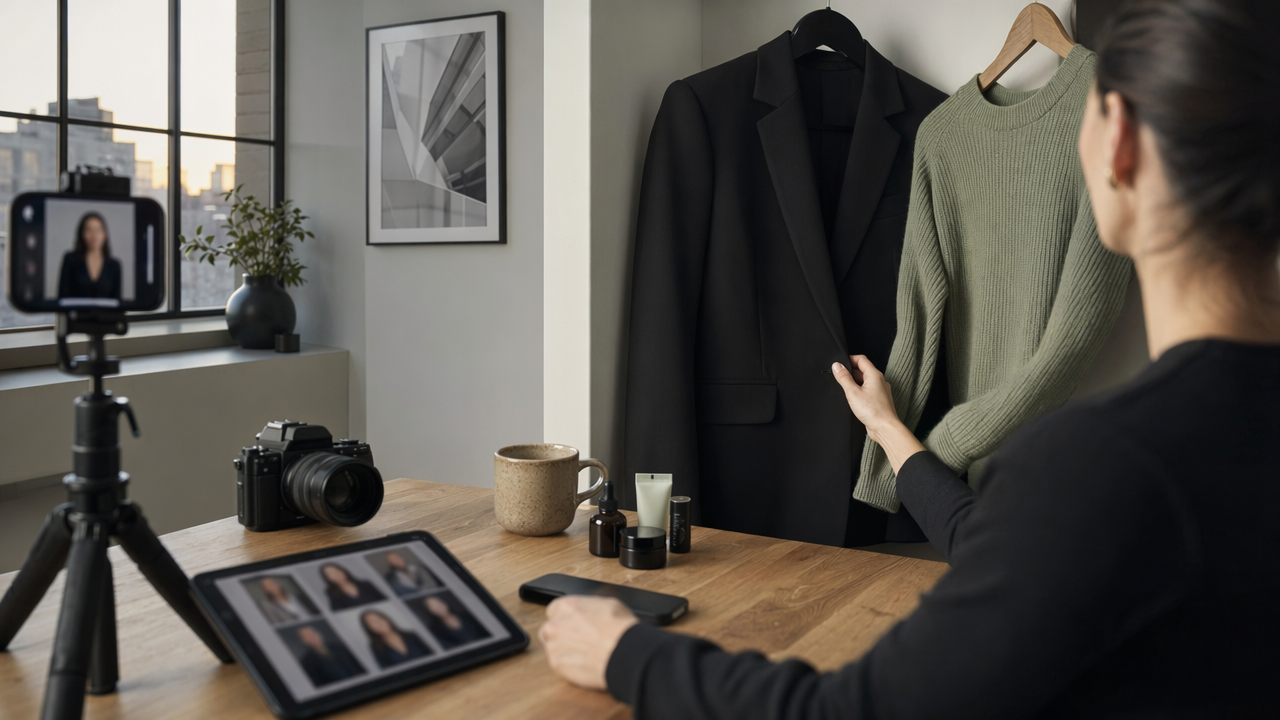
Start with current inputs. Use recent reference photos, ideally from the last 6 to 12 months, with natural expressions and multiple angles. Older photos increase the chance that the output will feel off, especially if your hairstyle, weight, glasses, or beard changed.
Prompt ingredients that improve relevance
- Profession or creator niche, such as B2B marketer, career coach, startup founder, or UX consultant
- Tone, such as approachable, expert, analytical, or creative
- Wardrobe, such as blazer, knit top, open-collar shirt, or smart casual
- Background, such as soft neutral office, clean studio, or subtle outdoor blur
- Framing, such as head-and-shoulders crop for circular profile display
What to match to your actual LinkedIn presence
| Profile element | What your image should support |
|---|---|
| Headline | Your specialty should feel visually plausible |
| Featured section | Photo style should match your content quality |
| Creator posts | Visual identity should feel consistent, not random |
| About section | Tone of your image should mirror your writing voice |
Small details matter more in creator mode because your profile often serves as a landing page. If you write bold opinion posts, a stiff corporate portrait may feel mismatched. If you sell executive consulting, a casual selfie-style output may undercut your positioning.
For people building a fuller content pipeline, related assets can save time. A Pinterest pin AI generator may help if you repurpose ideas visually, while a shorts thumbnail AI generator makes sense if your LinkedIn audience also follows your video content.
Good creator branding is less about looking expensive and more about looking consistently like yourself wherever people find you.
What to do after you generate your AI headshot for LinkedIn creator mode
Your next step is to test the image in context, not admire it in isolation. A portrait that looks great full-size may fail once cropped into LinkedIn's small circular frame.
Upload two or three finalists and compare them on desktop and mobile. Then review the image beside your headline, banner, and top three posts. You are checking for coherence, not just beauty.
A practical rollout plan
- Pick one primary image and one backup.
- Update LinkedIn first, then your resume, speaker bio, and portfolio.
- Refresh your banner so it does not clash with the portrait style.
- Review comments and profile views over the next few weeks for qualitative feedback.
- Revisit the image if your look changes or your niche positioning shifts.
When to regenerate instead of keeping the first result
- You changed industries or audience focus
- Your real appearance changed noticeably
- The image no longer matches your content style
- People hesitate when meeting you in person or on video
One more practical tip: save your final visual direction somewhere. If you later build campaign assets, founder posts, or media kits, you'll want the same color mood and style language. That's easier if your tools live in one place. Visit looktara.com if you want that kind of repeatable workflow, not just a one-time upload.
For a clean next step, update your headshot, align your banner and post design, and then create one new creator post that introduces your current focus. If you want all three pieces to feel connected, start with The Looktara Lens, then build outward across your profile assets. You can also head to looktara.com to map your full visual identity before your next profile refresh.
Conclusion
An AI headshot for LinkedIn creator mode works when it looks like you, fits your niche, and supports trust across every place your audience sees you. The safest choice is not the flashiest portrait. It's the one that stays believable in a tiny avatar, matches your content voice, and scales into banners, resumes, decks, and branded posts. If your current profile photo feels dated or inconsistent, update it this week, compare it in real LinkedIn context, and build the rest of your creator visuals around that choice with The Looktara Lens.
Generated by EarlySEO.com