
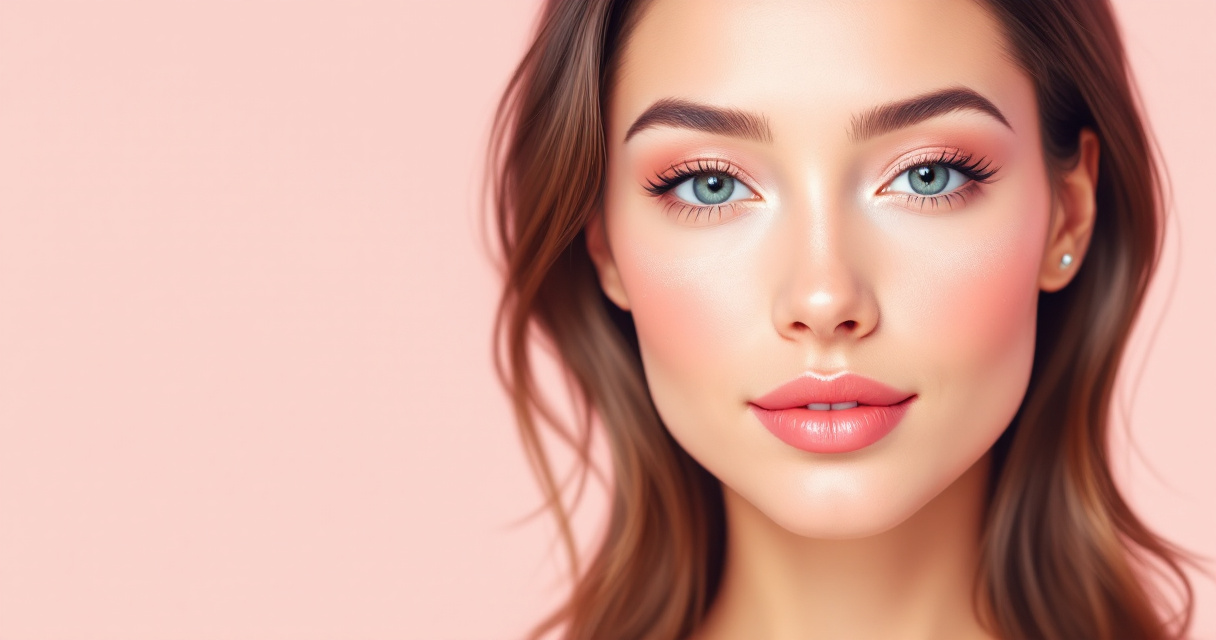
Recruiters often decide within seconds whether a profile looks credible. LinkedIn's own hiring insights have repeatedly shown that profiles with professional photos receive significantly more views and connection requests than those without one. Now that AI headshot generators are widely used, grooming and makeup still matter more than many people expect. AI can enhance a photo, but it works best when the original image already looks polished. Tools like The Looktara Lens make it easier to generate high‑quality professional images, yet the difference between an average result and a standout headshot often comes down to simple makeup, grooming, and lighting choices. The tips below focus on what works best with modern AI image systems in 2026.
Why Grooming Still Matters When AI Generates Your Headshot
Many people assume AI will fix everything in a headshot. In reality, generative image systems rely heavily on the features present in the original photo. If lighting, skin tone balance, or grooming looks inconsistent, the AI often exaggerates those problems rather than correcting them.
Research published in computer vision studies from 2023 to 2025 shows that generative portrait models produce the most realistic results when the input image already has clear facial features, balanced lighting, and natural skin texture. Poor grooming or harsh makeup can confuse facial mapping algorithms, leading to unnatural skin smoothing or distorted shadows.
AI headshot tools improve what already exists in the photo. They rarely replace good preparation.
For professionals using tools such as The Looktara Lens, a clean and well-prepared base photo dramatically improves the final output. This matters whether you're creating a LinkedIn portrait, a company bio photo, or a freelance portfolio image.
A good starting point includes:
- Clean, hydrated skin with minimal shine
- Hair that frames the face clearly
- Balanced makeup that enhances natural features
- Neutral clothing that keeps attention on the face
If you're building a full personal brand around your headshot, pairing it with visuals like a custom website hero image generator can help maintain visual consistency across platforms.
Makeup Techniques That Translate Best to AI-Generated Portraits
Camera sensors and AI rendering treat makeup differently than the human eye. What looks subtle in person may appear exaggerated after image processing. Professional photographers often recommend makeup styles designed specifically for photography rather than daily wear.
Camera-Friendly Makeup Adjustments
Small adjustments help AI tools detect facial contours accurately.
- Use matte or semi‑matte foundation to avoid shine from lighting
- Apply concealer slightly brighter than skin tone under the eyes
- Define eyebrows softly; overly sharp lines can look artificial
- Choose neutral lip tones instead of bright colors
- Avoid glitter or reflective highlighters
These adjustments help the AI preserve realistic texture while still enhancing facial features.
Makeup Intensity: Real Life vs AI Camera
| Makeup Element | In-Person Style | Best Version for AI Headshots |
|---|---|---|
| Foundation | Light everyday coverage | Matte medium coverage |
| Contour | Minimal | Slightly stronger definition |
| Eyeshadow | Fashion colors | Neutral tones |
| Lip color | Personal preference | Natural or muted |
| Highlight | Shimmer | Very subtle or none |
Many AR beauty apps, including YouCam Makeup, allow people to simulate cosmetic looks before taking a photo. According to Perfect Corp., the company behind the app, AR makeup simulations increased dramatically between 2022 and 2024 as people began preparing photos for digital profiles rather than in-person events.
Hair and Grooming Choices That AI Headshot Tools Handle Best
Hair is one of the most difficult elements for AI portrait systems to reconstruct. Stray strands, complex textures, or harsh shadows can produce blurry or artificial results.
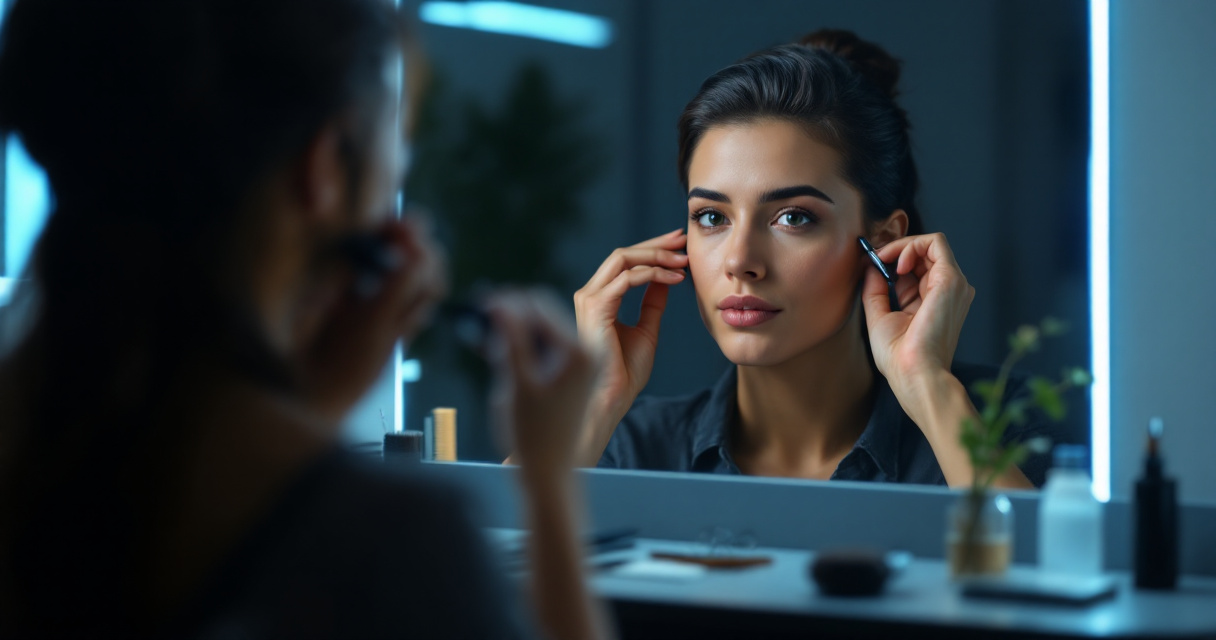
Hair Up or Hair Down for a Headshot?
Professional photographers often recommend choosing the style you wear most frequently in professional settings. Consistency helps people recognize you when they meet you in person.
General guidance:
- Hair down works well for natural, approachable portraits
- Hair tied back highlights facial structure and jawline
- Short hairstyles should be neatly trimmed to avoid messy edges
AI portrait models tend to reproduce clean outlines more accurately than loose strands. A quick brush and a bit of styling product can make a noticeable difference.
Grooming Tips for Men
Men often skip grooming before AI photos, assuming the software will fix it. Still, facial hair inconsistencies are difficult for AI tools to repair.
Best practices:
- Trim facial hair evenly
- Moisturize skin to avoid dryness patches
- Use a small amount of powder to reduce shine
- Shape eyebrows lightly if needed
Professionals generating job profile images frequently pair these grooming steps with tools like a resume headshot AI generator to create consistent portraits across resumes and LinkedIn profiles.
Clothing Colors That Work Best With AI Headshots
Your clothing influences how AI systems balance color, lighting, and skin tone. Strong contrasts help portrait algorithms detect the subject clearly.
Best Color Choices for Professional Headshots
Neutral colors remain the safest option across industries.
| Color | Why It Works | Best For |
|---|---|---|
| Navy blue | Strong contrast without distraction | Corporate profiles |
| Dark green | Flattering for most skin tones | Creative professionals |
| Gray | Neutral and professional | LinkedIn headshots |
| Soft beige | Clean and minimal | Personal brands |
| Black | High contrast but bold | Executive portraits |
Avoid clothing with heavy patterns, logos, or bright neon colors. AI image models sometimes distort patterns when enhancing portraits.
If you're building visual assets for content creators or entrepreneurs, you might also combine a professional headshot with branded visuals like a TikTok banner AI generator to keep your branding consistent across social platforms.
Lighting and Skin Preparation Before Uploading to an AI Generator
Lighting affects how well AI understands your facial structure. Soft, even light produces the most accurate headshots.
Quick Lighting Setup That Works for AI
A simple setup often outperforms expensive gear.
- Face a window for natural light
- Keep the light source slightly above eye level
- Avoid overhead fluorescent lighting
- Use a plain background when possible
Natural lighting helps reduce harsh shadows that AI tools struggle to interpret.
Example of Skin Retouching Workflow
Even basic retouching can help create a cleaner input image. When that improved photo is uploaded into The Looktara Lens, the AI has clearer details to work with, which usually produces more realistic final headshots.
How AI Headshot Platforms Enhance Makeup and Grooming
Modern AI headshot platforms analyze hundreds of facial landmarks before generating a refined portrait. These systems adjust lighting, skin tone, and symmetry while preserving the person's identity.
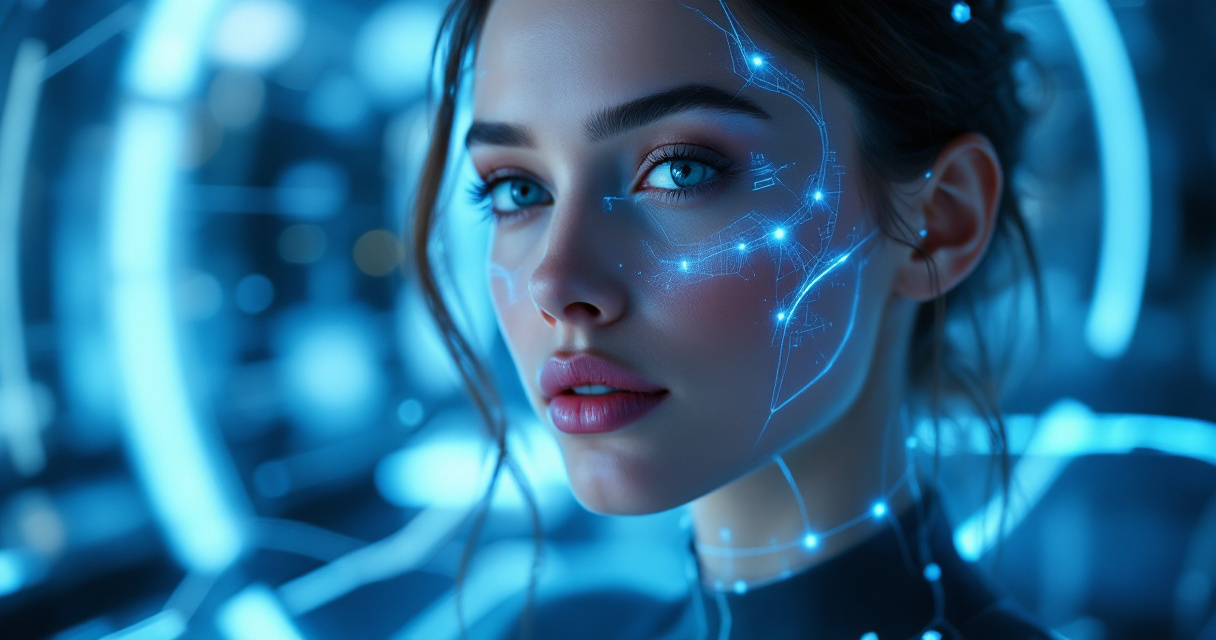
What AI Can Improve Automatically
- Skin tone consistency
- Minor blemishes
- Lighting balance
- Eye brightness
- Background replacement
Still, AI has limits. Overly heavy makeup or poorly groomed hair can lead to unrealistic textures or blurred edges.
Creators who publish professional content often combine headshots with additional graphics. For example, a polished portrait can pair with visuals made using a YouTube thumbnail AI generator to create a recognizable online presence.
AI Headshot Trends to Watch Through 2027
Portrait AI is evolving quickly. Several new developments are shaping how headshots will be created over the next few years.
Emerging Trends in AI Portrait Creation
- Hyper‑realistic skin rendering that preserves pores and natural texture
- Industry‑specific styling models trained for corporate, tech, and creative fields
- Personal brand consistency tools that generate headshots matching other marketing visuals
- Real‑time AR preparation tools that simulate lighting and makeup before taking photos
A 2024 analysis of generative AI image tools by OpenAI researchers found that portrait realism improves significantly when models are trained on diverse lighting conditions and natural facial textures. Expect AI platforms to incorporate these improvements throughout 2026 and beyond.
For entrepreneurs building a recognizable brand, headshots may also integrate with social assets created using tools like a LinkedIn post AI generator to keep profile imagery and content visually aligned.
Frequently Asked Questions About AI Headshot Makeup
A FAQ, short for frequently asked questions, is a curated set of answers addressing common concerns about a topic. Below are the questions most often asked about AI headshot grooming and makeup.
Do I need makeup for an AI headshot?
Not always. Many people generate excellent portraits with minimal makeup. Light foundation or skin smoothing products simply help reduce shine and uneven tones.
What makeup works best for professional headshots?
Neutral tones perform best. Matte foundation, soft blush, and defined eyebrows usually translate well through camera sensors and AI rendering.
Should I wear my hair up or down?
Choose the style you typically wear in professional settings. Consistency helps colleagues or recruiters recognize you in real life.
Can AI fix bad grooming?
Minor issues can be corrected, but heavy shine, messy hair, or poorly balanced lighting often reduce the quality of the final image.
Conclusion
AI can generate impressive portraits, but preparation still determines the final quality. Balanced makeup, clean grooming, good lighting, and neutral clothing help AI tools create headshots that look natural instead of artificial. If you want fast, professional results, start with a well‑lit photo and upload it to The Looktara Lens. The platform can transform everyday selfies into polished professional images suitable for LinkedIn, resumes, or personal branding. Try generating a new headshot today and upgrade the first impression your profile makes.