
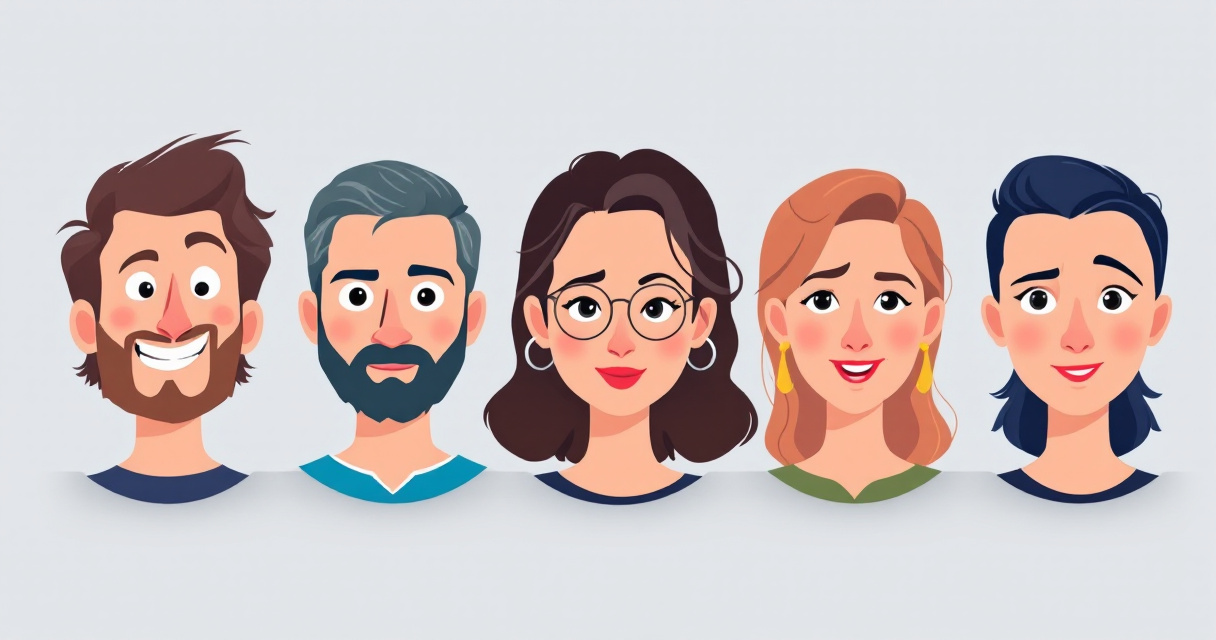
One photo can now produce an entire library of professional portraits. Modern AI headshot tools generate multiple expressions, moods, and micro‑emotions from a single image, saving hours of photoshoots and editing. Platforms such as The Looktara Lens make it possible to turn a neutral selfie into smiling, confident, serious, or friendly headshots suitable for LinkedIn, business branding, and social media profiles. For job seekers, entrepreneurs, and creators who need different tones across platforms, AI‑generated headshots with varied expressions have quickly become a practical alternative to traditional photography.
Why Multiple Expressions Matter in Professional Headshots
A single headshot rarely works everywhere. LinkedIn, portfolio sites, dating profiles, and company pages each communicate a different tone. AI headshot tools solve this by producing several emotional variations from one base image.
In psychology, mood refers to an affective state that is less intense but longer lasting than a specific emotion, according to the Wikipedia definition of mood (psychology). That distinction matters for portraits. A subtle shift from neutral to confident or friendly can change how viewers interpret professionalism or trustworthiness.
Recruiters and marketers increasingly analyze profile images. A 2023 analysis of social profiles cited in marketing research showed that smiling profile photos receive significantly higher engagement and connection requests compared with neutral expressions.
Small changes in facial expression can alter perceived trustworthiness, competence, and warmth within milliseconds.
Common Expressions Used in AI Headshots
| Expression | Typical Use Case | Perceived Message |
|---|---|---|
| Confident neutral | LinkedIn, resumes | Professional and composed |
| Friendly smile | Networking profiles | Approachable and open |
| Serious focus | Executive bios | Authority and expertise |
| Energetic smile | Social media branding | Creative and engaging |
| Thoughtful look | Speaker profiles | Analytical and reflective |
Tools like The Looktara Lens allow users to generate multiple variations quickly, which helps maintain consistent branding across platforms without scheduling several photo sessions.
How AI Generates Different Facial Expressions From One Photo
Modern AI image models use diffusion systems and facial landmark detection to alter subtle features such as eye curvature, eyebrow position, and mouth shape. These micro adjustments simulate realistic emotions while keeping the identity consistent.
Researchers studying computational emotion modeling found that emotion prediction systems rely on complex patterns rather than simple visual cues. A 2023 study by Sean Dae Houlihan and colleagues in Philosophical Transactions of the Royal Society A describes emotion prediction as computation over a generative theory of mind. In practice, this means AI models infer how facial features combine to represent emotional states.
Core AI Technologies Behind Expression Editing
- Facial landmark detection identifies key points around the eyes, nose, and mouth.
- Diffusion image models regenerate pixels while preserving identity.
- Emotion mapping datasets train models to associate facial patterns with emotions.
- Identity preservation algorithms ensure the face remains recognizable.
These systems enable tools like The Looktara Lens platform to generate professional portraits with multiple expressions while keeping lighting, clothing, and background consistent.
Typical Workflow of an AI Expression Generator
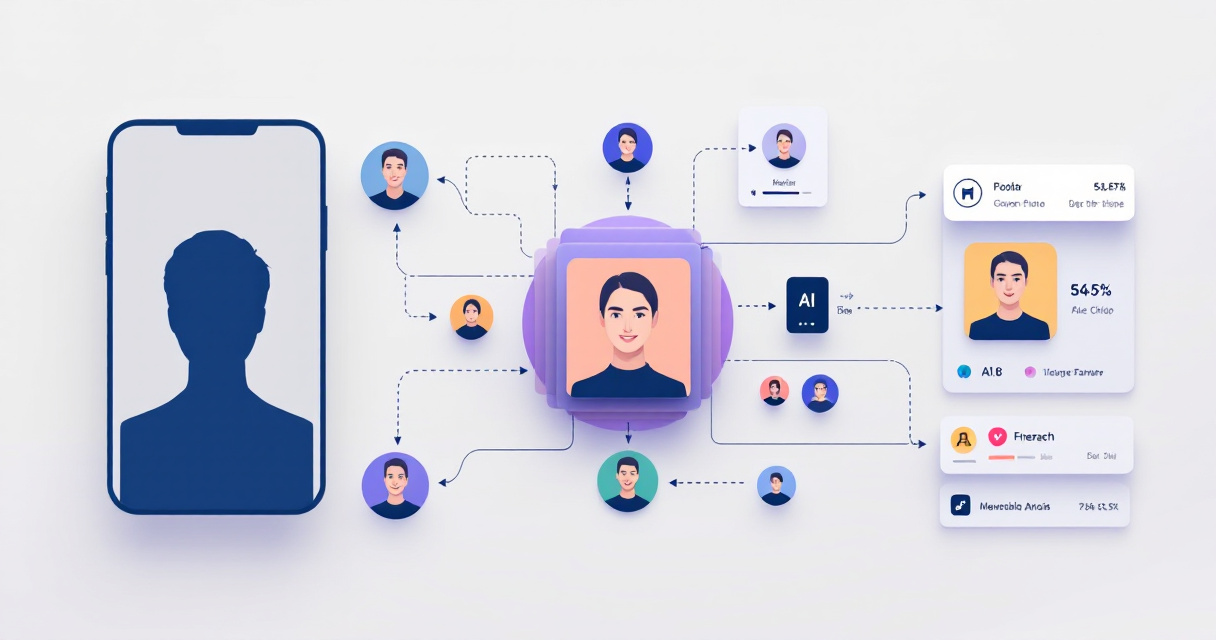
- Upload a base portrait or selfie.
- AI detects facial landmarks and builds a face map.
- Users choose emotions such as confident, relaxed, or smiling.
- The model regenerates the image with altered facial features.
- Several variations are exported for different platforms.
Real‑World Uses for Multi‑Expression AI Headshots
Professionals rarely use the same image everywhere. AI-generated expression variations allow a single session to supply photos for resumes, brand pages, ads, and social platforms.
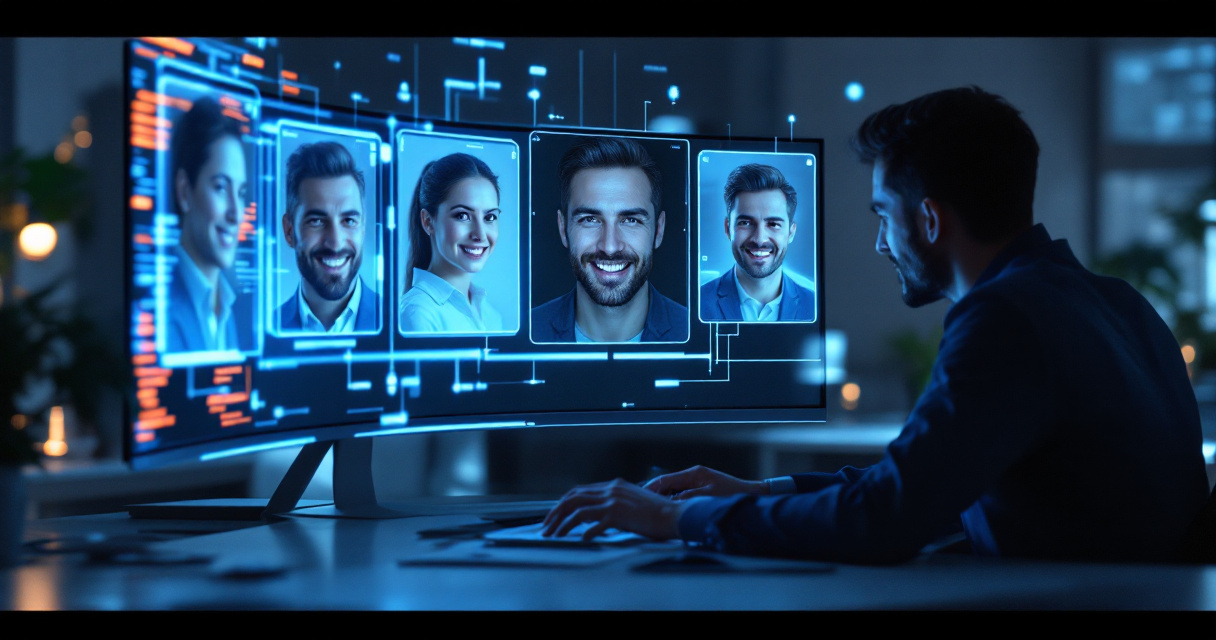
Freelancers, entrepreneurs, and influencers benefit most because their visual identity appears across many channels.
Where Different Headshot Moods Work Best
| Platform | Ideal Expression | Why It Works |
|---|---|---|
| Professional smile | Signals approachability and credibility | |
| Company website | Confident neutral | Maintains formal branding |
| Instagram creator page | Energetic smile | Fits casual content tone |
| Speaker profile | Thoughtful or serious | Conveys authority |
| Dating profiles | Natural smile | Builds authenticity |
Creators also combine headshots with other AI‑generated assets. For example, marketers might pair portraits with graphics from a YouTube thumbnail AI generator or design promotional visuals using a landing page banner AI generator.
Benefits Compared With Traditional Photoshoots
- Create dozens of expressions without retakes
- Maintain consistent lighting and style
- Reduce photography costs
- Adapt photos for different platforms quickly
- Generate fresh variations whenever branding changes
For remote workers and online creators, this flexibility often matters more than studio photography.
How to Create AI Headshots With Multiple Moods
Generating multiple expressions is simpler than most people expect. Modern platforms automate most of the technical work.
Step‑by‑Step Process
- Upload a clear portrait photo with good lighting.
- Select a professional style such as corporate, creative, or casual.
- Choose expression presets such as friendly smile or confident look.
- Generate multiple variations.
- Download the versions that match each platform.
Video: Consistent AI Characters and Expressions
Many creators start by generating a polished portrait using an AI resume headshot generator. From there, expression editing tools produce mood variations for marketing and personal branding.
Tips for More Realistic Results
- Upload photos with natural facial lighting
- Avoid heavy sunglasses or face coverings
- Choose subtle emotion changes rather than extreme ones
- Generate multiple samples and compare realism
Small expression adjustments usually look the most authentic.
AI Headshots for Personal Branding and Content Creation
Digital creators increasingly use AI headshots as part of their visual identity system. Instead of a single portrait, they maintain a library of mood‑specific images.
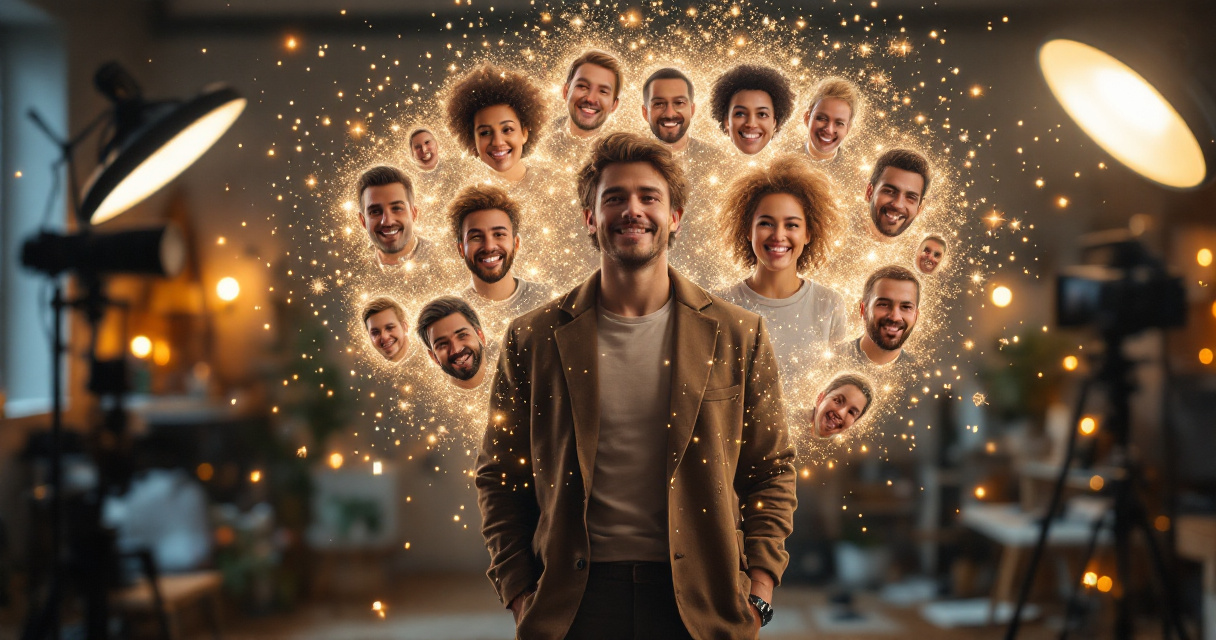
A creator might use a confident expression for business posts, a relaxed smile for lifestyle content, and an energetic look for promotional graphics.
Branding Assets That Pair Well With AI Headshots
- Social media banners
- YouTube thumbnails
- Podcast cover art
- Quote graphics
- Website hero images
For example, a brand could combine headshots with visuals from a Pinterest pin AI generator or design promotional graphics with an Instagram Facebook ad AI generator.
Consistent visual identity increases brand recall. Marketing studies show audiences remember brands more easily when images share the same style and facial representation.
Using tools like The Looktara Lens helps maintain that consistency because every expression comes from the same source portrait.
Accuracy, Ethics, and Authenticity of AI‑Edited Expressions
AI face editing raises ethical questions, especially when images significantly alter someone's appearance. Responsible use focuses on subtle expression adjustments rather than identity changes.
Academic discussions about digital identity highlight similar concerns. In The Distance Cure (2021), Hannah Zeavin notes that digital interaction often reshapes how people present themselves online. AI portraits extend that trend by allowing controlled presentation of mood and personality.
Responsible Ways to Use AI Headshot Editing
- Keep the edited photo recognizable as the real person
- Avoid altering identity traits such as age or ethnicity
- Use expressions that reflect genuine personality
- Label AI‑generated images when required
These guidelines help maintain trust, particularly in professional environments.
What AI Headshot Technology May Look Like by 2027
AI portrait technology is evolving quickly. New systems already generate dynamic expressions, animated headshots, and cross‑platform branding assets.
Video: Consistent AI Characters Across Scenes
Emerging Trends in AI Headshot Generation
- Dynamic headshots that shift expression automatically for different platforms
- AI video portraits generated from a single image
- Emotion‑adaptive profile photos for virtual meetings
- Full personal branding kits generated from one portrait
Platforms such as The Looktara Lens already point toward this direction by combining headshot generation with marketing visuals and social media assets.
Within a few years, creating a full professional image library may require only one uploaded photo.
Conclusion
AI headshot tools have changed how people present themselves online. Instead of scheduling multiple photoshoots, you can generate a range of expressions and moods from one portrait. That flexibility helps job seekers update LinkedIn profiles, entrepreneurs build consistent branding, and creators design content faster.
Platforms like The Looktara Lens make the process accessible by turning a single image into a full library of professional headshots. If you want profile photos that match every platform and tone, start by generating several expression variations and choose the ones that represent your personal brand best.