
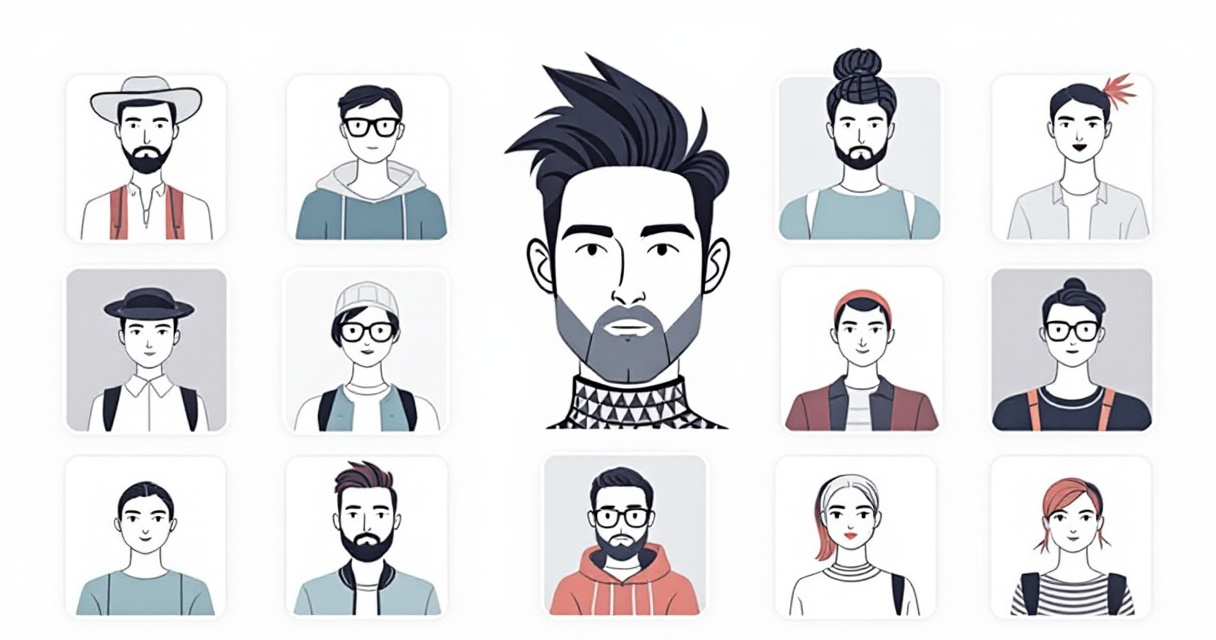
A professional photoshoot once meant renting a studio, hiring a photographer, and bringing several outfits. Today, a single selfie can generate dozens of polished portraits in different outfits within minutes. Modern AI headshot generators use advanced generative models to recreate clothing, lighting, and backgrounds while keeping your facial features consistent. Tools such as The Looktara Lens push this further by letting users test multiple professional looks, from corporate suits to creative industry styles, without changing photos or scheduling another shoot. For job seekers, entrepreneurs, and creators updating their online presence, AI headshots with multiple outfit options have become one of the fastest ways to produce high-quality profile images.
Why Multiple Outfit Options Matter for Professional Headshots
Your outfit communicates more than most people realize. Research on first impressions published in Psychological Science suggests people form judgments about competence and professionalism in milliseconds. In digital environments such as LinkedIn or portfolio sites, clothing in your headshot plays a major role in those judgments.
AI headshot tools solve a practical problem: you rarely need just one look. A founder might want a polished executive portrait, a relaxed startup photo, and a creative brand image for social platforms.
A 2024 LinkedIn survey found that profiles with professional headshots receive up to 14 times more profile views than those without a clear image.
Multiple outfits allow you to tailor your image for different contexts without repeating a photoshoot.
- Corporate profiles: suit, blazer, or formal attire
- Creative industries: bold colors or modern fashion
- Personal branding: casual or lifestyle clothing
- Dating apps: relaxed and approachable styles
AI platforms generate these variations instantly. Instead of changing clothing and retaking photos, the model reconstructs garments digitally while preserving your identity.
This flexibility is particularly useful for freelancers and remote professionals managing profiles across multiple platforms.
Typical Use Cases for Multi-Outfit AI Headshots
People use AI outfit variations for several professional and personal contexts:
- LinkedIn and resumes where a formal outfit increases perceived credibility.
- Company websites requiring uniform branding among team members.
- Social media content where casual or expressive clothing feels more authentic.
- Marketing assets such as ads or website banners.
For example, creators who generate visual assets for their brand may pair AI headshots with other design tools like this AI website hero banner generator to keep visuals consistent across platforms.
How AI Generates Multiple Outfits From a Single Photo
Modern AI headshot tools rely on diffusion models and identity-preserving neural networks. These models analyze facial structure, lighting patterns, and body positioning, then generate new clothing layers while keeping the face consistent.
In simple terms, the AI learns what you look like, then rebuilds the image with new visual elements such as clothing, backgrounds, and lighting.
According to research on diffusion-based image models published in 2023 by OpenAI and academic partners, these systems can generate highly realistic images by gradually refining random noise into structured visuals.
The process typically works like this:
Step-by-Step Workflow of an AI Outfit Generator
- Upload 5 to 15 clear photos of yourself.
- The AI trains a short identity model representing your facial features.
- Clothing templates or prompts define outfit styles.
- The model generates dozens of variations with consistent facial identity.
- Users download their preferred portraits.
Many modern tools allow batch generation, which means a single upload session can produce entire headshot sets.
Platforms such as The Looktara Lens apply this workflow to create brand-ready portraits that can be used in resumes, websites, and marketing materials.
Example: Consistent Character Generation With AI
Video: AI Character Consistency Techniques
The same underlying technique used in advertising and AI-generated characters also powers modern headshot generators. Consistency algorithms ensure your face remains recognizable across dozens of outfit changes.
Popular Outfit Styles AI Headshot Generators Offer
Most platforms provide preset wardrobe libraries. Competitor tools analyzed in the SERP often advertise 60 to 150 outfit options, ranging from corporate clothing to casual streetwear.
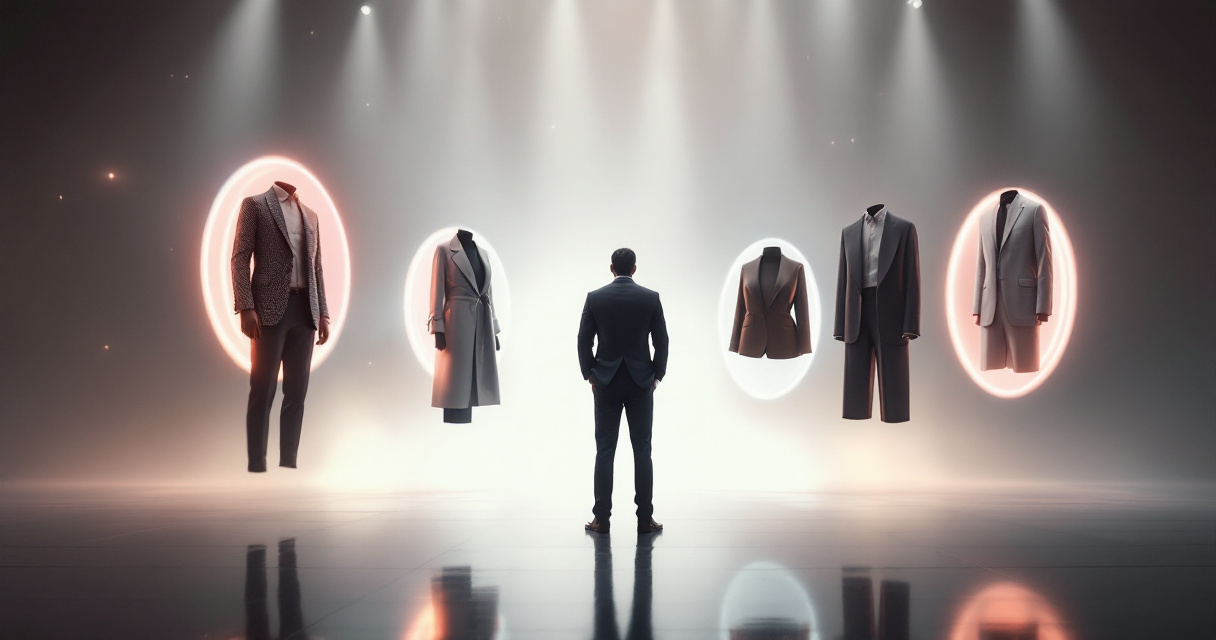
These presets speed up the process because users select categories instead of describing outfits manually.
Common AI Headshot Outfit Categories
| Outfit Style | Best Use Case | Typical Platforms |
|---|---|---|
| Business Formal | LinkedIn profiles, executive bios | Corporate professionals |
| Business Casual | Startup founders, freelancers | Tech and creative sectors |
| Minimalist Neutral | Portfolio websites, personal branding | Designers and consultants |
| Creative Professional | Marketing, media, influencers | Content creators |
| Casual Lifestyle | Dating profiles, social media | Personal branding |
Different industries signal credibility through different clothing choices. Finance and consulting lean toward formal attire, while startup founders often prefer modern casual looks.
AI headshot tools allow you to test these options quickly before selecting the version that aligns best with your brand.
Choosing the Right Outfit for Your Industry
Your headshot should match the expectations of your field.
- Corporate roles: dark blazer, neutral background
- Tech startups: business casual with relaxed posture
- Creative roles: bold colors or unique accessories
- Entrepreneurs: modern professional styling
You can also reuse these AI portraits across different brand materials. For instance, creators often pair their headshots with visual assets like this AI YouTube thumbnail generator for Shopify brands to maintain a consistent personal brand.
Key Features That Separate High Quality AI Headshot Tools
Not every AI headshot generator produces realistic outfit swaps. The best tools focus on identity accuracy, lighting consistency, and clothing realism.
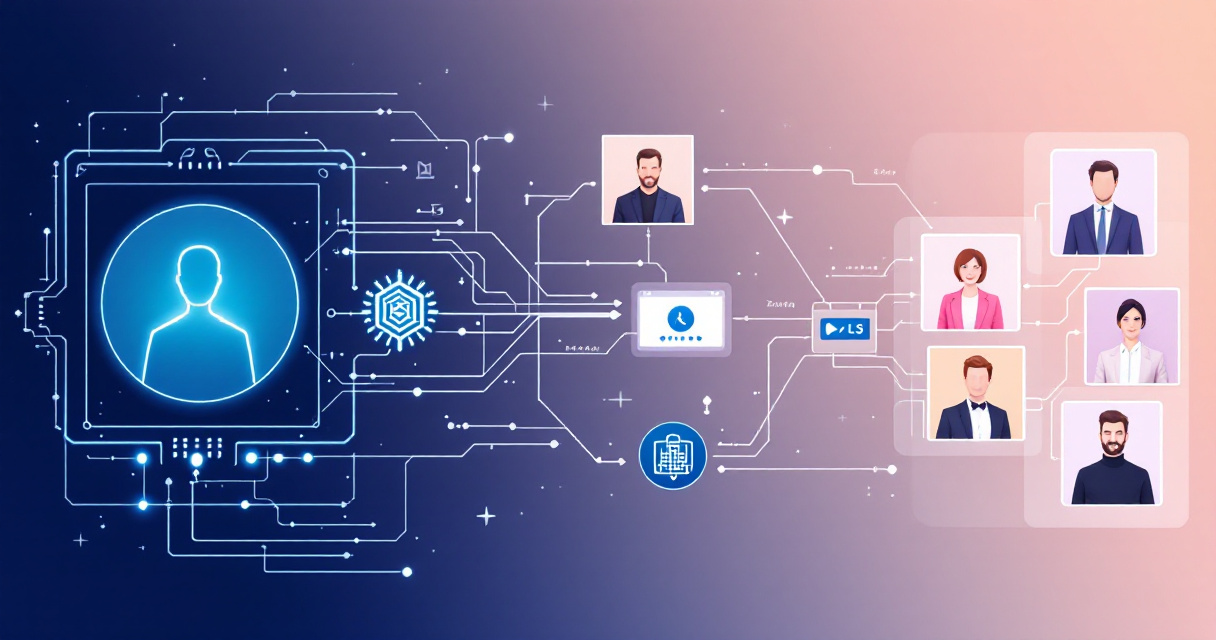
Feature Comparison of Modern AI Headshot Platforms
| Feature | Why It Matters | What to Look For |
|---|---|---|
| Identity consistency | Keeps your face accurate across images | Multi-image training models |
| Clothing realism | Prevents distorted fabrics | High resolution generation |
| Background control | Matches outfit style | Office, studio, lifestyle scenes |
| Batch generation | Saves time | 20 to 100 headshots per run |
| Export formats | Enables multi-platform use | PNG, JPG, high resolution |
Tools like The Looktara Lens combine these features with integrated design tools so users can reuse their headshots across social graphics and marketing visuals.
For example, entrepreneurs who regularly post content may generate branded visuals with tools such as this AI LinkedIn post generator for Shopify brands while keeping their headshot consistent across assets.
Why Consistency Matters for Personal Branding
Marketing studies show that consistent branding increases recognition and trust. According to Lucidpress brand research, consistent visual branding can increase revenue by up to 23 percent.
For individuals, this means using the same headshot style across LinkedIn, portfolio sites, podcasts, and social media graphics.
AI headshot tools simplify this by generating an entire library of matching portraits.
Privacy and Data Security When Using AI Headshot Platforms
Uploading personal photos to AI systems raises understandable privacy concerns. Responsible platforms address this with strict data policies.
What Safe AI Headshot Services Typically Offer
- Automatic image deletion after generation
- Encrypted uploads and storage
- Clear ownership rights for generated images
- No resale of training data
Many reputable platforms now allow users to delete their datasets immediately after processing, reducing the risk of unauthorized reuse.
Before choosing a generator, review its privacy policy and confirm how long images remain on the server.
Best Practices for Safer AI Image Generation
To protect your personal images:
- Upload only photos you are comfortable sharing.
- Avoid images containing sensitive information.
- Use platforms with transparent data policies.
- Delete your training set after downloading results.
These precautions help ensure your AI headshot workflow remains safe.
What AI Headshot Technology Will Look Like by 2027
The next generation of AI portrait tools is evolving quickly. Research in generative models and identity-preserving AI suggests that future systems will produce even more realistic clothing simulations and dynamic portraits.
Video: Character Consistency in Generative Models
Developments already appearing in 2025 and 2026 include:
- Real-time outfit switching inside photo editors
- 3D-aware lighting that adjusts shadows realistically
- Pose generation without needing new photos
- AI wardrobe libraries trained on fashion datasets
For creators and professionals building personal brands, this means a single photoshoot may soon generate hundreds of usable portraits across different platforms.
AI tools are also expanding into full visual branding workflows. For example, creators might combine headshots with graphics produced by tools like this AI Pinterest pin generator for Shopify stores to create complete marketing campaigns in minutes.
The Rise of AI Personal Branding Kits
A growing trend is the "AI branding kit" concept. Instead of generating one image, users create an entire identity pack that includes:
- professional headshots
- website hero images
- social media banners
- marketing thumbnails
Platforms like The Looktara Lens already move in this direction by combining portrait generation with marketing visual tools.
Frequently Asked Questions About AI Headshots With Multiple Outfits
Do AI headshots actually look realistic?
Modern diffusion-based image models produce high-resolution portraits that closely resemble studio photography. Quality still depends on the photos you upload and the AI model used.
How many outfits can AI generate?
Most platforms generate between 20 and 100 variations, though some libraries offer over 150 clothing styles.
Can you use AI headshots for LinkedIn or resumes?
Yes. Many professionals now use AI-generated portraits for resumes and job applications. For example, tools such as this AI resume headshot generator help create polished images designed specifically for job profiles.
Do I need professional photos to start?
No. Clear smartphone photos usually work well as training images, as long as lighting is decent and your face is visible.
How Many Photos Should You Upload for Best Results?
Most AI headshot systems perform best with 10 to 15 varied photos showing different angles and lighting conditions.
Recommended photo mix:
- 3 close-up portraits
- 3 half-body shots
- 2 smiling expressions
- 2 neutral expressions
- several casual photos
The more diverse your input photos are, the more accurate your AI-generated outfits will appear.
Conclusion
AI headshots with multiple outfit options have quickly become a practical alternative to traditional photoshoots. With a handful of photos, you can generate professional portraits for resumes, LinkedIn profiles, websites, and social media branding. The biggest advantage is flexibility. Instead of committing to one look, you can test dozens of styles and choose the image that best represents your personal brand.
If you want to experiment with modern AI portraits and reusable brand visuals, start with The Looktara Lens. The platform lets you generate professional headshots and extend them into marketing graphics, social posts, and branded visuals across your online presence. Upload your photos, generate multiple outfit variations, and build a consistent professional image in minutes.