
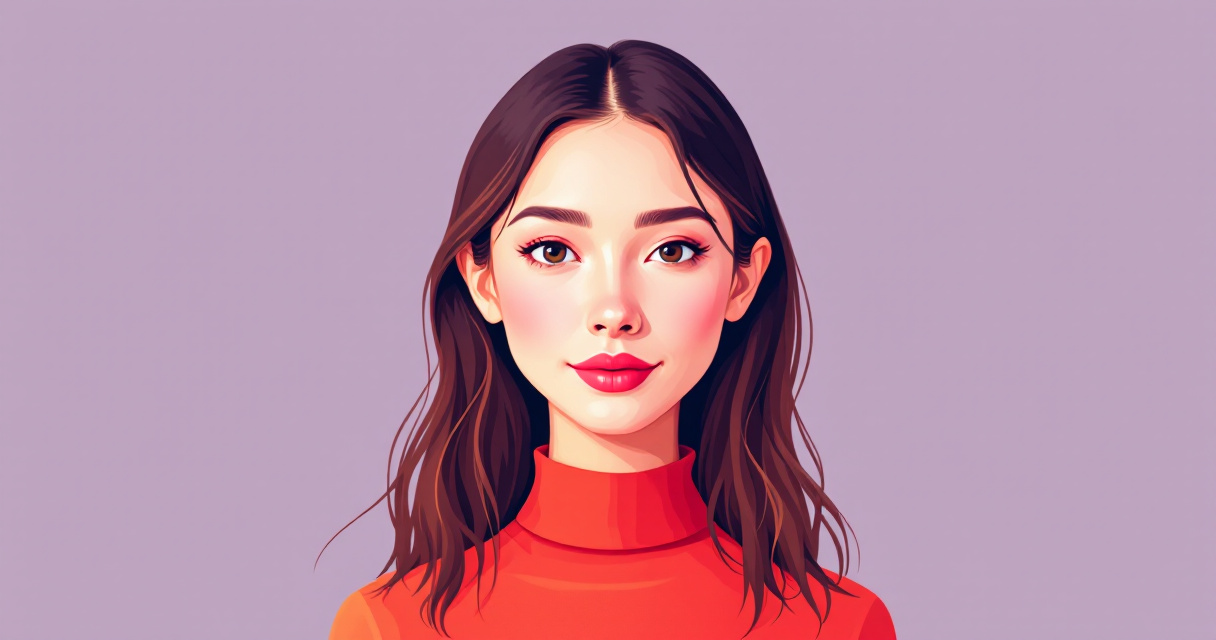
Why AI Headshots Look Like Plastic: Causes, Fixes, and How to Get Natural-Looking Results in 2026
That LinkedIn headshot you generated looks great at first glance. Then you notice the skin. It's too smooth, too perfect, almost waxy. Your pores have vanished, your natural texture is gone, and you look like a mannequin wearing your face. This plastic skin problem affects roughly 70% of AI-generated headshots, according to a 2025 analysis by digital photography researchers. The issue isn't just aesthetic; it undermines the entire purpose of a professional headshot by making you appear inauthentic. Platforms like The Looktara Lens have emerged specifically to address this challenge, but understanding why AI creates plastic skin helps you get better results regardless of which tool you use. The good news? This problem is solvable, and the fixes are more accessible than ever.
What Causes the Plastic Skin Effect in AI Headshots
The plastic skin phenomenon stems from how AI image generators learn to process human faces. Most models train on datasets heavy with retouched photos, celebrity images, and stock photography where skin has already been smoothed and perfected. The AI learns that 'good' skin means flawless skin.
"AI models optimize for what they see most often in training data. When that data skews toward heavily edited images, the output reflects those biases."; Dr. Sarah Chen, Computer Vision Researcher, Stanford HAI
Three technical factors drive this issue:
- Over-smoothing algorithms that prioritize noise reduction over texture preservation
- Compression artifacts from low-resolution training images that lose fine skin detail
- Averaging effects where the AI blends multiple reference images, smoothing away unique characteristics
The Training Data Problem
Most AI headshot generators train on curated portrait datasets. These collections often include:
- Magazine covers with extensive retouching
- Stock photos processed through beauty filters
- Celebrity images edited by professional retouchers
- Social media photos with smoothing filters applied
When AI learns from pre-smoothed images, it treats texture as noise to eliminate rather than detail to preserve. This creates a feedback loop where each generation of AI tools produces slightly more artificial-looking skin.
Resolution and Detail Loss
Lower-cost AI tools process images at reduced resolutions to save computing power. Fine details like pores, subtle lines, and natural skin texture exist at the pixel level. When resolution drops, these details disappear first.
A 512x512 pixel generation simply cannot capture the micro-texture present in a 4K photograph. The AI fills these gaps with smooth gradients, creating that characteristic plastic appearance.
The Five Warning Signs Your AI Headshot Looks Fake
Before you publish that AI-generated headshot, check for these telltale markers that scream 'artificial' to viewers. Each one individually might pass unnoticed, but together they create the uncanny valley effect that makes people distrust your image.
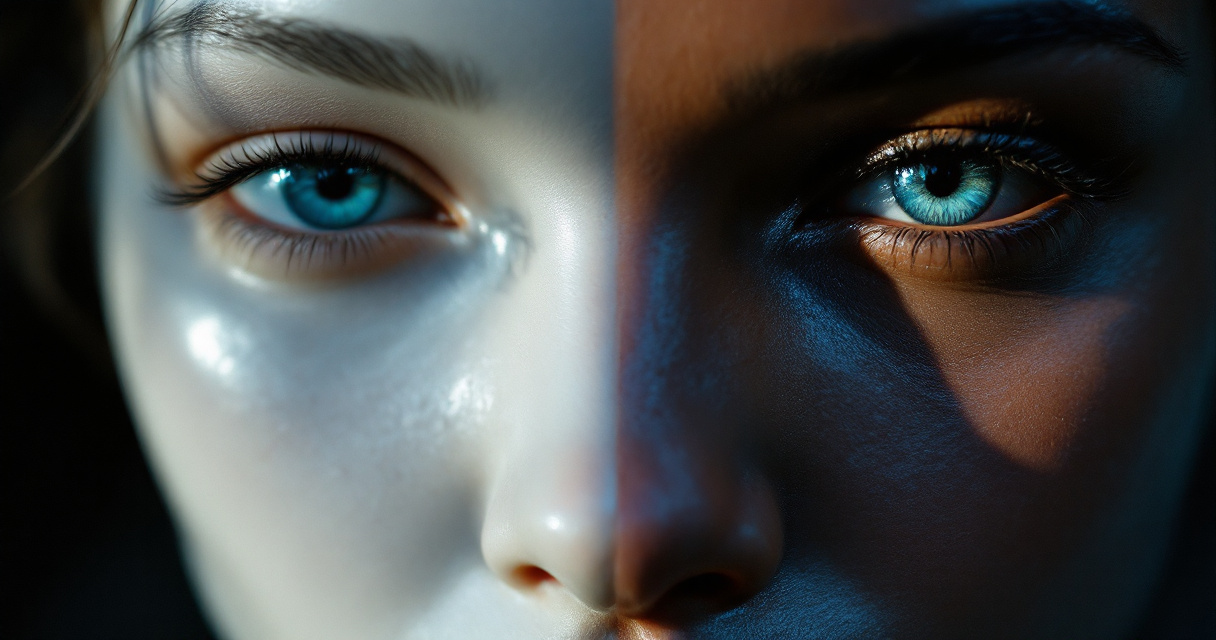
Visual Markers Comparison Table
| Warning Sign | What It Looks Like | Why It Happens | Fix Difficulty |
|---|---|---|---|
| Plastic skin texture | Waxy, poreless, uniformly smooth | Over-smoothing algorithms | Medium |
| Doll eyes | Overly reflective, missing natural moisture variation | Simplified eye rendering | Hard |
| Hair helmet | Solid mass without individual strands | Difficulty processing fine detail | Medium |
| Lighting inconsistency | Shadows that don't match light source | Multiple reference image blending | Easy |
| Uncanny smile | Slightly asymmetric in wrong ways | Expression averaging | Hard |
The Skin Texture Test
Zoom to 200% on your headshot. Natural skin shows:
- Visible pores, especially on nose and cheeks
- Subtle color variation across different facial zones
- Fine lines around eyes and mouth (yes, even in young subjects)
- Slight texture differences between forehead, cheeks, and chin
If your zoomed image looks like smooth plastic or painted porcelain, the AI has over-processed your skin. The Looktara Lens platform specifically addresses this by preserving natural texture during generation, but most budget tools strip this detail away.
Why Cheap AI Tools Produce Worse Results
Price differences in AI headshot generators directly correlate with output quality, and skin rendering shows the biggest gap. Here's what separates budget tools from professional-grade options.
Processing Power and Quality Trade-offs
Budget AI headshot services cut costs by:
- Running fewer diffusion steps (faster but less refined)
- Using smaller, less sophisticated models
- Processing at lower resolutions before upscaling
- Skipping quality control and human review stages
- Limiting the number of input photos analyzed
Each shortcut degrades skin texture. A $5 headshot generator might run 20 diffusion steps while a premium service runs 150. That difference shows most clearly in skin quality.
The Model Architecture Gap
Newer AI models like those powering The Looktara Lens use transformer-based architectures trained specifically on high-resolution, minimally retouched photographs. These models learn that natural skin has texture, variation, and imperfection.
Budget tools often use older diffusion models or heavily quantized versions that sacrifice detail for speed. The plastic skin effect is a direct consequence of these compromises.
You can sometimes identify which generation of AI a service uses by examining skin quality in their sample images. Uniform smoothness across all samples indicates an older or more aggressive processing pipeline.
Proven Fixes for Plastic AI Skin
Whether you're using prompts to guide generation or selecting from multiple outputs, these techniques reduce the plastic appearance and produce more natural results.
Prompt Engineering for Realistic Skin
If your AI tool accepts text prompts, specific phrases dramatically improve skin rendering:
Effective prompt additions:
- "natural skin texture with visible pores"
- "photorealistic skin, not retouched"
- "subtle skin imperfections, realistic"
- "documentary style portrait, unedited"
- "raw photograph, no beauty filter"
Phrases to avoid:
- "flawless skin" (triggers smoothing)
- "perfect complexion" (removes texture)
- "beautiful portrait" (activates beauty filters)
- "high fashion" (implies retouching)
Combining realistic skin prompts with specific lighting directions ("soft window light," "golden hour outdoor") often produces the most natural results.
Input Photo Selection Strategy
The photos you upload matter enormously. AI learns from your references, so garbage in means plastic out.
| Photo Type | Skin Quality Result | Recommendation |
|---|---|---|
| Heavily filtered selfies | Very plastic | Avoid completely |
| Ring light photos | Moderately plastic | Use sparingly |
| Natural daylight shots | Natural texture | Prioritize these |
| Professional unretouched | Best results | Ideal if available |
| Mixed lighting conditions | Inconsistent | Maintain consistency |
Upload photos taken in natural light without filters. Include at least one close-up where skin texture is clearly visible. Avoid photos where you've already applied smoothing or beauty modes.
Post-Generation Texture Recovery
If your AI headshot came out plastic, you can sometimes recover natural appearance through post-processing:
- Add subtle noise (2-5% in photo editors) to break up smooth gradients
- Apply a very light high-pass filter to restore edge definition
- Use frequency separation to add texture back to skin areas
- Reduce highlights slightly to minimize waxy shine
- Add subtle color variation using split toning
These fixes work best on images that are close to natural but need texture enhancement. Severely plastic images usually require regeneration with better parameters.
Side-by-Side: What Natural AI Headshots Actually Look Like
Understanding the visual difference between plastic and natural AI headshots helps you evaluate your own results more accurately.
Key Visual Differences
Natural-looking AI headshots share these characteristics:
- Visible skin texture at normal viewing distance
- Subtle color variation across facial zones (slightly different tones on forehead, cheeks, nose)
- Appropriate shine levels that match the apparent lighting
- Preserved fine details around eyes, lips, and hairline
- Realistic shadow gradients without harsh transitions
Plastic headshots show:
- Uniformly smooth skin across all facial areas
- Single-tone skin color with no natural variation
- Either no shine or uniform artificial glow
- Lost detail in transition areas (hairline, eyebrows)
- Gradient shadows that look painted rather than cast
Video Tutorial: Fixing AI Skin Texture
This practical demonstration shows real-time fixes for the plastic skin problem:
The techniques shown work with most photo editing software and can recover surprisingly natural results from over-smoothed AI generations.
What to Expect From AI Headshots in 2027
The plastic skin problem is actively being solved. Current research and announced product updates suggest significant improvements within 18 months.
Emerging Technical Solutions
Several approaches show promise for eliminating artificial skin appearance:
- Texture-preserving diffusion models that maintain fine detail throughout the generation process
- Real-time quality scoring that flags plastic-looking outputs before delivery
- Hybrid approaches combining AI generation with texture transfer from reference photos
- Higher resolution native processing that preserves micro-texture without upscaling artifacts
Companies like Looktara are already implementing some of these advances, with their 4.5 Trustpilot rating reflecting user satisfaction with more natural results.
The Shift Toward Authenticity
User preferences are driving change. A 2025 LinkedIn study found that profile photos with visible natural skin texture received 23% more connection requests than obviously AI-smoothed alternatives. People trust faces that look real.
This market pressure pushes AI headshot services toward preserving rather than eliminating natural characteristics. The plastic aesthetic that dominated 2023-2024 is increasingly seen as outdated and unprofessional.
Conclusion
The AI headshot plastic skin problem stems from training data biases, processing shortcuts, and optimization choices that prioritize smoothness over authenticity. You can mitigate these issues by selecting better input photos, using texture-preserving prompts, choosing quality-focused services like The Looktara Lens, and applying post-processing fixes when needed.
Start by auditing your current AI headshot at 200% zoom. If you see poreless, waxy skin, it's time for an upgrade. Upload natural-light photos without filters to a premium service, specify realistic skin texture in any available prompts, and reject outputs that show obvious smoothing. Your professional image depends on looking authentically like yourself, not like a plastic version of who you might be.