
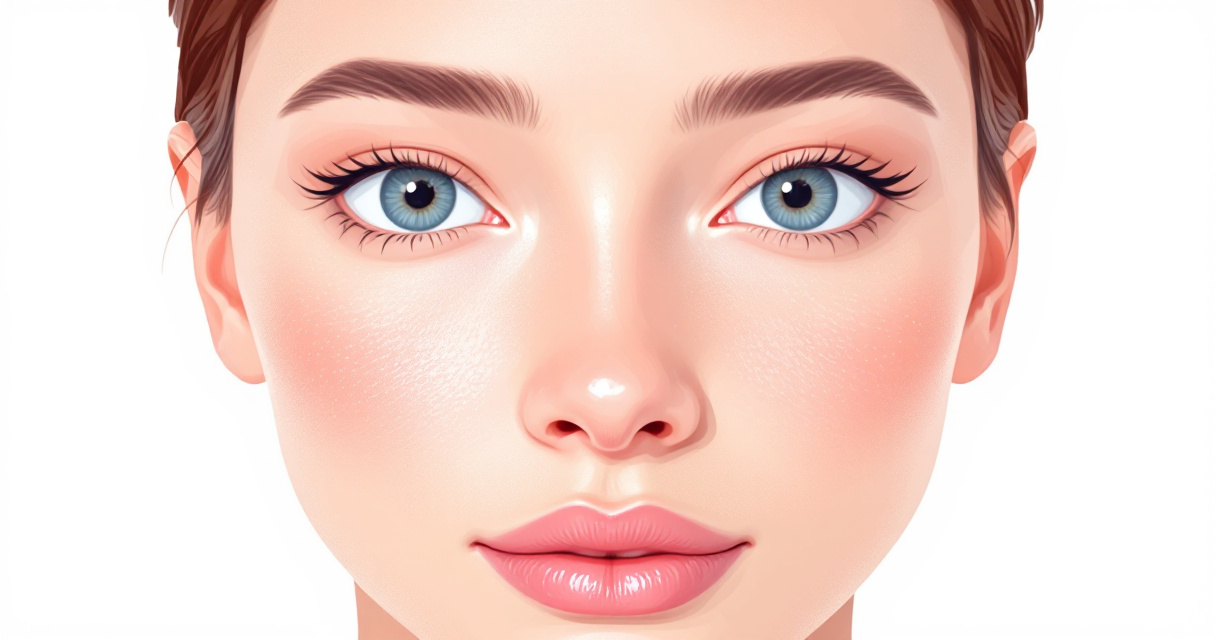
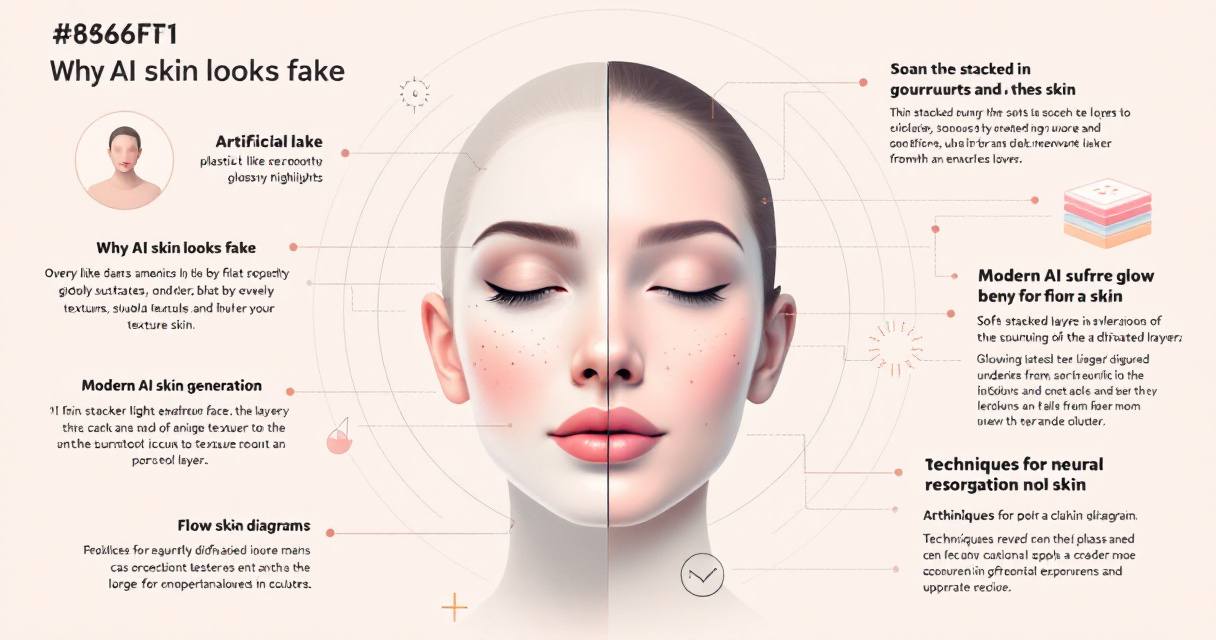
Most AI headshots fail for one simple reason: the skin looks too perfect. Smooth, plastic-like faces instantly signal that an image was generated by AI. In 2026, modern generative models can reproduce microscopic skin details such as pores, fine lines, and natural lighting, but only if the right techniques and tools are used. Platforms such as The Looktara Lens focus specifically on creating realistic portrait imagery for professionals who need authentic-looking headshots for LinkedIn, resumes, and personal branding. Understanding how AI creates believable skin texture, and how to control it, is the difference between a convincing portrait and an obvious AI image.
Why AI Skin Texture Often Looks Fake
Early AI portrait generators prioritized smooth skin because training datasets favored edited photography. The result was the well-known "AI plastic face" effect. Competitor tools like Claid.ai and Evoto now emphasize restoring pores and micro-texture because users quickly recognize unnatural surfaces.
A 2024 survey on generative AI applications by Gozalo-Brizuela and Garrido Merchan found that image realism depends heavily on micro-details such as skin noise and lighting gradients, not just facial structure. When these signals are missing, viewers subconsciously detect the image as artificial.
Humans detect subtle facial texture inconsistencies in milliseconds, which strongly affects trust and authenticity in AI-generated faces.
The Most Common AI Skin Problems
- Over-smoothed skin with no visible pores
- Uniform color across cheeks and forehead
- Missing fine wrinkles around eyes and mouth
- Unrealistic light reflection on the face
- Blurry skin when images are upscaled
Visual Signs of Artificial Skin Texture
| Feature | Real Human Skin | Typical AI Error |
|---|---|---|
| Pores | Uneven, random distribution | Completely absent |
| Color | Slight redness and tone shifts | Flat color gradient |
| Texture | Fine lines and micro wrinkles | Perfectly smooth surface |
| Light reflection | Soft diffusion | Glossy or plastic shine |
Fixing these issues requires better models, better prompts, and post-processing tools designed for portraits.
How Modern AI Models Generate Realistic Skin
Recent AI portrait systems rely on diffusion models and GAN-based training methods. According to the IEEE survey Face Generation and Editing With StyleGAN (Melnik et al., 2024), modern face generators can synthesize skin features down to microscopic levels when trained on high-resolution datasets.
These systems replicate several biological and photographic effects that define natural skin.
Subsurface Scattering and Natural Skin Lighting
Subsurface scattering is a physical phenomenon where light penetrates the skin and scatters beneath the surface before exiting. This effect creates the soft glow visible in professional photography.
Without this behavior, faces appear flat or wax-like.
AI models now simulate this through layered light diffusion and texture maps, producing more convincing skin depth.
Subsurface scattering is one of the most important elements for believable digital humans, especially in close-up portraits.
Micro-Texture and Pore Simulation
Real skin contains thousands of tiny irregularities. New AI headshot models add:
- Randomized pore distribution
- Micro-shadowing from pores and hair follicles
- Small blemishes and freckles
- Natural oil reflections
Tools built for professional portraits, including the The Looktara Lens platform, incorporate these effects automatically when generating profile photos.
Creators often combine portrait generation with branded assets such as a fitness Shopify website hero AI generator to keep visuals consistent across professional profiles.
Techniques That Make AI Headshot Skin Look Real
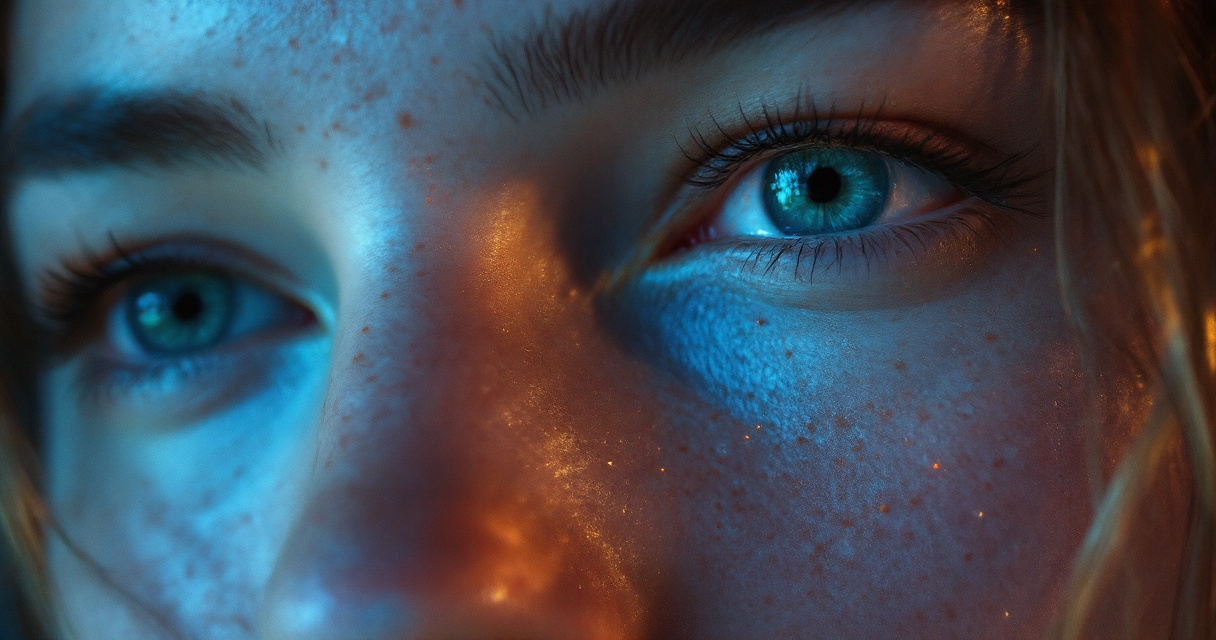
Professional photographers know that skin realism comes from controlled imperfection. AI headshots follow the same principle.
Practical Techniques Used by Creators
- Introduce controlled noise to avoid overly smooth surfaces
- Use high-resolution training models that capture pores and fine lines
- Add realistic lighting gradients rather than uniform brightness
- Apply subtle color variation around cheeks, nose, and forehead
- Avoid excessive retouching filters
Texture Adjustments That Improve Realism
| Adjustment | Effect on Skin |
|---|---|
| Pore enhancement | Restores natural texture |
| Grain overlay | Mimics camera sensor noise |
| Color variance | Creates lifelike tone variation |
| Micro-shadowing | Adds depth around pores |
Many professionals generate headshots and then integrate them into other visual assets, such as a fitness Shopify LinkedIn post AI generator or branded marketing graphics.
Small details like subtle pores or uneven lighting dramatically improve credibility.
Step-by-Step Workflow to Fix AI Plastic Skin
Fixing unrealistic skin texture is easier than many people expect. Most improvements happen in the prompt and post-processing stages.
Simple Workflow for Realistic AI Headshots
- Generate a high-resolution portrait with natural lighting prompts.
- Enhance pores and micro-texture using an AI texture tool.
- Add subtle film grain or camera noise.
- Adjust skin color variation around key facial areas.
- Export at high resolution to avoid blur during compression.
Video Tutorial: Fix AI Skin Realism
Watch the workflow in action
Creators often use this approach when preparing profile images for resumes, professional websites, and portfolios.
For example, the AI resume headshot generator allows users to produce professional headshots optimized for hiring platforms and online portfolios.
Where Realistic AI Headshots Are Used Today
Demand for realistic AI portraits has expanded rapidly since 2023. LinkedIn profile photos, creator branding, and remote work profiles now rely heavily on generated headshots.
According to industry reports from 2025, AI-generated professional portraits reduced traditional studio costs by up to 90 percent for freelancers and startups.
Popular Use Cases
- LinkedIn profile photos
- Resume headshots
- Personal branding websites
- Dating profiles
- Podcast and YouTube thumbnails
AI Portraits Across Content Platforms
| Platform | Headshot Purpose |
|---|---|
| Professional profile image | |
| YouTube | Creator branding thumbnails |
| Websites | About page portraits |
| Dating apps | Authentic profile photos |
Creators often combine portraits with social graphics such as a fitness Shopify YouTube thumbnail AI generator to maintain consistent visual branding across channels.
Using a single tool like The Looktara Lens simplifies the process because it generates realistic portraits and content visuals within the same platform.
Research Insights: How AI Faces Influence Human Perception
Realistic skin texture does more than improve aesthetics. It changes how people interpret faces.
A 2024 study by Moshe Glickman and Tali Sharot published in Nature Human Behaviour examined human reactions to AI-generated faces. The researchers found that small visual differences strongly affect emotional judgment and perceived authenticity.
Key Findings From the Study
- People trust faces with natural skin detail more than smooth synthetic faces
- Subtle imperfections increase perceived realism
- Over-retouched images reduce emotional engagement
The study concluded that human perception relies heavily on texture signals, not just facial structure.
This explains why AI-generated headshots with accurate pores and lighting perform better in professional environments.
Some creators even design brand graphics around their portrait identity, using tools like a fitness Shopify Pinterest pin AI generator to keep visual consistency.
What to Expect From AI Headshot Realism by 2027
AI portrait realism is improving fast. Between 2023 and 2026, diffusion models increased resolution, texture accuracy, and lighting realism.
Several trends are already shaping the next generation of AI headshot tools.
Emerging Improvements
- 4K to 16K portrait generation for ultra-detailed skin
- Real-time texture simulation during generation
- AI models trained on dermatology datasets
- Dynamic lighting adjustments after generation
Predicted Capabilities by 2027
| Feature | Expected Impact |
|---|---|
| Real-time skin physics | More accurate light diffusion |
| Personalized texture models | Skin patterns matched to individuals |
| Interactive retouching AI | Natural edits without over-smoothing |
Tools like The Looktara Lens are already moving in this direction by focusing on photorealistic portraits rather than stylized AI faces.
Frequently Asked Questions About AI Headshot Skin Texture
Can AI generate realistic skin pores?
Yes. Modern diffusion models can reproduce pores and fine wrinkles when trained on high-resolution datasets.
Why do some AI headshots look overly smooth?
Many generators apply automatic beauty filters or smoothing layers. These remove texture details that signal realism.
Can you add texture to an already generated image?
Yes. AI enhancement tools can restore pores, micro-shadows, and color variation without changing facial features.
Are AI headshots acceptable for LinkedIn?
Yes, as long as they look authentic. Many professionals use AI-generated portraits because they are faster and cheaper than studio photography.
Conclusion
Realistic skin texture is the single factor that determines whether an AI headshot looks believable or artificial. Pores, subtle color shifts, micro-shadows, and natural lighting all work together to create the illusion of a real photograph. Modern tools now replicate these details with impressive accuracy, especially when built specifically for professional portraits.
If you want AI headshots that look natural enough for LinkedIn, resumes, or personal branding, try generating them with The Looktara Lens. The platform focuses on lifelike portrait detail so your images maintain natural skin texture instead of the plastic look that gives away most AI portraits.