

A surprising number of AI-generated headshots still get one basic detail wrong: skin tone. Users often report portraits that appear lighter, overly smooth, or strangely tinted compared to the original photo. These issues are not just cosmetic. Accurate skin tone representation affects trust, identity, and professional credibility in profile photos. As AI headshot generators become popular for LinkedIn profiles, resumes, and personal branding, developers are racing to solve this problem. Platforms such as The Looktara Lens are focusing on better color modeling and training data diversity to produce portraits that match real skin tones more closely. Understanding why these errors happen and how modern tools fix them helps you choose the right AI solution for professional images.
What Skin Tone Accuracy Means in AI Headshots
Skin tone accuracy refers to how closely a generated portrait reproduces the natural color, undertones, and lighting variations of a person's real skin. Traditional cameras already struggle with this challenge, especially under mixed lighting conditions. AI image generators add another layer of complexity because they reconstruct faces rather than simply capturing them.
When AI systems produce headshots, they rely on large datasets of human faces. If those datasets contain uneven representation of skin tones, the generated output can drift away from the subject's true complexion.
"Skin tone accuracy simply means optimizing corrections based on actual skin color characteristics rather than applying generic adjustments," explains imaging research from EyeQ's photo enhancement tools.
In practical terms, accurate AI headshots must preserve three critical elements:
- Natural hue differences across skin tones
- Subtle color variation across cheeks, forehead, and shadows
- Correct balance between lighting and melanin-rich skin
Many early AI portrait generators ignored these subtleties, which explains why users sometimes receive portraits that appear pale or overly warm.
Key Factors That Influence Skin Tone Rendering
Several technical factors determine whether an AI headshot looks realistic:
- Training data diversity: datasets must include balanced representation of global skin tones
- Color calibration models: algorithms must map RGB values to natural skin tones
- Lighting simulation: accurate shadow modeling prevents washed-out faces
- Post-processing filters: excessive smoothing often removes natural pigmentation
Modern tools are increasingly designed with these variables in mind, which is why 2024 to 2026 models show noticeable improvements.
Why Early AI Headshot Generators Struggled With Diverse Skin Tones
The first wave of AI portrait generators around 2021 to 2023 revealed a clear pattern: darker skin tones were frequently misrepresented. This issue stems from biases in training data and color correction assumptions.
Research in generative AI has shown that models trained on unbalanced datasets often produce biased outputs. According to A Survey of Generative AI Applications by Gozalo-Brizuela and Garrido-Merchan (2024), generative models reflect patterns found in training data, which can lead to distorted outputs when certain demographics are underrepresented.
Many datasets used in early computer vision research contained disproportionate numbers of lighter-skinned subjects. As a result, AI models became better at reconstructing those features.
Common Skin Tone Errors in AI Portraits
| Issue | What Happens | Visual Result |
|---|---|---|
| Over-lightening | Model shifts tones toward lighter palettes | Skin appears washed out |
| Color cast | Incorrect color balance | Orange or gray tint |
| Texture smoothing | Over-aggressive retouching | Loss of freckles and natural shading |
| Lighting mismatch | AI assumes studio lighting | Unrealistic highlights |
Users reviewing AI headshot platforms in 2025 frequently reported these artifacts, especially when testing multiple portrait generators.
Why Lighting Simulation Matters for Melanin-Rich Skin
Melanin absorbs and reflects light differently than lighter skin. Poorly modeled lighting exaggerates contrast or removes detail in darker complexions.
In photography, professionals adjust lighting angles and exposure settings to maintain natural depth. AI systems must simulate these conditions mathematically, which remains a complex task.
How Modern AI Models Improve Skin Tone Accuracy in 2026
Recent advances in generative AI have dramatically improved portrait realism. New multimodal models analyze facial geometry, lighting patterns, and color distribution simultaneously.
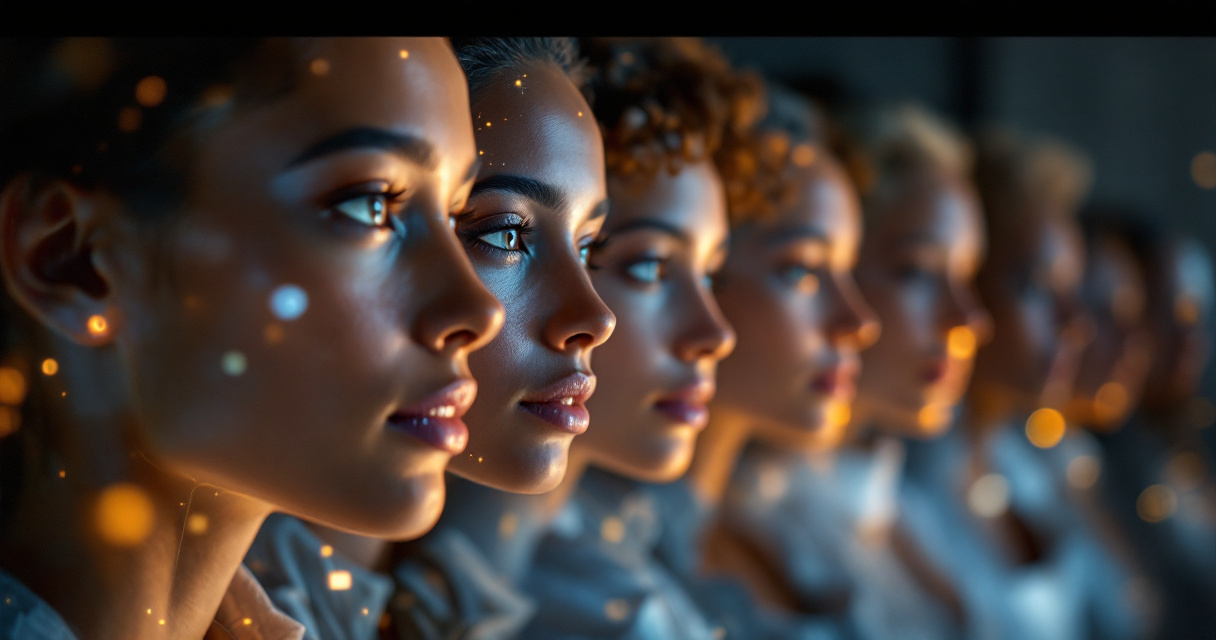
The 2024 research paper Gemini 1.5: Unlocking Multimodal Understanding highlights how large multimodal models can process complex visual context. These systems can interpret lighting, facial structure, and surrounding color cues in ways earlier models could not.
For AI headshot generation, this means better reconstruction of natural skin tones.
Modern Techniques Used by AI Portrait Tools
Developers now combine several techniques to improve realism:
- Balanced dataset training that includes global demographic representation
- Color constancy algorithms that correct lighting-induced color shifts
- Adaptive skin segmentation that separates skin pixels from clothing or backgrounds
- Generative diffusion models that preserve subtle shading during image creation
These improvements help AI portraits avoid the overly polished appearance common in early tools.
Platforms focused on professional profile photos, including tools like the AI resume headshot generator, rely heavily on these methods to produce more authentic results.
How Editing Tools Affect Final Skin Tone Results
AI editing layers often modify the generated image after creation. Beauty filters, smoothing, and contrast adjustments can change perceived skin tone.
Creators should review these settings carefully. A subtle adjustment can maintain natural texture while still producing a polished professional look.
Why Skin Tone Accuracy Matters for Professional Profiles
A professional headshot is not just an image; it represents identity and credibility. Inaccurate skin tones can reduce authenticity, which matters for hiring managers, clients, and audiences.
Impact on Trust and Personal Branding
Research on digital avatars by Suk and Laine (2023) found that users feel stronger identity connection when visual representations closely match their real appearance.
When facial representation differs significantly from reality, perceived authenticity drops.
For professionals using AI portraits on LinkedIn or personal websites, maintaining accurate skin tone improves trust and recognizability.
Where AI Headshots Are Most Commonly Used
AI-generated portraits appear across many professional channels:
- LinkedIn profile photos
- Resume headshots
- Speaker bios
- Podcast covers
- Website hero sections
For example, creators designing branding assets such as a website hero image generator or a LinkedIn post image generator often rely on a consistent portrait across platforms.
Maintaining accurate skin tone ensures the image looks authentic everywhere it appears.
How to Evaluate an AI Headshot Tool for Skin Tone Accuracy
Choosing the right generator requires more than checking sample photos. You need to test how the system handles color consistency across different lighting styles.
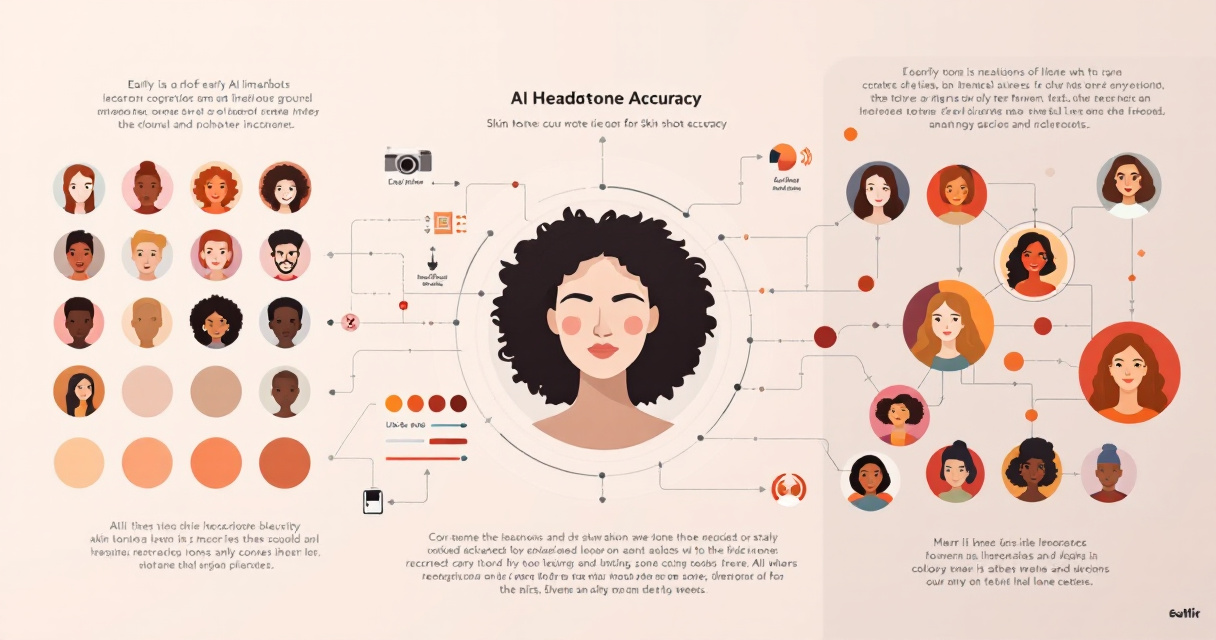
Checklist for Testing AI Portrait Accuracy
Before committing to a tool, run a quick evaluation:
- Upload photos taken in different lighting conditions
- Compare generated skin tones with the original images
- Check whether freckles, shadows, and undertones remain visible
- Look for unnatural color shifts such as gray or orange tones
- Test multiple backgrounds to see if lighting changes skin color
Using a system designed for professional image generation, such as The Looktara Lens, helps maintain more stable color results across portrait styles.
Common Signs of an Unrealistic AI Headshot
- Overly smooth skin with no natural texture
- Color mismatch between face and neck
- Unrealistic shine or highlights
- Pale or desaturated complexion
If you notice these problems, the model likely lacks sufficient training data diversity.
Visual Comparison: AI Editing vs Professional Retouching
Understanding how AI compares to traditional editing helps explain the remaining challenges.
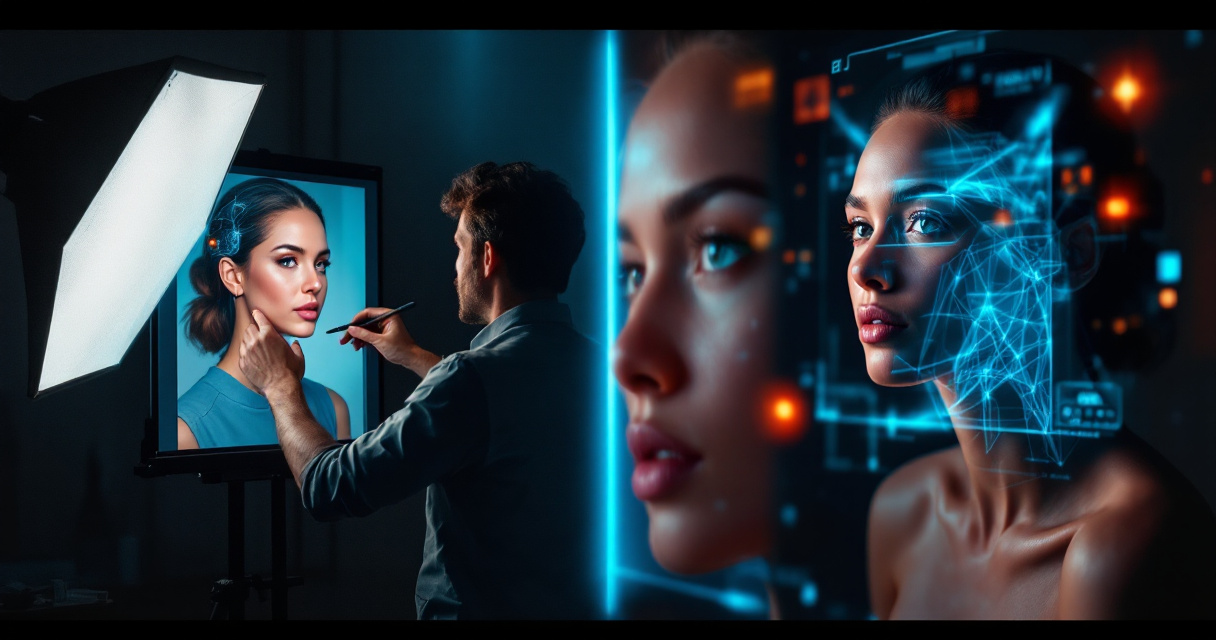
Side-by-Side Editing Workflow
| Approach | Process | Skin Tone Outcome |
|---|---|---|
| Traditional photography retouching | Manual color grading in Photoshop | Highly accurate but time-consuming |
| Early AI portrait generators | Basic neural filters | Often inaccurate tones |
| Modern diffusion-based AI | Context-aware generation and color correction | Much closer to real skin tone |
AI tools still cannot fully replace professional photographers for high-end editorial portraits, but the gap is shrinking quickly.
Video: Understanding Color and Skin Tone in Art
Artists and photographers use many of the same color principles now applied in AI portrait models.
What to Expect From AI Headshot Technology by 2027
AI image models are improving quickly, especially with multimodal learning and larger training datasets.
Several developments are already underway:
Emerging Improvements in AI Portrait Systems
- Personalized skin tone calibration trained from multiple reference photos
- Lighting-aware generation that adjusts skin color based on environment
- Cultural dataset expansion covering global demographics
- Real-time correction layers similar to camera color profiles
These improvements will make AI-generated portraits far more reliable for professional use.
Video: AI Editing vs Photoshop Comparison
Comparisons like this highlight how quickly AI editing tools are closing the realism gap.
Building a Consistent AI Visual Identity Across Platforms
Once you generate an accurate AI headshot, the next step is keeping that identity consistent across your digital presence.
Modern branding tools allow you to reuse a portrait across multiple content formats.
AI Tools That Extend Your Headshot Into Brand Content
Creators often pair their portrait with branded visuals such as:
- AI TikTok banner generators for channel branding
- YouTube thumbnail generators for Shopify creators for video promotion
- Instagram ad image generators for marketing campaigns
Using the same portrait across these assets builds visual recognition and brand trust.
Conclusion
AI headshot generators have improved dramatically, yet skin tone accuracy remains one of the most important quality markers. Early tools often produced washed-out or overly edited complexions because of limited training data and simplistic color correction. Newer systems use multimodal models, better datasets, and smarter lighting simulation to generate portraits that match real skin tones more closely.
If you plan to use AI portraits for professional branding, always test tools carefully and compare the results with your original photos. Platforms such as The Looktara Lens focus on realistic color modeling and professional-grade portrait generation, making them a strong option for LinkedIn profiles, resumes, and personal brand images.
Try generating a headshot, evaluate how accurately it preserves your natural skin tone, and build a consistent visual identity across your online profiles.