
Your LinkedIn photo often gets judged before your GitHub, resume, or portfolio. Because LinkedIn is a professional networking platform used for career development and job connections, your image has to signal competence fast, especially in software hiring. For developers who don't have a recent studio photo, AI headshots can be a practical option when you use them carefully. Tools such as The Looktara Lens make that process more accessible, but the goal isn't to look polished at any cost, it's to look like a real, capable version of you.
Why AI headshots work especially well for software developers
Software developers sit in a strange spot on LinkedIn. You need to look professional, but not overly corporate. Hiring managers for engineering roles usually want signals of trust, clarity, and relevance, not a glossy image that feels more like a real estate ad than a technical profile.
Wikipedia's definition of a programmer describes the role as someone who authors source code, while titles such as software developer and software engineer are often used in overlapping ways. That matters for photos too. Your headshot should match the kind of work you do: clean, competent, direct.
For developer profiles, the best AI headshots usually look modest, sharp, and believable, not cinematic.
What recruiters and clients usually infer from a headshot
A profile photo can influence how people read the rest of your page. On LinkedIn, they're often deciding within seconds whether to keep scanning your headline, experience, and featured projects.
A strong developer headshot usually suggests:
- you're active on professional platforms
- you understand personal branding basics
- you'll likely present well in calls, demos, and interviews
- your profile is current, not abandoned
That matters for job seekers, freelancers, startup founders, and remote contractors alike. If you also post updates on LinkedIn, pairing your new photo with a sharper content workflow can help. For example, a LinkedIn post AI generator for brand consistency can support the rest of your profile refresh.
Where AI helps more than a DIY selfie
Not every developer wants to book a photographer, and not everyone needs to. AI tools can help if your current image is outdated, low-resolution, badly cropped, or taken in poor lighting.
Here's where AI often improves outcomes:
- Better lighting and background control
- Cleaner crops for LinkedIn's circular frame
- More consistent attire and pose options
- Faster turnaround than a traditional shoot
Used well, an AI headshot is less about artificial perfection and more about removing distractions.
What recruiters and clients usually infer from a headshot
A profile photo can influence how people read the rest of your page. On LinkedIn, they're often deciding within seconds whether to keep scanning your headline, experience, and featured projects.
A strong developer headshot usually suggests:
- you're active on professional platforms
- you understand personal branding basics
- you'll likely present well in calls, demos, and interviews
- your profile is current, not abandoned
That matters for job seekers, freelancers, startup founders, and remote contractors alike. If you also post updates on LinkedIn, pairing your new photo with a sharper content workflow can help. For example, a LinkedIn post AI generator for brand consistency can support the rest of your profile refresh.
Where AI helps more than a DIY selfie
Not every developer wants to book a photographer, and not everyone needs to. AI tools can help if your current image is outdated, low-resolution, badly cropped, or taken in poor lighting.
Here's where AI often improves outcomes:
- Better lighting and background control
- Cleaner crops for LinkedIn's circular frame
- More consistent attire and pose options
- Faster turnaround than a traditional shoot
Used well, an AI headshot is less about artificial perfection and more about removing distractions.
How to make an AI headshot look credible on LinkedIn
The fastest way to ruin a developer headshot is to make it look generated. Many top-ranking articles focus on prompts or free tools, but the real issue for LinkedIn is credibility. If your image triggers doubt, it works against you.
The features of a believable developer headshot
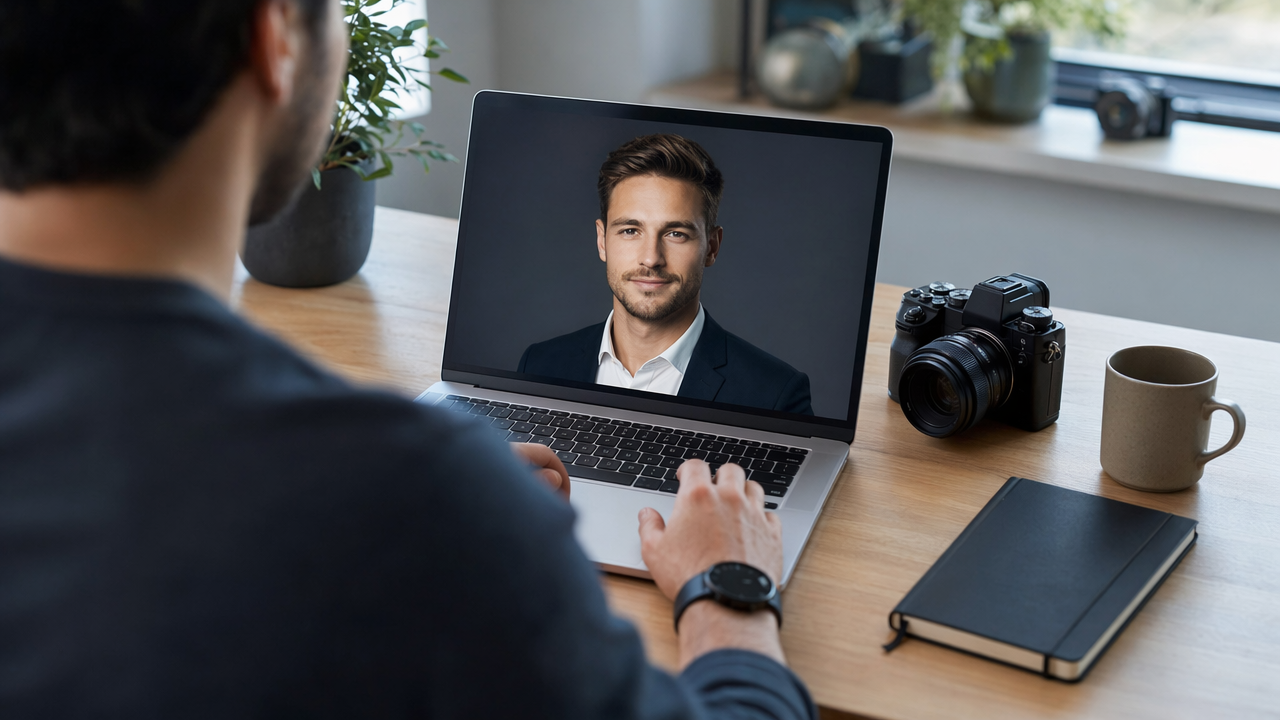
Use a recent source photo with your current haircut, facial hair, glasses, and skin tone. Keep clothing simple. For most software roles, a plain crew neck, button-down, or clean jacket works better than a formal suit.
A good result usually includes:
- neutral or lightly warm expression
- direct eye contact
- realistic skin texture
- simple indoor or outdoor background blur
- natural shoulder framing
Comparison table for strong vs weak AI results
| Element | Good LinkedIn headshot | Risky AI headshot |
|---|---|---|
| Expression | Calm, approachable, alert | Over-smiling or blank stare |
| Clothing | Simple, role-appropriate | Overly formal or oddly stylized |
| Skin and hair | Natural detail retained | Plastic skin, warped hairline |
| Background | Soft and unobtrusive | Fake office, strange lights, artifacts |
| Overall feel | Looks like you on a good day | Looks like a synthetic avatar |
A simple workflow that prevents awkward results
If you're using The Looktara Lens, start with ordinary, well-lit source images, not heavily filtered selfies. Give the model variety: front-facing, slight angle, neutral face, and at least one shot in natural light.
Then review outputs like a skeptical recruiter would. Zoom in. Check ears, teeth, glasses, shirt seams, and background edges. If something feels off, it probably is.
The best AI headshot is the one nobody questions.
For developers building a fuller personal brand, the same principle applies to other assets too. A clean visual identity across your profile, portfolio, and presentations matters, whether you're making a startup logo concept or a pitch deck slide visual.
The features of a believable developer headshot
Use a recent source photo with your current haircut, facial hair, glasses, and skin tone. Keep clothing simple. For most software roles, a plain crew neck, button-down, or clean jacket works better than a formal suit.
A good result usually includes:
- neutral or lightly warm expression
- direct eye contact
- realistic skin texture
- simple indoor or outdoor background blur
- natural shoulder framing
Comparison table for strong vs weak AI results
| Element | Good LinkedIn headshot | Risky AI headshot |
|---|---|---|
| Expression | Calm, approachable, alert | Over-smiling or blank stare |
| Clothing | Simple, role-appropriate | Overly formal or oddly stylized |
| Skin and hair | Natural detail retained | Plastic skin, warped hairline |
| Background | Soft and unobtrusive | Fake office, strange lights, artifacts |
| Overall feel | Looks like you on a good day | Looks like a synthetic avatar |
A simple workflow that prevents awkward results
If you're using The Looktara Lens, start with ordinary, well-lit source images, not heavily filtered selfies. Give the model variety: front-facing, slight angle, neutral face, and at least one shot in natural light.
Then review outputs like a skeptical recruiter would. Zoom in. Check ears, teeth, glasses, shirt seams, and background edges. If something feels off, it probably is.
The best AI headshot is the one nobody questions.
For developers building a fuller personal brand, the same principle applies to other assets too. A clean visual identity across your profile, portfolio, and presentations matters, whether you're making a startup logo concept or a pitch deck slide visual.
The trust problem: when AI headshots hurt your job search
AI imagery helps, but trust is the real issue in 2026. A 2022 RAND primer on artificial intelligence, deepfakes, and disinformation examined how synthetic media can blur authenticity and credibility. That doesn't mean all AI headshots are bad. It does mean people are more alert to visual manipulation than they were a few years ago.
Why authenticity matters more in technical hiring
Software hiring often includes multiple trust checks: resume screening, portfolio review, recruiter calls, coding interviews, and team meetings. If your profile photo looks too altered, you create friction before the process even starts.
Common red flags include:
- face shape that doesn't match your other photos
- impossible skin texture or lighting
- fake luxury office backgrounds
- age changes that make you look 10 years younger
- outfits you'd never actually wear
A 2024 article in Media Theory, The Automation of Style, looked at how AI systems shape visual style and standardize appearance. For LinkedIn, that's a real risk. If every headshot starts to look airbrushed and generic, distinctiveness drops.
A practical rule for ethical use
Don't use AI to create a different person. Use it to present yourself clearly. That means preserving your recognizable face, age range, and personal style.
Here's a simple rule set:
- Start from real photos of yourself
- Avoid heavy face reshaping
- Keep professional clothing believable
- Match the image to your actual day-to-day appearance
- Replace the image if coworkers would struggle to recognize you
This same credibility standard should extend beyond LinkedIn. If you publish on social or run a founder profile, assets like a website hero image generator or a YouTube thumbnail tool for brand visuals should support your real identity, not distort it.
Why authenticity matters more in technical hiring
Software hiring often includes multiple trust checks: resume screening, portfolio review, recruiter calls, coding interviews, and team meetings. If your profile photo looks too altered, you create friction before the process even starts.
Common red flags include:
- face shape that doesn't match your other photos
- impossible skin texture or lighting
- fake luxury office backgrounds
- age changes that make you look 10 years younger
- outfits you'd never actually wear
A 2024 article in Media Theory, The Automation of Style, looked at how AI systems shape visual style and standardize appearance. For LinkedIn, that's a real risk. If every headshot starts to look airbrushed and generic, distinctiveness drops.
A practical rule for ethical use
Don't use AI to create a different person. Use it to present yourself clearly. That means preserving your recognizable face, age range, and personal style.
Here's a simple rule set:
- Start from real photos of yourself
- Avoid heavy face reshaping
- Keep professional clothing believable
- Match the image to your actual day-to-day appearance
- Replace the image if coworkers would struggle to recognize you
This same credibility standard should extend beyond LinkedIn. If you publish on social or run a founder profile, assets like a website hero image generator or a YouTube thumbnail tool for brand visuals should support your real identity, not distort it.
Best style choices for software engineers, freelancers, and technical founders
Different developer roles need slightly different visual signals. A backend engineer applying to enterprise roles may want a more conservative look than an indie hacker promoting SaaS products. The key is alignment.
Choose a visual style that matches your work
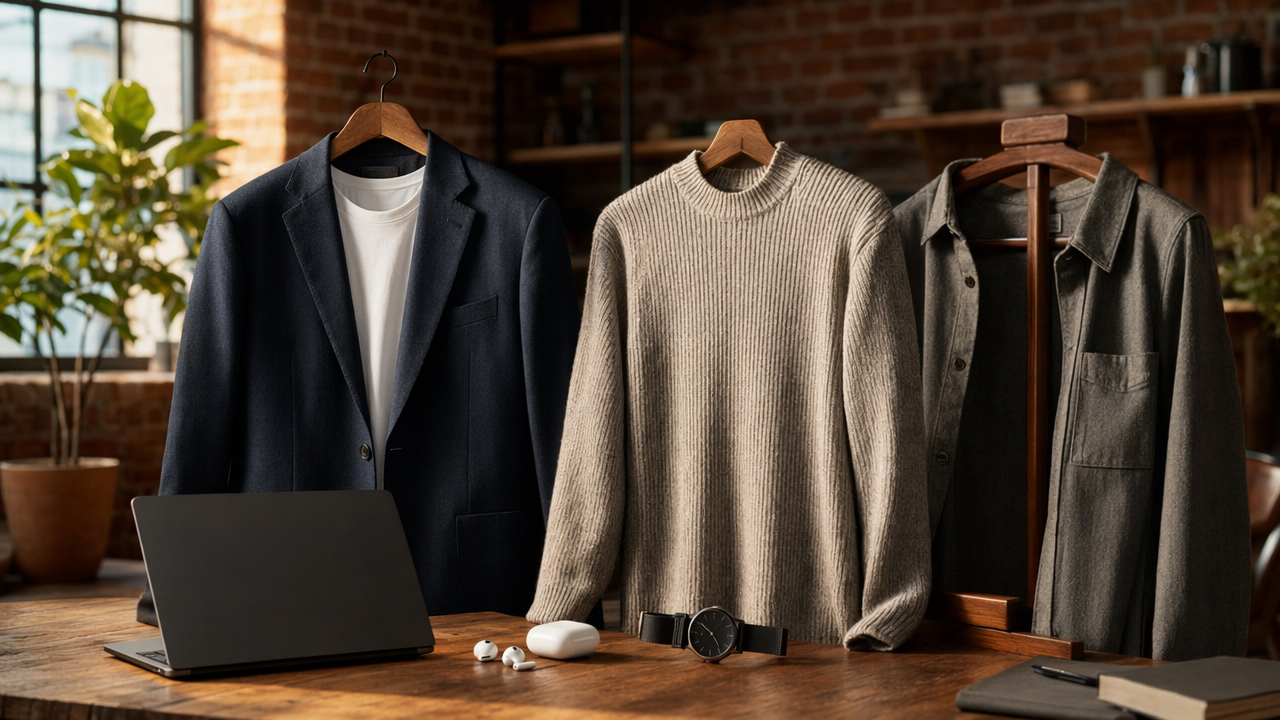
Use your target role as the filter.
- Corporate software engineer: clean shirt, neutral background, direct crop
- Startup developer: casual smart clothing, warmer lighting, slightly more personality
- Freelancer or consultant: approachable expression, polished but not stiff
- Technical founder: sharper brand consistency across photo, banner, and content
If your profile is part of a wider founder presence, consistency helps. That may include a LinkedIn content creation tool for regular updates or a short-form video thumbnail generator if you share technical explainers.
What to avoid if you want more interviews
Some choices make developers look less credible, even when the image quality is high.
Avoid:
- dramatic cinematic shadows
- exaggerated jawline edits
- trendy AI backgrounds with neon code screens
- oversaturated colors
- hyper-formal outfits that don't match your field
A software developer headshot should suggest, "I'm ready for work," not "I'm auditioning for a tech drama."
What to expect in 2027
AI headshot tools will likely get better at realism, but scrutiny will rise too. As synthetic media becomes more common, the advantage won't come from using AI alone. It'll come from using it with restraint.
Expect three shifts:
- More users will prefer lightly enhanced real photos over heavily generated ones
- Professional platforms may place more value on authenticity cues
- Visual branding will matter more across LinkedIn, personal sites, and creator channels
That's why using The Looktara Lens as part of a broader, consistent brand system makes more sense than treating a headshot as a one-off image.
Choose a visual style that matches your work
Use your target role as the filter.
- Corporate software engineer: clean shirt, neutral background, direct crop
- Startup developer: casual smart clothing, warmer lighting, slightly more personality
- Freelancer or consultant: approachable expression, polished but not stiff
- Technical founder: sharper brand consistency across photo, banner, and content
If your profile is part of a wider founder presence, consistency helps. That may include a LinkedIn content creation tool for regular updates or a short-form video thumbnail generator if you share technical explainers.
What to avoid if you want more interviews
Some choices make developers look less credible, even when the image quality is high.
Avoid:
- dramatic cinematic shadows
- exaggerated jawline edits
- trendy AI backgrounds with neon code screens
- oversaturated colors
- hyper-formal outfits that don't match your field
A software developer headshot should suggest, "I'm ready for work," not "I'm auditioning for a tech drama."
What to expect in 2027
AI headshot tools will likely get better at realism, but scrutiny will rise too. As synthetic media becomes more common, the advantage won't come from using AI alone. It'll come from using it with restraint.
Expect three shifts:
- More users will prefer lightly enhanced real photos over heavily generated ones
- Professional platforms may place more value on authenticity cues
- Visual branding will matter more across LinkedIn, personal sites, and creator channels
That's why using The Looktara Lens as part of a broader, consistent brand system makes more sense than treating a headshot as a one-off image.
A step-by-step checklist before you upload your new LinkedIn photo
You don't need a perfect image. You need one that feels current, clear, and true to your professional identity.
Final review checklist before publishing
Run through this quick checklist:
- Does the photo still look like you in real life?
- Is the crop clean in LinkedIn's circular frame?
- Does your outfit match the roles or clients you want?
- Is the background simple and free of AI artifacts?
- Would a colleague recognize you instantly?
- Does the image fit your banner, headline, and brand tone?
Also update the rest of the profile while you're at it. A new headshot paired with stale copy sends mixed signals.
Pair the headshot with a stronger profile refresh
A good next move is to tighten the assets around your photo:
- update your headline and About section
- refresh your LinkedIn banner
- publish one post explaining what you're working on
- align your portfolio and pitch materials
If you're building your image across channels, tools like a landing page banner generator for brand visuals can help you keep the same look beyond LinkedIn.
Your headshot should support your professional story, not carry it alone.
Final review checklist before publishing
Run through this quick checklist:
- Does the photo still look like you in real life?
- Is the crop clean in LinkedIn's circular frame?
- Does your outfit match the roles or clients you want?
- Is the background simple and free of AI artifacts?
- Would a colleague recognize you instantly?
- Does the image fit your banner, headline, and brand tone?
Also update the rest of the profile while you're at it. A new headshot paired with stale copy sends mixed signals.
Pair the headshot with a stronger profile refresh
A good next move is to tighten the assets around your photo:
- update your headline and About section
- refresh your LinkedIn banner
- publish one post explaining what you're working on
- align your portfolio and pitch materials
If you're building your image across channels, tools like a landing page banner generator for brand visuals can help you keep the same look beyond LinkedIn.
Your headshot should support your professional story, not carry it alone.
Conclusion
A strong AI headshot can absolutely work for software developers on LinkedIn, but only when it stays believable. Your best result will look like a sharper, current version of you, not a synthetic upgrade. Start with real source photos, keep styling role-appropriate, and reject any output that feels overly polished or strange.
If you're ready to update your profile, try The Looktara Lens and review your image with the same care you'd apply to a production deploy. Then refresh the rest of your personal brand so the photo matches the story your profile tells. That combination, not AI alone, is what makes recruiters and clients stay on the page.
Generated by EarlySEO.com