
A weak portrait can make a strong personal website feel forgettable. In 2026, AI art is widely used to generate or enhance visual work through AI programs, most often text-to-image models, while a personal web page is still fundamentally a web page created by an individual for personal content rather than institutional use, based on Wikipedia's definitions. That mix matters because your site portrait now does more than show your face, it signals credibility, taste, and intent. If you want a faster way to test polished profile images for portfolios, founder sites, and creator pages, The Looktara Lens fits naturally into that workflow, especially if you're also building related assets like a website hero visual.
Why portrait style matters more on a personal website than on social media
Your personal website has a different job than LinkedIn, TikTok, or X. Social platforms are crowded, fast, and feed-driven. A personal site is slower and more intentional, so your portrait needs to support your positioning, not just attract a quick glance.
A lot of ranking pages focus on "best AI portrait generators," but they often skip the website context. That's the real decision point. A founder, freelancer, job seeker, and dating coach may all use AI portraits, but the right style for each homepage is different.
Key takeaway: The best AI portrait style is not the most dramatic one. It's the one that matches the promise your website makes in the first five seconds.
What visitors read from your portrait before they read your headline
People infer tone from lighting, framing, clothing, and background. A tightly cropped studio-style headshot suggests expertise and clarity. A lifestyle portrait with shallow depth and environmental detail suggests approachability and personality. An illustrated or stylized portrait can signal creativity, but it can also reduce trust if your work depends on realism.
For professional use cases, a clean headshot still has an edge. If your site also supports job search goals, pairing your homepage portrait strategy with a more formal AI resume headshot workflow keeps your branding consistent across channels.
Where AI portraits fit in a broader personal brand system
Your portrait should not stand alone. It should work with your color palette, typography, hero layout, and social assets. If your homepage uses bold gradients and modern sans-serif fonts, an old-fashioned corporate portrait can look out of place. If your site is minimal and text-heavy, a heavily fantasy-styled portrait may feel distracting.
A practical rule is to choose a portrait style that aligns with the rest of your media kit. That includes your logo, LinkedIn graphics, and even pitch materials. For example, if you're refining a visual identity, a matching AI logo concept process can keep the site from feeling pieced together.
The five AI portrait styles that work best for personal websites in 2026
Most people don't need dozens of style options. They need a short list that maps to clear goals. The styles below cover most personal website use cases without turning your homepage into a visual experiment.
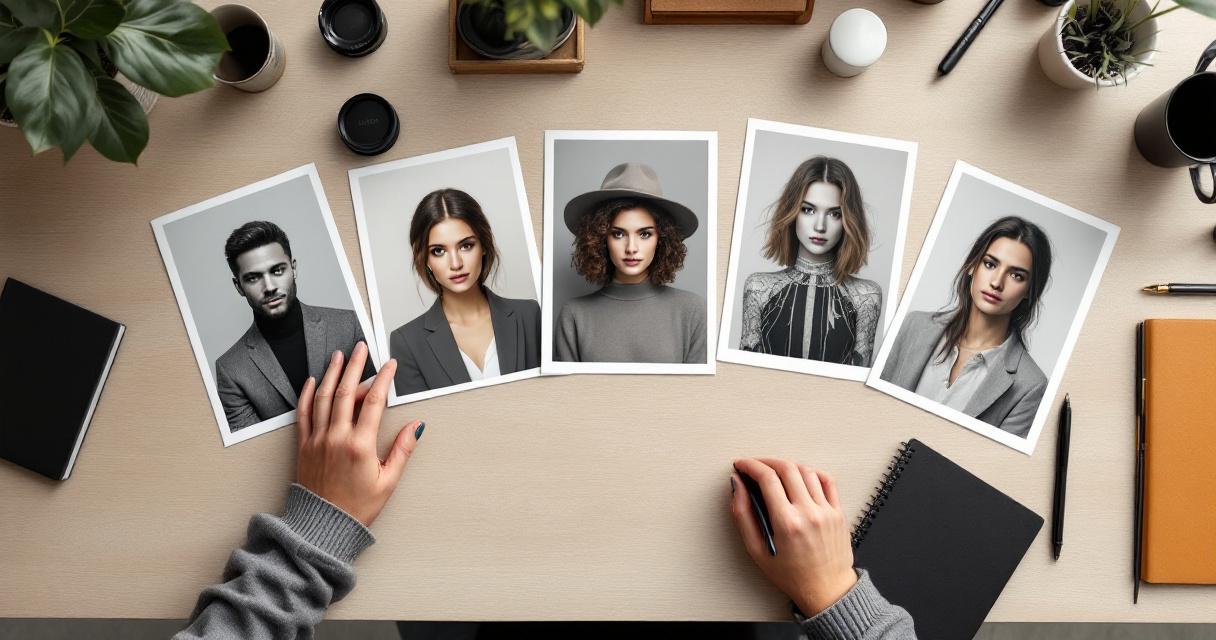
Best style categories by goal
| Style | Best for | Visual traits | Main risk |
|---|---|---|---|
| Clean editorial headshot | Job seekers, consultants, founders | Neutral background, balanced light, realistic skin texture | Can feel generic |
| Lifestyle professional | Freelancers, coaches, creators | Natural setting, softer pose, warm color tone | Background can get busy |
| Minimal monochrome portrait | Designers, writers, developers | Simple palette, high contrast, modern crop | Can feel too serious |
| Creative illustrated portrait | Artists, streamers, personal brands | Stylized lines, painterly or graphic treatment | Lower realism, lower trust for some niches |
| Cinematic brand portrait | Speakers, premium consultants, creators | Dramatic light, rich color grading, intentional mood | Easy to overdo |
When realism wins, and when style wins
If your site asks visitors to trust your judgment, hire you, or book a call, realism usually performs better. Clean editorial and lifestyle professional portraits feel current without looking synthetic. That's especially true for lawyers, consultants, recruiters, and remote professionals.
Stylized options work better when personality is part of the product. A designer, musician, or content creator can use an illustrated or cinematic portrait to stand out, as long as the image still resembles them. Heavy beautification can backfire because visitors notice when a portrait feels detached from reality.
A fast shortlist for different audiences
- Job seekers: clean editorial headshot
- Entrepreneurs: lifestyle professional or cinematic brand portrait
- Creators: lifestyle professional or creative illustrated portrait
- Freelancers: minimal monochrome or editorial
- Dating coaches or personal brands: lifestyle professional with natural expression
If your audience will also see you on social channels, keep your style system connected. A portrait used on your site can extend into a LinkedIn post visual set or supporting quote graphics for personal branding without feeling mismatched.
How to choose a style that matches your niche, audience, and homepage layout
The easiest mistake is choosing a portrait based on taste alone. A better approach is to match the image to the site's goal, the visitor's expectations, and the space where the portrait appears.
Start with the website job, not the image prompt
Ask one question first: what should the visitor do after seeing your homepage? If the answer is "book a service," choose trust-building realism. If the answer is "remember my personality and style," a more artistic portrait may make sense.
Use this simple order:
- Define the homepage goal
- Identify the audience's trust threshold
- Check where the portrait appears, hero, about page, sidebar, or footer
- Match style intensity to that placement
- Test the image next to your actual headline and button
A huge hero image can support more visual personality. A tiny author box image needs clarity above all else.
Match style to your niche without copying everyone else
Some fields have visual norms for a reason. Recruiters expect straightforward headshots. Startup founders can go slightly more editorial. Creators often have room to experiment. You don't need to follow every category rule, but breaking the norm only works if the rest of the page explains your value fast.
Quick rule: The more money or trust you ask for upfront, the more realistic your portrait should be.
Prompt ingredients that shape useful website portraits
You don't need a giant prompt. You need the right variables.
- Framing: head-and-shoulders, half-body, or environmental portrait
- Lighting: soft daylight, studio softbox, cinematic side light
- Expression: approachable smile, neutral confidence, relaxed focus
- Background: solid neutral, blurred office, textured wall, outdoor urban
- Styling: business casual, creator casual, premium minimal, formal
- Output intent: homepage hero, about page, speaking bio, press kit
Using The Looktara Lens for iteration can help when you want several variations of the same identity rather than unrelated portraits. That matters if your site, speaker bio, and pitch deck presentation visuals all need to feel like the same brand.
Quality, trust, and ethics: what to avoid with AI portraits on your site
The appeal of AI portraits is speed, but speed creates risk. A portrait that looks too polished, too altered, or inconsistent with your real appearance can weaken trust instead of building it.
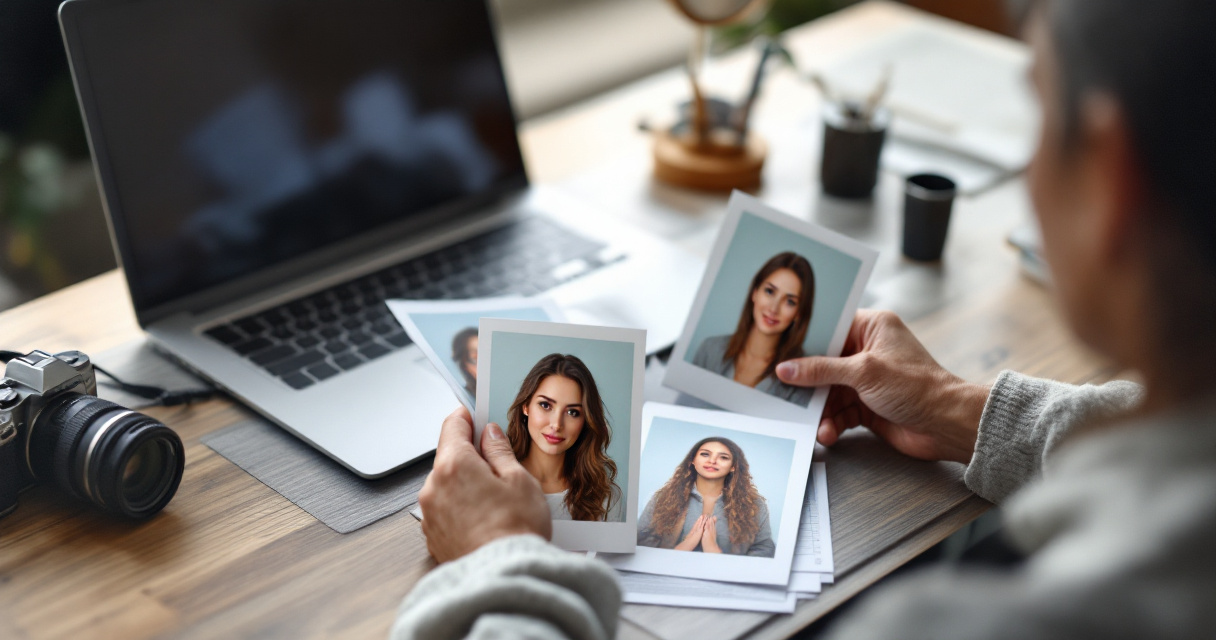
Why authenticity matters more in 2026
Public awareness of synthetic media is much higher than it was a few years ago. Research on deepfake detection has expanded quickly, including a 2023 systematic review in Wiley Interdisciplinary Reviews: Data Mining and Knowledge Discovery that examined deep learning methods for identifying deepfakes, showing how seriously manipulated imagery is now studied in technical fields deepfake detection review.
That does not mean you should avoid AI portraits. It means you should avoid deceptive ones. If the image represents you, it should still look like you in real life, especially in professional contexts.
Common red flags that make portraits feel fake
- Over-smoothed skin with no natural texture
- Eyes with inconsistent reflections or symmetry
- Hands, jewelry, or collars rendered oddly near the frame
- Hyper-dramatic lighting that clashes with a simple website
- A style that changes wildly from page to page
A sensible trust checklist before publishing
| Check | Why it matters | Good sign |
|---|---|---|
| Resemblance | Prevents surprise on calls or interviews | Friends recognize you right away |
| Consistency | Builds brand memory | Portrait matches your other channels |
| Context fit | Supports conversions | Image feels right next to your copy |
| Editing restraint | Keeps credibility high | Minor polish, not identity change |
Broader policy questions around generative AI also matter. A 2024 PNAS Nexus paper by Valerio Capraro, Austin Lentsch, and Daron Acemoğlu examined how generative AI can affect socioeconomic inequalities and policy making PNAS Nexus study. For personal websites, the takeaway is simple: use AI to improve presentation, not to create a misleading version of yourself.
What to expect next, and how to build a portrait system instead of a one-off image
AI portraits are moving from one-off profile pictures to full brand systems. That shift is likely to continue into 2027 as image tools become more integrated with content workflows, identity kits, and multi-format publishing.
What's changing after 2026
A useful clue comes from the broader AI race. A 2023 article in the Journal of Applied Learning & Teaching by Jürgen Rudolph, Shannon Tan, and Samson Tan looked at the rapid expansion of chatbot platforms and the wider AI gold rush War of the chatbots. Image generation has followed a similar pace, which is why personal branding tools now evolve so quickly.
Expect three practical changes:
- Better consistency across multiple portraits and poses
- Easier adaptation of one visual identity across website, social, and media assets
- More scrutiny from users who can spot low-quality synthetic images faster
Build a reusable portrait system for your brand
Instead of generating one image and stopping, create a small portrait set:
- One realistic homepage hero portrait
- One tighter crop for bio boxes and profiles
- One slightly more creative version for social or speaking pages
- One alternate background for seasonal refreshes
That system saves time later when you need matching assets, from a podcast cover image to campaign graphics or even a creator-focused YouTube thumbnail visual.
A practical CTA for your next update
Your website portrait should make one thing easy: trusting you enough to keep scrolling. Start with a realistic style, test it against your homepage copy, and only then add more visual flair. If you're rebuilding your personal brand assets this year, try The Looktara Lens to create a portrait set that works across your site and supporting channels, then compare those images inside your real page layout before you publish.
Conclusion
A strong AI portrait for a personal website is less about novelty and more about fit. Choose a style that matches your niche, looks like you, and works with your site's layout, then build a small system of images instead of relying on one perfect shot. If you're ready to refresh your homepage, bio image, and related brand visuals together, start with The Looktara Lens, then align that portrait with your website hero, social graphics, and professional profiles for a cleaner personal brand in 2026.
Generated by EarlySEO.com