
A strong profile photo still does a lot of work on X, formerly Twitter, one of the world's largest social platforms according to Wikipedia's overview of X). For founders, job seekers, creators, and consultants, an AI profile picture for X Twitter professionals can save time and help you look polished, but only if the image feels real, clear, and aligned with your public brand. Tools have improved fast since large multimodal AI systems entered the mainstream, with current capabilities shaped by work such as the GPT-4 Technical Report. If you want a fast way to create a refined headshot, The Looktara Lens is built for exactly that use case, and it fits nicely with related assets like a resume headshot generator when your X presence connects to hiring or client work.
What makes a professional X profile picture work in 2026
A professional X profile picture works when it stays recognizable at small size, signals trust fast, and matches the role you want people to remember.
On X, your avatar appears as a tiny visual marker beside every reply, repost, and thread. Wikipedia's definition of an avatar in computing) describes it as a graphical representation of a user or persona, which is exactly why your image matters more than many people think. On a fast-moving feed, people often process the face before they process the bio.
Competitor pages tend to focus on "make it eye-catching," but professionals need a narrower standard: credible beats flashy. The best image for a recruiter, startup founder, consultant, journalist, or creator usually has clean lighting, centered framing, and a neutral or lightly branded background.
Key insight: on X, your profile photo is less like a poster and more like a signature. It needs to be instantly recognizable in a small circle.
The core traits of a high-performing professional avatar
- Face-first composition: your face should occupy most of the frame
- Simple background: avoid visual clutter that disappears badly at small size
- Natural expression: approachable usually beats overly dramatic
- Consistent brand styling: your photo should fit your website, LinkedIn, and speaking bios
- Realistic editing: AI should refine, not invent a different person
A good test is cross-platform consistency. If your X image clashes with your website hero, your speaking headshot, or your LinkedIn identity, people may hesitate. That's why some professionals pair their photo updates with assets like an AI website hero generator or an AI LinkedIn post generator to keep the visual tone aligned.
Why small-size readability matters more than artistic detail
Small-size readability matters because most viewers see your image in a compressed mobile feed, not as a full-resolution portrait.
Fine textures, dramatic scenery, or heavy props often vanish inside X's circular crop. You want contrast around the face, visible eyes, and enough separation between you and the background. If the image still looks clear when shrunk to thumbnail size, you're on the right track.
How AI profile pictures help X professionals without making them look fake
AI helps when it improves speed, consistency, and polish, but it hurts when it creates an image that looks too synthetic or too aspirational.
That balance matters more in 2026 because audiences are more aware of generative media than they were a few years ago. Research around generative AI has also fueled wider debates about trust, quality, and human judgment, including Rudolph, Tan, and Tan's 2023 paper on ChatGPT and assessment. Different context, same lesson: output quality depends on careful human oversight.
For profile images, the best use cases are practical rather than magical. AI can improve lighting, sharpen composition, standardize backgrounds, and create multiple polished variations from limited source photos.
When AI is a smart choice
- You need a fresh profile image quickly for a job search, launch, or media appearance.
- You don't have budget or time for a studio shoot.
- You want several looks for different audiences, such as founder, creator, or corporate.
- You need visual consistency across channels, not just one profile.
When AI needs extra caution
- If skin texture becomes plastic-looking
- If facial features shift noticeably from your real appearance
- If hands, glasses, jewelry, or hairlines distort
- If the style looks cinematic but not believable for your actual role
Comparison table: realistic vs overprocessed profile images
| Element | Strong professional result | Weak AI result |
|---|---|---|
| Face | Looks like you on a good day | Looks like a different person |
| Background | Clean and unobtrusive | Distracting or obviously fake |
| Lighting | Even, flattering, natural | Harsh, glossy, or uncanny |
| Styling | Fits your industry and brand | Costume-like or generic |
| Feed impact | Memorable at thumbnail size | Confusing when cropped small |
A practical way to judge quality is to ask one simple question: would a colleague recognize you instantly from this image alone? If not, keep editing.
How The Looktara Lens handles this for professional users
The Looktara Lens works best when you want polished results that still feel like your real professional identity.
Instead of treating a profile image as a novelty graphic, the The Looktara Lens platform fits a broader brand workflow. If your X presence supports thought leadership, you can extend the same style into a custom X post generator or related visuals like a podcast cover AI generator. That matters because your avatar should feel connected to the content you publish, not isolated from it.
The best style choices by profession, audience, and posting habits
The right style depends less on trends and more on what your audience expects from your public identity.
A founder posting product updates needs a different look from a dating app user, a freelance designer, or a journalist covering breaking news. The visual goal is always the same, trust and recognition, but the styling can change.
Best-fit styles for common X use cases
- Job seekers: neutral background, clean wardrobe, friendly expression
- Founders and consultants: sharper wardrobe, direct eye contact, slightly higher contrast
- Creators and influencers: more color is fine, but keep the face dominant
- Remote freelancers: approachable, modern, and less corporate
- Dating profile crossover users: authentic beats over-retouched every time
Style table by professional objective
| Professional type | Best visual tone | What to avoid |
|---|---|---|
| Recruiter-facing candidate | Clean and trustworthy | Heavy filters or fantasy styling |
| Startup founder | Confident and modern | Overly casual party photos |
| Consultant or coach | Warm and expert | Busy backgrounds and props |
| Journalist or analyst | Clear and credible | Overdesigned branding elements |
| Creator or host | Distinct but real | Trend-chasing effects that age fast |
Matching your avatar to your output also helps. If your profile centers on threads, launches, or commentary, support visuals should carry the same brand logic. For example, some users pair their profile refresh with a quote post AI generator or a pitch deck slide AI generator when their X activity feeds speaking, sales, or fundraising.
Who should pick realistic headshots over stylized portraits
Most professionals should pick realistic headshots because recognizability and trust usually matter more than artistic flair.
Stylized portraits can work for entertainment creators, meme accounts, or niche design communities. Still, if your income depends on credibility, hiring, partnerships, or media trust, stay closer to real-life appearance. You can always add personality through color, wardrobe, or background tone rather than face alteration.
Mistakes that make an AI-generated X avatar underperform
Poor X profile pictures fail for predictable reasons, and most of them show up before anyone reads a single post.
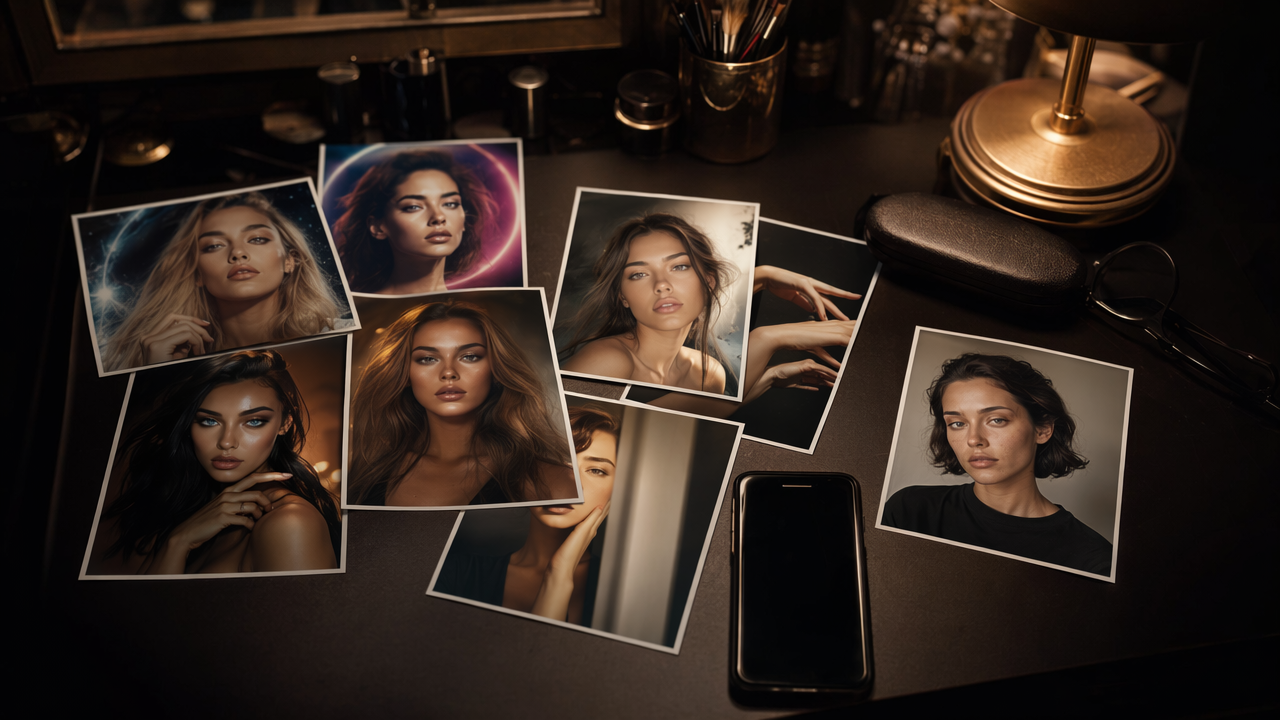
The most common mistake is treating the avatar like a poster. Wide crops, tiny faces, dramatic scenery, and overloaded branding all look worse inside a circular thumbnail. Another problem is inconsistency: an ultra-polished profile image can feel off if your posted selfies, video calls, and event photos look nothing like it.
A smart AI profile photo should reduce friction, not create suspicion.
The most common errors to avoid
- Using a full-body crop instead of a face-led portrait
- Choosing a dark or noisy background that muddies the thumbnail
- Overediting features until the image looks synthetic
- Ignoring X's circular crop, which can cut off hair, shoulders, or text
- Switching styles too often, which weakens personal brand recognition
There's also a bigger digital context to keep in mind. Work on digital technologies and responsibility, such as Dwivedi, Hughes, and Kar's 2021 editorial reflection, reminds us that digital tools should be used thoughtfully, not just efficiently. For profile imagery, thoughtful use means accuracy, restraint, and consistency.
A quick approval checklist before you upload
- Does it still look good when tiny?
- Do you still look like yourself?
- Does the background support, not compete?
- Would a colleague, client, or recruiter find it believable?
- Does it match the tone of your bio and content?
If you can answer yes to all five, you're probably ready to publish.
Why authenticity beats perfection on X
Authenticity wins on X because people there respond to voice, pattern recognition, and familiarity more than glossy visual idealism.
A slightly imperfect but real-looking image can outperform a flawless synthetic portrait. Users on X often move from profile photo to recent posts in seconds, so any mismatch between the image and your actual online voice can lower trust.
How to create and deploy an AI profile picture for X Twitter professionals
The best workflow is simple: choose the right source photos, generate a few realistic options, test them at small size, then keep the winner consistent across your public profiles.
That process saves time and prevents endless tweaking. It also helps if your X account connects to hiring, media, sales, or creator growth, where profile consistency matters beyond one platform.
A practical 5-step workflow
- Start with clear source photos. Use recent images with visible facial detail and plain lighting.
- Generate multiple realistic variants. Aim for small differences in wardrobe, crop, and background, not wild style jumps.
- Preview inside a circular thumbnail. What looks strong full-size can fail on X.
- Compare against your other channels. Check alignment with LinkedIn, your website, and speaker pages.
- Publish and leave it stable for a while so recognition can build.
The Looktara Lens is a good fit here because it supports a broader identity system, not just a one-off image. After updating your avatar, head to looktara.com if you also need matching social and brand visuals. If your account is creator-led, you may also want to coordinate with assets like a Pinterest cover, logo, or thumbnails across your stack.
Who should use AI for their X profile right now
- Professionals updating old or inconsistent profile photos
- People without access to a photographer
- Entrepreneurs building a more unified public brand
- Creators who want a clean, recognizable face-first avatar
What to expect next
Profile imagery will likely become more personalized and easier to standardize across platforms, but trust signals will matter even more.
As AI image generation improves, the winners won't be the most dramatic avatars. They'll be the profiles that look believable, current, and visually consistent with the person behind the account. That's why visiting looktara.com with a brand-system mindset, not just a quick-image mindset, is often the smarter move.
Conclusion
An AI profile picture for X Twitter professionals works best when it makes you look like a sharper, clearer version of yourself, not a synthetic character. Keep the crop tight, the styling believable, and the brand consistent across the places people check after they tap your avatar. If you're ready to refresh your image and the surrounding visuals that support it, start with The Looktara Lens, then build out the rest of your presence one asset at a time.
Generated by EarlySEO.com