
A profile photo can lose trust in seconds if it looks too polished to be real. That problem has grown fast as AI image tools became mainstream, and the web is now crowded with what Wikipedia describes as AI slop, meaning high-volume generative content seen as low-effort or low-quality. For profile pictures, that usually shows up as faces that are technically sharp but socially unconvincing. If you want an image for LinkedIn, your portfolio, or a dating app, the goal isn't perfection, it's credibility. Tools like The Looktara Lens can help you create a cleaner, more professional result, but only if you know which fake-looking signals to avoid in the first place.
Why fake-looking AI headshots get rejected so quickly
People rarely analyze a profile image pixel by pixel. They make a snap call based on familiarity: does this look like a real person photographed in a real setting, or a synthetic face designed to impress? That instinct matters more in 2026 because audiences have seen many AI-generated portraits already, so obvious patterns stand out faster.
Research on generative AI helps explain the problem. The GPT-4 Technical Report showed that advanced AI systems can produce strong outputs across many tasks, but strong isn't the same as reliable for identity-based images. A polished result may still include subtle errors in anatomy, texture, or context. In a profile photo, those small errors become trust signals.
Key insight: The biggest giveaway isn't usually one dramatic flaw. It's a pile of tiny details that feel slightly off together.
If you're updating a professional presence, consistency across assets matters too. A polished portrait beside a weak banner or mismatched branding can make the image feel even less authentic. That's why many creators pair a headshot workflow with assets like a LinkedIn post image generator or a website hero image generator so the visual style feels intentional, not random.
The trust test people apply without realizing it
Most viewers ask three silent questions:
- Does the face look anatomically normal?
- Does the lighting match the background?
- Does the image match how a real person would present themselves on this platform?
Fail one of these and people may still pause. Fail all three and the image starts to read as fake, overedited, or deceptive.
The 7 visual mistakes that make AI profile pictures look fake
The fastest way to improve an AI portrait is to learn the repeat offenders. These aren't niche issues. They're the exact cues recruiters, clients, and matches notice first.
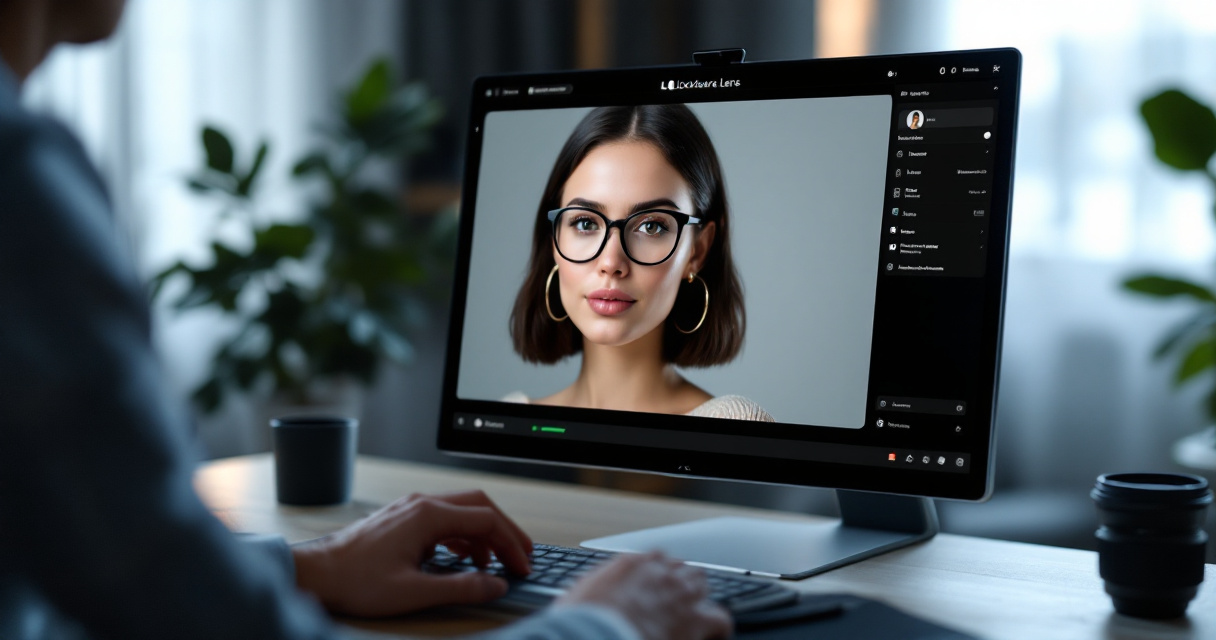
Common red flags at a glance
| Mistake | Why it looks fake | Better fix |
|---|---|---|
| Skin is too smooth | Real skin has pores, texture, and tonal variation | Keep natural texture and minor imperfections |
| Eyes are overly bright or asymmetrical | Human eyes catch attention first | Use balanced catchlights and normal iris detail |
| Teeth look uniform and glowing | Real smiles aren't perfectly identical | Reduce whitening and keep natural spacing |
| Hair melts into background | AI struggles with fine edges | Clean flyaways without erasing all strands |
| Background blur is inconsistent | Depth cues don't match the subject | Use realistic lens-style blur |
| Clothing details warp | Collars, earrings, and seams often break | Simplify wardrobe and inspect edges closely |
| Expression feels frozen | Too-perfect symmetry looks mannequin-like | Choose a softer, slightly imperfect expression |
What each mistake looks like in practice
Start with skin. Many users think smooth equals premium, but profile photos usually look more credible when they retain pores, faint lines, and normal shadow transitions. Overprocessing pushes the face into plastic territory.
Eyes are another giveaway. AI often creates catchlights that don't match the scene, irises with strange detail, or eyelids that are slightly uneven. People notice this instantly, even if they can't explain why.
Then there are accessory and edge errors. Earrings may warp, collars can dissolve, and eyeglass arms may bend in impossible ways. These details matter because real photography has physical rules. When AI breaks them, the image loses believability.
A quick pre-upload check helps:
- Zoom in on eyes, teeth, ears, and hairline
- Check shirt collars, jewelry, and glasses
- Compare face lighting with background lighting
- Ask if the expression looks relaxed, not statue-like
- View the photo at thumbnail size and full size
You can also build a more believable personal brand by matching your portrait with adjacent assets, like a pitch deck slide generator for founder intros or a logo AI generator for solo businesses.
The hidden problem: perfect images often feel less human
One of the biggest mistakes isn't technical, it's psychological. Many AI profile pictures look fake because they're trying too hard to look ideal. Real photos contain small asymmetries, natural posture, slight shadow variation, and context that feels lived-in.
That matters because people don't just want an attractive photo. They want a trustworthy one. A dating app user may reject a profile if the face feels synthetic. A recruiter may assume the candidate is hiding their real appearance. A founder may look less credible if every image appears heavily manufactured.
The broader criticism of AI-generated content points in the same direction. The 2023 paper ChatGPT: Bullshit spewer or the end of traditional assessments in higher education? reflects a wider concern about outputs that appear fluent while masking shallow reliability. That doesn't mean AI images are useless. It means surface quality alone can't carry trust.
Perfection is suspicious online. Slight realism usually outperforms polished unreality.
A better prompt or editing brief usually includes constraints, not just enhancements:
- Natural skin texture
- Realistic corporate or casual lighting
- Minor asymmetry in expression
- Accurate age representation
- Clothing that fits your actual style
- Backgrounds that match your industry or app context
Platform context changes what looks believable
A credible LinkedIn headshot is different from a credible Hinge or Instagram profile image. On LinkedIn, a clean background and moderate retouching make sense. On dating apps, a little environmental realism often works better. On creator platforms, stronger styling can be fine, but only if the image still resembles your real face.
If your image needs to support a broader content presence, you can extend that realism into supporting visuals such as a YouTube thumbnail generator or a Pinterest pin AI generator without turning your brand into obvious AI output.
How to make an AI profile picture look real instead of synthetic
Fixing a fake-looking profile photo doesn't always mean starting over. Usually, you need a stricter selection and review process. The best results come from treating AI as a photography assistant, not a magic button.
Using The Looktara Lens can help if you stay selective about prompts, reference style, and final edits. You want the output to resemble a strong professional photo session, not a fantasy portrait.
A practical review workflow before you upload
Use this process before posting any AI-generated headshot:
- Start from a realistic goal. Decide where the image will be used, LinkedIn, resume, founder bio, or dating app.
- Choose one believable style. Don't mix luxury studio lighting with casual clothing and a fake office backdrop.
- Inspect the face at 200 percent zoom. Eyes, teeth, ears, and jawline reveal the most errors.
- Check identity match. If friends wouldn't instantly recognize you, the image is too far from reality.
- Test thumbnail trust. Shrink it to profile size. If it looks uncanny there, don't use it.
- Compare with a real photo. Make sure age, skin tone, and facial structure are still accurate.
A quick realism checklist
| Checkpoint | Pass looks like | Fail looks like |
|---|---|---|
| Skin | Natural pores and tonal shifts | Airbrushed plastic face |
| Lighting | Face and background match | Head pasted onto scene |
| Hair | Fine edges look normal | Smudged halo or cutout look |
| Expression | Relaxed and familiar | Frozen, hyper-symmetrical smile |
| Identity | Clearly resembles you | Attractive stranger effect |
Many users get better results by generating fewer images and rejecting more of them. That's the opposite of AI slop. Quality comes from curation, not volume.
When to edit less, not more
Some flaws are made worse in post-processing. Heavy sharpening exaggerates pores unnaturally. Strong whitening makes eyes and teeth glow. Background cleanup can erase depth and make the subject look pasted in.
Using The Looktara Lens platform works best when you stop once the image looks credible. If you're also refreshing your job-search materials, pairing a realistic portrait with a resume headshot AI generator can keep your application visuals consistent without making them look overdesigned.
What will separate believable AI headshots from obvious fakes in 2027
AI image quality will keep improving, but so will audience detection skills. That's the key trend. The average viewer may not name the exact flaw, yet they already sense when a portrait is too polished, too generic, or disconnected from reality.
Scholarly discussions around AI reliability also suggest a broader lesson. Even outside imaging, AI systems can appear capable while still producing flawed outputs, a concern echoed in the 2022 review on artificial intelligence in diagnosis, despite its retracted status. For profile images, that means better models won't remove the need for human judgment.
What to expect next
- More realistic skin and hand rendering
- Fewer obvious background and accessory errors
- Stronger demand for authentic-looking, lightly edited portraits
- More skepticism toward images that look too perfect
- Higher value for tools with consistent brand outputs across channels
That last point matters for entrepreneurs and creators. Your headshot shouldn't feel disconnected from your other assets. If you're building a broader identity, matching your portrait with a podcast cover generator or other branded visuals can make your presence feel coherent, as long as the portrait still looks like you.
Future-proof advice: The winning AI profile picture won't be the most flawless one. It'll be the one that still feels human after people look twice.
Conclusion
Fake-looking AI profile pictures usually fail for a simple reason: they trade credibility for polish. If you avoid plastic skin, mismatched lighting, warped details, frozen expressions, and the "attractive stranger" effect, your image will already stand above most AI headshots online. Start with a realistic use case, review your image like a skeptical stranger would, and keep the final result close to how you actually look.
If you're ready to update your photo and the rest of your visual brand, try The Looktara Lens and build around realism first. Then support that headshot with matching assets only where they help, not where they make you look manufactured. Your next step is simple: review your current profile picture at thumbnail size today, list the two fakest-looking details, and replace it with a version that feels credible on first glance.
Generated by EarlySEO.com