

A recruiter often decides whether to explore a profile in seconds, and your LinkedIn headshot plays a major role in that first impression. LinkedIn, a global professional networking platform used for career development and networking, relies heavily on profile visuals to establish credibility and trust according to its general platform description on Wikipedia. One small detail many people overlook is the background behind the photo. The right background makes your face stand out, signals professionalism, and strengthens your personal brand. The wrong one can distract viewers or send the wrong message. This guide breaks down the best background choices for LinkedIn headshots in 2026, when to use each style, and how tools like The Looktara Lens can help you generate polished profile photos without hiring a studio.
Why Your LinkedIn Headshot Background Matters More Than You Think
Your background does more than fill empty space in a photo. It shapes how people interpret your professionalism, credibility, and personality before they read a single word of your profile.
Research into how people perceive artificial faces suggests humans process facial imagery quickly and form judgments even when the faces are computer generated. A 2022 study published in iScience examined how people socially process faces that do not actually exist, showing how quickly viewers assign traits and authenticity to faces they see online (study PDF).
That insight applies directly to LinkedIn profile photos. If the background distracts from your face, viewers may focus on the wrong details.
A strong headshot background quietly supports the subject, making the person the clear focal point while reinforcing a professional tone.
Your background affects several perception factors:
- Professionalism: Clean environments signal competence
- Focus: Simple backgrounds highlight facial expressions
- Brand identity: Color and setting communicate industry personality
- Trust: Authentic environments can make profiles feel more real
A poor background can do the opposite. Busy patterns, random clutter, or harsh lighting can reduce credibility even if the headshot itself is sharp.
Modern AI tools make improvement easier. Platforms such as The Looktara Lens can generate polished headshot images with controlled backgrounds, eliminating common DIY mistakes.
How Recruiters Interpret Profile Photos
Professional guidelines around social media conduct emphasize that online presentation influences credibility and trust in professional communities. The American Society of Pain and Neuroscience discussed this in its 2022 guidelines on professional behavior in social media environments (Journal of Pain Research article).
For LinkedIn, this means visual details like backgrounds influence perception alongside your job title and experience.
The 5 Best Background Types for LinkedIn Headshots
Not all backgrounds work equally well. The most effective options balance simplicity with subtle personality. The goal is always the same: highlight your face while reinforcing your professional brand.
Quick Comparison of Popular Headshot Backgrounds
| Background Type | Best For | Why It Works |
|---|---|---|
| Neutral gray | Corporate roles | Balanced contrast that keeps focus on the face |
| White backdrop | Clean modern branding | Bright and minimal look |
| Blurred office | Business professionals | Suggests workplace environment |
| Outdoor natural light | Creative industries | Friendly and approachable tone |
| Brand color background | Entrepreneurs | Reinforces personal branding |
Each style fits different industries and career goals. Below are the most reliable choices.
1. Neutral Gray Background
Gray is one of the safest and most widely used headshot backgrounds. It balances light and contrast without drawing attention away from the subject.
Benefits include:
- Works with almost any clothing color
- Reduces harsh shadows
- Looks professional across industries
Many corporate headshots use gray because it keeps the image timeless.
2. Clean White Background
A white backdrop feels modern and polished. It is popular among tech professionals, consultants, and startup founders who want a minimal aesthetic.
Still, lighting must be handled carefully. Poor lighting can cause washed out edges around hair or clothing.
3. Subtle Office Environment
Environmental headshots include elements like a blurred office, bookshelves, or workspace. The blur keeps attention on your face while signaling industry context.
This style works well for:
- Consultants
- Executives
- Corporate managers
How to Match Background Color With Your Industry
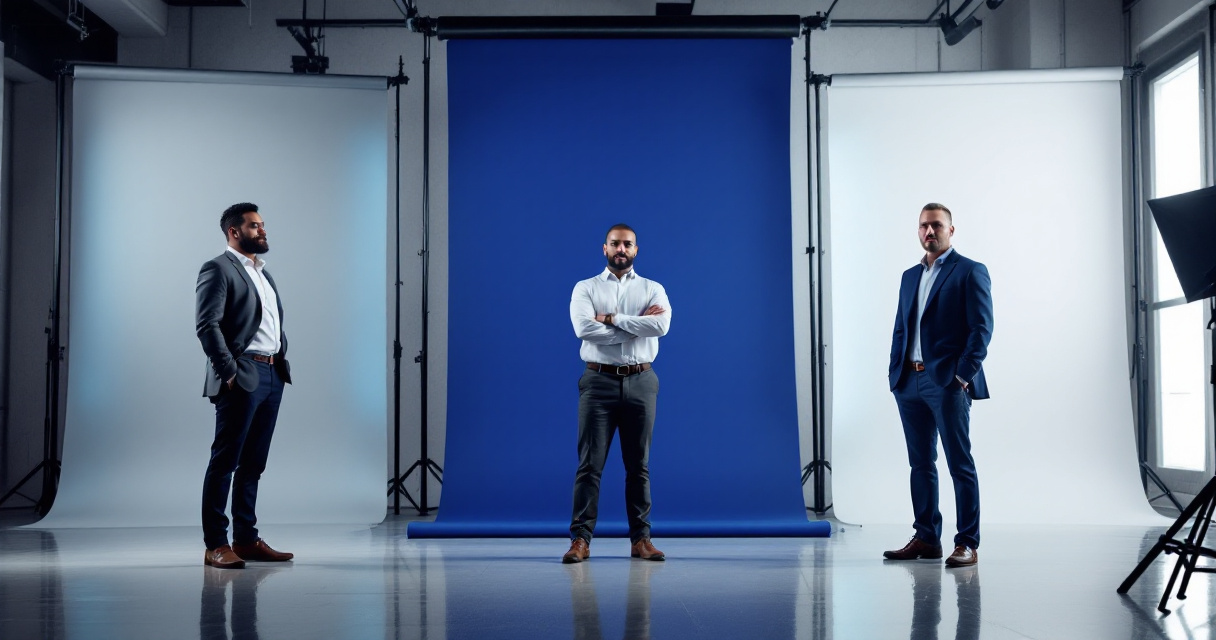
Different industries respond to different visual signals. A lawyer and a marketing creator may need very different headshot backgrounds.
Professional Color Psychology for LinkedIn Photos
| Color | Industry Fit | Impression Created |
|---|---|---|
| Gray | Finance, consulting | Authority and balance |
| Blue | Corporate leadership | Trust and stability |
| White | Tech and startups | Clean new idea |
| Green outdoor | Health and wellness | Natural and friendly |
| Warm neutral | Creators and entrepreneurs | Approachable and human |
Choose colors that align with how you want to be perceived. A bright orange wall might work for a creative designer but could feel out of place for a corporate finance role.
Aligning Visual Branding With Your LinkedIn Profile
Your headshot background should also match other visuals across your profile. Banner images, posts, and profile graphics should follow a consistent color theme.
Tools like the AI LinkedIn post generator from Looktara help maintain visual consistency across posts and personal branding content.
Common Background Mistakes That Ruin LinkedIn Headshots
Many LinkedIn users unknowingly weaken their profile with distracting backgrounds. Avoiding these mistakes can instantly improve how your photo appears.
Background Problems That Distract From Your Face
Watch out for these issues:
- Busy patterns like brick walls or artwork
- Random household items in the frame
- Strong shadows or uneven lighting
- Extremely bright colors behind your head
These elements compete with the subject of the photo.
Why Overly Edited Backgrounds Look Unnatural
Artificial looking background edits can create an uncanny effect. Research on artificial faces suggests viewers still respond emotionally to digital imagery even when they know it may be computer generated (iScience study). If the edit looks unrealistic, people may subconsciously question authenticity.
Modern AI headshot tools solve this by generating natural looking lighting and background blending. For example, the AI resume headshot generator creates balanced backgrounds designed for professional profiles.
Studio vs AI Generated Backgrounds in 2026
Professional headshots used to require expensive studio sessions. In 2026, AI image tools and advanced editing software offer realistic alternatives.
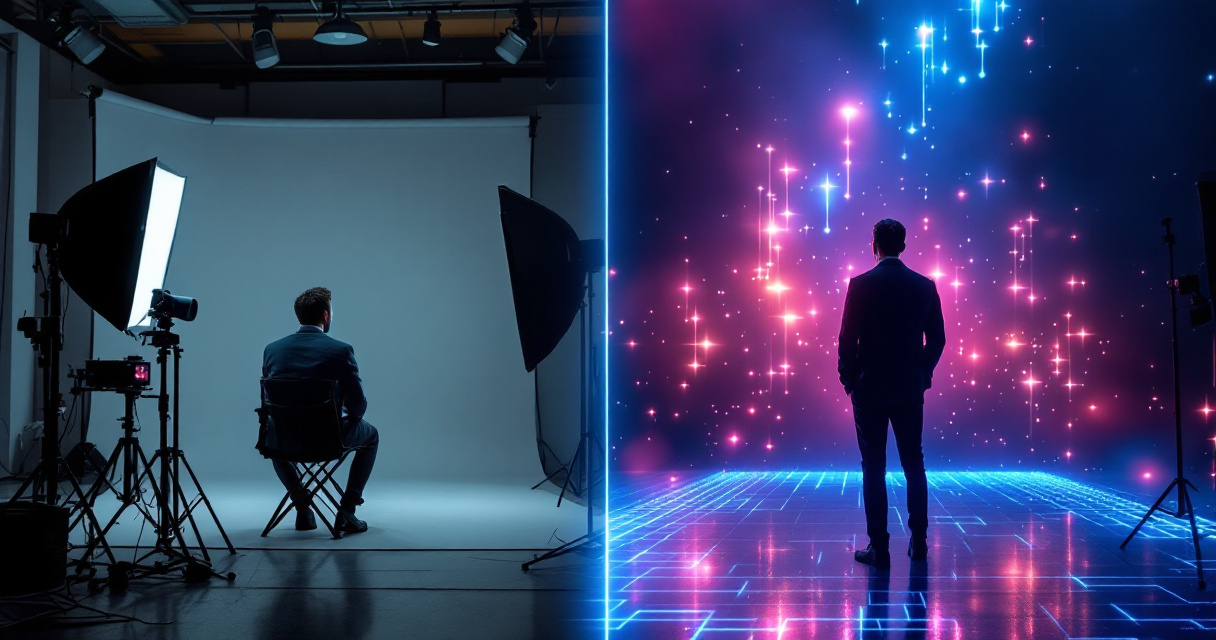
Both approaches have advantages depending on your budget and timeline.
Traditional Photography vs AI Headshot Tools
| Option | Cost Range | Pros | Cons |
|---|---|---|---|
| Studio photography | High | Controlled lighting and professional direction | Expensive and time consuming |
| DIY phone photo | Low | Quick and accessible | Often poor lighting or backgrounds |
| AI headshot generator | Moderate | Fast, polished results | Requires careful input images |
AI tools can generate studio style backgrounds without physical backdrops.
Creating Consistent Visual Branding Across Platforms
Professionals often reuse their headshot across multiple platforms such as portfolios, speaker bios, and social media.
Design tools within The Looktara Lens make it easier to maintain consistent visuals across content. For example:
- Creating marketing visuals using the AI website hero generator
- Designing content graphics with the AI Pinterest pin generator
Consistency strengthens your personal brand across digital channels.
How to Choose the Perfect Background in 5 Simple Steps
Selecting the right LinkedIn headshot background becomes easier when you follow a simple framework.
Step-by-Step Decision Guide
Define your professional image Decide whether you want to appear corporate, creative, or approachable.
Choose a neutral base color Gray, blue, or white backgrounds work in most cases.
Check lighting balance Even lighting prevents harsh shadows.
Blur or simplify the background Your face should remain the clear focal point.
Test the photo at small sizes LinkedIn displays profile photos small in feeds. If the face stands out clearly, the background works.
Quick Checklist Before Uploading Your Headshot
- Face occupies about 60 percent of the frame
- Background has no clutter
- Colors complement your clothing
- Lighting is natural and even
- The image feels authentic and approachable
Future Trends for LinkedIn Headshots Beyond 2026
Professional profile images continue evolving alongside AI design tools and digital branding trends.
AI Assisted Personal Branding
AI tools are improving rapidly at generating realistic portraits, adjusting lighting, and matching brand aesthetics. Platforms such as The Looktara Lens already allow users to generate professional headshots and visual branding assets without advanced photography skills.
Context Aware Backgrounds
Future headshot generators are likely to automatically adjust backgrounds based on industry signals. For example:
- Tech professionals receiving modern office backgrounds
- Creators receiving minimalist studio settings
- Consultants receiving neutral corporate environments
This type of intelligent design will likely become standard in professional branding tools.
Conclusion
A great LinkedIn headshot background does not compete for attention. It quietly supports your image, highlights your face, and reinforces your professional brand. Neutral colors, soft office environments, and clean lighting remain the safest choices for most professionals.
Before uploading your next profile photo, evaluate the background carefully. Make sure it fits your industry, removes distractions, and communicates credibility at first glance.
If you want a polished result without scheduling a studio shoot, try generating a professional headshot using The Looktara Lens. The platform can create refined headshots, backgrounds, and visual branding assets in minutes, helping your LinkedIn profile stand out for recruiters, clients, and collaborators.
Generated by EarlySEO.com