
German Passport Photo AI Requirements: Complete 2026 Guide to Getting It Right
Roughly 12% of German passport applications face delays because of non-compliant photos. That's a staggering number when you consider how straightforward the requirements seem on paper. The problem? Germany's biometric verification systems have become incredibly precise, and traditional photo booths often produce images that technically fail automated checks.
Whether you're a job seeker updating your LinkedIn profile with professional headshot tools, a business owner needing travel documents, or a remote worker planning international moves, understanding German passport photo requirements saves you time, money, and frustration. The good news is that AI-powered photo tools like The Looktara Lens now help ensure compliance before you submit, catching issues that human eyes might miss.
Official German Passport Photo Specifications for 2026
Germany follows the International Civil Aviation Organization (ICAO) standards for biometric passport photos, but adds its own specific requirements. The German Federal Foreign Office updated these guidelines in late 2025, tightening certain parameters for automated border control systems.
Key fact: German passport photos must be suitable for facial recognition technology used at airports across 190+ countries that accept German passports for visa-free travel.
Exact Dimensions and Technical Standards
| Specification | Requirement |
|---|---|
| Photo size | 35mm x 45mm (exact) |
| Head height | 32-36mm from chin to crown |
| Face coverage | 70-80% of photo height |
| Resolution | Minimum 600 DPI for digital submission |
| File format | JPEG for online applications |
| File size | 4KB to 500KB |
| Color depth | 24-bit true color |
The photo must be printed on high-quality, smooth paper with no texture. Matte or semi-gloss finishes work best; glossy paper can create reflections that confuse scanning equipment.
Background and Lighting Requirements
Your background must be:
- Pure white or light gray (no patterns)
- Evenly lit without shadows
- Free from objects, other people, or visible edges
Lighting needs to illuminate your face evenly from both sides. The German authorities specifically reject photos with:
- Shadows on the face or background
- Red-eye effects
- Overexposure or underexposure
- Color casts (yellow, blue, or green tints)
Natural daylight works well, but many people use AI tools to correct lighting issues after taking their initial photo. Platforms designed for professional imagery, similar to those creating polished website visuals, can adjust these technical elements automatically.
How AI Verification Systems Evaluate Your Photo
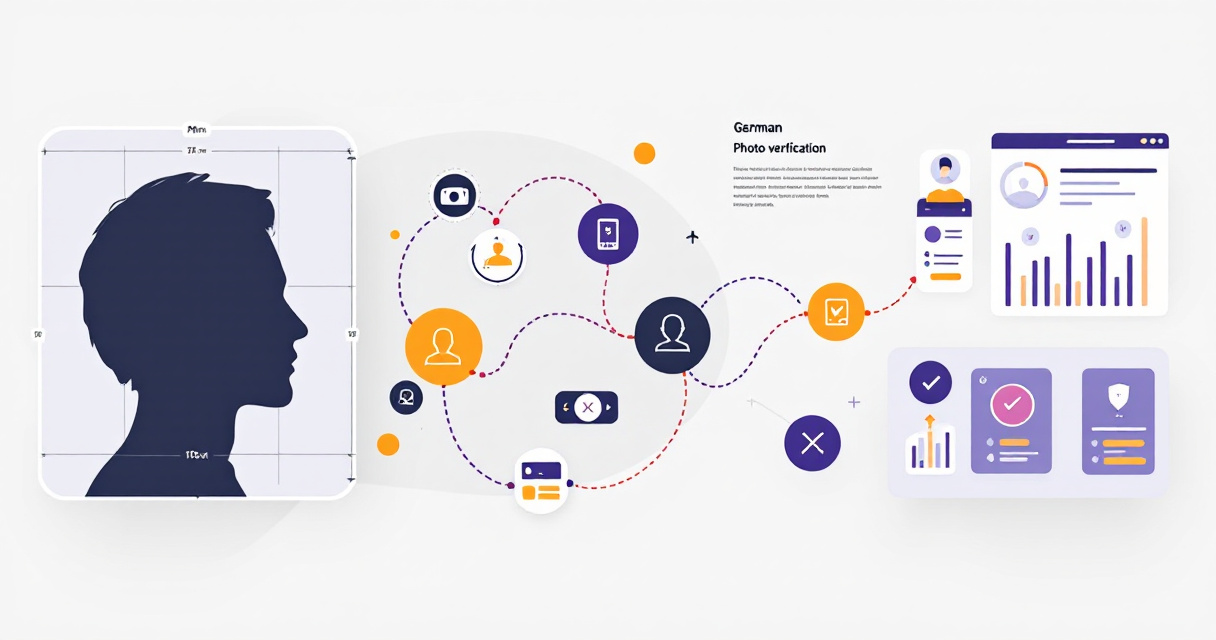
German passport offices use biometric verification software that analyzes your photo against 80+ checkpoints. Understanding what these systems look for helps you avoid common rejection triggers.
Facial Recognition Parameters
The AI systems measure specific facial geometry:
- Eye position: Must be between 50-70% from the bottom of the photo
- Face symmetry: Both eyes must be on the same horizontal plane
- Mouth position: Lips closed, no visible teeth
- Expression: Neutral only; no smiling, frowning, or raised eyebrows
Important: Even a slight head tilt of more than 5 degrees will trigger automatic rejection. The AI measures the angle between your pupils to detect this.
Your eyes must be clearly visible and open. Squinting, even slightly, can cause problems because the system needs to map your iris patterns accurately.
Common AI Rejection Triggers
Based on rejection data from German passport offices, here are the most frequent failures:
| Issue | Rejection Rate | Fix |
|---|---|---|
| Incorrect head size | 23% | Use photo guides or AI cropping |
| Shadow on face | 19% | Better lighting setup |
| Glasses glare | 15% | Remove glasses or adjust angle |
| Wrong expression | 14% | Practice neutral face |
| Background issues | 12% | Use solid backdrop or AI removal |
| Hair covering face | 9% | Pin back hair from forehead |
| Low resolution | 8% | Use higher quality camera |
The Looktara Lens and similar AI photo tools can detect most of these issues before submission, giving you a chance to retake or adjust your photo.
Glasses, Headwear, and Special Cases
Germany updated its glasses policy significantly in recent years, aligning with stricter international standards that affect millions of applicants.
The 2024 Glasses Rule Change
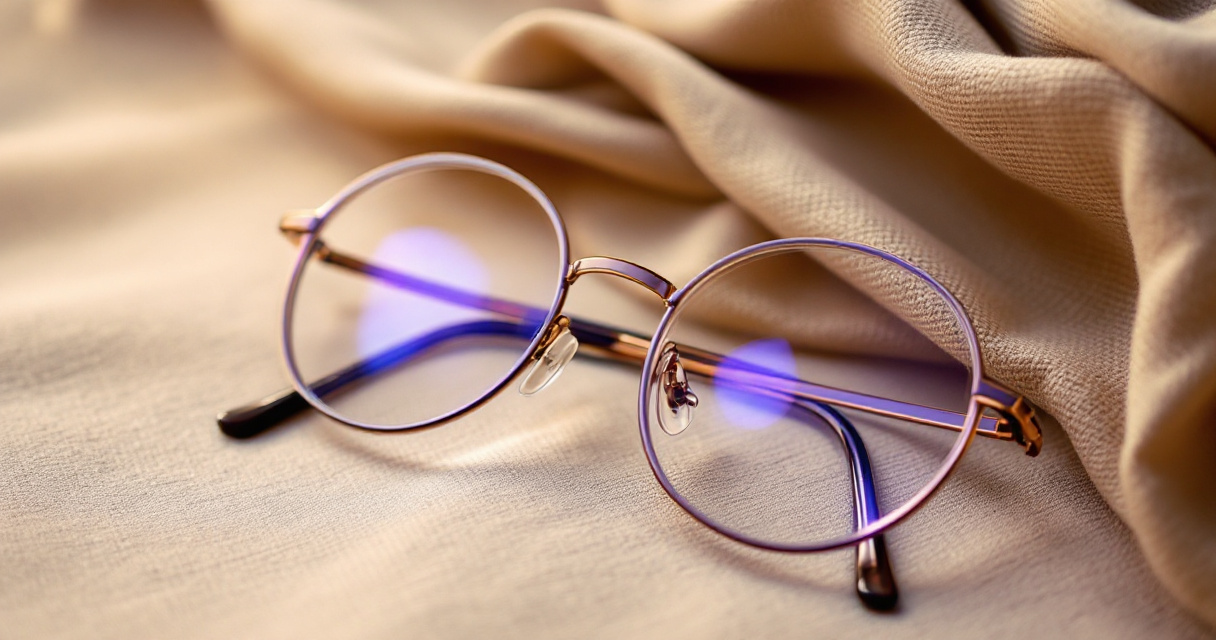
Since November 2024, Germany strongly recommends removing glasses for passport photos. While not an absolute ban, photos with glasses face additional scrutiny:
- No tinted lenses (including photochromic lenses that darken)
- No visible reflections or glare on lenses
- Frame cannot obscure any part of the eyes
- Frame cannot cast shadows on the face
If you must wear glasses for medical reasons, ensure the frames are thin and positioned so your entire iris and pupil are clearly visible. Many applicants find it easier to simply remove glasses, especially since border control officers may ask you to remove them anyway during identity verification.
Religious and Medical Headwear
Germany permits head coverings for documented religious or medical reasons, with specific conditions:
- Your full face from chin to forehead must remain visible
- The covering cannot cast shadows on your face
- Your facial features must be clearly identifiable
- You may need to provide documentation explaining the requirement
For medical head coverings, a doctor's note typically suffices. Religious headwear generally doesn't require documentation, but staff may ask questions during processing.
Taking Your Own German Passport Photo
You don't need to visit a professional photographer. With the right setup and tools, home photos can meet all requirements, and AI verification ensures compliance before you print.
DIY Photo Setup Guide
Follow these steps for a successful home photo:
- Find a plain wall or hang a white sheet as your backdrop
- Position yourself 1.5 meters from the background to avoid shadows
- Set up lighting facing you, ideally two light sources at 45-degree angles
- Use a tripod or stable surface for your camera or phone
- Set camera to highest resolution and disable flash
- Take multiple shots with slightly different positions
Your camera should be at eye level. Phone cameras work fine if they're from the last 4-5 years, as most exceed the 600 DPI requirement when photos are properly sized.
While this video focuses on US passports, the biometric photo standards shown apply universally, including to German documents.
Using AI Tools for Compliance Checking
After taking your photo, run it through an AI compliance checker before printing. These tools verify:
- Head size and position within the frame
- Eye placement and visibility
- Background uniformity
- Lighting balance and shadow detection
- Expression neutrality
- Overall image quality and resolution
The Looktara Lens platform offers this kind of automated verification, similar to how creators use AI-powered thumbnail generators to ensure their images meet platform specifications. The technology catches subtle issues like a 3-degree head tilt or slight shadow that human reviewers might also flag.
Digital Submission vs. Printed Photos
Germany now accepts digital photo uploads for many passport services, but the technical requirements differ from printed submissions.
Online Application Requirements
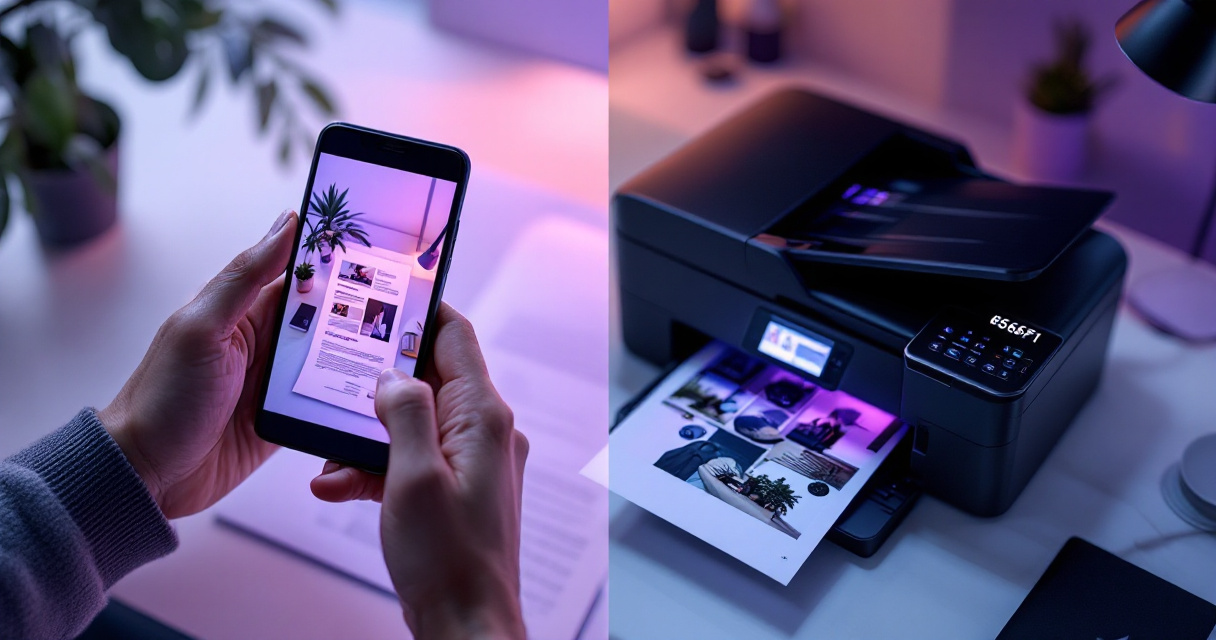
For digital submissions through German consulates or the national ID portal:
- Format: JPEG only (no PNG, TIFF, or other formats)
- Dimensions: Minimum 413 x 531 pixels
- File size: Between 4KB and 500KB
- Color space: sRGB recommended
- Compression: High-quality JPEG (minimal artifacts)
The system automatically rejects files that don't meet these parameters. Unlike printed photos where minor issues might slip through, digital verification happens instantly and precisely.
Print Quality Standards
If submitting physical photos, print on:
- Photo-quality paper (not regular printer paper)
- Matte or semi-gloss finish
- Professional photo printers (drugstore kiosks work well)
Avoid home inkjet printers unless you have photo-specific paper and ink. The dot pattern from standard printers can interfere with biometric scanning. Most drugstores charge under €1 for passport photo prints from your digital file.
For professionals updating their personal brand imagery across platforms, from social media posts to official documents, maintaining a library of compliant photos makes future applications smooth.
What to Expect from Photo AI in 2027 and Beyond
Biometric photo technology continues advancing rapidly, and Germany typically adopts new standards early among EU nations.
Upcoming Changes to Watch
Several developments will likely affect German passport photos by 2027:
- 3D facial mapping may supplement or replace 2D photos
- Live capture requirements at consulates using standardized cameras
- Stricter AI verification with rejection rates expected to increase
- Integration with EU digital ID systems requiring photo format updates
Trend alert: The EU is piloting smartphone-based biometric capture that could eventually let you take official passport photos through a secure government app. Germany is participating in this pilot program.
Staying ahead of these changes means working with platforms that update their compliance checking regularly. The Looktara Lens team, for instance, monitors regulatory changes across countries to keep their verification algorithms current, much like they do for professional visual content tools.
Troubleshooting Rejected Photos
If your photo gets rejected, the notification usually specifies the reason. Here's how to address the most common issues quickly.
Quick Fixes for Common Problems
| Rejection Reason | Solution |
|---|---|
| "Head size incorrect" | Recrop with face filling 70-80% of height |
| "Background not uniform" | Retake against solid wall or use AI background removal |
| "Expression not neutral" | Relax face muscles; practice in mirror first |
| "Image quality insufficient" | Use better camera or improve lighting |
| "Eyes not clearly visible" | Remove glasses; open eyes wider; check for shadows |
Most issues can be fixed by retaking the photo with better preparation. If you're consistently getting rejections, consider using The Looktara Lens or similar AI tools to preview compliance before your next attempt.
When to Seek Professional Help
Visit a professional photographer if you:
- Have unique medical or religious requirements
- Keep getting rejected despite following guidelines
- Need expedited processing and can't risk delays
- Don't have access to adequate lighting or camera equipment
Professional passport photo services typically cost €10-15 in Germany and include compliance guarantees.
Conclusion
Getting your German passport photo right the first time saves days of processing delays and the frustration of resubmission. The biometric requirements are strict, but they're also consistent and predictable. Use the specifications table in this guide as your checklist, set up proper lighting, maintain a neutral expression, and verify your photo with AI tools before submission.
Your next step? Take a few test photos using the DIY setup guide above, then run them through a compliance checker like The Looktara Lens to catch any issues. For those managing professional imagery across multiple platforms, from eye-catching social content to official documents, having reliable AI verification tools makes the entire process smoother. Start with your test shots today, and you'll be ready to submit a compliant photo whenever your passport application requires it.