
Free AI LinkedIn Headshot Generators in 2026: Get Professional Photos Without Spending a Dime
Your LinkedIn profile photo matters more than you might think. According to LinkedIn's own data, profiles with professional headshots receive up to 21 times more views and 36 times more messages than those without. Yet traditional photography sessions cost anywhere from $150 to $500, putting professional imagery out of reach for many job seekers, freelancers, and entrepreneurs.
Free AI headshot generators have changed this equation entirely. These tools transform basic smartphone selfies into polished, professional-looking portraits in seconds. Platforms like The Looktara Lens and other AI photography services now offer options that range from completely free tiers to affordable premium packages. The technology has matured significantly since early versions that produced obviously artificial results. Modern AI creates images that, according to a 2023 study published in the Journal of Cybersecurity, many people struggle to distinguish from real photographs.
So which free tools actually deliver quality results? And what trade-offs should you expect when skipping the paid options? Let's break down everything you need to know about creating a LinkedIn headshot without spending money.
How Free AI Headshot Generators Actually Work
Free AI headshot generators use machine learning models trained on millions of professional photographs. When you upload a selfie, the AI analyzes your facial features, lighting conditions, and positioning. Then it reconstructs your image with improved lighting, background replacement, and subtle retouching that mimics professional studio techniques.
The process typically takes between 30 seconds and 5 minutes, depending on the platform and current server load. Most tools require just one clear photo of your face, though some request multiple angles for better accuracy.
The Technical Process Behind AI Portrait Generation
Modern headshot generators rely on generative adversarial networks (GANs) or diffusion models. These systems work by:
- Face detection - identifying key facial landmarks like eyes, nose, and jawline
- Style transfer - applying professional lighting and color grading patterns
- Background generation - creating clean, neutral backgrounds typical of corporate headshots
- Texture enhancement - smoothing skin while preserving natural features
- Final compositing - blending all elements into a cohesive image
The quality gap between free and paid services usually comes down to the model's training data and computational resources allocated per image.
What You Need Before Starting
Getting good results from any AI headshot tool requires decent source material. Here's what works best:
- Lighting: Natural daylight facing you, not behind you
- Distance: Face fills roughly 60-70% of the frame
- Expression: Neutral or slight smile with relaxed facial muscles
- Angle: Straight on or slightly turned (avoid extreme angles)
- Quality: Clear, non-blurry photo with at least 1000x1000 pixel resolution
Pro tip: Take your source photo near a window during daytime. This single change dramatically improves AI output quality compared to harsh indoor lighting or dim conditions.
Comparing the Top Free AI Headshot Tools in 2026
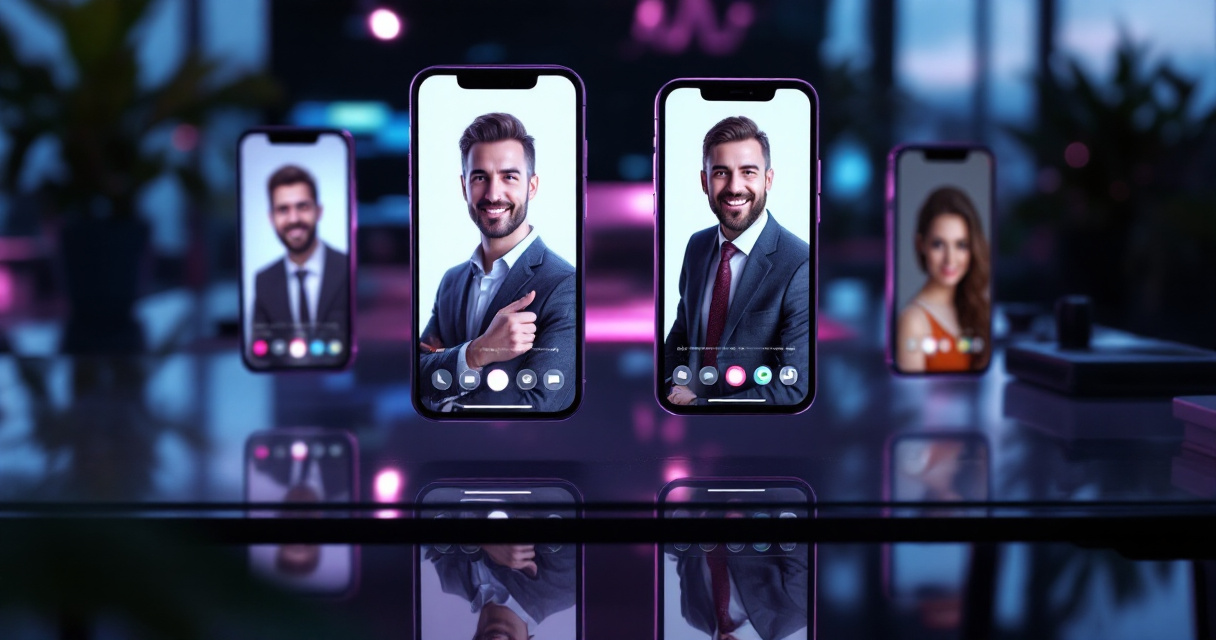
Not all free generators deliver equal results. Some limit output resolution, add watermarks, or restrict daily usage. Others produce surprisingly professional images with minimal strings attached. Understanding these differences helps you choose the right tool for your needs.
Feature Comparison Table
| Platform | Free Images | Resolution | Watermark | Signup Required |
|---|---|---|---|---|
| Canva AI | 1 per day | 1024x1024 | No | Yes |
| Dr. Headshot | 3 total | 512x512 | Yes | No |
| HeadshotMaster | Unlimited | 800x800 | No | No |
| Botdog | 2 per day | 1024x1024 | No | No |
| The Looktara Lens | 5 per week | 2048x2048 | No | Yes |
The Looktara Lens stands out for offering higher resolution outputs on their free tier, which matters when LinkedIn displays your photo at different sizes across desktop and mobile.
Quality Versus Convenience Trade-offs
Free tiers come with limitations you should understand upfront:
- Limited style options - premium users often get 50+ background and lighting choices; free users might get 5-10
- Processing priority - paid customers typically skip the queue during peak hours
- Download restrictions - some platforms limit how many times you can download your results
- Feature access - advanced retouching, multiple poses, and outfit changes usually require payment
For most LinkedIn users who need a single professional headshot, these limitations rarely matter. You only need one great photo.
Step-by-Step Guide to Creating Your Free Headshot
The actual process is straightforward once you have a good source photo. Most platforms follow similar workflows, though interface details vary.
Uploading and Processing Your Photo
- Visit your chosen platform and locate the upload button
- Select a clear, well-lit selfie from your device
- Wait for the initial face detection confirmation
- Choose your preferred background style (usually office, gradient, or plain colors)
- Select lighting mood (bright and friendly, dramatic and serious, or balanced)
- Click generate and wait 30-120 seconds
- Review results and download if satisfied
Most tools let you regenerate with different settings if the first attempt doesn't meet your expectations.
Optimizing Results for LinkedIn Specifically
LinkedIn displays profile photos as circles, cropping the corners of square images. This affects how you should evaluate AI headshot results:
- Center your face in the frame with breathing room on all sides
- Avoid patterns that might create visual conflict with LinkedIn's blue interface
- Check mobile preview since most LinkedIn browsing happens on phones
- Consider background contrast against LinkedIn's white and blue color scheme
Neutral gray, soft blue, or warm cream backgrounds typically photograph well on the platform without competing for attention.
Free Versus Paid: When to Upgrade
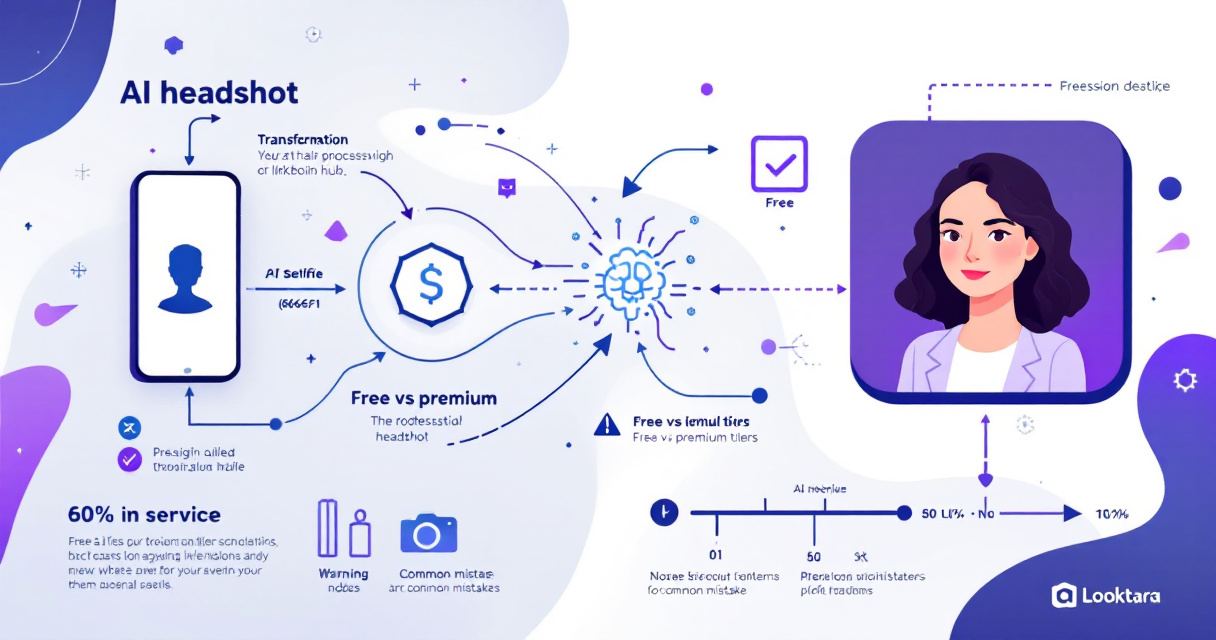
Free tools serve many users perfectly well. But certain situations justify spending money on premium AI headshot services or traditional photography.
Scenarios Where Free Falls Short
Consider upgrading when:
- You need multiple headshots for different platforms or purposes
- Your industry expects exceptionally polished visual presentation (finance, law, media)
- Free tool outputs consistently miss capturing your natural expression
- You want team photos with consistent styling for company pages
- Resolution requirements exceed what free tiers provide
The Looktara Lens platform offers premium features that address these gaps while maintaining accessibility for individual users who want more control over their results.
Making Free Work for Most Situations
For the majority of LinkedIn users, free AI headshots work fine. Job seekers updating profiles, freelancers establishing credibility, and professionals refreshing outdated photos can all achieve their goals without paying.
Key insight: A free AI headshot from 2026 typically looks better than a paid professional photo from 2015. Technology improvements have raised the baseline quality substantially.
Focus on your source photo quality rather than chasing premium features. A great selfie processed through a free tool beats a mediocre selfie processed through expensive software every time.
Common Mistakes That Ruin AI Headshot Results
Even the best AI tools struggle with certain inputs. Avoiding these errors saves time and frustration.
Technical Problems to Avoid
- Backlit photos where your face appears dark against bright windows or skies
- Heavy filters already applied to your source image (the AI gets confused)
- Sunglasses or hats that obscure key facial features
- Group photos cropped down resulting in low resolution face images
- Extreme expressions like wide open mouths or squinted eyes
The AI needs to clearly see your natural features to produce believable results.
Style Choices That Backfire
Some aesthetic decisions hurt more than help:
- Over-retouching that removes all skin texture and makes you look plastic
- Dramatic lighting that might work for actors but feels out of place for accountants
- Trendy backgrounds that will look dated within a year
- Inconsistent personal branding where your headshot style clashes with your work
Professional photography experts recommend classic, clean aesthetics that won't require updates every few months. Your AI-generated headshot should look timeless rather than trendy.
What's Next for AI Headshot Technology
The space continues evolving rapidly. Several developments will likely shape free AI headshot tools through 2027.
Emerging Capabilities to Watch
- Video generation from single photos for LinkedIn video intros
- Real-time preview showing results before you click generate
- Style consistency tools that match new headshots to your existing brand imagery
- Platform-specific optimization automatically adjusting for LinkedIn, Twitter, or Instagram requirements
Competition among providers benefits users as companies add features to attract and retain free tier users who might eventually convert to paid plans.
Privacy and Authenticity Considerations
As AI-generated images become indistinguishable from photographs, expect platforms to develop verification systems. LinkedIn has already begun experimenting with authenticity badges and may eventually flag AI-generated profile photos.
Using AI enhancement tools remains ethical and widely accepted. The goal is representing yourself professionally, not deceiving anyone about your appearance. Choose natural-looking results that your colleagues would recognize.
Conclusion
Free AI LinkedIn headshot generators have matured into genuinely useful tools for anyone needing professional profile photos. The technology delivers results that rival basic studio photography for most use cases. Start with a well-lit, clear selfie and experiment with different platforms to find the style that fits your professional brand.
Ready to create your new headshot? The Looktara Lens offers a generous free tier with higher resolution outputs than most competitors. Upload a photo today and see the results for yourself. If you want to understand more about how AI photography works or explore creative options for social media, those resources can help you get even better results from these increasingly capable tools.