
Your LinkedIn photo can quietly answer the first question every recruiter asks during a career change: Do you look like someone who belongs in this new field? LinkedIn, the business and employment-focused networking platform used globally for professional networking and career development, makes that image one of the first signals people see. If your current photo still reflects your old industry, you may be creating friction before anyone reads your headline. That's why many career changers now update their visual brand first, often with tools like The Looktara Lens, before rewriting the rest of their profile.
Why your photo matters more when you're switching careers
A LinkedIn profile photo always matters, but it carries extra weight during a transition. You're asking people to imagine you in a different role, industry, or level of responsibility. A dated, casual, or mismatched image can make that jump feel less believable.
Research on professional social media use shows why image choices affect trust and perception. A 2021 literature review in the Journal of Medical Internet Research examined how professionals use social platforms and highlighted the role of online presence in credibility and communication, especially in fields where trust matters most Farsi, 2021. In business settings, a 2021 review in Information Systems Frontiers looked at social media adoption in B2B contexts and reinforced how professional profiles shape impressions and relationship-building online Dwivedi, Ismagilova, Rana, 2021.
For a career changer, your photo isn't about vanity. It's evidence that you understand the norms of the space you want to enter.
If you're moving from corporate finance to startup operations, your image can look sharper and more modern. If you're leaving academia for consulting, you may need a warmer, more client-facing expression. If you're entering healthcare administration, conservative styling often reads better than trendy styling.
That same logic should carry across your whole visual identity. If you're also refreshing your content, a consistent profile paired with stronger thought leadership can help. For example, you can support your updated image with a polished LinkedIn post creator for professional branding.
What recruiters usually infer in seconds
People make fast judgments from profile photos, even if they don't admit it. On LinkedIn, they often scan for:
- Professionalism
- Approachability
- Role fit
- Industry awareness
- Confidence without stiffness
A career-change photo should reduce doubt in all five areas. Your goal is not to look glamorous. Your goal is to look like a clear match.
How to choose a photo that matches the job you want next
Most advice stops at "use good lighting" and "wear something professional." That's too generic for a career shift. Your best LinkedIn photo should reflect the destination role, not just your current wardrobe.
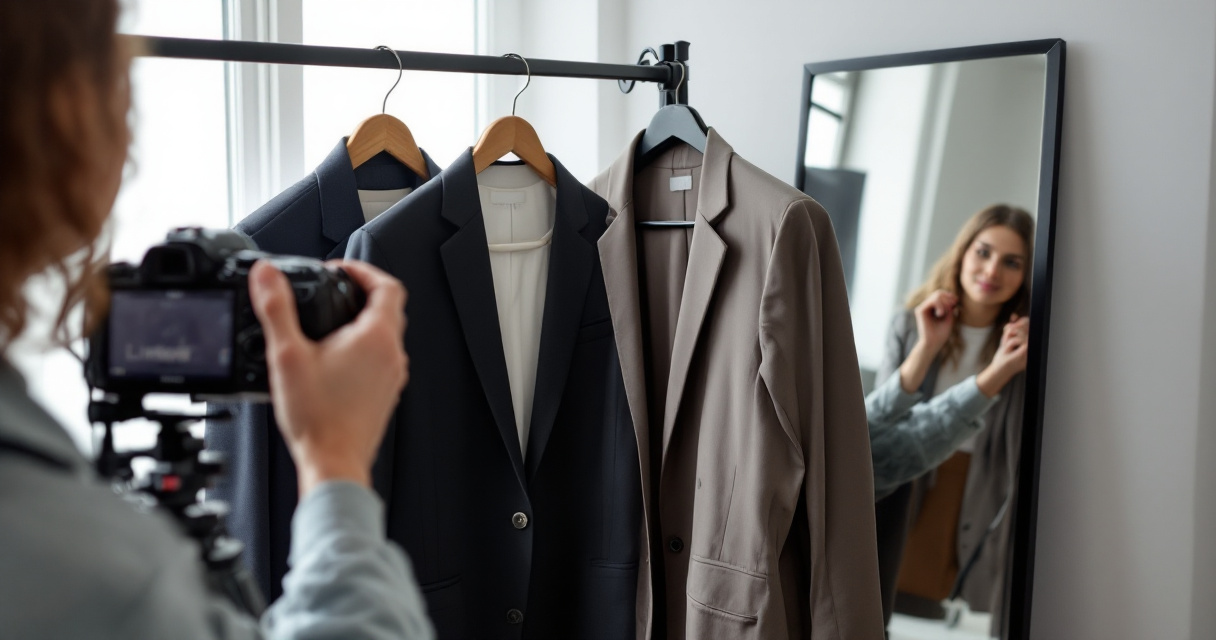
Photo choices that support different transitions
| Career move | Best visual cues | What to avoid |
|---|---|---|
| Corporate to startup | Simple background, smart casual outfit, direct eye contact | Overly formal boardroom look |
| Freelancer to full-time leadership | Structured clothing, clean crop, confident expression | Casual selfie feel |
| Technical role to client-facing role | Warmer smile, brighter lighting, approachable styling | Severe expression |
| Creative field to corporate role | Polished grooming, neutral colors, tidy composition | Highly stylized edit |
A useful rule: dress one step closer to your target environment. Not two steps. If you overdo the transformation, your photo can feel staged.
Using The Looktara Lens can help if you need several polished options that test different role signals without booking multiple shoots. That's especially useful when you're applying across adjacent fields, such as product marketing, customer success, and partnerships.
Your photo should feel like a truthful upgrade, not a costume.
Frame and styling details that matter on LinkedIn
Competitor articles often mention image basics, and those are still useful. A strong LinkedIn headshot usually works best when:
- Your face is clearly visible
- You are the only person in the frame
- The image is high resolution
- The background is simple, not distracting
- Your expression looks natural and current
Those basics matter even more in a transition because recruiters may already be looking for reasons to screen you out. If your photo is cropped from a wedding, heavily filtered, or visibly old, it can suggest poor judgment or low effort.
If you need a fast update tied to job-search materials, a resume headshot AI generator for professional profiles can help you create a cleaner starting point before updating your banner, resume, and portfolio.
The biggest mistakes career changers make with LinkedIn headshots
The most common photo mistakes are not technical. They're strategic. People often choose a photo that reflects who they were in their last industry, then wonder why outreach feels slow.
Red flags that can weaken your shift
- You look tied to your old role. A real estate glam shot may not help if you're moving into HR operations.
- The image feels outdated. If your hairstyle, glasses, or quality look years old, people notice.
- You over-edit. Heavy retouching can reduce trust.
- Your expression fights your target role. Very stern can work in some sectors, but it can hurt if you want relationship-based work.
- The photo clashes with the rest of your profile. A polished headshot next to a weak banner and generic headline creates mixed signals.
Privacy also matters more than many job seekers think. A 2021 review of online social network security and privacy examined risks tied to profile data exposure and user behavior across platforms Jain, Sahoo, Kaubiyal, 2021. For practical use, that means avoiding unnecessary location clues, workplace badges, family members, or other revealing details in your image.
The broader public has become more aware of profile-data risk since major incidents like the 23andMe data leak, which brought attention to how personal information can be exposed and repurposed. While that event was not about LinkedIn photos, it sharpened public concern around identity, profile visibility, and digital trust.
A quick self-audit before you upload
Ask yourself these three questions:
- Would someone in my target field see me as current?
- Does this image match the level of role I want?
- If this photo appeared beside ten competitors, would it look credible?
If you answer "not sure" to any one of them, your photo probably needs work.
Build a complete transition-ready visual brand around the photo
A strong headshot works best when the rest of your LinkedIn presence supports it. Competitors often treat the photo as a standalone task. That misses the bigger opportunity.

Elements that should align with your new headshot
- Banner image
- Headline
- About section
- Featured content
- Post visuals
If your profile photo says "modern operations leader" but your banner says nothing, your repositioning feels incomplete. This is where career changers can gain an edge with a consistent visual kit.
You can pair your new image with a sharper LinkedIn-ready banner creation tool, a cleaner pitch deck slide generator for career storytelling, or even a simple logo generator for personal brand projects if you're launching consulting work.
Using The Looktara Lens as part of that wider refresh can save time because you're not solving each asset from scratch. That matters when you're actively applying, networking, and updating multiple platforms at once.
The best LinkedIn profile photo is rarely just a photo. It's the anchor for a believable professional story.
What your banner and content should reinforce
Your banner should support the role you want, not repeat your old title. For example:
- A project manager moving into operations can use clean workflow or systems imagery
- A teacher moving into L&D can highlight learning design themes
- A founder seeking advisory roles can use understated executive branding
Then support that with short, relevant posts. A polished headshot plus active posting can make a shift feel real much faster than profile edits alone.
What to expect in 2026 and 2027: AI headshots, authenticity, and trust
AI-generated and AI-enhanced headshots are now part of the professional branding conversation, but expectations are getting stricter in 2026. People still want polish, yet they also expect your profile image to look like you in real life.
That means the smart move is not chasing perfection. It's choosing an image that is current, believable, and aligned with your target field. If you use AI, keep the result close to your actual features, skin tone, age, and style. A photo that surprises people on a Zoom call defeats the purpose.
The likely direction for next year
| Trend | What it means for job seekers |
|---|---|
| More AI photo tools | Faster access to polished headshots |
| Higher authenticity expectations | Less tolerance for unrealistic edits |
| Stronger profile-brand consistency | Banner, photo, and posts need to match |
| More awareness of privacy risks | Cleaner, less revealing images will matter more |
In 2027, expect even more attention on visual consistency across platforms. Recruiters already compare LinkedIn with portfolios, creator pages, and company websites. If you're building a broader presence, supporting assets like a website hero image generator for personal branding can help maintain the same professional identity across channels.
When AI headshots are worth using
AI headshots make sense when:
- You need a fast update for active applications
- You can't afford a photographer right now
- You want to test several role-specific looks
- You still keep the result realistic
They are less useful when the image becomes too glossy, too stylized, or too different from your real appearance.
Conclusion
A LinkedIn profile photo for career change should do one job well: make your next move feel believable. Choose an image that matches the field you want, not the role you're leaving. Keep it current, simple, and aligned with your headline, banner, and content. If you need to update quickly, start with your headshot, then build outward.
For a practical next step, create two or three role-specific options and compare them against the jobs you're targeting. If you want a faster way to do that, explore The Looktara Lens and pair it with supporting assets like a banner or LinkedIn post visual. Your next opportunity may start with one glance, so make that first impression look like the future you're building.
Generated by EarlySEO.com