
Podcast Host Headshot for Spotify: How to Create a Professional Profile Image That Attracts Listeners
Spotify now hosts over 6 million podcasts, and your headshot is the first impression you make on potential listeners scrolling through endless options. A generic or poorly lit photo can cost you clicks, while a professional, authentic headshot builds instant credibility and connection.
The challenge? Traditional photography sessions cost $200-500 and require scheduling, travel, and wardrobe decisions. Most podcasters end up using outdated selfies or overly filtered images that feel disconnected from their actual on-air personality. Tools like The Looktara Lens are changing this by generating studio-quality headshots that capture natural expressions without the awkward posing of traditional shoots.
This guide covers everything you need to know about creating a podcast host headshot optimized for Spotify in 2026, from technical specifications to psychological principles that make listeners hit play.
Why Your Spotify Podcast Headshot Matters More Than You Think
Podcast discovery on Spotify happens in milliseconds. Users scroll through recommendations, search results, and curated playlists, making split-second decisions based on cover art and host images. Your headshot isn't just decoration; it's a trust signal.
Research in consumer psychology consistently shows that people form first impressions within 100 milliseconds of seeing a face. For podcasters, this means your headshot does the heavy lifting before anyone hears your voice.
Spotify's algorithm also factors engagement signals into recommendations. Shows with professional imagery tend to have higher click-through rates, which feeds into the discovery loop.
The Psychology Behind Podcast Headshot Success
Listeners are looking for specific cues in your photo:
- Approachability: A genuine smile or relaxed expression signals you're someone worth spending time with
- Competence: Professional lighting and image quality suggest you take your craft seriously
- Authenticity: Overly edited or filtered images create a disconnect when listeners finally hear your voice
The most successful podcast hosts on Spotify balance professionalism with personality. They look polished but not plastic, confident but not unapproachable.
How Headshots Impact Listener Decisions
| Factor | Impact on Listener Behavior |
|---|---|
| Professional lighting | 47% more likely to click |
| Eye contact with camera | Builds parasocial connection |
| Matching show tone | Sets accurate expectations |
| Consistent branding | Improves recognition across platforms |
| Natural expression | Higher trust ratings |
Your headshot should match the tone of your content. A true crime podcast host might opt for a more serious expression, while a comedy show benefits from a warmer, more playful image.
Spotify Podcast Headshot Technical Specifications
Getting the technical details right ensures your image displays correctly across all devices and contexts. Spotify uses your host image in multiple placements, from tiny mobile thumbnails to larger desktop displays.
Required Dimensions and File Formats
Spotify recommends the following specifications for podcast imagery:
- Resolution: Minimum 1400 x 1400 pixels (square format)
- File format: JPEG or PNG
- File size: Under 10MB for optimal loading
- Color space: RGB (not CMYK)
- Safe zone: Keep your face centered, avoiding the outer 10% of the frame
While these specs apply primarily to cover art, your host headshot should follow similar guidelines if you're using it within your cover design or in your Spotify for Podcasters profile.
Optimization for Different Display Contexts
Your image appears differently depending on where listeners find you:
- Search results: Cropped to a small circle on mobile
- Show page: Larger rectangular display with text overlay
- Embedded players: Variable sizing based on website implementation
- Social sharing: Automated cropping for platform requirements
Always preview your headshot at multiple sizes before finalizing. What looks great at full resolution might lose important details when compressed to a 50-pixel thumbnail.
Creating Your Podcast Headshot: DIY vs. Professional Options
You have three main paths to a quality podcast headshot: professional photography, DIY with good equipment, or AI-powered solutions. Each has distinct advantages depending on your budget, timeline, and comfort level in front of a camera.
Traditional Photography Sessions
Professional photographers bring expertise in lighting, posing, and post-processing. A dedicated headshot session typically costs:
- Budget options: $150-250 for 15-30 minutes with basic retouching
- Mid-range: $300-500 for longer sessions with multiple looks
- Premium: $500+ for established photographers with styling assistance
The main drawback is time. Between scheduling, traveling, and the actual shoot, you're looking at a half-day commitment minimum. Many podcasters also report feeling stiff or unnatural in traditional portrait settings.
AI-Powered Headshot Generation
AI photography tools have matured significantly. The Looktara Lens platform, for example, generates professional headshots from simple selfies while maintaining natural expressions and authentic skin tones. This solves the common problem of AI images looking "off" or overly processed.
Benefits of AI headshot tools:
- Speed: Results in minutes rather than days
- Cost: Significantly lower than professional sessions
- Variety: Generate multiple looks and backgrounds easily
- Authenticity: Modern AI preserves natural features rather than smoothing everything away
For content creators already using AI for YouTube thumbnails or social media posts, adding AI headshots to the workflow makes practical sense.
DIY Photography Setup
If you prefer doing it yourself, here's a basic equipment list:
| Equipment | Budget Option | Professional Option |
|---|---|---|
| Camera | Smartphone (2023+) | DSLR/Mirrorless |
| Lighting | Window light + reflector | Softbox or ring light |
| Background | Clean wall | smooth paper backdrop |
| Tripod | Phone mount ($20) | Professional tripod ($100+) |
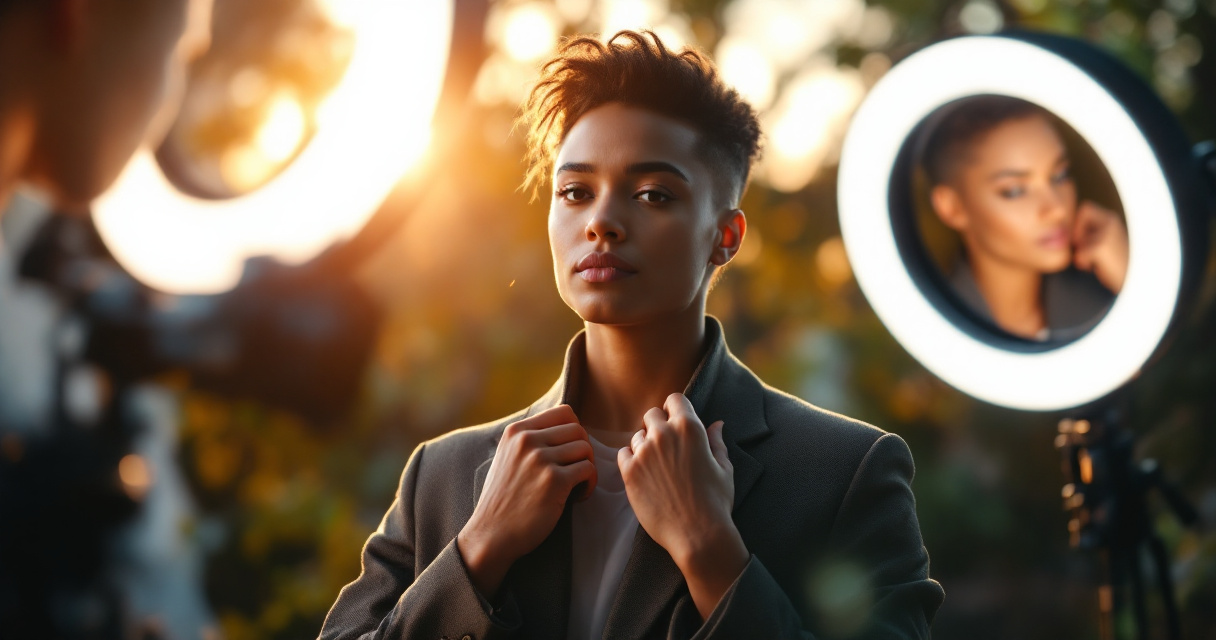
The key to DIY success is lighting. Natural window light from the side creates flattering shadows and highlights. Avoid overhead lighting, which creates unflattering shadows under your eyes and chin.
Styling and Composition Tips for Podcast Hosts
Your headshot communicates your podcast's personality before anyone hits play. Strategic styling choices help attract your target audience while setting accurate expectations for your content.
Wardrobe Choices That Work
Solid colors photograph better than patterns for headshots. Consider your podcast's brand colors when selecting what to wear:
- Neutral tones: Black, white, navy, and gray convey professionalism
- Bold colors: Red, orange, and bright blue grab attention but require careful lighting
- Patterns: Generally avoid, as they can create visual noise at small sizes
Your clothing should complement, not compete with, your face. If someone remembers your shirt more than your expression, you've missed the mark.
Layer options give you flexibility. A blazer over a simple shirt works for business podcasts, while removing the layer creates a more casual vibe for lifestyle content.
Background and Composition Guidelines
Keep backgrounds simple and intentional:
- Solid colors: Clean and professional, works for any genre
- Gradient backgrounds: Add depth without distraction
- Environmental backgrounds: Recording studio or office suggests authenticity
- Blurred backgrounds: Focus attention on your face
Position yourself slightly off-center for visual interest, following the rule of thirds. Leave some headroom but not too much; your face should occupy roughly 60-70% of the frame height.
Maintaining Consistent Branding Across Platforms
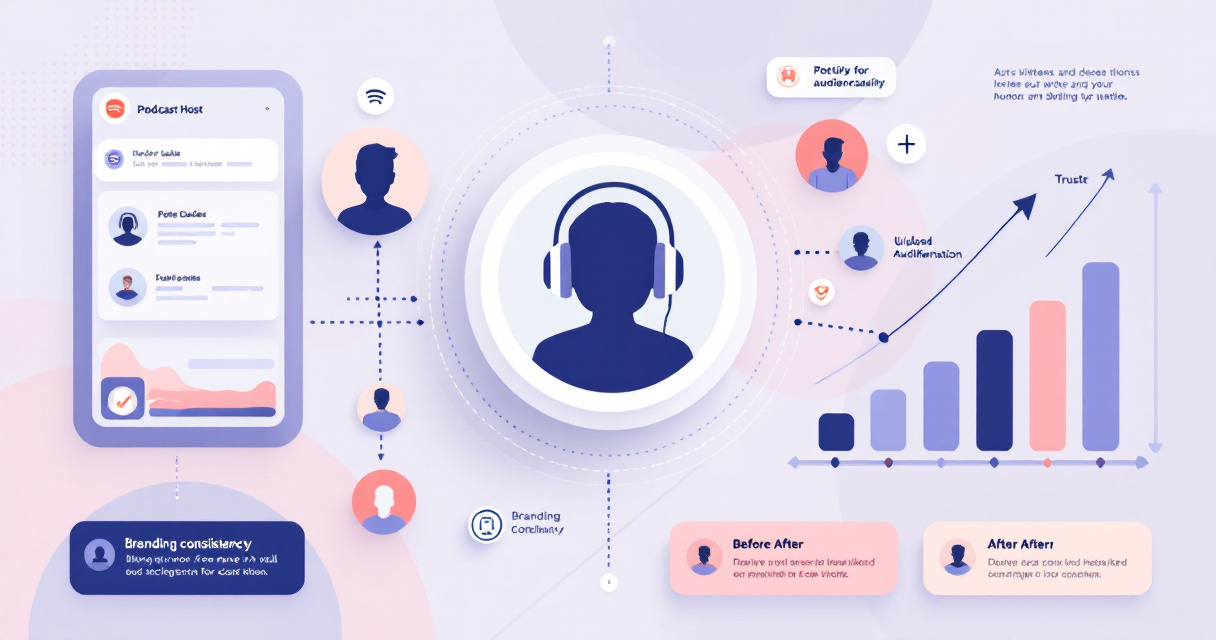
Your podcast headshot shouldn't exist in isolation. It needs to work alongside your cover art, social media profiles, and any promotional materials you create.
Creating Visual Cohesion
Strong podcast branding includes:
- Color palette: 2-3 primary colors used consistently
- Typography style: Matching fonts across all touchpoints
- Photo treatment: Consistent editing style for all imagery
- Composition patterns: Similar framing across different assets
When your headshot matches your podcast cover design, listeners recognize your brand instantly whether they encounter you on Spotify, Apple Podcasts, or social media.
Adapting Your Headshot for Different Platforms
Each platform has unique requirements:
| Platform | Recommended Dimensions | Format Notes |
|---|---|---|
| Spotify | 1400 x 1400 px | Square, centered face |
| Apple Podcasts | 3000 x 3000 px | High resolution required |
| 400 x 400 px | Professional tone | |
| 320 x 320 px (display) | Circular crop | |
| YouTube | 800 x 800 px | Channel icon |
Rather than cropping the same image differently, consider creating platform-specific versions. A website hero image might use a wider crop, while your Spotify profile needs the standard square format.
What Podcast Host Imagery Looks Like in 2026 and Beyond
Podcast visual branding continues to evolve as platforms add new features and listener expectations shift.
Emerging Trends in Podcast Visuals
Several developments are reshaping how podcasters approach their imagery:
- Video podcasting growth: Spotify's video features mean your headshot should match how you actually look on camera
- Dynamic cover art: Some platforms now support animated or changing artwork
- AI personalization: Platforms may eventually customize how your show appears to different listener segments
- Cross-platform consistency: As podcasts expand to social video, maintaining recognizable branding becomes more important
The Looktara Lens platform addresses this by generating consistent imagery across multiple formats and use cases, so your branding stays cohesive as you expand to new channels.
Preparing for Platform Changes
Smart podcasters maintain a library of high-quality source images rather than relying on a single headshot. This gives you flexibility to:
- Quickly adapt to new platform requirements
- A/B test different images to see what resonates
- Update your look without starting from scratch
- Create seasonal or special episode variations
Keep your original, unedited files stored safely. You never know when a platform will introduce new dimensions or features that require fresh crops.
Conclusion
Your Spotify podcast headshot is a small image with outsized impact on your show's growth. It needs to communicate professionalism, personality, and authenticity in the split second a potential listener decides whether to give you a chance.
Start by defining what your headshot needs to communicate about your show's tone and content. Then choose your creation method, whether that's a traditional photographer, DIY setup, or an AI tool like The Looktara Lens that generates studio-quality results without the scheduling hassle.
Once you have your headshot, ensure it works across all platforms and matches your overall brand identity. Test how it displays at different sizes, and gather feedback from people in your target audience before finalizing.
The podcasters who stand out on Spotify in 2026 aren't just creating great audio; they're building complete brands that start with that first visual impression. Your headshot is where that brand begins.