
Professional Headshots for Remote Workers: Your Complete 2026 Guide to Standing Out Online
Your LinkedIn profile gets viewed 21 times before you even know someone is interested in hiring you. For remote workers competing in a global talent pool, that tiny square photo carries enormous weight. A professional headshot is no longer optional; it is your digital handshake, your first impression, and often the deciding factor between getting that callback or getting passed over.
Remote work has fundamentally changed how professionals present themselves. Without office hallways or conference room introductions, your headshot does the heavy lifting of establishing trust and competence. Research published in Frontiers in Psychology confirms that photographs revealing authentic emotions significantly impact how others perceive your warmth, competence, and leadership ability. In 2026, getting this right matters more than ever.
Whether you are updating your LinkedIn for a job search, refreshing your company bio, or building your personal brand as a freelancer, this guide covers everything you need to know. We will explore why headshots matter for remote professionals, compare your options from DIY to AI-powered tools like The Looktara Lens, and share practical tips for creating images that actually work.
Why Remote Workers Need Professional Headshots More Than Ever
The shift to distributed teams has eliminated most in-person opportunities to build rapport. Your colleagues in Tokyo, clients in London, and potential employers in New York form their first opinions based on your online presence. That profile photo works around the clock, making impressions while you sleep.
According to LinkedIn data, profiles with professional photos receive up to 14 times more views than those without. For remote workers, this visibility directly translates to opportunities.
Remote professionals face unique challenges that office workers do not. You cannot compensate for a poor photo with a firm handshake or engaging small talk. Your headshot needs to communicate everything: approachability, professionalism, technical competence, and cultural fit.
The Trust Factor in Virtual Teams
Trust forms differently in remote environments. A study on online communities published in Proceedings of the ACM on Human-Computer Interaction found that visual presentation significantly influences how quickly trust develops between people who have never met in person.
When a hiring manager reviews 50 applicants for a remote position, professional headshots signal:
- Attention to detail that carries into your work
- Investment in your career worth matching with investment in you
- Technical capability to handle basic digital requirements
- Cultural awareness of professional norms
A blurry selfie or cropped vacation photo sends the opposite message, even if unintentional.
Impact on Hiring and Client Acquisition
Remote job markets have become intensely competitive. Companies can now hire from anywhere, which means you are competing with talent worldwide. Your headshot is often the first filter.
Freelancers and consultants feel this pressure acutely. Platforms like Upwork, Fiverr, and LinkedIn show your photo before anything else. Clients scanning profiles make split-second decisions about who seems trustworthy enough to contact.
| Scenario | Photo Quality Impact |
|---|---|
| LinkedIn job applications | 14x more profile views with professional photos |
| Freelance platform profiles | 40% higher click-through to full profile |
| Client proposal responses | 2x more likely to receive replies |
| Internal company recognition | Higher visibility for promotions and projects |
Headshot Options for Remote Professionals in 2026
Getting a professional headshot used to mean booking a photographer, traveling to a studio, and spending hundreds of dollars. While that option still exists, remote workers now have more choices than ever, each with distinct trade-offs.

Traditional Photography Studios
Studio photography remains the gold standard for certain situations. You get personalized attention, professional lighting, multiple outfit changes, and expert guidance on posing. High-end retouching ensures polished results.
Pros:
- Highest quality results
- Personalized direction and coaching
- Multiple looks in one session
Cons:
- Costs $200 to $500+ for quality work
- Requires scheduling and travel
- Results take days or weeks
- Not practical for frequent updates
For remote workers who travel frequently or live in areas without good photographers, studios present logistical challenges.
DIY Home Setups
With decent smartphone cameras and free editing apps, DIY headshots have become viable. The learning curve is real, though.
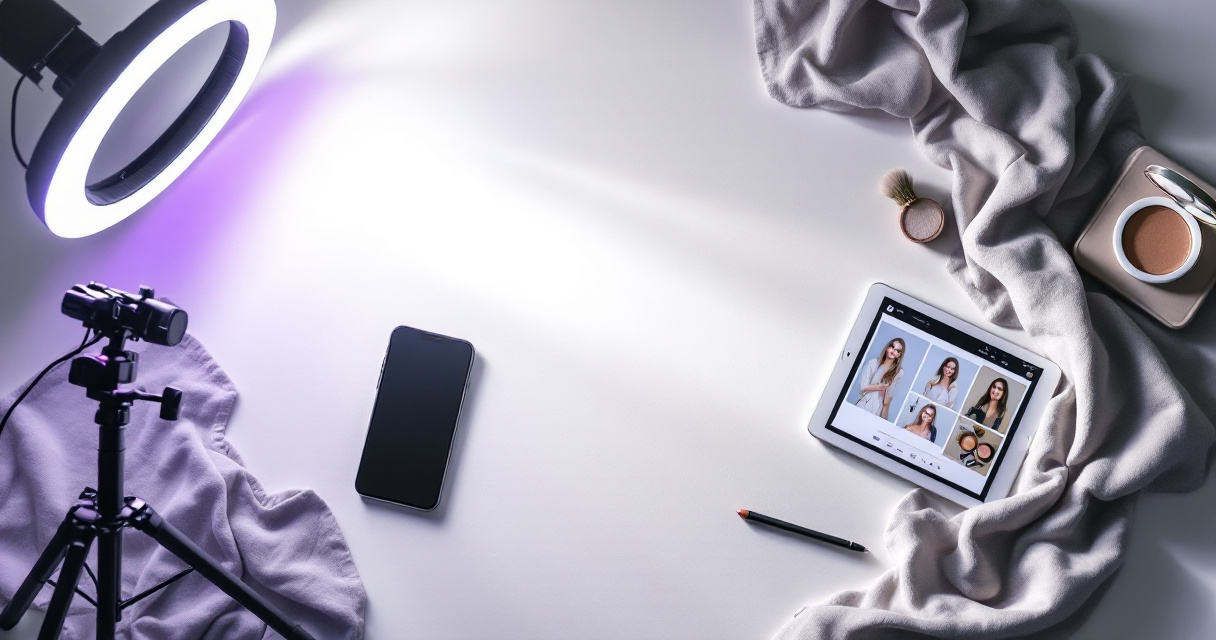
Essential equipment for DIY headshots:
- Smartphone with portrait mode (iPhone 12+ or comparable Android)
- Ring light or natural window light
- Neutral background (plain wall or collapsible backdrop)
- Tripod or stable surface
- Remote shutter or timer
The challenge is that most people are not photographers. Getting lighting, angles, and expressions right takes practice. Many DIY attempts look amateur despite decent equipment.
AI-Powered Headshot Generators
AI headshot tools have matured significantly in 2026. You upload several casual photos, and algorithms generate professional-looking headshots in various styles, backgrounds, and lighting conditions.
The Looktara Lens platform represents the new generation of these tools, focusing on natural expressions rather than the over-processed look that plagued earlier AI solutions. With a 4.5 rating on Trustpilot, it addresses common complaints about AI photos looking fake or awkward.
What AI headshot generators offer:
- Results in minutes, not days
- Costs a fraction of studio photography
- Multiple style options from one upload
- No scheduling or travel required
- Easy updates whenever needed
The main consideration is selecting a tool that produces natural-looking results. Many AI generators over-smooth skin or create uncanny expressions that savvy viewers immediately recognize as artificial.
What Makes a Remote Worker's Headshot Effective
Not all professional headshots serve remote workers equally well. Your photo needs to perform specific functions in digital environments.
Technical Requirements for Different Platforms
Each platform displays your photo differently. A headshot optimized for LinkedIn may not work well as a Slack avatar or Zoom profile picture.
| Platform | Recommended Size | Display Context |
|---|---|---|
| 400x400 px minimum | Profile, search results, messages | |
| Slack/Teams | 512x512 px | Small avatar, sometimes enlarged |
| Zoom | 640x640 px | Pre-meeting lobby, participant view |
| Company website | 800x800 px+ | Team page, often cropped differently |
| Email signature | 200x200 px | Very small display, needs clarity |
Your headshot should be high-resolution enough to crop for any platform without losing quality. Most professionals need a master image of at least 1000x1000 pixels.
Expression and Body Language That Build Trust
Research from Ludwig, Berry, and Cai in Frontiers in Psychology demonstrates that authentic emotional expression in photographs directly impacts how viewers perceive warmth and competence. Stiff, overly posed expressions actually work against you.
Elements of trust-building headshots:
- Genuine smile that reaches your eyes
- Direct eye contact with the camera
- Slight head tilt to appear engaged
- Relaxed shoulders and natural posture
- Clothing appropriate to your industry
The best headshots capture a moment of genuine warmth, as if you are about to greet someone you are happy to see.
This is where many AI tools struggle. They can perfect lighting and remove blemishes, but capturing authentic expression requires either skilled photography or sophisticated AI like The Looktara Lens that specifically trains on natural human expressions.
Background and Lighting Considerations
Remote workers often conduct video calls from home offices, so your headshot should feel cohesive with your typical video presence. Jarring contrasts between your polished headshot and your casual video background can undermine credibility.
Background options ranked by effectiveness:
- Solid neutral colors (gray, navy, soft white)
- Subtly blurred professional environment
- Clean, minimal home office setup
- Outdoor settings with natural light (context-dependent)
- Abstract or gradient backgrounds (use sparingly)
Step-by-Step Process for Getting Your Headshot Right
Whether you choose a studio, DIY setup, or AI tool, preparation determines results.
Before Your Shoot or Upload
- Research your industry's visual standards. Tech startups accept casual looks; finance firms expect traditional attire.
- Prepare 2-3 outfit options. Solid colors photograph best; avoid busy patterns.
- Groom consistently with your daily appearance. Do not drastically change your hair or makeup.
- Get enough sleep. Tired eyes show in photos.
- Practice your expression in a mirror. Find your natural smile angle.
During the Process
For studio sessions, communicate your needs clearly. Share examples of headshots you like. Ask for variety: different angles, expressions, and crops.
For AI tools like The Looktara Lens, upload diverse source photos. Include different angles, lighting conditions, and expressions. More variety helps algorithms capture your authentic appearance.
Source photo tips for AI headshots:
- Upload 10-20 photos minimum
- Include front-facing and slight profile angles
- Mix indoor and outdoor lighting
- Show natural expressions, not just posed smiles
- Avoid heavily filtered or edited source images
After You Receive Results
Do not settle for the first option. Compare your new headshot against competitors in your field. Ask trusted colleagues for honest feedback. Test the image at different sizes to ensure it works across platforms.
Update your headshot across all platforms simultaneously. Inconsistent photos across LinkedIn, Slack, and company websites create confusion and appear unprofessional.
Common Mistakes Remote Workers Make With Headshots
Even well-intentioned professionals sabotage their digital presence with avoidable errors.
Photos That Age Poorly
Using a headshot from five years ago creates awkward moments when you meet someone who expected a different person. Remote work actually increases this problem because video calls reveal the discrepancy.
Update your headshot when:
- Your appearance changes significantly
- More than 2 years have passed
- You switch industries or career levels
- Current photo no longer represents your brand
Over-Editing That Destroys Authenticity
Heavy retouching might look good in isolation but creates trust problems. When colleagues or clients see you on video, they notice discrepancies. This is particularly relevant for AI-generated headshots that over-smooth skin or alter facial features.
Your headshot should look like you on your best day, not like an idealized version that does not exist.
The goal is enhancement, not transformation. Minor adjustments to lighting and color are fine; fundamentally changing your appearance is not.
What to Expect From Headshot Technology in 2027
AI photography continues advancing rapidly. Current tools generate static images, but emerging technology will create dynamic headshots optimized for different contexts automatically.
Expect to see AI tools that generate consistent professional imagery across photo, video, and even real-time avatar applications. The distinction between your static headshot and your video presence will blur as technology enables smooth personal branding across mediums.
Remote workers who establish strong visual branding now will have advantages as these tools mature. Building your professional image library early positions you to adapt quickly.
Conclusion
Your professional headshot is not a vanity project; it is a career tool that works for you around the clock. In 2026's remote-first workplace, that small square image influences hiring decisions, client relationships, and internal visibility more than most professionals realize.
The good news is that getting a quality headshot has never been more accessible. Whether you invest in studio photography, set up a DIY solution, or use AI-powered tools like The Looktara Lens, the key is taking action. A mediocre headshot updated today beats a perfect one you never get around to creating.
Start by auditing your current photos across LinkedIn, Slack, and any platforms where clients or colleagues see you. If your headshot does not represent your best professional self, make updating it a priority this month. Your future opportunities depend on the impression you make today.