
Your Slack photo often does the job of a handshake, especially for remote teams. A professional Slack profile picture AI workflow can help you turn an ordinary selfie into a cleaner, more credible image without booking a studio session. Because Slack is a cloud-based team communication platform owned by Salesforce since 2021, your profile image sits inside a work context, not just a social one. If you want a fast option for polished personal branding, The Looktara Lens is one approach worth considering, especially if you're also updating materials like a resume headshot generator or related brand visuals.
Why your Slack photo matters more than most people think
A polished Slack photo improves recognition, trust, and day-to-day communication in distributed work. In many teams, coworkers meet your avatar before they meet you on video, which means your image quietly affects approachability and professionalism from the first message.
Research on the future of work points in the same direction. A 2022 review in Nature Reviews Psychology on self-determination theory and work examined how work design shapes motivation and experience in modern workplaces, including remote settings where digital interaction matters more than ever Marylène Gagné, Sharon K. Parker, Mark Griffin, 2022.
Key takeaway: In Slack, your profile photo is not decoration. It is part of your work identity, especially in remote, hybrid, freelance, and client-facing environments.
### What a strong work avatar communicates
A good image signals a few things fast:
- You are easy to identify in channels and direct messages
- You take workplace presentation seriously
- You understand the tone of your company or client base
- You are current, not using a cropped vacation photo from years ago
That matters for job seekers, founders, consultants, and creators alike. If you're also building a broader personal brand, your Slack image should not fight with your LinkedIn, website, or pitch materials. Matching assets across channels can help, which is why some people pair their profile update with tools for a LinkedIn post AI generator or a pitch deck slide AI generator.
### When AI helps most
AI is most useful when you have a decent selfie but weak conditions: poor lighting, distracting background, soft focus, or inconsistent framing. It can also help if you need several versions for Slack, LinkedIn, a website bio, and internal directories without paying for multiple retouches.
The benefit is speed, but the goal should still be realism. You want coworkers to recognize you instantly on a call or in person.
How professional Slack profile picture AI works in practice
AI headshot tools usually analyze an uploaded image, isolate the subject, and generate or refine a portrait that looks more polished while preserving identity. The best results come from light edits, not full reinvention.
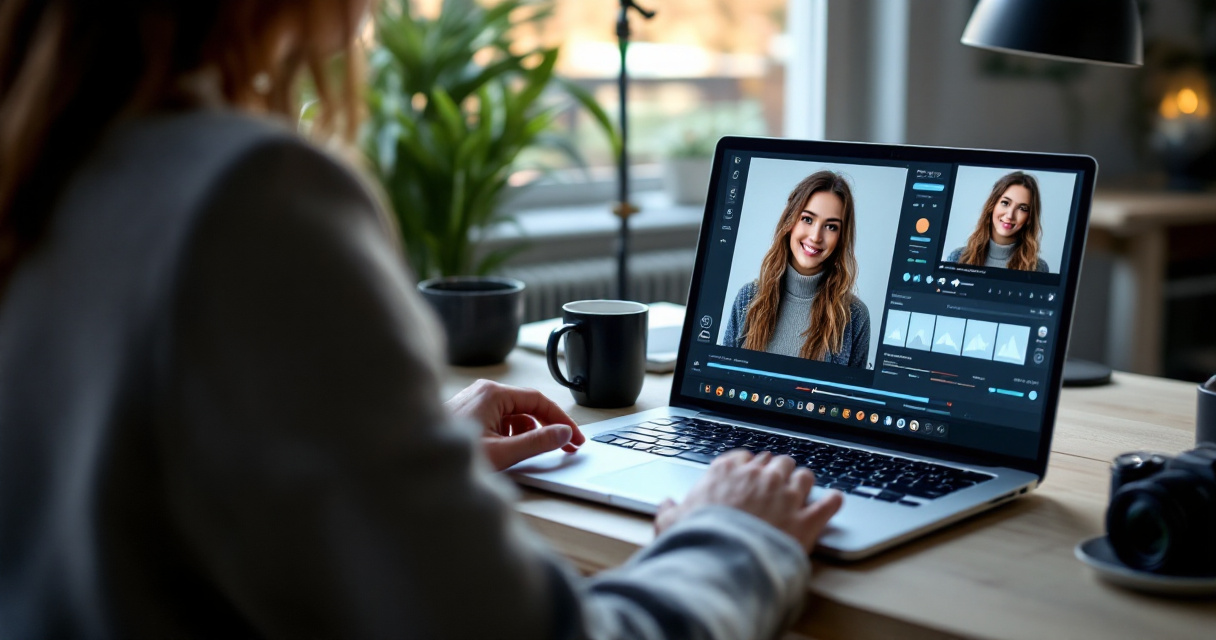
A useful way to think about these tools is through explainability and trust. A 2022 paper in IEEE Access reviewed explainable AI applications in cybersecurity and highlighted why transparent AI systems matter in high-trust environments Zhibo Zhang, Hussam Al Hamadi, Ernesto Damiani, 2022. Workplace imagery is not cybersecurity, but the principle carries over: when AI affects identity and decision-making, people care about what the system changes and why.
### Typical input, edits, and output
Most tools follow a similar path:
- You upload one or more selfies
- The tool detects your face and separates foreground from background
- It adjusts lighting, framing, sharpness, and style
- It may generate business clothing, studio-style lighting, or neutral office backdrops
- You export a square image sized for profile use
A solid Slack image usually needs only a few upgrades: better crop, cleaner background, brighter face, and more natural color.
### Table: What to optimize for Slack, not just any profile photo
| Element | Best choice for Slack | Why it works |
|---|---|---|
| Crop | Head and shoulders | Stays readable at small sizes |
| Expression | Neutral or light smile | Looks approachable, not stiff |
| Background | Plain or softly blurred | Avoids clutter in channel views |
| Clothing | Role-appropriate, simple colors | Keeps focus on your face |
| Lighting | Even, front-facing light | Improves recognition |
| Retouching | Minimal | Keeps the image believable |
Slack thumbnails are small, so details that work on Instagram often fail here. Busy scenery, heavy filters, and full-body compositions get lost.
What to look for in an AI tool, and how The Looktara Lens handles it
The right tool for work profile images should produce believable portraits, consistent branding, and quick exports sized for professional platforms. Generic avatar makers can create flashy results, but Slack needs clarity and authenticity more than novelty.
The Looktara Lens stands out when you want a practical brand workflow instead of a one-off image. If your Slack profile is part of a wider update, you can connect that same visual direction to assets like a website hero AI generator or a logo AI generator, which is useful for solo founders, consultants, and creators managing several touchpoints.
### Comparison checklist for picking a tool
Use this checklist before you upload anything:
- Identity accuracy: Does the output still look like you?
- Professional styling: Are clothes, posture, and lighting suitable for work?
- Background control: Can you get a neutral, office-friendly backdrop?
- Consistency: Can you create matching visuals for LinkedIn or your website?
- Speed: Can you go from selfie to export in minutes, not days?
- Editing restraint: Does the tool improve the image without over-smoothing your face?
Best practice: Pick the tool that makes the fewest dramatic changes while still making the photo cleaner and easier to read.
### How The Looktara Lens fits a broader brand update
Many people are not just replacing a Slack avatar. They are refreshing how they look everywhere colleagues, clients, or recruiters might search them.
With The Looktara Lens, that broader use case makes sense. A founder might update Slack, then create a matching podcast cover AI generator asset. A job seeker might start with the profile image, then head to looktara.com to build a cleaner visual identity across other channels.
That makes the platform especially relevant if you need one visual standard across work chat, networking, and public-facing content.
Mistakes that make AI-generated Slack photos look unprofessional
The fastest way to ruin a work photo is to make it look generated. Most bad results come from pushing style too far, using the wrong source image, or ignoring how small Slack avatars appear in real use.
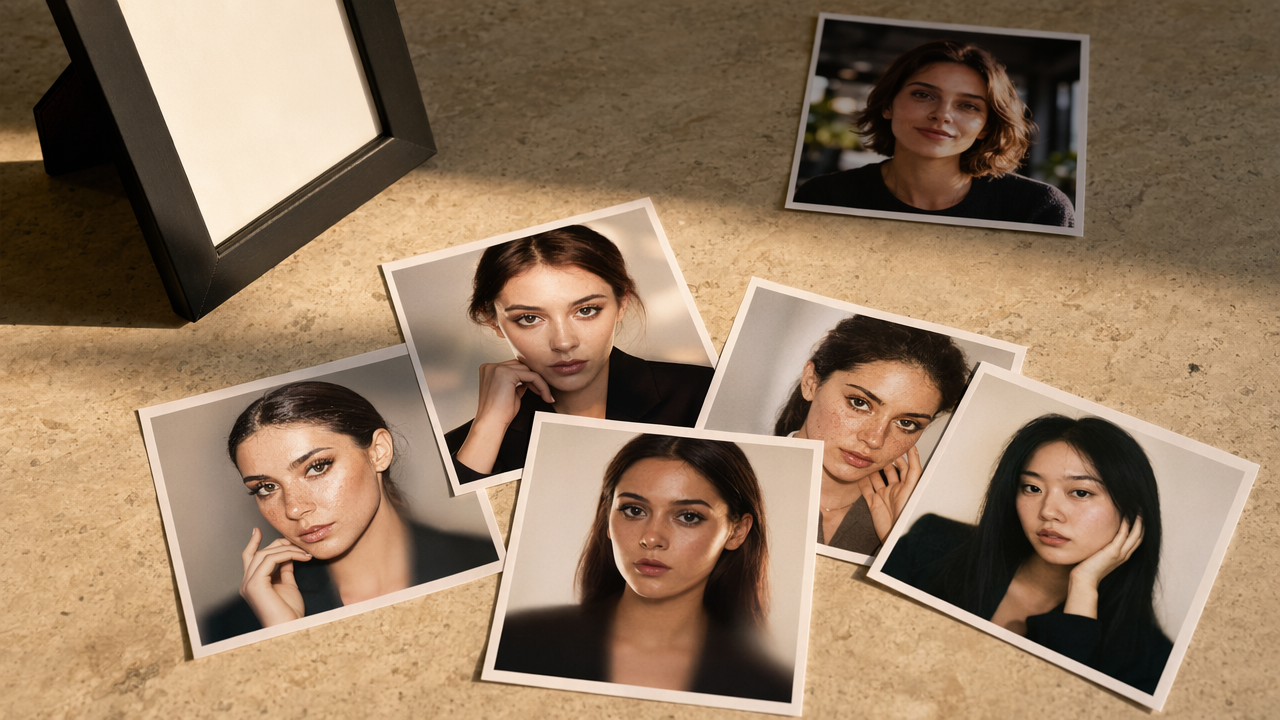
You don't need a perfect face or studio setup. You need a believable image that looks like the person coworkers will meet on calls and in meetings.
### The most common problems
Avoid these errors:
- Overly airbrushed skin that removes natural texture
- Extreme business outfits that don't match your role or company culture
- Fancy backgrounds that distract from your face
- Crops that are too tight or too wide
- Dramatic jawline, eye, or hair changes that reduce recognition
- Filters designed for dating apps or lifestyle content
A simple test helps: if a teammate would hesitate for a second before recognizing you, the image is too edited.
### Quick rules for a better result
Use these practical guardrails:
- Start with a recent selfie taken in daylight
- Face the camera directly or at a slight angle
- Keep accessories minimal unless they are part of your everyday look
- Choose business-casual styling unless your field expects formal attire
- Preview the image as a tiny square before exporting
A 2021 review in Annals of Operations Research on resilience examined how systems handle disruption and adaptation Korina Katsaliaki, Panagiota Galetsi, Sameer Kumar, 2021. For profile images, the practical lesson is simple: build a repeatable process. Keep one good source selfie, one preferred background style, and one final crop standard so future updates stay consistent.
How to create a strong Slack-ready image in 10 minutes, and what to expect next
A good AI-generated work photo can be done in one short session if you know what to upload and what to reject. The process is less about creativity and more about choosing restraint.
Because remote and hybrid work are now routine, profile photos are likely to get more standardized across internal tools in 2026 and beyond. Teams increasingly want images that support recognition, inclusion, and trust, not just personal expression.
### A simple 10-minute workflow
Follow this sequence:
- Pick 3 recent selfies with even lighting
- Choose the one with the clearest eye contact
- Upload it to your preferred tool
- Generate 3 to 5 modestly edited versions
- Compare them at thumbnail size
- Ask one colleague or friend which feels most like you
- Export the square version and update Slack
If you also post publicly for work, you can carry the same visual language into assets like a quote post AI generator. That keeps your image system consistent without making every platform look identical.
### What to expect in 2027
The next step for AI profile tools is probably not more dramatic image generation. It is better control, clearer editing transparency, and easier multi-platform consistency.
Expect stronger workflows around:
- Role-based styling presets for corporate, startup, creator, and freelance use
- More transparent controls for background, wardrobe, and retouching level
- Better small-thumbnail previews for Slack, Microsoft Teams, and directory tools
- Easier bundles for matching profile, resume, and brand visuals
That is where The Looktara Lens could be especially useful for people who need more than one image asset. If you want to update your professional Slack profile picture AI setup and your wider brand presence at the same time, visit looktara.com and start with a polished headshot that still looks like you.
Conclusion
A strong Slack photo should make you easier to trust, easier to recognize, and easier to remember. The best professional Slack profile picture AI results do not chase perfection, they create a clean, accurate image that fits your role and your company culture.
Start with one recent selfie, keep the edits light, and judge every version at small size before you upload it. If you want one workflow that can support your Slack image and related brand visuals, The Looktara Lens is a practical place to start. Pick your best source photo today, create two or three realistic versions, and update your profile before your next interview, client call, or team kickoff.
Generated by EarlySEO.com