

Sales conversations often start before you send a message. They start with your LinkedIn photo. According to LinkedIn data frequently cited by marketing analysts, profiles with professional headshots receive up to 21 times more profile views and 36 times more messages compared with profiles without one. For sales professionals, that difference can directly impact pipeline and revenue. LinkedIn, the global professional networking platform owned by Microsoft, hosts more than 1 billion members across 200+ countries, making it one of the most powerful prospecting tools available. A strong headshot signals credibility, trust, and approachability in seconds. Platforms like The Looktara Lens now allow professionals to generate polished, studio‑quality images without booking expensive photoshoots, making it easier than ever to present the right first impression. This guide breaks down what makes a LinkedIn headshot effective for sales professionals in 2026, from psychological trust signals to exact photo specifications and practical examples you can apply today.
Why Sales Professionals Need a High‑Impact LinkedIn Headshot
Cold outreach on LinkedIn often fails for one simple reason: lack of trust. Buyers quickly scan profiles before accepting connection requests, and your profile photo is the first signal they evaluate.
LinkedIn functions as a digital reputation layer for professionals. According to Wikipedia, LinkedIn is a global employment‑focused social networking service used for career development, recruiting, and professional networking. Sales professionals rely on this environment to build relationships long before a meeting or demo.
Research in behavioral psychology shows that humans form first impressions in milliseconds. Princeton studies on facial perception found people often judge competence and trustworthiness in under 100 milliseconds after seeing a face.
A strong headshot does more than look professional. It communicates credibility before a prospect reads a single word of your profile.
Key Benefits of a Strong Sales Headshot
- Higher connection acceptance rates
- Greater credibility with prospects
- Increased profile views and inbound leads
- Stronger personal brand positioning
Evidence From LinkedIn Engagement Data
| Profile Element | Impact on Engagement |
|---|---|
| Professional headshot | Up to 21x more profile views |
| Complete profile with photo | 36x more messages received |
| Consistent branding image | Higher recruiter and buyer trust |
Sales reps often spend hours refining their outreach message but ignore the visual element prospects notice first. A polished headshot can quietly increase every conversion metric in your LinkedIn funnel.
The 7 Visual Signals That Make a Sales Headshot Work
Not every professional photo drives engagement. The most effective LinkedIn headshots for sales combine warmth with authority. That balance helps prospects feel comfortable responding to your outreach.
Face Visibility and Framing
Your face should dominate the frame. Cropping from the shoulders up makes your expression clear even on small screens.
Recommended framing:
- Head and shoulders visible
- Eye level with the camera
- Face filling roughly 60 percent of the frame
Lighting That Signals Professionalism
Soft, natural lighting works best. Harsh shadows or overexposed backgrounds can make a profile feel less trustworthy.
Clothing That Matches Your Industry
Sales roles vary by sector, so wardrobe should reflect your buyers.
| Industry | Recommended Look |
|---|---|
| SaaS or tech sales | Smart casual shirt or blazer |
| Enterprise B2B sales | Suit jacket or formal business attire |
| Creative industries | Relaxed professional look |
Facial Expression and Body Language
A subtle smile increases perceived approachability. Sales roles require rapport, and prospects respond better to warm expressions than overly serious portraits.
Sales profiles that appear approachable tend to receive higher connection acceptance rates, according to several LinkedIn marketing studies.
AI tools now help professionals generate high‑quality portraits quickly. For example, a resume headshot AI generator can produce multiple styles optimized for LinkedIn in minutes.
LinkedIn Headshot Specifications and Technical Requirements (2026)
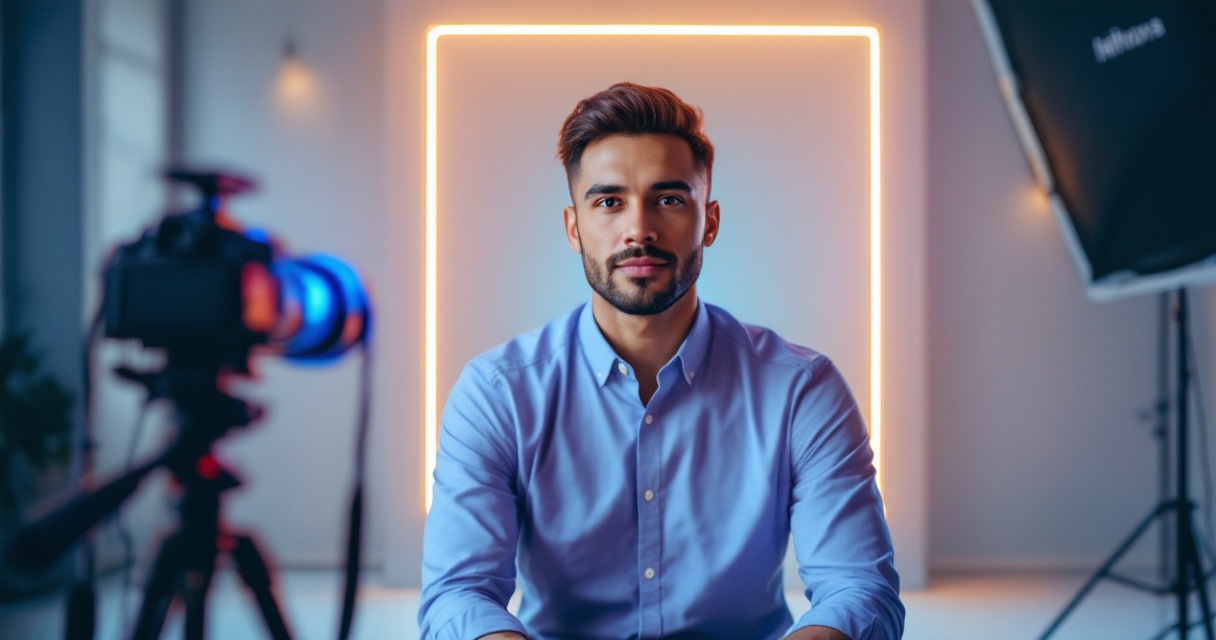
Even great photos can look poor if they are uploaded in the wrong size or resolution. LinkedIn uses a circular crop, which means framing and image quality matter more than many users realize.
Official LinkedIn Photo Dimensions
| Specification | Recommended Setting |
|---|---|
| Image size | 400 x 400 pixels minimum |
| Maximum file size | 8 MB |
| Accepted formats | JPG, PNG |
| Aspect ratio | 1:1 square |
Tips for Optimizing Image Quality
- Upload the highest resolution version available.
- Keep the background simple and uncluttered.
- Avoid heavy filters or beauty effects.
- Ensure your face remains centered after LinkedIn's circular crop.
Many professionals now generate headshots digitally, then refine supporting visuals for their profiles. For example, sales creators building personal brands often pair their headshot with graphics created using tools like a LinkedIn post AI generator to maintain consistent visual branding across content.
Common Headshot Mistakes That Hurt Sales Credibility
Small visual errors can quietly reduce your credibility with prospects. Many sales professionals unintentionally weaken their personal brand through outdated or casual photos.
Frequent LinkedIn Headshot Mistakes
- Cropped group photos where another person was removed
- Vacation or party pictures
- Low resolution selfies
- Photos older than 5 to 7 years
- Distracting backgrounds
Why These Mistakes Matter
Sales relies on trust signals. A casual or outdated photo can subconsciously suggest a lack of professionalism or attention to detail.
According to marketing researchers studying digital trust behavior, consistent visual identity helps build recognition and credibility across professional platforms.
Simple Fixes That Improve Your Photo
- Use neutral or lightly textured backgrounds.
- Maintain natural skin tones during editing.
- Avoid heavy shadows on your face.
- Keep your shoulders slightly angled rather than square.
Entrepreneurs and sales consultants who run personal brands often extend this consistency across platforms by designing visuals such as website hero banners or social graphics alongside their LinkedIn imagery.
How Sales Leaders Use Headshots to Build Personal Brand Authority
Top performing sales professionals rarely treat LinkedIn as just a resume. They treat it as a personal marketing channel.
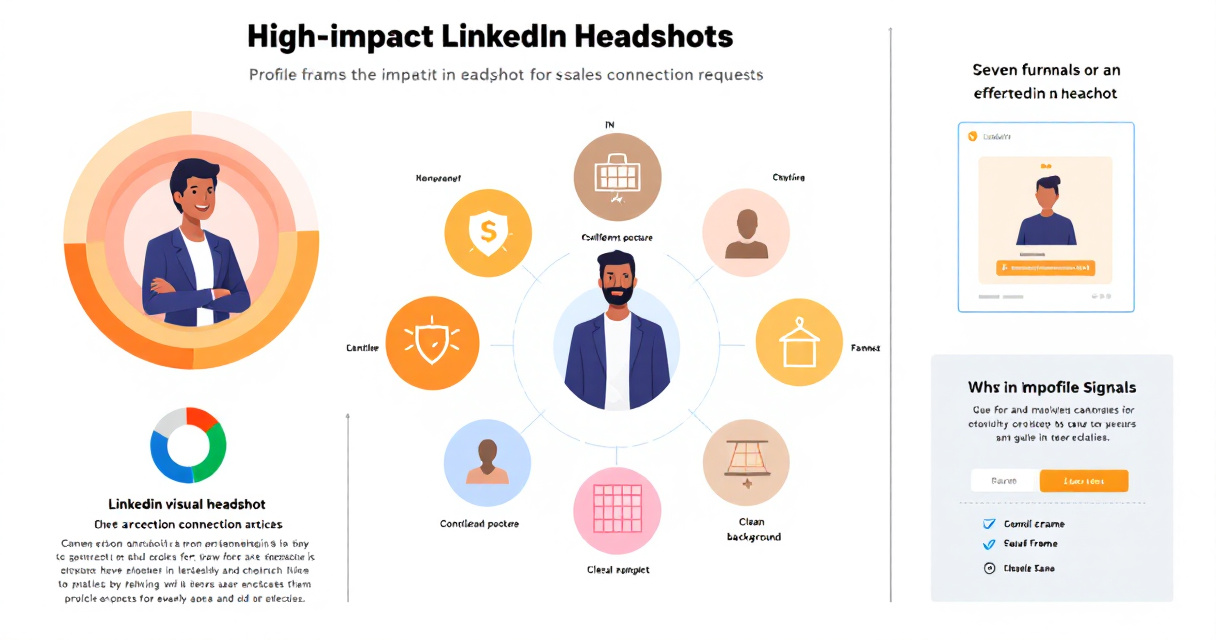
Your headshot becomes the anchor image that appears across posts, comments, and shared content. The more recognizable it is, the more familiar you become to your audience.
Elements of a Strong Personal Brand Photo
- Consistent clothing style across platforms
- Clean background with brand colors
- Confident yet friendly expression
Example Visual Brand Stack for Sales Professionals
| Brand Element | Purpose |
|---|---|
| Headshot | Personal trust and recognition |
| LinkedIn banner | Communicates expertise |
| Content visuals | Reinforces authority |
Sales creators who publish frequently also pair their photo with supporting visuals such as X post graphics generated with AI to maintain visual consistency across channels.
This approach strengthens recognition when prospects see your name repeatedly in their feed.
How AI Headshot Tools Are Changing Professional Branding
Professional photography used to require studio sessions costing hundreds of dollars. AI tools are rapidly changing that model.

Modern AI portrait generators analyze facial features, lighting patterns, and composition to produce realistic professional images. Research on machine learning applications in business fields, such as the work by Daniel Hoang and Kevin Wiegratz (2022), highlights how AI is increasingly applied to improve efficiency in professional workflows.
Advantages of AI Generated Headshots
- Lower cost compared with studio photography
- Multiple style options in minutes
- Consistent branding across platforms
- Easy updates when changing roles or industries
Platforms like The Looktara Lens allow professionals to generate LinkedIn‑ready headshots without scheduling photoshoots. The platform also helps users create supporting visuals for their brand presence.
Sales professionals building an online presence often combine headshots with graphics such as YouTube thumbnails created with AI when publishing educational sales content.
Video Guide: Building a Complete LinkedIn Profile That Converts
Your headshot works best when paired with a strong profile headline, banner image, and content strategy.
LinkedIn Profile Optimization Walkthrough
Key takeaways from profile optimization experts:
- Use a headline focused on buyer outcomes
- Add a professional banner behind your headshot
- Publish value driven posts regularly
Your photo attracts the click, but your profile content closes the credibility gap.
What LinkedIn Headshots May Look Like by 2027
Professional imagery is evolving quickly as AI tools and digital identity systems improve.
Several trends already appear in 2026.
Emerging Trends in Professional Profile Photos
- AI generated studio backgrounds
- Dynamic profile images optimized for dark mode
- Brand color integration in portrait backgrounds
- Cross platform personal branding kits
Sales professionals increasingly treat their image as part of a digital brand identity, similar to entrepreneurs or creators.
Tools like The Looktara Lens are expanding beyond simple photos to support a broader visual toolkit. That includes assets like AI generated landing page banners or marketing graphics aligned with your professional image.
Expect future platforms to automatically adjust headshots for different contexts such as networking events, job searches, or prospect outreach.
Conclusion
Your LinkedIn headshot acts as the front door to every sales conversation you start online. Prospects scan your profile in seconds, and the right image can increase trust before a message is even opened. A clear, well lit, approachable headshot aligned with your industry instantly improves how buyers perceive you.
If your current profile photo is outdated, cropped from a group picture, or low resolution, updating it may be one of the fastest ways to improve LinkedIn performance.
Using tools like The Looktara Lens, sales professionals can create polished LinkedIn headshots, consistent brand visuals, and supporting graphics without expensive photoshoots or design skills. Upload your images, generate professional variations, and refresh your LinkedIn presence in minutes.
Start with your headshot, align your visuals, and turn your LinkedIn profile into a stronger sales asset.