
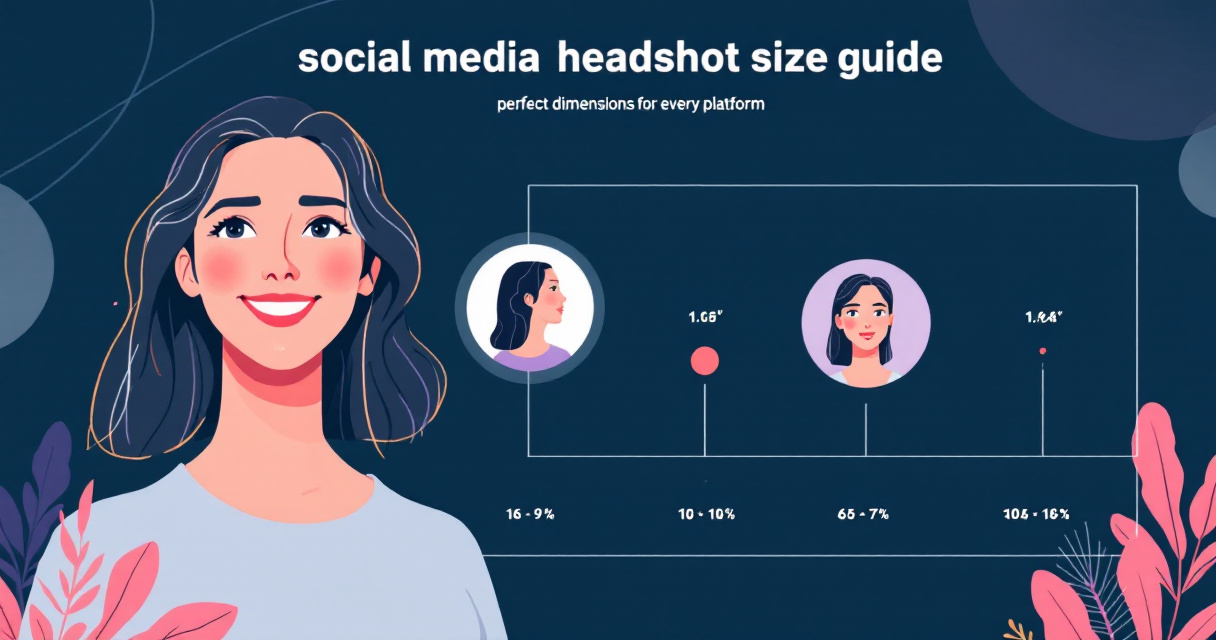
A single profile photo often decides whether someone clicks your profile or scrolls past. A headshot, defined as a portrait photograph focused mainly on a person's face, is widely used across professional networks, dating apps, and social media profiles. Yet many users upload images that are cropped poorly or appear blurry because they ignore platform size requirements.
Each network compresses and displays profile images differently, which means the perfect headshot for LinkedIn may look awkward on Instagram or TikTok. This updated guide explains the correct social media headshot sizes, how each platform crops images, and how tools like The Looktara Lens help create optimized profile photos quickly.
Why Correct Headshot Dimensions Matter on Social Platforms
Uploading a high‑quality portrait is only half the battle. Social networks resize, compress, and crop profile photos automatically, which can distort images if the original size is wrong.
A head shot, according to the Wikipedia overview of headshot photography, focuses mainly on the subject's face and is commonly used for professional profiles and online branding. When platforms crop these images into circles or squares, poorly sized photos can cut off key facial details.
A properly sized headshot ensures your face remains centered and sharp even after platform compression.
Many creators, freelancers, and job seekers update their photos frequently as they refine their online identity. Research examining how professionals present themselves online found that social media profiles play a major role in shaping how audiences perceive credibility and personality (Maggio et al., 2024). A poorly cropped image can weaken that first impression.
Common problems caused by incorrect headshot sizing include:
- Blurry images caused by aggressive compression
- Cropped foreheads or chins
- Profile photos appearing too small in feeds
- Misaligned circular crops
Using an optimized image from the start avoids these issues and keeps your profile consistent across platforms.
Common Profile Photo Aspect Ratios
Most platforms rely on square images for profile photos even if they display them as circles. Standard headshot aspect ratios include:
- 1:1 square, used by Instagram, LinkedIn, and X
- 4:5 portrait, common for feed images
- 16:9 space, mainly for banners or thumbnails
Creators who manage multiple profiles often generate variations of their images using design tools. Platforms such as the Shopify YouTube thumbnail AI generator or X post AI generator can help produce social-ready graphics with the correct proportions.
Quick Reference Table: Social Media Headshot Sizes (2024)
Different networks recommend slightly different image dimensions. Using larger high‑resolution photos ensures the platform can resize the image without losing detail.
Recommended Headshot Dimensions by Platform
| Platform | Recommended Size | Minimum Size | Aspect Ratio |
|---|---|---|---|
| 400 × 400 px | 200 × 200 px | 1:1 | |
| 320 × 320 px | 110 × 110 px | 1:1 | |
| 400 × 400 px | 180 × 180 px | 1:1 | |
| X (Twitter) | 400 × 400 px | 200 × 200 px | 1:1 |
| TikTok | 200 × 200 px | 20 × 20 px | 1:1 |
| YouTube | 800 × 800 px | 98 × 98 px | 1:1 |
Many social platforms accept larger uploads but compress them. Competitor research shows commonly recommended post image sizes such as 1080 × 1080 pixels for square posts and 1080 × 1350 pixels for portrait images, which appear frequently across social feeds.
LinkedIn Headshot Size and Professional Profile Guidelines
LinkedIn is a business and employment‑focused social networking service used globally for professional networking and career development, according to the LinkedIn overview on Wikipedia. That context makes profile photos especially important.
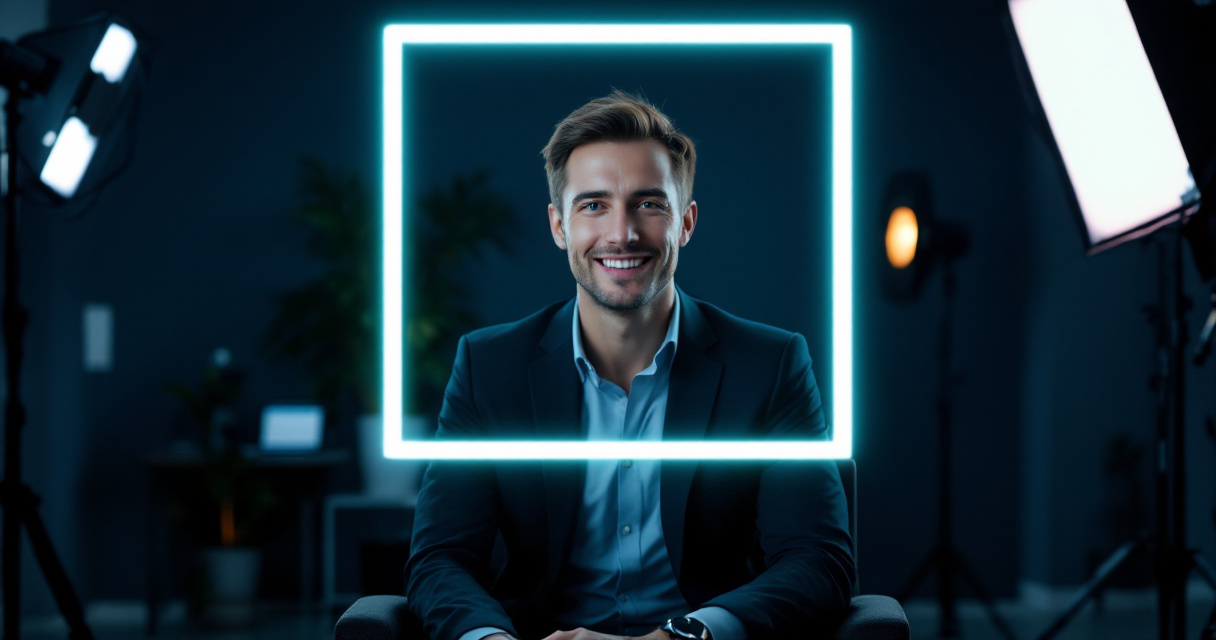
Recruiters often review dozens of profiles quickly, and a poorly cropped photo can hurt credibility. LinkedIn displays profile photos as circles, but the uploaded file remains square.
Best practice: upload a square image with your face centered and enough background space to avoid circular cropping.
The recommended LinkedIn headshot size is 400 × 400 pixels, though the platform accepts images up to several thousand pixels.
Professionals creating new profile images sometimes rely on tools such as the AI resume headshot generator to produce consistent, professional-looking portraits optimized for LinkedIn and resumes.
How to Frame a LinkedIn Headshot Correctly
Strong LinkedIn photos follow a few visual rules:
- Eyes positioned roughly one‑third from the top
- Neutral or lightly blurred background
- Shoulders visible for context
- Face filling about 60–70% of the frame
Avoid tight crops that remove the top of your hair or wide shots where your face becomes tiny in the circular display.
Instagram Profile Photo Size and Cropping Behavior
Instagram profile photos appear small in comments and stories, which means clarity matters more than resolution. Even though the recommended upload size is 320 × 320 pixels, many creators upload larger square images like 1080 × 1080 for better compression results.
Research examining social media storytelling among influencers notes that visual identity on platforms such as TikTok and Instagram plays a strong role in audience engagement (Christiansen et al., 2025). A recognizable face in a profile photo supports that identity.
Tips for Instagram Headshots
- Use bright lighting and high contrast
- Keep the face centered because of circular cropping
- Avoid text overlays; they become unreadable
- Leave extra space around the edges
Creators designing complementary visuals for Instagram posts can also generate supporting graphics such as ebook covers using the Instagram ebook cover AI generator.
Facebook, X, and TikTok Headshot Requirements Compared
Although most platforms accept square images, each network displays them differently in feeds and mobile layouts. Understanding these differences prevents unexpected cropping.
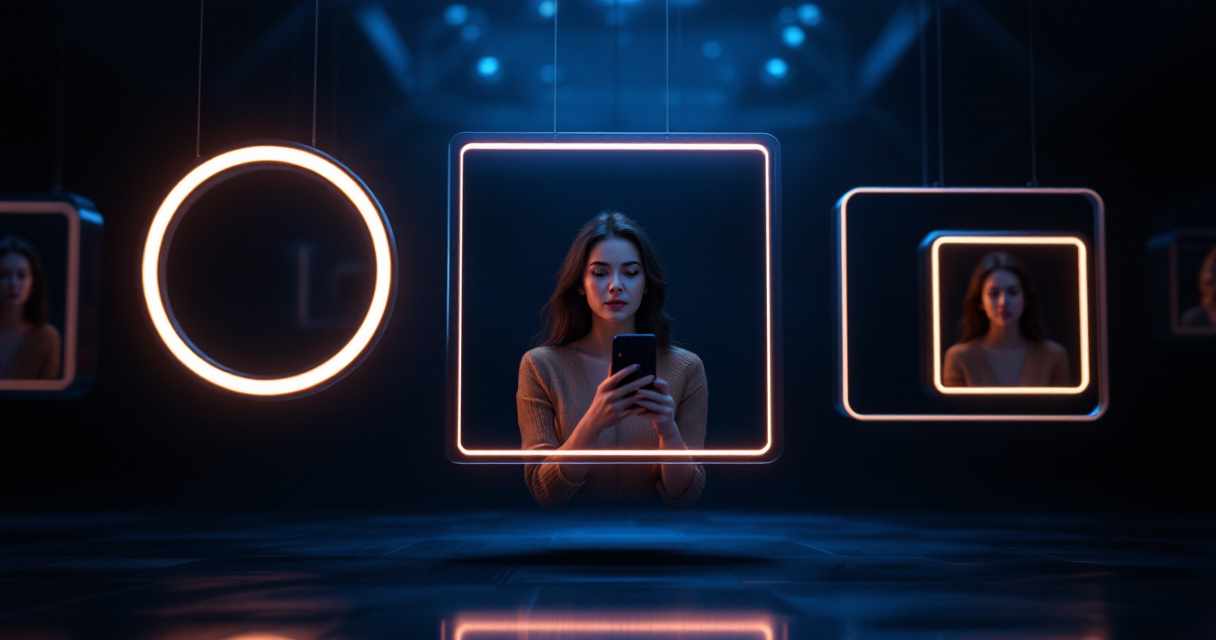
How Each Platform Displays Profile Photos
| Platform | Display Style | Key Detail |
|---|---|---|
| Circular crop | Appears next to every comment and post | |
| X (Twitter) | Circular crop | Visible in timeline replies and retweets |
| TikTok | Circular crop | Often tiny in comment threads |
Facebook also uses large cover images. Competitor research shows cover photos commonly display around 830 × 312 pixels on desktop and 640 × 360 on mobile.
Quick Optimization Tips
- Keep the head centered horizontally
- Leave 10–15% empty margin around the face
- Upload higher resolution images to avoid compression
- Use consistent branding across platforms
If you create supporting graphics such as banners or promotional posts, tools like the TikTok banner AI generator help maintain visual consistency.
How AI Tools Are Changing Headshot Creation for Social Profiles
Professional headshots once required studio photography, but AI image tools have changed how creators produce profile photos. Many platforms now generate studio‑style portraits from standard selfies.
The shift toward automated content production reflects broader platform trends. Research on digital teaching platforms notes that creators increasingly adapt their visual content to platform algorithms and presentation formats (Wang & Curran, 2024). Profile photos are part of that optimization process.
Benefits of AI Headshot Tools
- Generate multiple styles from one photo
- Automatically crop images to platform sizes
- Enhance lighting and background
- Export ready‑to‑upload social media versions
Many creators use The Looktara Lens to generate polished headshots that already match platform size requirements. Instead of manually resizing images for each platform, the tool prepares social‑ready versions automatically.
What to Expect from Social Media Profile Images by 2027
Profile images are slowly evolving beyond static photos. Several trends suggest how headshots may change over the next few years.
Emerging Trends in Profile Photos
- Dynamic profile images that animate or shift between frames
- AI‑generated portraits replacing traditional photography
- Auto‑cropping algorithms that detect faces more accurately
- Platform‑specific avatars used across apps
Many platforms already rely on machine learning to crop images automatically. As these systems improve, creators will likely upload higher resolution portraits that platforms adapt dynamically for feeds, messages, and comments.
Still, the core principle remains the same: clear, centered faces perform best.
Conclusion
Your headshot is often the first visual signal people see when deciding whether to follow, connect, or message you. Using the correct dimensions keeps that image sharp, professional, and recognizable across platforms.
Start by creating a high‑resolution square portrait, then adapt it for each platform's recommended sizes. Tools like The Looktara Lens simplify the process by generating social‑ready headshots automatically, saving time while ensuring your profile photos look consistent everywhere.
If you plan to update your professional or social profiles this year, create a properly sized headshot first. A well‑framed photo can strengthen your personal brand across LinkedIn, Instagram, TikTok, and beyond.
Generated by EarlySEO.com