
A WhatsApp display picture often forms a first impression before a message is even opened. With over 2.7 billion WhatsApp users globally as of 2025, according to Meta's platform statistics, profile photos have become a small but powerful piece of digital identity. AI image generators now make it possible to transform an ordinary selfie into a polished, artistic, or professional DP within seconds. Tools like The Looktara Lens are leading this shift by using modern AI models to create high‑quality profile images tailored for social platforms. This guide explains how WhatsApp DP AI generators work, what features matter, and how you can create a standout profile photo using AI in 2026.
What Is a WhatsApp DP AI Generator and How It Works
A WhatsApp DP AI generator is a tool that uses artificial intelligence to create or enhance profile pictures automatically. Instead of manually editing photos with traditional software, these tools analyze your uploaded image and apply AI‑driven improvements such as background changes, lighting adjustments, and artistic styles.
According to research in Artificial Intelligence Review by Murshed et al. (2022), AI systems trained on large visual datasets can detect facial features, objects, and scene context. This capability allows image models to modify photos realistically while keeping key details intact.
AI image generation models learn patterns from millions of images, which allows them to create realistic backgrounds, lighting effects, and facial enhancements.
Many modern generators use diffusion models or generative adversarial networks (GANs) to create new variations of an uploaded image. In practice, you upload a selfie, choose a style, and the AI produces multiple profile picture options optimized for circular display formats like WhatsApp.
Key features commonly found in these tools include:
- Automatic background removal and replacement
- AI lighting and color correction
- Artistic filters such as anime, cinematic, or studio portraits
- Face enhancement and resolution upscaling
- Automatic cropping for WhatsApp DP dimensions
Platforms such as The Looktara Lens combine these features with templates designed specifically for social media profiles, which speeds up the process for people who want a polished image quickly.
Why AI‑Generated DPs Are Becoming Popular
Profile photos used to require professional cameras or editing skills. AI changed that by reducing the process to a few clicks. Several factors explain the surge in AI‑generated WhatsApp DPs.
Major Reasons People Use AI for Profile Pictures
- Speed: A complete AI‑generated DP can be produced in under 30 seconds.
- Professional look: AI simulates studio lighting and clean backgrounds.
- Creative styles: Users can experiment with cartoon, cinematic, or futuristic looks.
- Accessibility: Anyone with a smartphone can create a polished image.
Economist Jean Tirole noted in Annual Review of Economics (2023) that digital platforms increasingly rely on automated creative tools to scale content creation. AI design tools follow this trend by letting millions of users generate images without traditional design skills.
Creators often pair AI profile photos with other AI‑generated assets such as banners or thumbnails. For example, someone updating their WhatsApp image might also design a YouTube preview using a fitness Shopify YouTube thumbnail AI generator or create a brand icon with an AI logo generator.
Best Features to Look for in a WhatsApp DP AI Generator
Not every AI photo tool produces high‑quality profile images. Some focus on filters, while others specialize in professional headshots. Choosing the right one depends on features that improve clarity, framing, and realism.
Key Capabilities That Improve Profile Photo Quality
A strong WhatsApp DP AI generator should include several advanced features:
- Face detection and enhancement for sharper facial details
- Smart cropping optimized for circular profile icons
- Background replacement with realistic blur or studio scenes
- AI retouching that removes blemishes without over‑editing
- Style presets such as business headshots, lifestyle portraits, or anime art
These features mimic editing techniques used by professional photographers, but the AI completes them instantly.
Comparison of Typical AI DP Generator Features
Below is a quick comparison of features commonly found in popular AI profile picture tools.
Feature Comparison Across AI Profile Picture Tools
| Feature | Basic Editors | AI DP Generators | Advanced Platforms |
|---|---|---|---|
| Automatic background removal | Sometimes | Yes | Yes |
| AI lighting correction | No | Yes | Yes |
| Style transformation | Limited filters | Multiple AI styles | Custom prompts |
| Face enhancement | Manual only | Automatic | High‑precision |
| Social media crop optimization | Rare | Yes | Yes |
Advanced platforms such as The Looktara Lens focus on social‑media‑ready visuals, which helps users generate profile pictures already optimized for messaging apps.
Step‑by‑Step: Creating a WhatsApp DP with AI
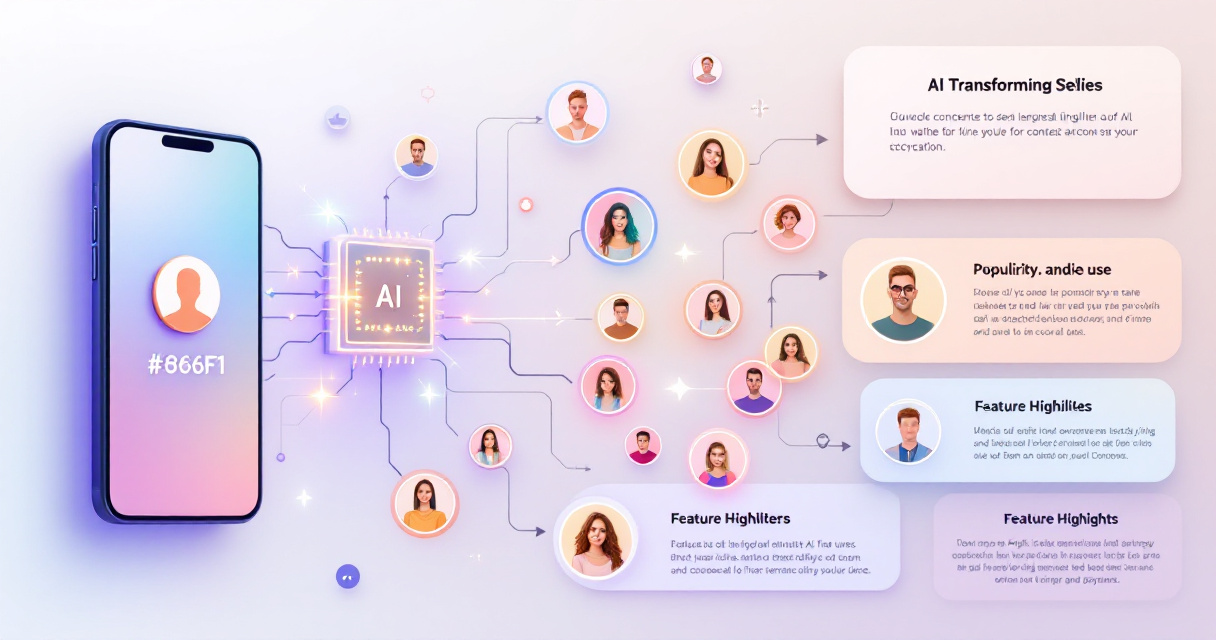
Creating an AI‑generated WhatsApp DP usually takes only a few steps. Most platforms follow a similar workflow.
Simple Workflow to Generate Your DP
- Upload a clear selfie with good lighting.
- Choose a style preset such as professional, casual, or artistic.
- Let the AI process the image, which typically takes a few seconds.
- Select your favorite variation from several generated options.
- Download and set it as your WhatsApp DP.
Some creators go further and generate other branded visuals using tools like a TikTok banner AI generator or a LinkedIn post AI generator to keep their online identity consistent across platforms.
Watch an AI Photo Creation Tutorial
AI Photo Editing Demonstration
Video tutorials like this show how AI tools interpret prompts and transform images. Many WhatsApp DP generators use similar underlying technology.
Creative WhatsApp DP Styles You Can Generate with AI
AI image tools allow users to experiment with styles that would normally require complex editing. These styles help profile photos stand out in crowded messaging lists.
Trending AI DP Styles in 2026
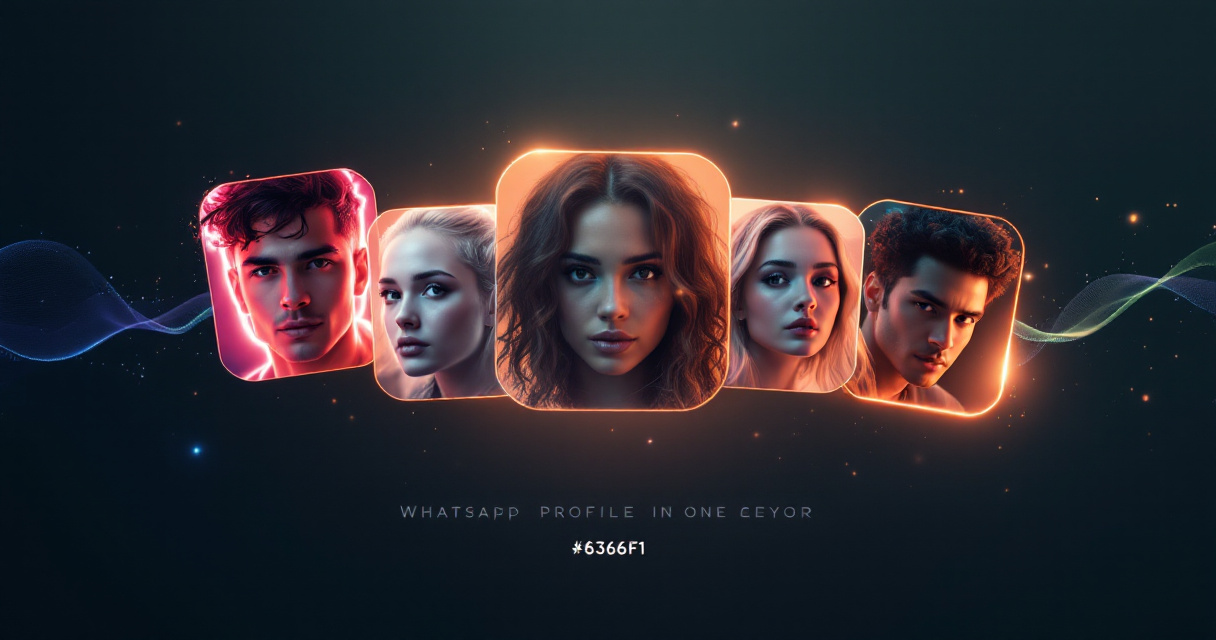
Popular styles seen across AI generators include:
- Studio headshots with blurred backgrounds
- Cartoon or anime portraits inspired by animation art
- Cinematic portraits with dramatic lighting
- Minimalist monochrome portraits
- Futuristic neon or cyberpunk styles
Many professionals choose studio‑style portraits because they also work on LinkedIn, resumes, and personal websites. Tools like a resume headshot AI generator help produce these polished images quickly.
AI Prompt‑Based Photo Generation Example
Example AI Photo Generation Tutorial
Prompt‑based generation is becoming more common. Instead of selecting a filter, users type descriptions such as "professional portrait with soft lighting" or "anime style avatar."
Privacy and Safety Considerations When Using AI Photo Tools
Uploading personal photos to AI platforms raises legitimate privacy questions. Responsible tools address this with strong security practices.
Key Privacy Factors to Check
Before using a WhatsApp DP AI generator, review these aspects:
- Data storage policy: Some platforms delete uploaded photos automatically.
- On‑device processing: Certain tools generate images locally in your browser.
- Usage rights: Ensure you retain ownership of generated images.
- Encryption standards for image uploads.
Research on digital infrastructure accessibility by Anazodo et al. (2022) highlights how reliable technology systems must balance accessibility with secure data management. The same principle applies to AI photo platforms.
What to Expect from AI Profile Picture Generators by 2027
AI image technology evolves quickly. Several developments are likely to shape WhatsApp DP creation in the next few years.
Expected Innovations
- Real‑time AI camera filters that generate professional portraits while taking the photo
- 3D avatar profile pictures compatible with virtual environments
- Personalized AI style training, where models learn your preferred aesthetic
- Automatic cross‑platform branding, generating DPs, banners, and thumbnails together
Tools like The Looktara Lens already point in this direction by offering AI generators for multiple content types, including Pinterest pin AI generators and social media design assets. As AI models improve, the line between photography and AI‑generated imagery will continue to blur.
Conclusion
A strong WhatsApp display picture can shape how people perceive you online. AI generators now make it easy to create polished, creative profile images without editing skills or expensive software. By uploading a single selfie, you can generate multiple high‑quality DPs optimized for messaging apps.
If you want a fast way to design profile photos and other social media visuals, try The Looktara Lens. The platform offers AI tools for profile images, banners, thumbnails, and more, helping you build a consistent digital presence across platforms. Upload a photo, experiment with styles, and refresh your WhatsApp DP in minutes.