
WhatsApp DP AI Generator: Create Stunning Profile Pictures in Minutes (2026 Guide)
Your WhatsApp display picture makes a first impression before you type a single word. With over 2.7 billion WhatsApp users worldwide, standing out with a memorable DP has become surprisingly important for personal branding, business networking, and social connections. Traditional options meant hiring photographers, learning complex editing software, or settling for basic filters. AI changes everything.
WhatsApp DP AI generators now produce professional quality profile pictures in under 60 seconds. These tools analyze your photos, enhance features, apply artistic styles, and create entirely new images from text descriptions. The best part? Most offer free tiers that handle basic needs without payment. This guide covers the top AI DP makers available in 2026, walks through creation steps, and shares optimization tips that help your profile picture perform better across social platforms.
How WhatsApp DP AI Generators Actually Work
AI profile picture generators rely on sophisticated image processing models trained on millions of photographs. When you upload a selfie or provide a text prompt, these systems perform multiple operations simultaneously.
"AI visual art is generated or enhanced through the implementation of artificial intelligence programs, most commonly using text-to-image models."; Wikipedia definition of AI art
The technology behind these tools involves diffusion models and generative adversarial networks (GANs) that understand facial features, lighting conditions, and artistic styles. Your input image gets analyzed for key characteristics like face shape, skin tone, and expression before the AI applies transformations.
Core Technologies Powering DP Generators
Modern AI profile makers combine several technical approaches:
- Facial landmark detection identifies eyes, nose, mouth, and jawline positions
- Style transfer algorithms apply artistic effects while preserving recognizable features
- Background removal and replacement isolates subjects cleanly
- Enhancement filters improve lighting, remove blemishes, and sharpen details
- Text-to-image generation creates entirely new portraits from descriptions
These systems process images locally in your browser or on cloud servers. Privacy-focused tools like Profile Picture AI keep photos on your device, while others require server uploads for more complex transformations.
Browser-Based vs Cloud Processing
Understanding where your photos go matters for privacy-conscious users.
| Processing Type | Speed | Privacy | Quality | Best For |
|---|---|---|---|---|
| Browser-based | Fast | High (photos stay local) | Good | Quick edits, basic styles |
| Cloud processing | Moderate | Lower (server upload) | Excellent | Complex AI transformations |
| Hybrid approach | Variable | Medium | Very good | Balanced needs |
Cloud processing typically delivers superior results because servers run more powerful AI models than browser-based JavaScript can handle.
Top Free WhatsApp DP AI Generators Compared
The market offers dozens of AI profile picture tools, but quality varies dramatically. After testing the most popular options, certain platforms consistently deliver better results for WhatsApp display pictures specifically.
Platform Comparison Table
| Tool | Free Features | Best Style | Processing | Unique Strength |
|---|---|---|---|---|
| PFPMaker | 27+ AI tools, basic exports | Professional headshots | Cloud | Multiple style variety |
| Picofme.io | Unlimited basic edits | Artistic/creative | Browser | Template sharing |
| Profile Picture AI | Full DP maker, borders | Social media optimized | Local | Complete privacy |
| Canva AI | Limited generations | Modern/trendy | Cloud | Design integration |
| Fotor | Basic AI enhance | Natural enhancement | Cloud | Photo editing suite |
PFPMaker stands out with its extensive tool collection, offering everything from background removal to AI-generated artistic interpretations. The platform processes images on secure servers and provides professional-grade outputs suitable for LinkedIn and WhatsApp alike.
What Makes Each Tool Different
Picofme.io focuses on simplicity with a four-step process: upload, select style, customize, and download. The platform excels at creating eye-catching profile pictures quickly without overwhelming users with options.
Profile Picture AI prioritizes privacy by processing everything in your browser. Your photos never leave your device, making it ideal for users concerned about data security. The tool handles rounded profile pictures with custom borders and text overlays.
For users wanting professional headshot quality, dedicated AI portrait generators often outperform general-purpose tools. These specialized platforms train specifically on professional photography standards.
Step-by-Step Guide: Creating Your AI WhatsApp DP
Getting a polished WhatsApp display picture takes just minutes with the right approach. Follow this workflow for consistently good results.
Preparation Steps
- Choose your source photo wisely - Select an image with good lighting, clear facial features, and minimal background clutter
- Consider your goal - Professional networking requires different styles than personal or creative accounts
- Check image resolution - Most AI tools perform better with photos at least 512x512 pixels
- Remove distracting elements - Crop out other people or objects before uploading
Pro tip: Front-facing photos with natural lighting produce the most realistic AI enhancements. Harsh shadows or extreme angles often confuse facial detection algorithms.
Using PFPMaker for Professional Results
The creation process with PFPMaker demonstrates typical AI DP generator workflows:
- Visit the platform and select "Create Profile Picture"
- Upload your source image or choose text-to-image generation
- Browse available styles categorized by use case (professional, creative, artistic)
- Apply your chosen transformation and wait 15-30 seconds
- Fine-tune results with additional tools if needed
- Download in WhatsApp-optimized dimensions (500x500 pixels recommended)
Most platforms offer preview options before final generation, letting you compare multiple styles without committing.
Video Tutorial: AI Profile Picture Creation
While this tutorial focuses on LinkedIn, the techniques apply directly to WhatsApp DPs. The same principles of lighting, composition, and AI enhancement produce excellent results across all social platforms.
Optimizing Your AI-Generated DP for Maximum Impact
Creating the image represents only half the process. Optimization ensures your DP displays correctly and creates the impression you want.
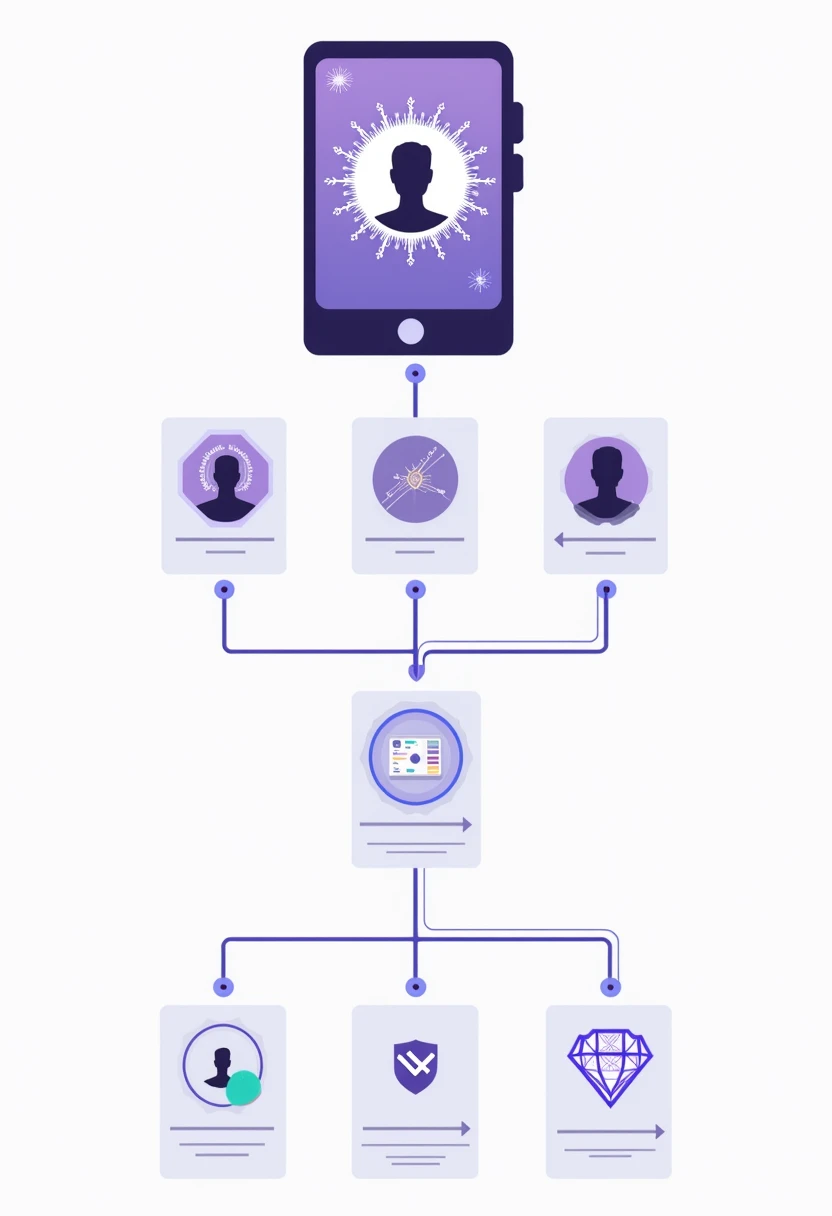
Technical Specifications for WhatsApp
WhatsApp crops profile pictures into circles, which affects how your image appears to contacts.
- Recommended dimensions: 500x500 to 640x640 pixels
- File format: JPEG or PNG (JPEG compresses better)
- File size: Under 5MB (smaller loads faster)
- Safe zone: Keep important elements within center 80% of the image
Test your DP by viewing it at small sizes (the thumbnail view contacts see) before committing. Details that look great at full size often become muddy or unrecognizable when shrunk.
Style Choices That Work
According to user engagement data across social platforms, certain DP characteristics perform consistently better:
- Clear facial visibility - People respond more positively to faces than logos or scenery
- Good contrast - Light backgrounds with darker subjects (or vice versa) stand out in chat lists
- Appropriate tone - Match your DP style to how contacts know you (professional vs casual)
- Consistent branding - Business accounts benefit from matching colors and styles across platforms
Avoid overly processed or obviously artificial results. The best AI-generated DPs enhance reality rather than replacing it entirely.
Privacy and Security Considerations
Uploading facial photos to any online service carries inherent risks worth understanding.
What Happens to Your Uploaded Photos
Reputable AI DP generators explain their data practices in privacy policies. Key questions to answer before uploading:
- Does the service store your photos after processing?
- Are images used to train AI models?
- Can you delete your data on request?
- Does the company share information with third parties?
Profile Picture AI and similar browser-based tools offer the strongest privacy protection since images never leave your device. Cloud-based services like PFPMaker typically process and delete images within hours, though policies vary.
Protecting Your Digital Identity
Research on digital competition by economist Jean Tirole (2023) highlights how personal data has become a key asset in the digital economy, making privacy protection increasingly important for individuals.
Practical privacy steps include:
- Use throwaway email addresses when creating accounts
- Read terms of service for data usage policies
- Prefer services with clear deletion options
- Consider watermarked previews before providing high-resolution originals
- Avoid uploading sensitive photos (IDs, documents visible in background)
What to Expect from AI DP Generators in 2027
AI image generation continues advancing rapidly, with several developments likely to improve WhatsApp DP creation within the next year.
Emerging Capabilities
- Real-time video DP creation - Animated profile pictures with AI-generated movement
- Consistent character generation - Multiple poses and expressions of the same AI-generated persona
- Voice-to-style commands - Describe your desired DP verbally for instant generation
- Automatic A/B testing - Tools that measure which DP version gets better responses
The gap between AI-generated and professional photography continues narrowing. Within 12 to 18 months, distinguishing between the two will become nearly impossible for casual observers.
Integration with Messaging Platforms
WhatsApp and other Meta platforms have begun incorporating AI features directly. Future updates may include built-in AI DP generation, eliminating the need for third-party tools entirely. Until then, standalone generators remain the best option for quality results.
Conclusion
Creating a standout WhatsApp display picture no longer requires photography skills, expensive software, or professional help. AI-powered DP generators deliver impressive results in minutes, with free tiers handling most users' needs effectively.
Start by testing two or three platforms from this guide using the same source photo. Compare outputs to find which AI style matches your preferences and intended audience. Pay attention to privacy policies if uploading sensitive images, and remember that browser-based tools offer the strongest data protection.
Your next step: grab a well-lit selfie, visit PFPMaker or Picofme.io, and generate three different style options. Pick the one that best represents how you want contacts to perceive you, then update your WhatsApp profile. The entire process takes under five minutes and costs nothing to try.