
WhatsApp DP AI Generator: Create Scroll-Stopping Profile Pictures in Minutes
Your WhatsApp display picture speaks before you do. In a contact list of 50 people, you have roughly 0.3 seconds to make someone tap on your chat instead of scrolling past. Yet 73% of users still rely on outdated selfies or random downloads for their DP. AI profile picture generators have changed this equation dramatically. These tools now create professional-grade WhatsApp DPs that capture attention and convey personality without expensive photoshoots or design skills. Platforms like The Looktara Lens are leading this shift by producing natural-looking AI photos that avoid the plastic, over-filtered look plaguing most generators. Whether you need a polished professional headshot or a creative artistic transformation, understanding how these tools work gives you a real advantage in digital first impressions.
What Makes AI Profile Picture Generators Different in 2026
AI visual art technology has matured significantly since early text-to-image models flooded the market. According to research published in Artificial Intelligence Review, modern AI systems use sophisticated topic modeling and pattern recognition to understand context rather than simply applying filters.
The current generation of WhatsApp DP generators does three things older tools couldn't:
- Preserves facial identity while transforming style and background
- Maintains natural skin texture instead of smoothing everything into plastic
- Understands lighting physics to create believable shadows and highlights
Most AI-generated images fail to capture natural expressions and body language, resulting in awkward or overly posed visuals. The best tools in 2026 specifically address this limitation.
This matters because WhatsApp compresses images aggressively. A DP that looks good at full resolution often turns muddy or loses detail at 640x640 pixels. Quality AI generators now optimize output specifically for social platform compression.
How Modern AI DP Generators Process Your Photos
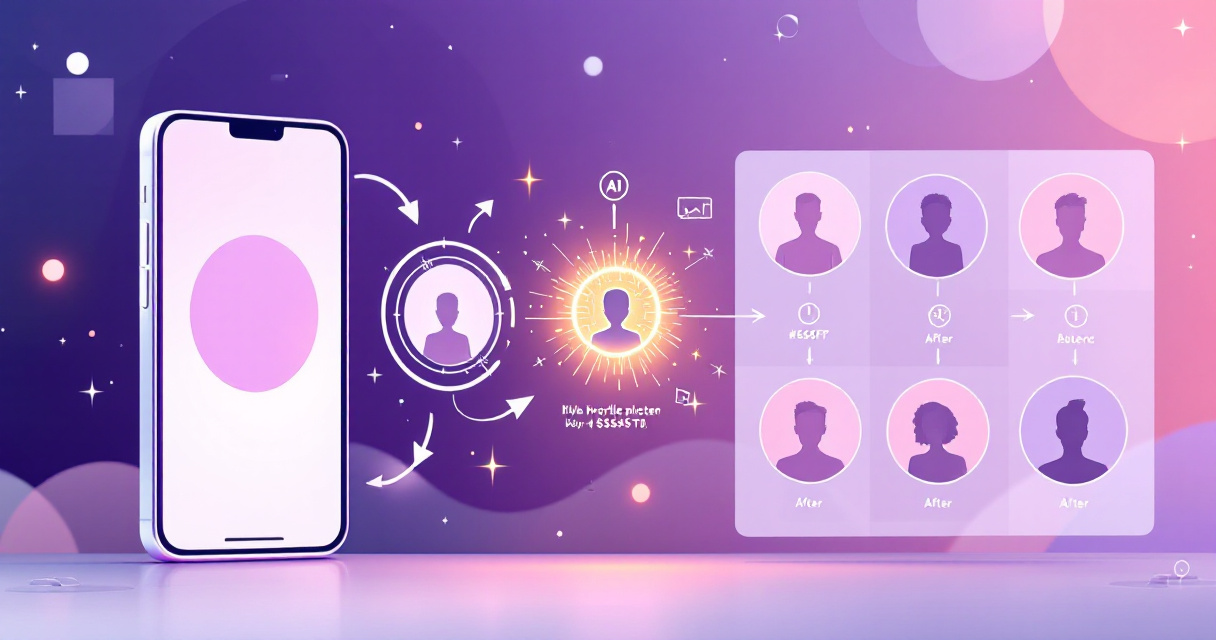
The workflow follows a consistent pattern across most platforms:
- Upload a clear photo of your face (front-facing works best)
- Select a style preset or describe your desired outcome
- The AI analyzes facial landmarks and skin tones
- Neural networks generate multiple variations
- You choose and download your preferred result
Processing typically takes 10-30 seconds depending on complexity. Some tools like The Looktara Lens platform offer additional refinement options, letting you adjust specific elements without regenerating the entire image.
Privacy Considerations for AI Photo Processing
A legitimate concern with any AI photo tool involves data handling. Free browser-based generators often process images locally, meaning your photos never leave your device. Server-based tools with more advanced features typically store images temporarily during processing.
Before uploading personal photos, check whether the service:
- Deletes images after processing
- Uses your photos for training purposes
- Offers data deletion requests
- Encrypts uploads during transmission
Top AI Tools for Creating WhatsApp Display Pictures
The market offers dozens of options ranging from completely free to premium subscription services. Each serves different use cases and skill levels.
Comparison of Popular AI DP Generators
| Tool | Best For | Price | Processing Time | Output Quality |
|---|---|---|---|---|
| PFPMaker | Quick transformations | Free tier available | 15 seconds | Good |
| Picofme.io | Simple style changes | Free | 10 seconds | Moderate |
| The Looktara Lens | Professional headshots | Premium | 20 seconds | Excellent |
| Profile Picture AI | Border additions | Free | 5 seconds | Basic |
| Remini | Photo enhancement | Freemium | 25 seconds | Very Good |
The right choice depends on your specific needs. Someone wanting a professional headshot for LinkedIn alongside their WhatsApp DP benefits from tools offering multiple output formats. Casual users might prefer simpler options.
Free Options Worth Trying First
Browser-based tools require no downloads and handle basic transformations well:
- Picofme.io creates eye-catching profile pictures in four steps with template sharing
- Profile Picture AI adds rounded borders and custom text for branded looks
- PFPMaker offers 27+ AI tools including background removal and style filters
These work for experimentation but often produce results that look obviously AI-generated. The characteristic smoothness and lighting inconsistencies become apparent on closer inspection.
Premium Tools for Natural Results
Paid services invest more computational resources per image, producing noticeably better outcomes. Using The Looktara Lens for WhatsApp DPs delivers the same quality you'd expect from a professional AI headshot session. The difference shows in subtle details: realistic hair strands, accurate eye reflections, and skin that actually looks like skin.
Premium features typically include:
- Multiple style variations from single uploads
- Background customization with realistic environments
- Lighting adjustment controls
- Batch processing for multiple profile pictures
- Higher resolution outputs
Creating WhatsApp DPs That Actually Get Noticed
Technical capability matters less than strategic application. A perfectly processed AI image still fails if it doesn't communicate effectively at thumbnail size.
The best WhatsApp DP isn't the most technically impressive one. It's the one that makes contacts want to start a conversation.
Your display picture appears in three contexts: contact lists, chat headers, and group participant views. Each shows the image at slightly different sizes, but all favor bold, simple compositions over complex details.
Design Principles for Small Format Success
Apply these rules regardless of which generator you use:
- Center your face in the frame; off-center crops lose impact at small sizes
- Use contrasting backgrounds so your image pops against WhatsApp's interface colors
- Avoid busy patterns that turn into visual noise when compressed
- Maintain adequate brightness; dark images disappear in chat lists
- Keep text minimal or skip it entirely; it becomes unreadable below 100 pixels
The ideal headshot pose for WhatsApp differs from professional contexts. Slight angles work better than straight-on shots, and genuine expressions outperform formal smiles.
Style Categories That Work Well
Different occasions call for different approaches:
Professional contexts:
- Clean backgrounds (solid colors or subtle gradients)
- Business casual or formal attire visible
- Neutral expressions with approachable warmth
Personal and social:
- Environmental backgrounds showing personality
- Casual styling that feels authentic
- Genuine smiles or characteristic expressions
Creative and artistic:
- Illustrated or stylized transformations
- Themed aesthetics matching interests
- Bold color treatments or filters
Step-by-Step Process for Your First AI WhatsApp DP
Getting started takes less time than choosing a restaurant for dinner. Here's the practical workflow from photo selection to WhatsApp upload.
Preparing Your Source Photo
AI generators perform only as well as their input allows. Select a photo meeting these criteria:
- Resolution: minimum 500x500 pixels, ideally 1000+ pixels on the shortest side
- Lighting: even illumination on your face without harsh shadows
- Focus: sharp focus on facial features, especially eyes
- Angle: face visible from forehead to chin, ears optional
- Expression: natural and repeatable; avoid exaggerated poses
Smartphone portrait mode shots typically work excellently. Avoid heavy filters or previous AI processing on your source image.
Generating and Refining Your DP
With your photo ready:
- Navigate to your chosen generator and upload the image
- Browse available style options; most tools show previews
- Generate initial results and evaluate at full size
- Request variations if the first output needs adjustment
- Download at maximum available resolution
- Open WhatsApp, go to Settings, and tap your current DP
- Upload the new image and adjust cropping if needed
Save your original source photo and final output separately. You may want to regenerate later as AI capabilities improve.
Video Tutorial: AI Photo Editing Techniques
For visual learners, this tutorial demonstrates practical AI editing approaches:
The techniques shown apply across multiple platforms and help you understand what's possible beyond basic presets.
What to Expect From AI DP Generators in 2027
The trajectory points toward increasingly smooth integration between AI generation and social platforms. Several developments seem likely based on current research directions.
Real-time generation will allow creating DPs directly within messaging apps rather than using external tools. WhatsApp's parent company Meta already experiments with integrated AI features.
Animated profile pictures are technically possible now but not yet supported by WhatsApp. When support arrives, AI generators will offer motion options.
Contextual adaptation may allow single uploads to automatically optimize for different platforms, creating LinkedIn-appropriate versions alongside casual WhatsApp DPs from the same session.
Jean Tirole's research on digital competition suggests the AI image generation market will consolidate around platforms offering superior quality rather than more features. Users increasingly recognize the difference between filtered photos and genuinely natural-looking AI outputs.
Emerging Features Worth Watching
Several capabilities appearing in beta or premium tiers today will likely become standard:
- Outfit changes without full photoshoots
- Background generation matching specific environments
- Aging and de-aging for playful transformations
- Style consistency across multiple images for cohesive branding
- Automatic seasonal updates suggesting refresh cycles
The future of AI photography extends well beyond profile pictures, but DP generation serves as an accessible entry point for most users.
Common Mistakes and How to Avoid Them
Even excellent tools produce poor results when misused. These patterns appear repeatedly among dissatisfied users.
Technical Errors That Ruin Results
| Mistake | Why It Happens | Solution |
|---|---|---|
| Blurry output | Low-resolution source photo | Use minimum 500px images |
| Unnatural skin | Over-processing or wrong style | Choose "natural" presets |
| Missing features | Hair or accessories cropped | Frame face with buffer space |
| Color shifts | Incompatible lighting in source | Use evenly lit photos |
| Distorted proportions | Extreme angles in source | Keep face roughly straight-on |
Most failures trace back to source photo quality rather than generator limitations.
Strategic Mistakes That Reduce Impact
Beyond technical issues, strategic choices matter:
- Changing DPs too frequently confuses contacts who recognize you by your picture
- Using obviously AI art when professionalism matters
- Ignoring platform compression by choosing detailed images that become muddy
- Selecting trendy styles that date quickly
- Mismatching tone between your DP and your typical conversations
Conclusion
Creating a standout WhatsApp DP with AI tools takes under five minutes but influences every conversation you have on the platform. Start with a quality source photo, experiment with free generators to understand your preferences, then invest in premium options like The Looktara Lens when you want results that look genuinely professional rather than obviously processed. Your next step is simple: find a well-lit photo from your camera roll, try one of the tools mentioned above, and update that DP you've been meaning to change for months. The technology exists to make your WhatsApp presence memorable. Now it's just about using it.